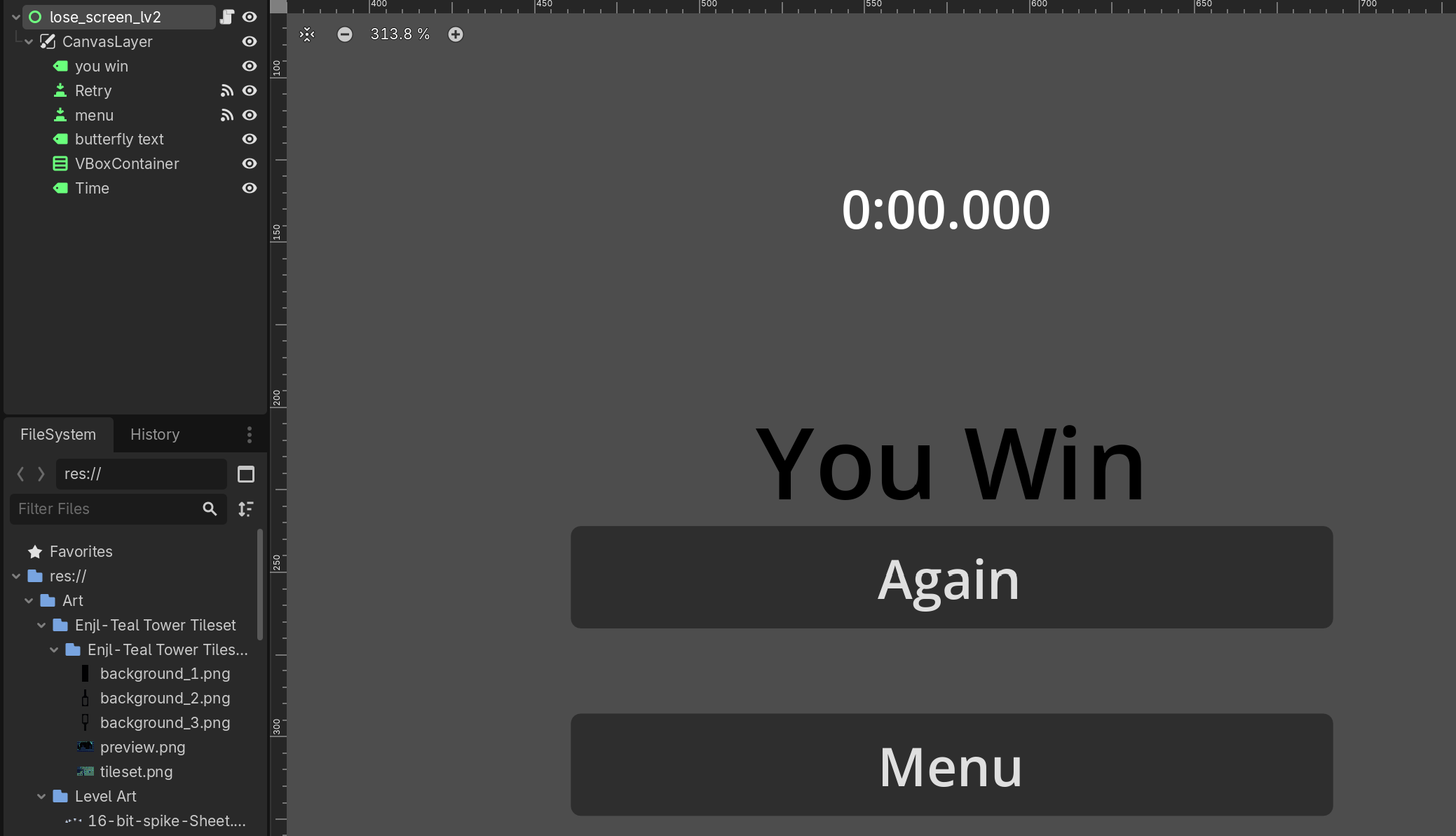
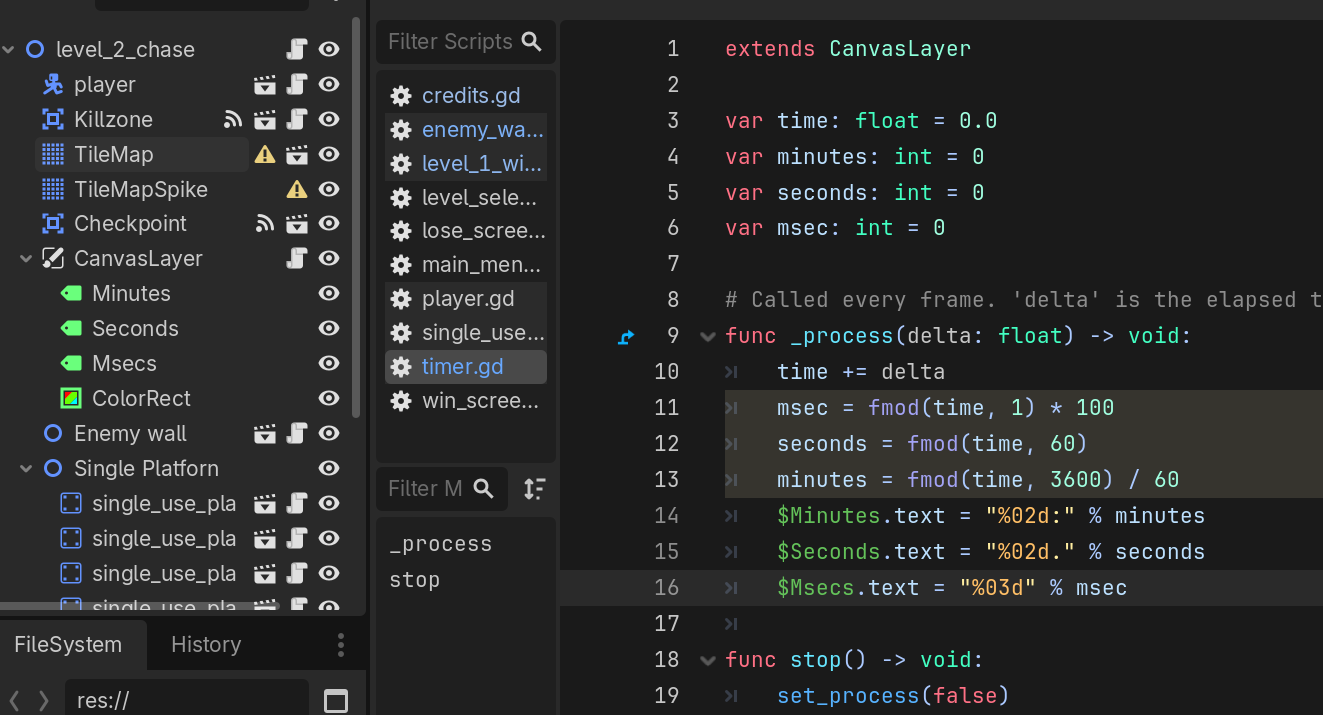
Hey so im just wondering how i can make it so at the end of the level it shows how long you lasted. I already have a timer which ill add the code below and add screenshots of the blocks and stuff i use thanks
I don’t understand. You must explain what you expect to happen versus what is really happening, otherwise we have no idea what it is you want to do. Both parts are required, you are only explaining vaguely what you want to happen.
so what i want is at the end of the level it will transition you to a different scene(win screen) and that will show how long it took you to complete the level like the screenshot i added
The code i showed you was from the script of the level. So do i have to make a new script at the win screen scene and then if i do what would i have to implement.
No you can re-use scripts for different scenes, you may run into issues if the attached node doesn’t have children named Minutes, Seconds, and Msecs, but I showed how you can reduce to use just one label which also may help.
Hey im back after some work and i did some improvments but gaving a bit of a stuggle. i made the timer script a global script and i did some good work but im a bit stuck on the final part with the amount of time took ill add the code so you can see
#win_screen script: shows how long it took to complete the level this one works but instead of how long it actually took it just diisplay the number from the level issue so if the level displays 00:0.689 then at the win screen it will display
This parts needs to execute when the game ends. You can’t just have it floating in the property declaration section of your script. That wouldn’t make much sense.
You surely have some code that determine whether the game is ended, and if that’s the case you do something. Add this time calculation to that part of your code.
hey man first off i want to apologize for all the trouble im kinda new to gd script anyways. Ive added the code you gave me to to the level script and at the end of the level it does print how long it took. The only issue now is that is that the timer remains 00:00.000 during the level.
Code:
Player Script: the timer label stays in 00:00.000
extends Node2D
func _on_checkpoint_body_entered(body: Node2D) → void:
var game_ended_at := Time.get_ticks_msec()
var duration = game_ended_at - GlobalTimer.game_started_at
var timestring = “%02d:%02d.%03d”%[(duration / 60000), (duration / 1000) % 60, duration % 1000]
$CanvasLayer/TimeLabel.text = timestring
print(GlobalTimer.time)
if body.name == “player”:
get_tree().change_scene_to_file(“res://Main Stuff/Scenes/win_screen.tscn”)
“”"
the checkpoint body function is from a sprite where when you touch it, it will send you to the win screen which shows how long it took for you to complete your level
#win_scene script: dont know how to connect the variable timestring which is in the level script(not a global script) to this script. Different scenes
Well you can run those lines of code every frame (instead just at the end) to get the current elapsed time from the start. I suggest wrapping it into a function that returns a string containing the current time and putting that function into your autoload. Then call it every time you need to update the time. That would probably be from your _process() function that updates the label.
var game_started_at: int

# call this once at the start of game to initialize the starting timestamp
func start_game_timing() -> void:
	game_started_at = Time.get_ticks_msec()

# call this every frame while the game is running to get the current elapsed time
# update the time label with the string it returns
func get_current_game_time_string() -> String:
	var current_timestamp := Time.get_ticks_msec()
	var duration: int = current_timestamp - game_started_at
	var timestring := "%02d:%02d.%03d"%[(duration / 60000), (duration / 1000) % 60, duration % 1000]
	return timestring