Godot Version
3.0 to 4.5
Question
Ask your question here! Try to give as many details as possible
func _ready():
show_character_preview(current_index)
$UI/LeftButton.connect("pressed", self, "_on_left_pressed")
$UI/RightButton.connect("pressed", self, "_on_right_pressed")
$UI/ConfirmButton.connect("pressed", self, "_on_confirm_pressed")
func _input(event):
if event.is_action_pressed("ui_left"):
_on_left_pressed()
elif event.is_action_pressed("ui_right"):
_on_right_pressed()
elif event.is_action_pressed("ui_accept"):
_on_confirm_pressed()
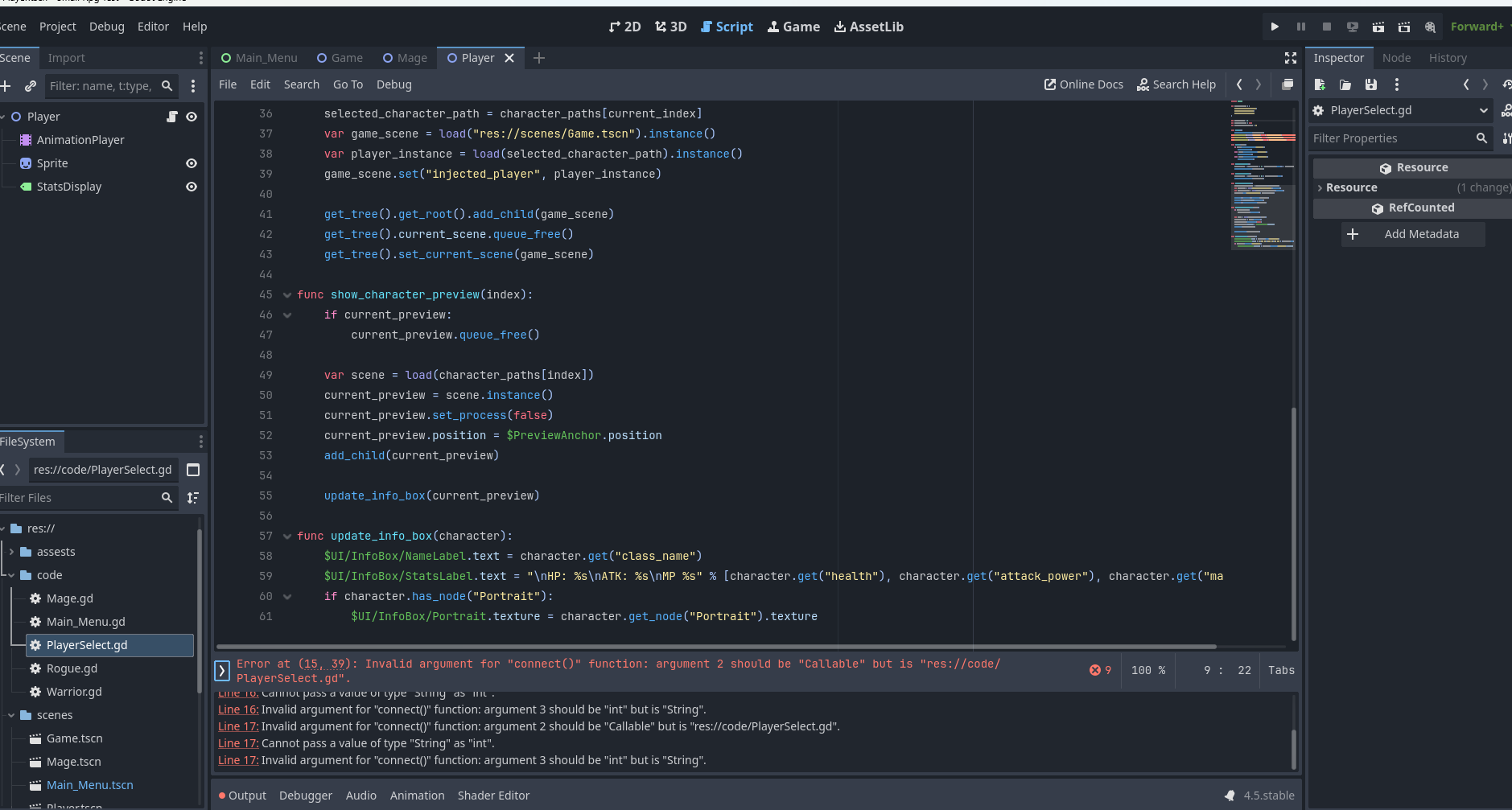
It would definitely help if you actually showed the lines of code that are causing these errors. You can’t tell anything from the screenshot, although the problem is probably that Godot has changed the syntax for working with signals.
1 Like
It would definitely make it easier to see the related lines of code (line 15-17 in this case).
According to the error messages, you are giving connect() the wrong arguments. In Godot 3 it was (signal: String, target: Object, method: String, ...), now it’s (signal: String, callable: Callable, ...). So instead of giving the object and method name as separate arguments, you would have to combine them into one callable.
sorry to everyone for not giving the code instead of a picture i was up late working and exhausted by the time of posting it so i took a shortcut so i could sleep
i am posting the code as of now
Okay, it’s what I had guessed. Instead of object + method name, just use the callable as argument.
E. g. instead of:
$UI/LeftButton.connect("pressed", self, "_on_left_pressed")
it should be:
$UI/LeftButton.connect("pressed", _on_left_pressed)
1 Like
Here is an alternative way of writing on what @hyvernox suggested:
$UI/LeftButton.pressed.connect(_on_left_pressed)
2 Likes