Godot Version
Question
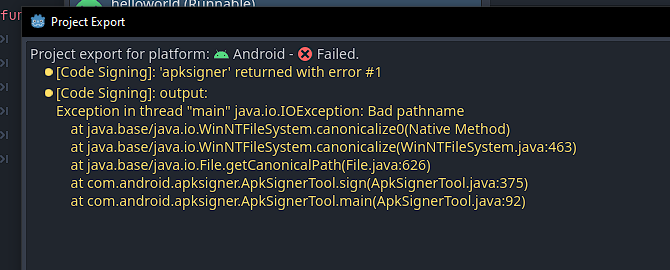
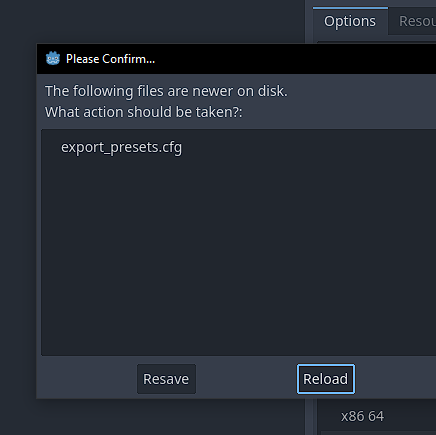
in the begin i when say i don’t know how to make google make your mobile not security checks when export so sorry
well after you do the Godot documentation you need to sign the path to the release path ander project setting export key store
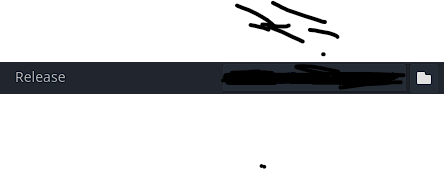
debug key here on the project setting export key release path with the debug key you make with the documentation and use in the Godot default setting in the editor setting in the android setting

in the filter setting type android and use the debug key store user and debug key store pass in the this places
and make name your project here

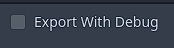
make sure that you hit export and turn off the export with debug
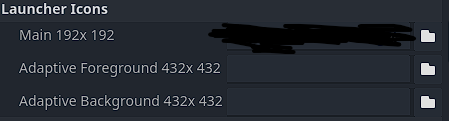
here you sign image that the player on the mobile while see
make sure it as .APK I’m no sure how to make AAP ones

code and sorry not make complete step by step how to do it just know the document do it well so read and here the pictures for it
hope I help one or more sorry for any misleading on it hope you fix it bay
This topic was automatically closed 30 days after the last reply. New replies are no longer allowed.
