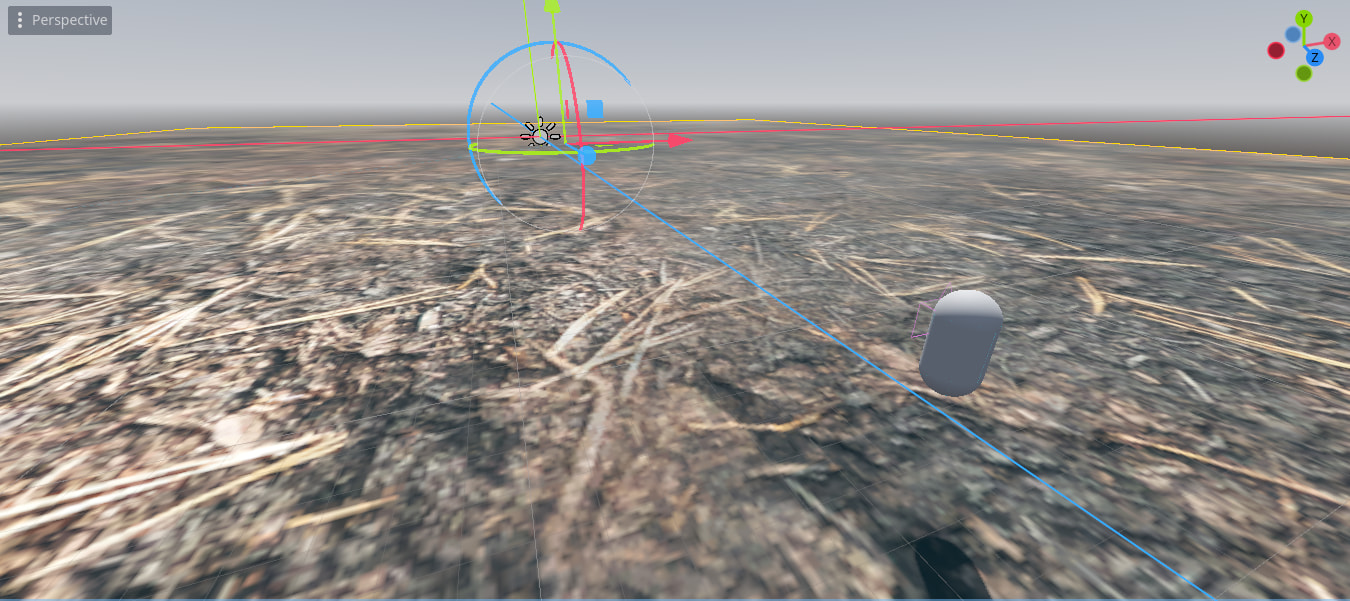
I’m learning how to put textures into games right now, but I’ve hit an obstacle. I want large terrain, but when I put the texture on, it makes the character feel small and the grass big. How can I make the texture cover all the terrain but make the grass look small in comparison to the player?
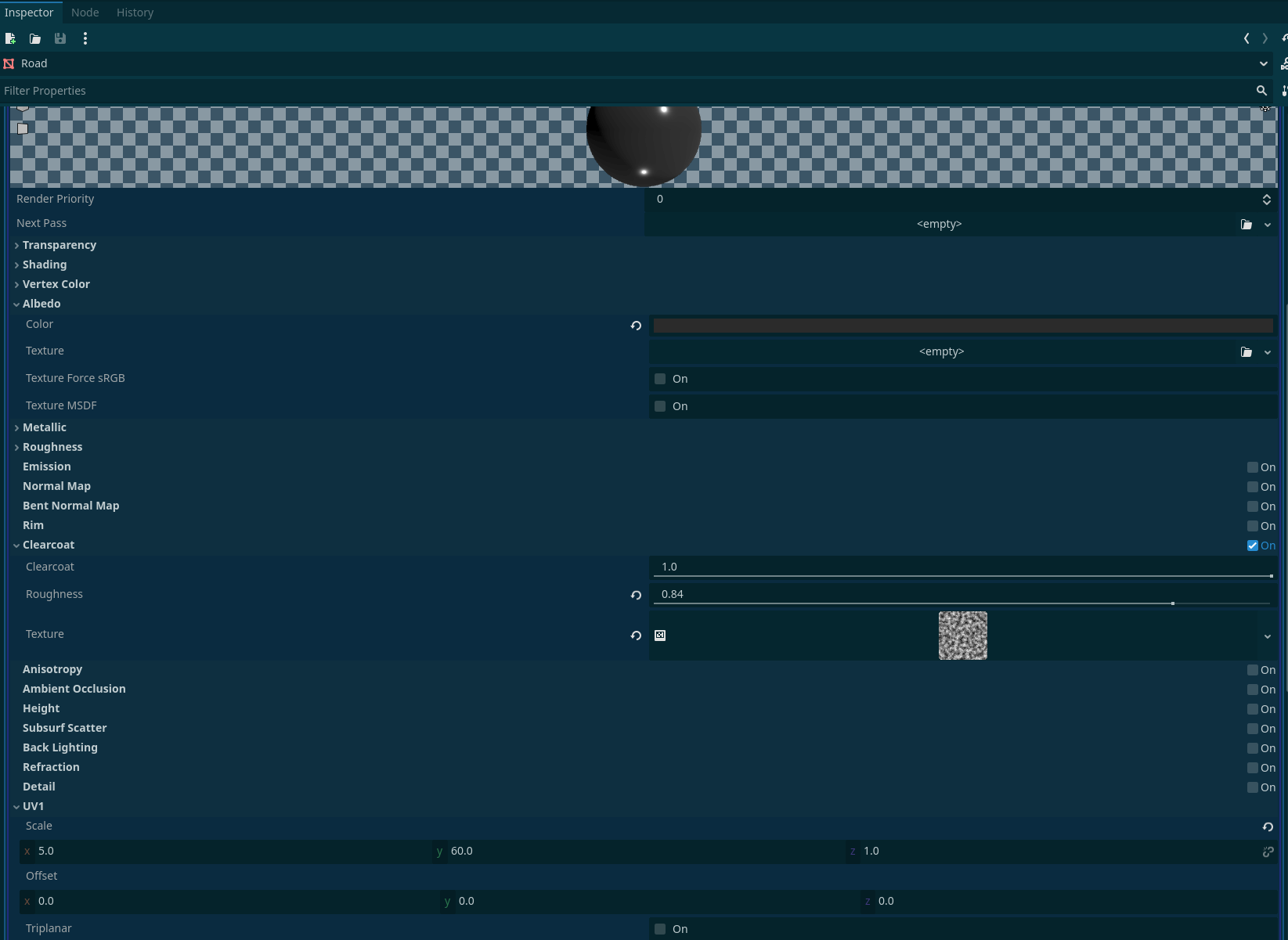
You can scale the texture and let it repeat, a StandardMaterial3D has this scale property labeled under “UV1”
1 Like
Whats happening is your grass texture is being stretched to the size of your terrain, which appears to be a single polygon. This is default behavior.
Textures are drawn onto polygons(your terrain doesn’t have many) using something called UV coordinates. In Godot 4.5 you can modify the UV scale in the shader to change the size of the grass.
this video helps explain.
I’d recommend some 3D tutorials to help build an understanding on this. IT will also help you with some 3D fundamentals and a direction on how to build your terrain.
1 Like