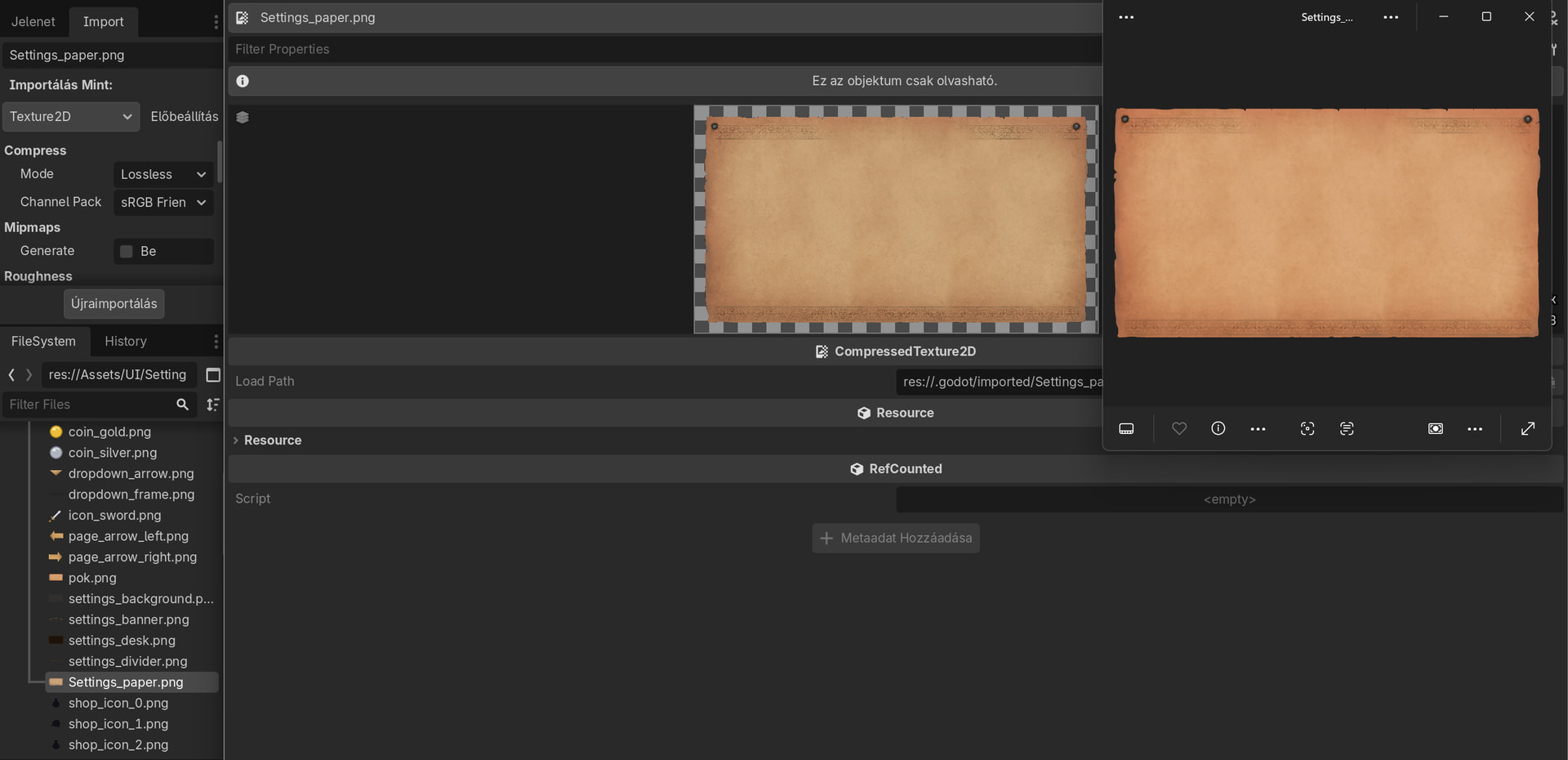
My issue is simple. I have a PNG (attached) that I want to use as UI element. However, when I import it into Godot (CompressedTexture2D), the colors become dull. I have tested it on 3 different devices (notebook and PC too) and 2 different OS (Windows and Mac) with 3 different people, same results. Yes, it happens with other pictures too.
My (relevant) import settings are:
Compress mode: Losless
Channel Pack: sRGB Friendly
No mipmaps, Roughness mode: Detect
Detect 3D Compress To: VRAM Compressed
I have tried changing these settings but no combination worked so far.
I already looked at every single YT video, forum issue and article I could have found, but no luck in fixing it so far, so I would greatly appreciate any help. Thank you very much in advance!
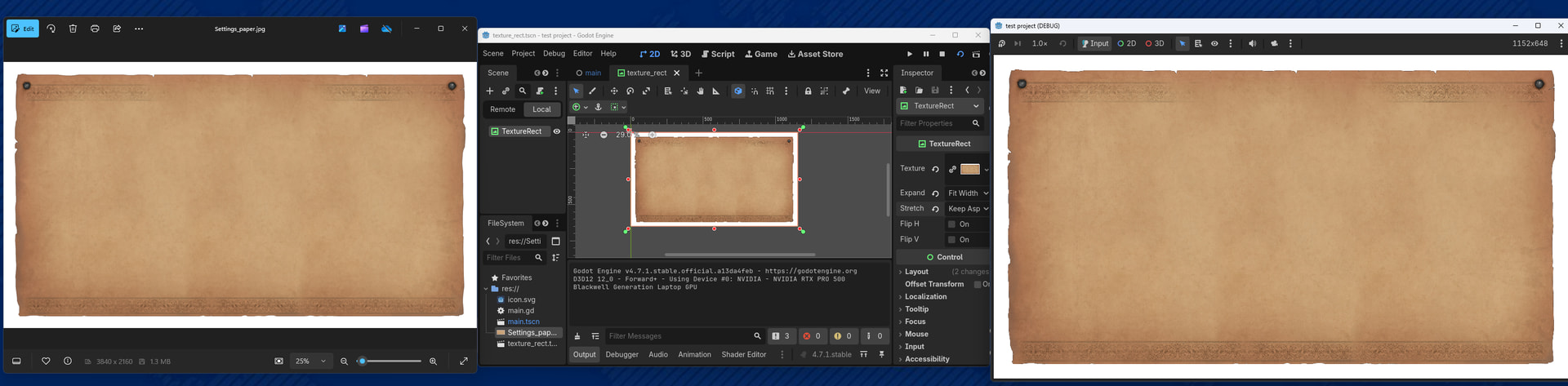
Can you share a screenshot of how this looks like on your screen? Because I can’t see literally any difference between how it’s rendered by the Windows Photos app, the Godot Editor and during runtime - see all 3 below next to each other.
You should remove any color profiles and resave. Godot will ignore them anyway and always import as raw sRGB pixel values. So yeah, the eventual embedded color profile can cause a discrepancy between how the image is shown in an image viewer that uses color profiles and Godot.
That was the problem, thank you very much!
I changed Color profile from “Adobe RGB (1998)” to “sRGB IEC61966-2.1”, saved, then while Exporting as, I unchecked “Embed color profile” box and now it is perfect in Godot as well.
Should I mark your last comment as Solution?