Hello, I’m having quite some trouble with SubViewports in 2d.
The goal is to create a camera that has a custom size I can manipulate (through a SubViewport), but I cannot for the life of me figure out how to have it draw the world.
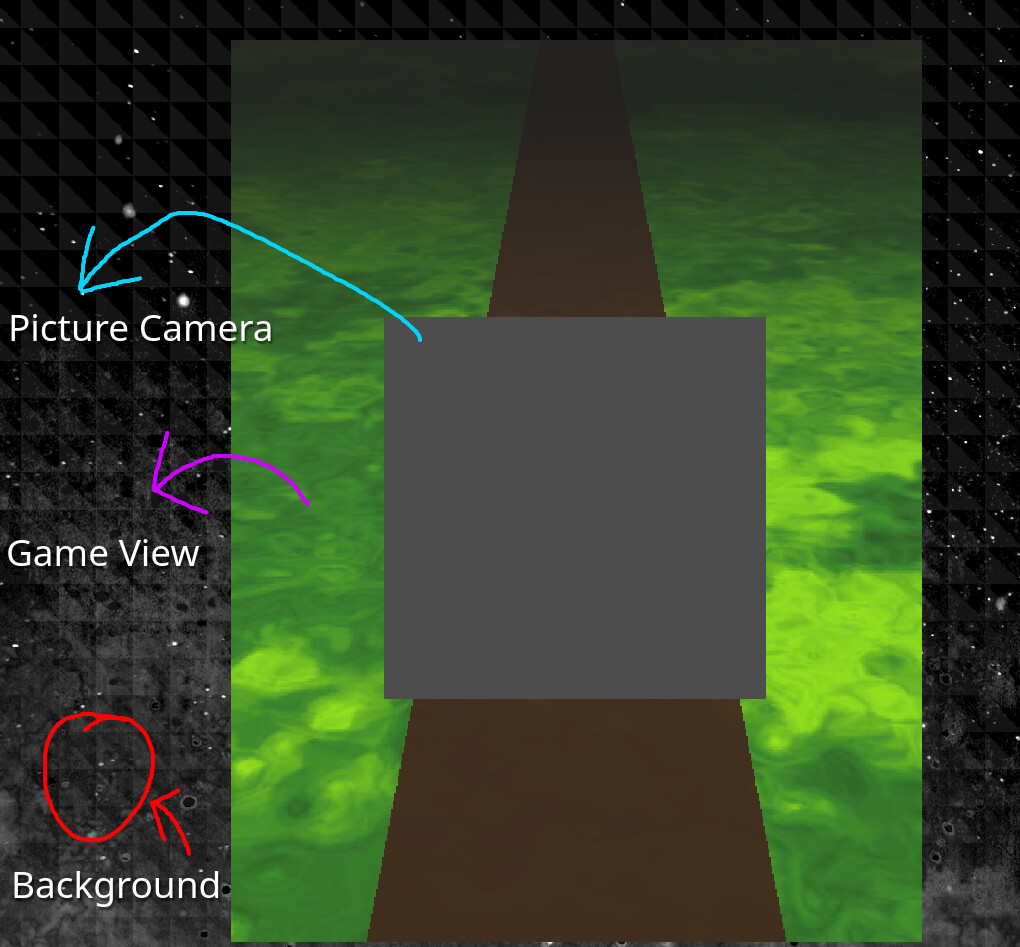
My game consists of 3 main parts.
The Background, this part of the game is at the root of the tree, it’s simply the background with some UI elements.
The Game View itself, the game itself is not actually taking up the full 16:9 aspect ratio, to achieve this I have the game itself within a subviewport, this consists of the 2d game aswell as a 3d background. This allows me to manipulate the game view and other fun things.
And the picture camera, I want the player to be able to be able to take a picture of the Game View, this system, in my head, sounds like it would require the use of another SubViewport, as I need to control the size of the camera and filter any unwanted objects via visibility layers.
As such, my tree looks something like
root/
├─ background nodes
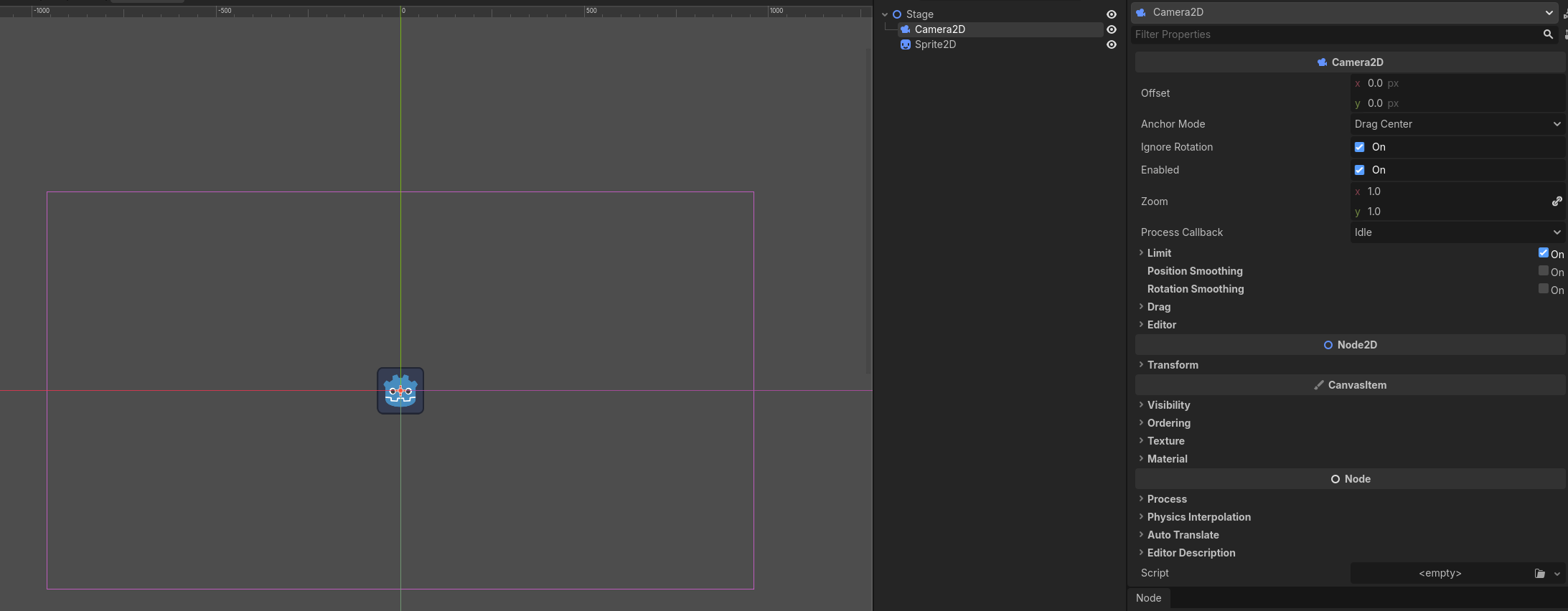
├─ Camera2D
├─ TextureRect (displaying picture camera subviewport)
├─ game view SubViewport Container/
│  ├─ SubViewport
│  │  ├─ 2d game nodes
│  │  ├─ 3d background/
│  │  ├─ 3d background nodes
│  │  ├─ Camera3D
│  ├─ picture camera SubViewport Container/
│  │  ├─ SubViewport
│  │  │ ├─ Camera2D
However, the picture camera’s SubViewport only displays a grey background, how would I allow the picture camera to render another version of the Game View, just with the Camera’s own visibility?
This answer seems so simple, but I cannot rack by head around it for whatever reason.
If there’s a simpler way to achieve the effect described, I’d also love to know!
        [Export] private SubViewport _viewport; // Points to the picture camera's subviewport node
        _viewport.SetWorld2D(GetViewport().World2D);
        _viewport.SetWorld3D(GetViewport().World3D);
This seems to work, but only for the 2D world, the 3D background still doesn’t render behind it, I’m not sure if I’m doing something wrong. In theory it should work, no?
By camera viewport do you mean the picture camera one? Wouldn’t rendering the game viewport texture to picture camera defeat the point of it since I can’t have use the camera’s visibility layer?
Though this does give me an idea to just render the 3d background to its own viewport, but I feel so messy having so many different subviewports.
I’ve tried that, but that just makes it so the picture camera doesn’t draw anything behind it, which means if I grab the texture image it’d just render a transparent background, rather than the 3d background normally behind it.
Gave it a shot, does indeed work, thanks!
Would you happen to also know if I’m able to have the origin of the 2D scene to be based around the center of the SubViewport? I thought it would be neat if I were able to increase the size of the GameView while having it not affect the positions of the 2D node children. If that makes any sense.
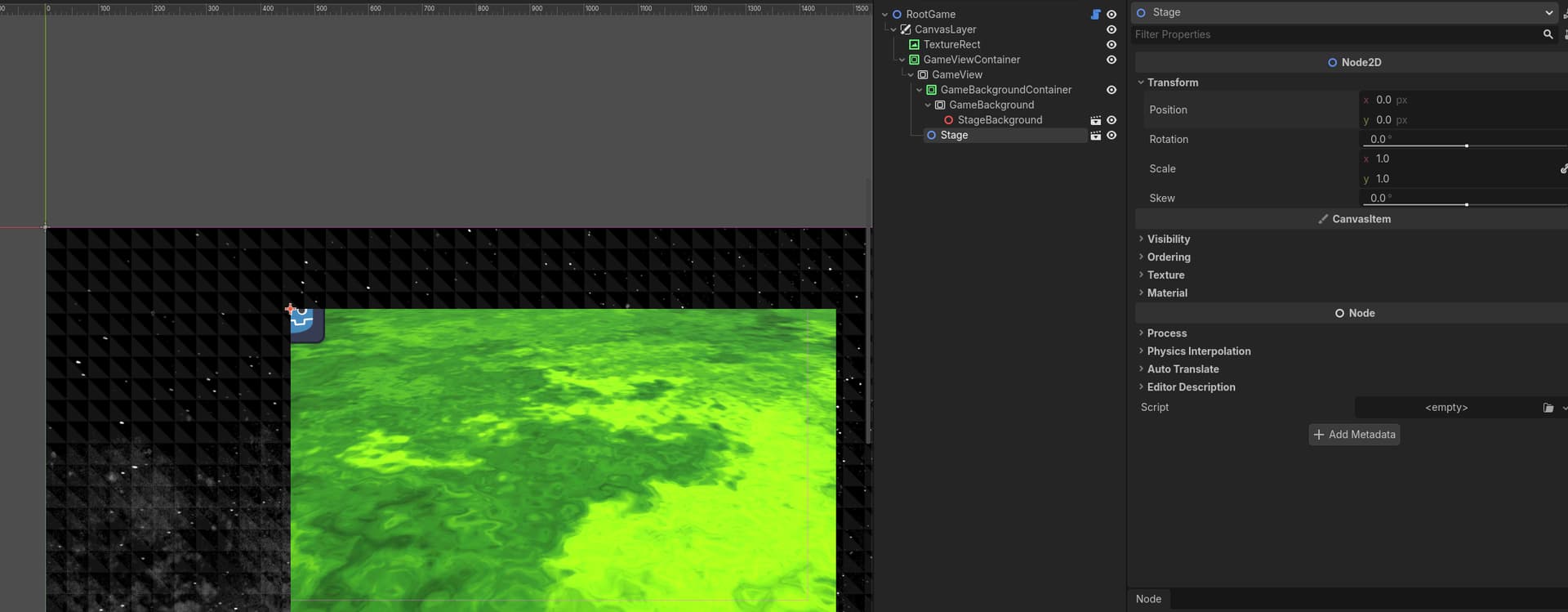
I meant I have a scene I’m putting into the GameView viewport, the Camera2D in that scene is at the origin, but when I go back to the main scene, the game is still “originating” at the top left, despite the Camera2D within the scene being at the origin. (This makes sense, but is confusing me based on what you said) What I want is for it to be based around the center of the viewport (the green box)
Actually I see what you mean now, running the game does center it, but it not showing this way in the editor is a bit annoying, and the gamebackground doesn’t seem to center with the camera either (it sticks to where the top left is in the editor)
You can’t position camera relative to viewport because camera is viewport. If you want to position the camera relative to world when looking through the editor viewport - then just drag it there. But editor viewport doesn’t exist at runtime, only camera viewport does.