Indicator lights

Godot Version

4.7.2

Question

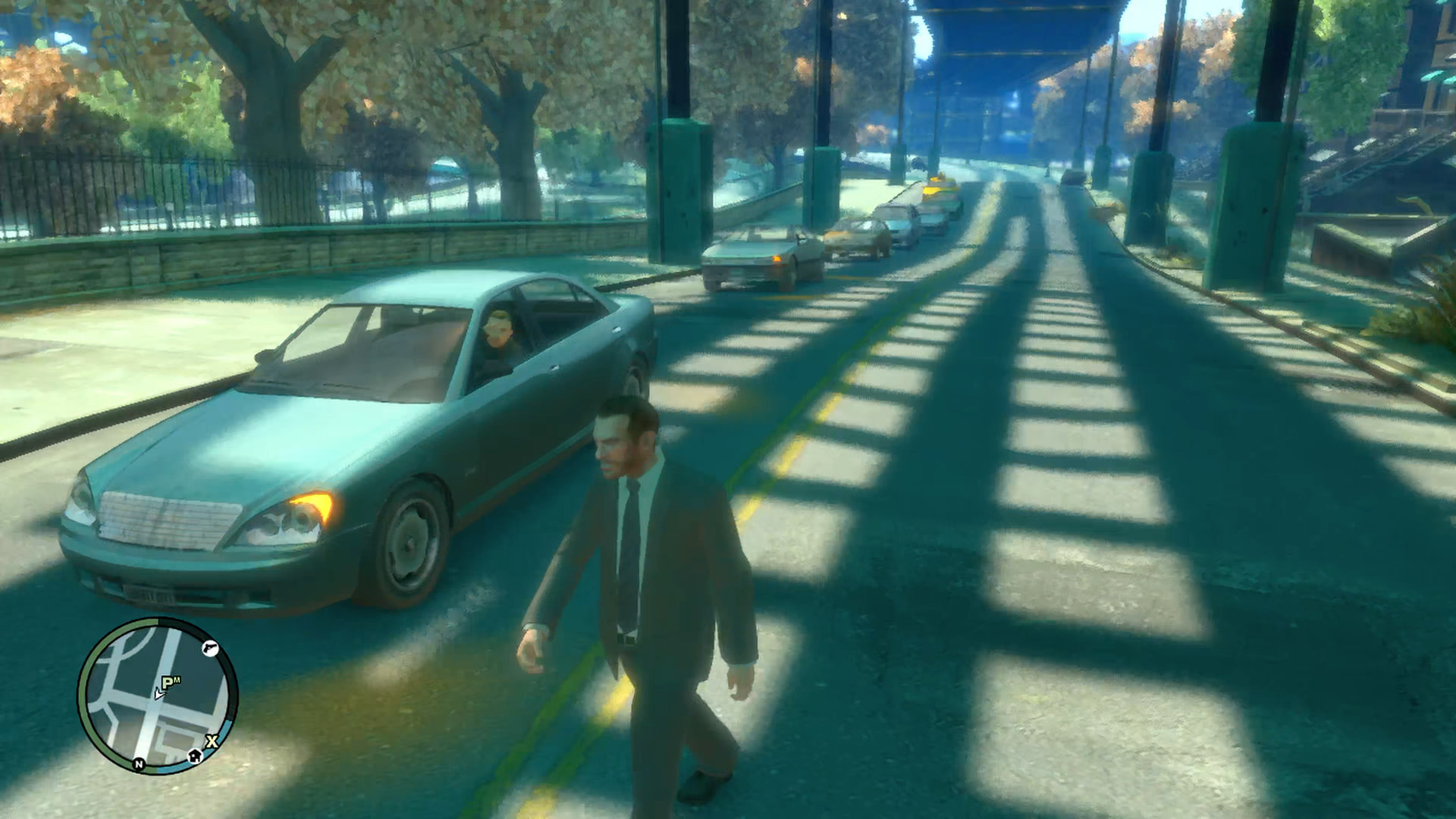
I just need some advice how to make indicator looking more like GTA IV.

Example from GTA IV

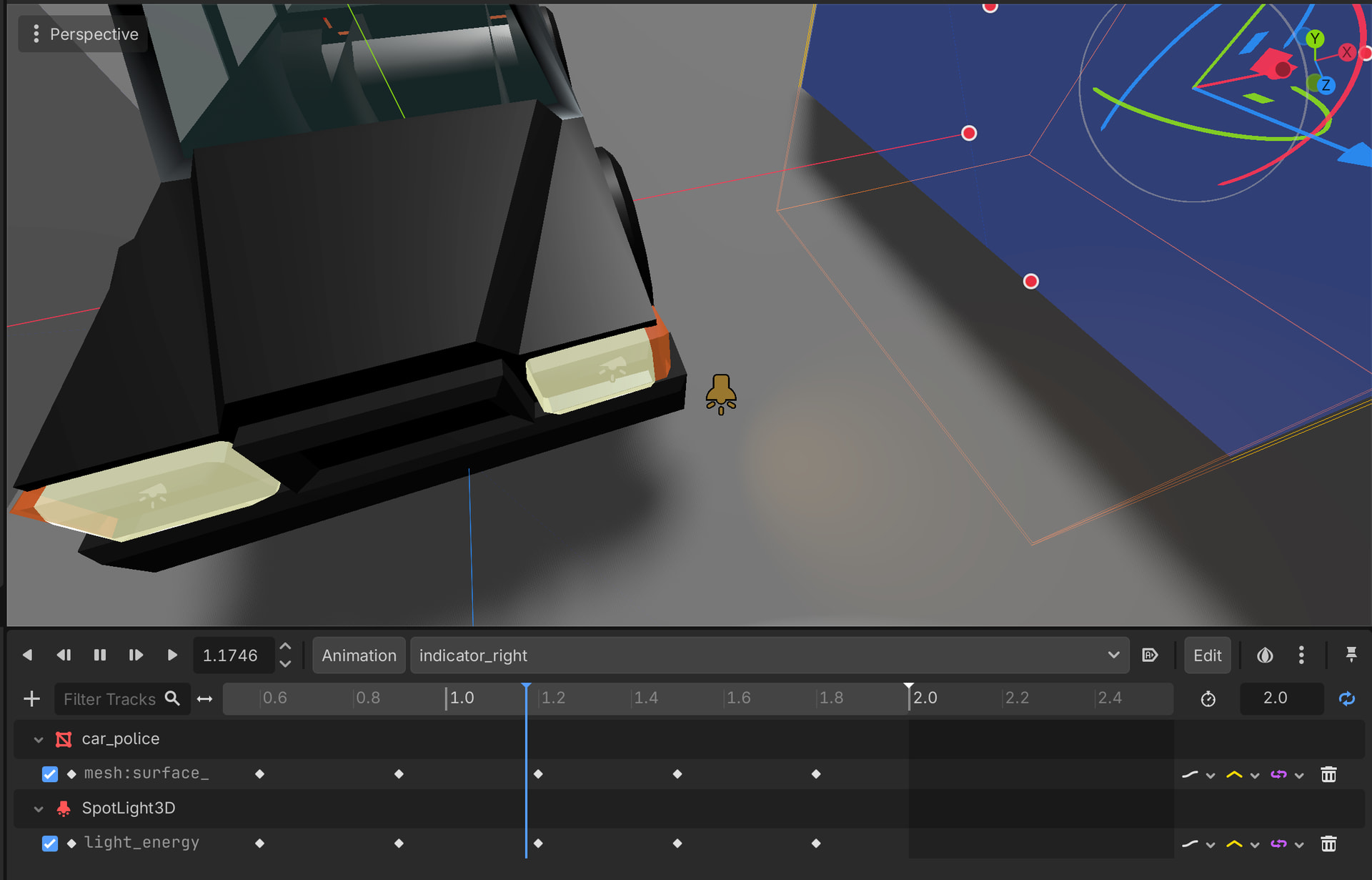
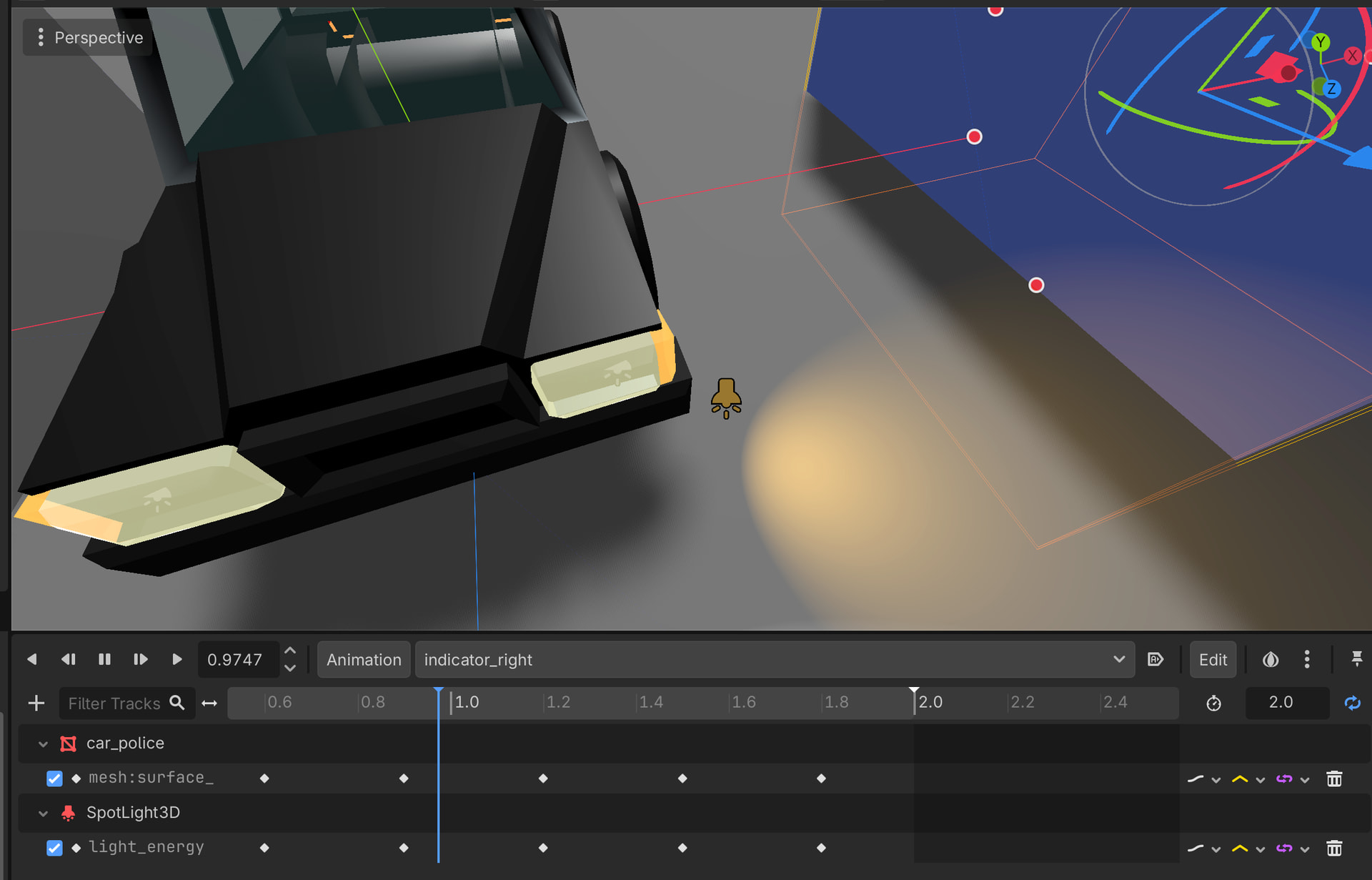
Current state in Godot

I have replaced materials and for lights used albedo, and made emission value on them.

But also for indicator and headlights used SpotLight3D which I thought be ok.

but something looking off when I compare them to GTA

Some advice what to adjust or maybe if use different method to animate indicators?

dont use light just use an emissive material.

I have tried it but it doesn’t produce enough emission to affect environment around

Dynamic emissive materials don’t cast light on the environment, they only make the object’s surface look like its glowing

if you anble SDFGI (global ilumination) inside the envirement it dose.
but this is super performant.
The secend idea would be to use a cone bc it looks like a cone light in gta.

Seems like a waste to turn on SDFGI just for the sake of light indicators
I would use a dynamic light or a projected texture

EDIT: Seems like dynamic emissive surfaces are not supported by SDFGI after all
image
Signed distance field global illumination (SDFGI) Godot Engine 4.7 Documentation

but something looking off when I compare them to GTA

Have you tried playing with the light’s rotation, angle, range, energy, attenuation, etc?
Can you specify how exactly it differs from your intended result?

yeah I have originally had SpotLight but couldn’t figure out the angle, but after I looking more on GTA it looks it got some offset from indicator itself.

Use emissive material for the light shape and spotlight for the light casting effect. Lights are relatively expensive. If you have many cars, you may want to use spotlights only for ones that are near the camera. Cars that are far away should only use the emissive shape.

The spotlight in the GTA screenshot looks like a single light pointing diagonally away and down, while yours seem to be having two lights.
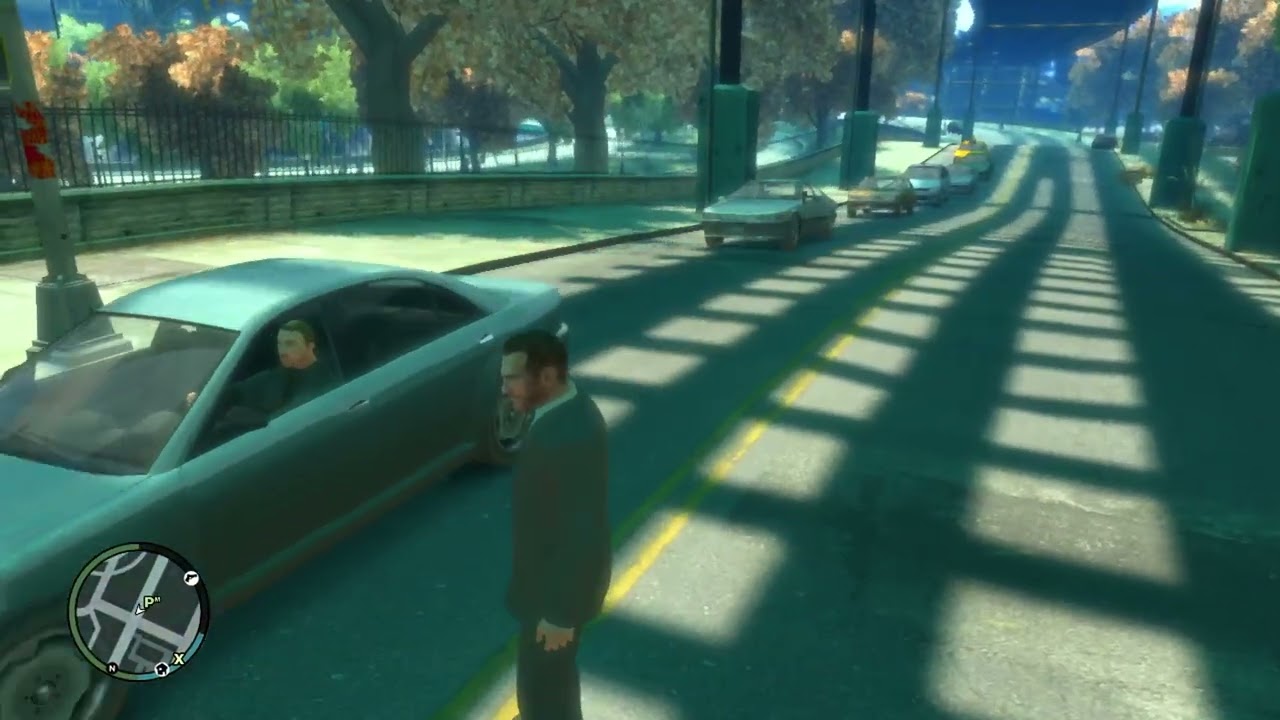
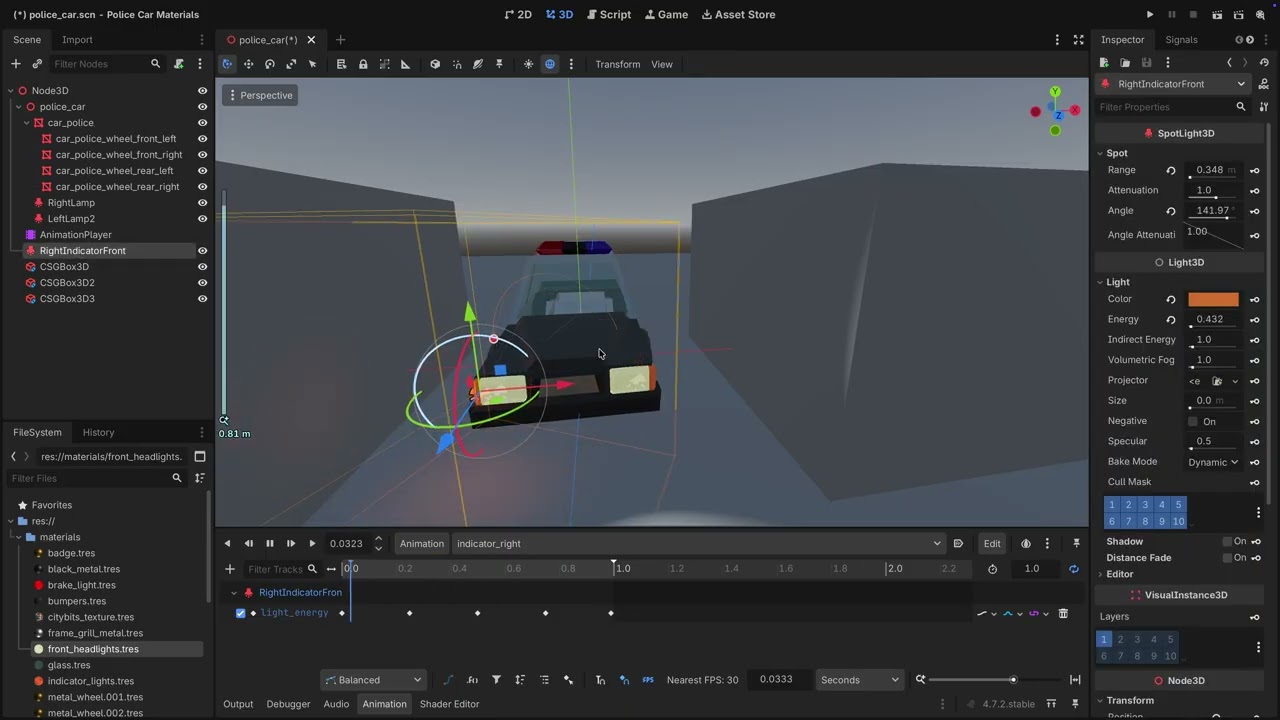
That worked, also it need to separate material or mesh for right and left :slight_smile: