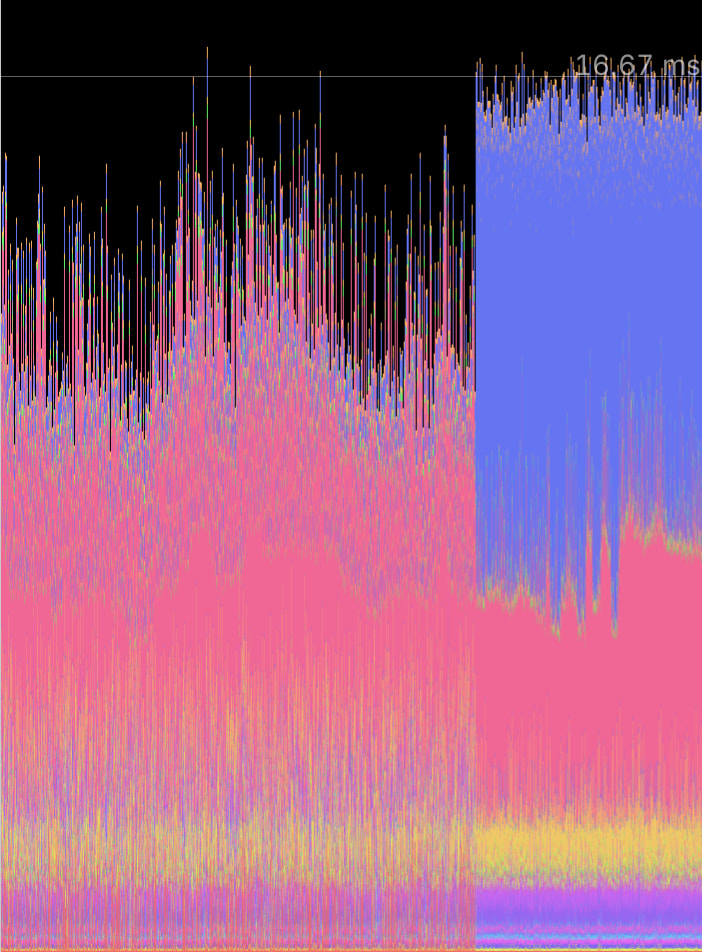
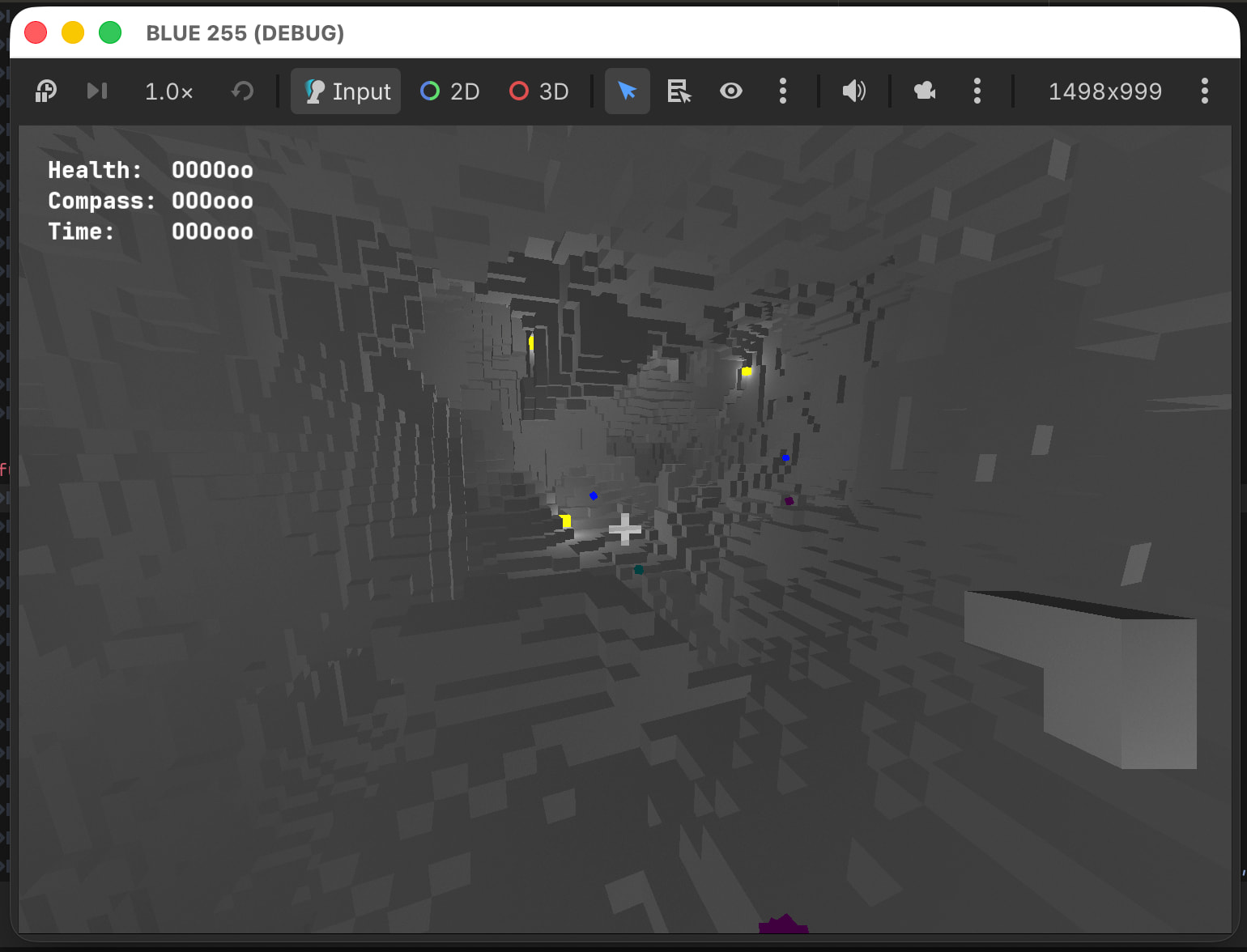
Why does the region on the left appear to run at over 60fps according to the profiler but visually have framerate stutter? The stutter disappears when the frame time jumps to around 60fps. This happens each time after creating and loading a procgenned level, and takes less time to resolve when the level is smaller. This would suggest a relation to the generated meshes, used both for visuals and collision, but those are created fully during level generation. Currently on MacOS and Compatibility.
I don’t think it’s the shaders, which are quite small and already functioning during the stuttering period.
Here’s the mesh creation code:
	for voxtype in Global.Vox.values():
		if voxtype in surfacetools:
			var st = surfacetools[voxtype]
			var meshinstance = MeshInstance3D.new()
			meshinstance.mesh = st.commit()
			if meshinstance.mesh.get_surface_count() != 0:
				if voxtype != Global.Vox.PILLARVINE:
					meshinstance.create_trimesh_collision()
				add_child(meshinstance)
func createmeshes():
	for voxtype in Global.Vox.values():
		if voxtype != Global.Vox.AIR:
			var st = SurfaceTool.new()
			st.begin(Mesh.PRIMITIVE_TRIANGLES)
			st.set_material(Global.materials[voxtype])
			surfacetools[voxtype] = st
	for x in size:
		for y in size:
			for z in size:
				var point = Vector3(x, y, z)
				var voxtype = voxmap[point]
				if voxtype != Global.Vox.AIR:
					var st = surfacetools[voxtype]
					var meshtype = Global.meshtypes[voxtype]
					if meshtype == Global.MeshType.CUBE:
						for disp in cardinals:
							var npoint = point + disp
							if npoint in voxmap and (voxmap[npoint] == Global.Vox.AIR or Global.meshtypes[voxmap[npoint]] != Global.MeshType.CUBE):
								st.append_from(face, 0, Transform3D(bases[disp], point + disp / 2. + Vector3.ONE / 2.))
					if meshtype == Global.MeshType.PLANT:
						for basis in plantbases:
							st.append_from(face, 0, Transform3D(basis, point + Vector3.ONE / 2.))
	for voxtype in Global.Vox.values():
		if voxtype in surfacetools:
			var st = surfacetools[voxtype]
			var meshinstance = MeshInstance3D.new()
			meshinstance.mesh = st.commit()
			if meshinstance.mesh.get_surface_count() != 0:
				if voxtype != Global.Vox.PILLARVINE:
					meshinstance.create_trimesh_collision()
				add_child(meshinstance)
It’s not very visible in the video, but the framerate wavers between smooth and ~10fps the entire time up until the point when the profiler starts looking different.