Godot Version
Godot Version: 4.4.1
Question
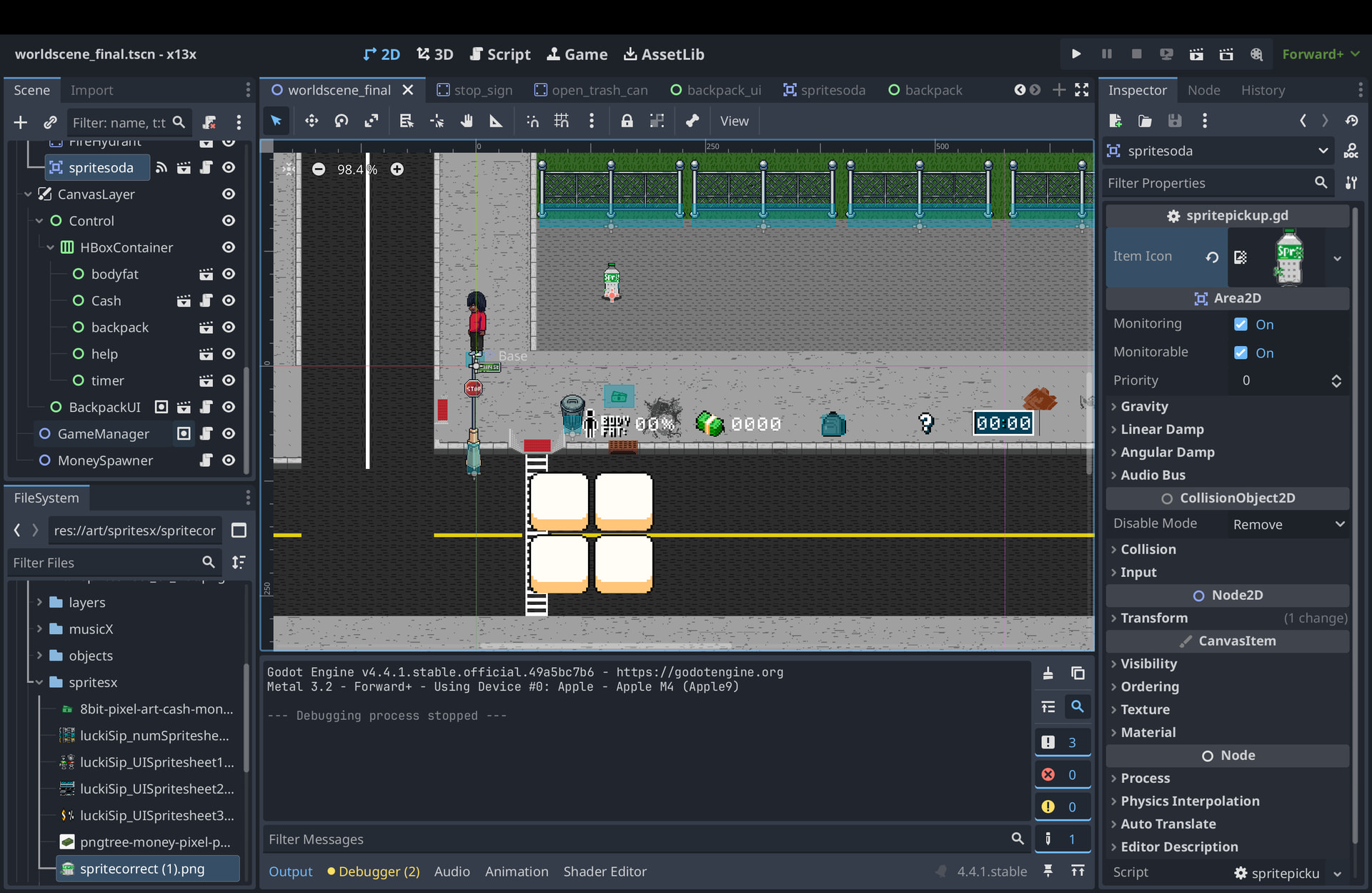
I’m implementing a simple inventory with 4 slots. The inventory UI opens when clicking a backpack icon, and I have an item in the world (a Sprite soda) that the player walks into to pick up.
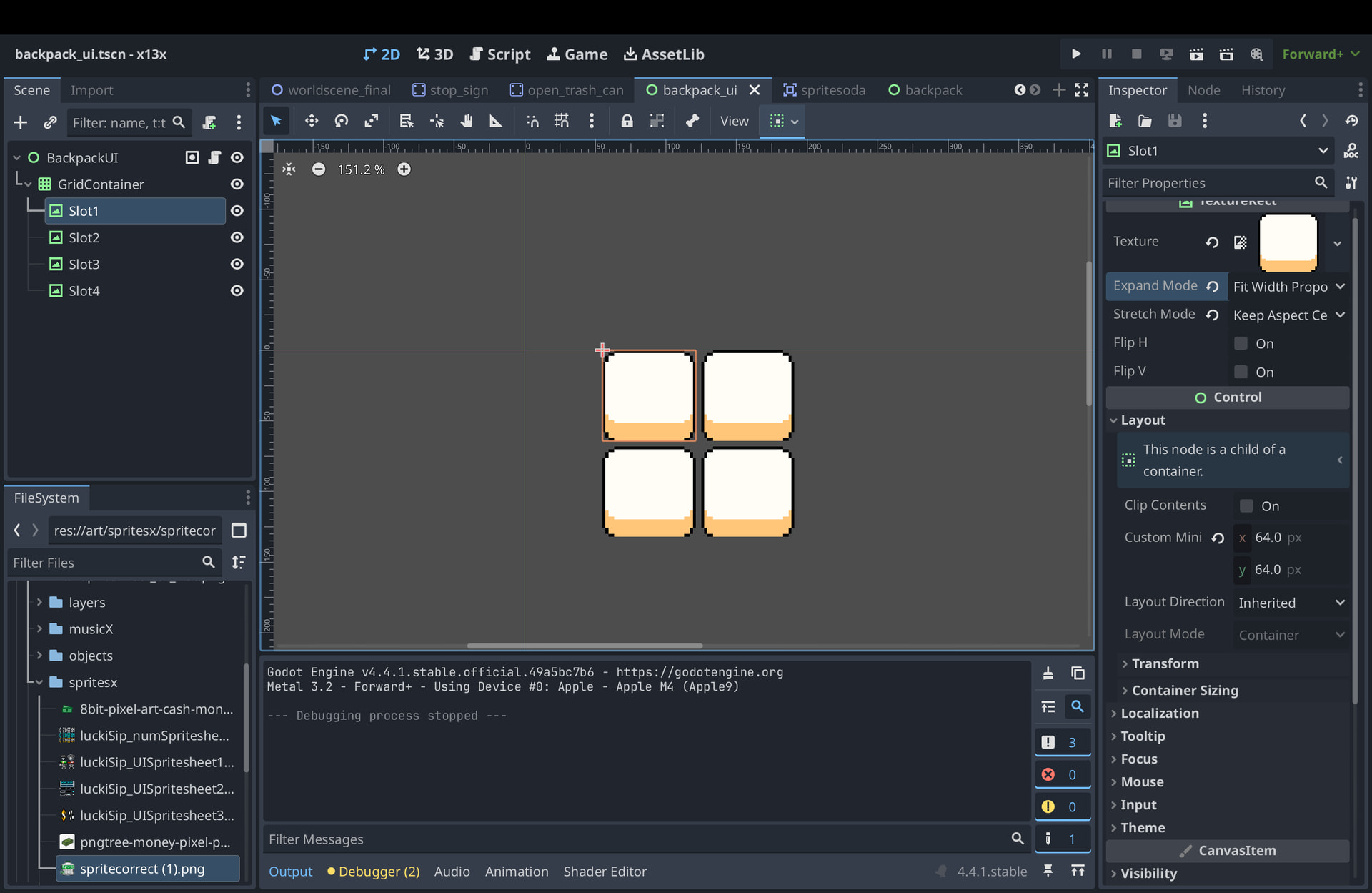
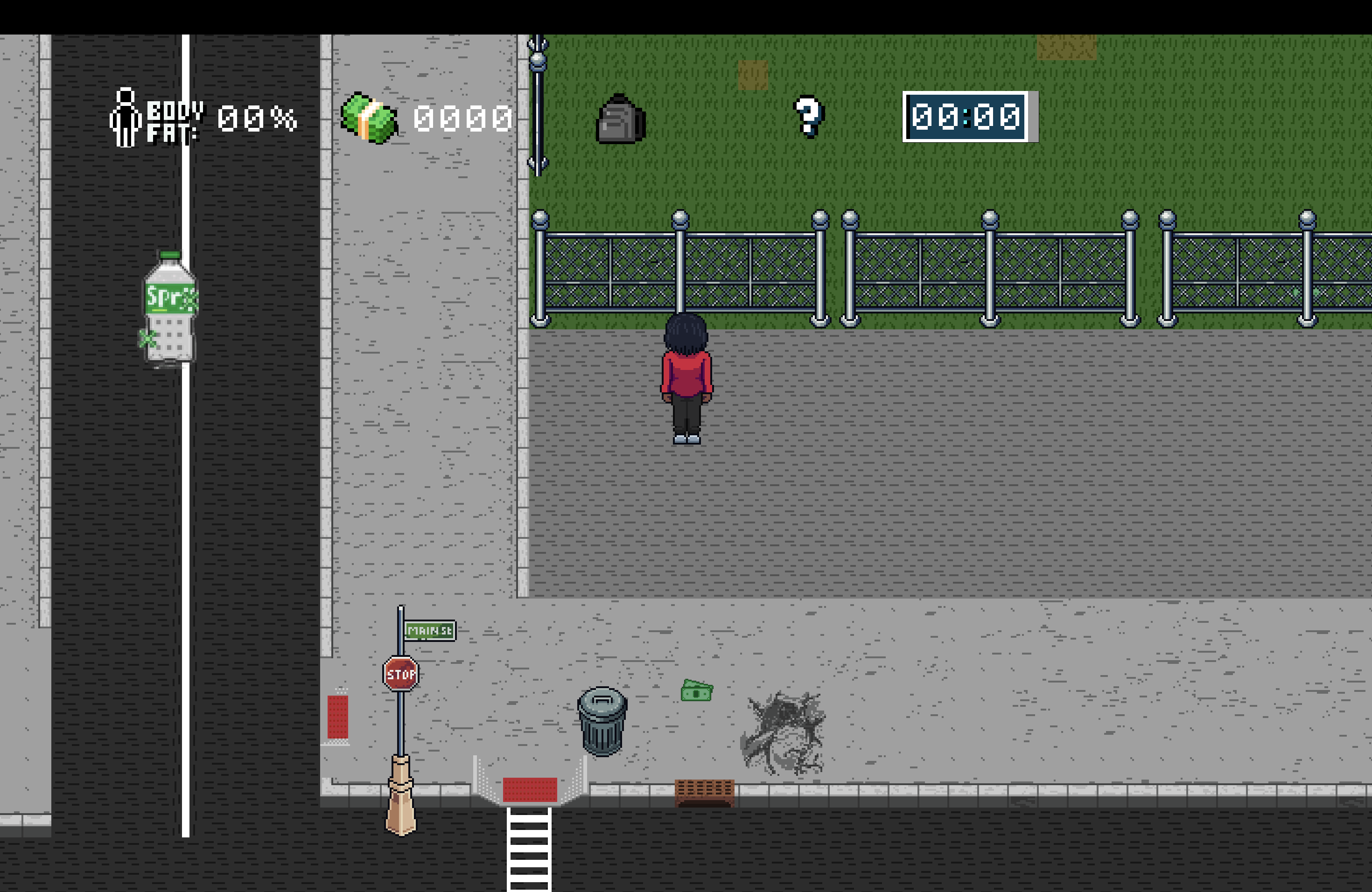
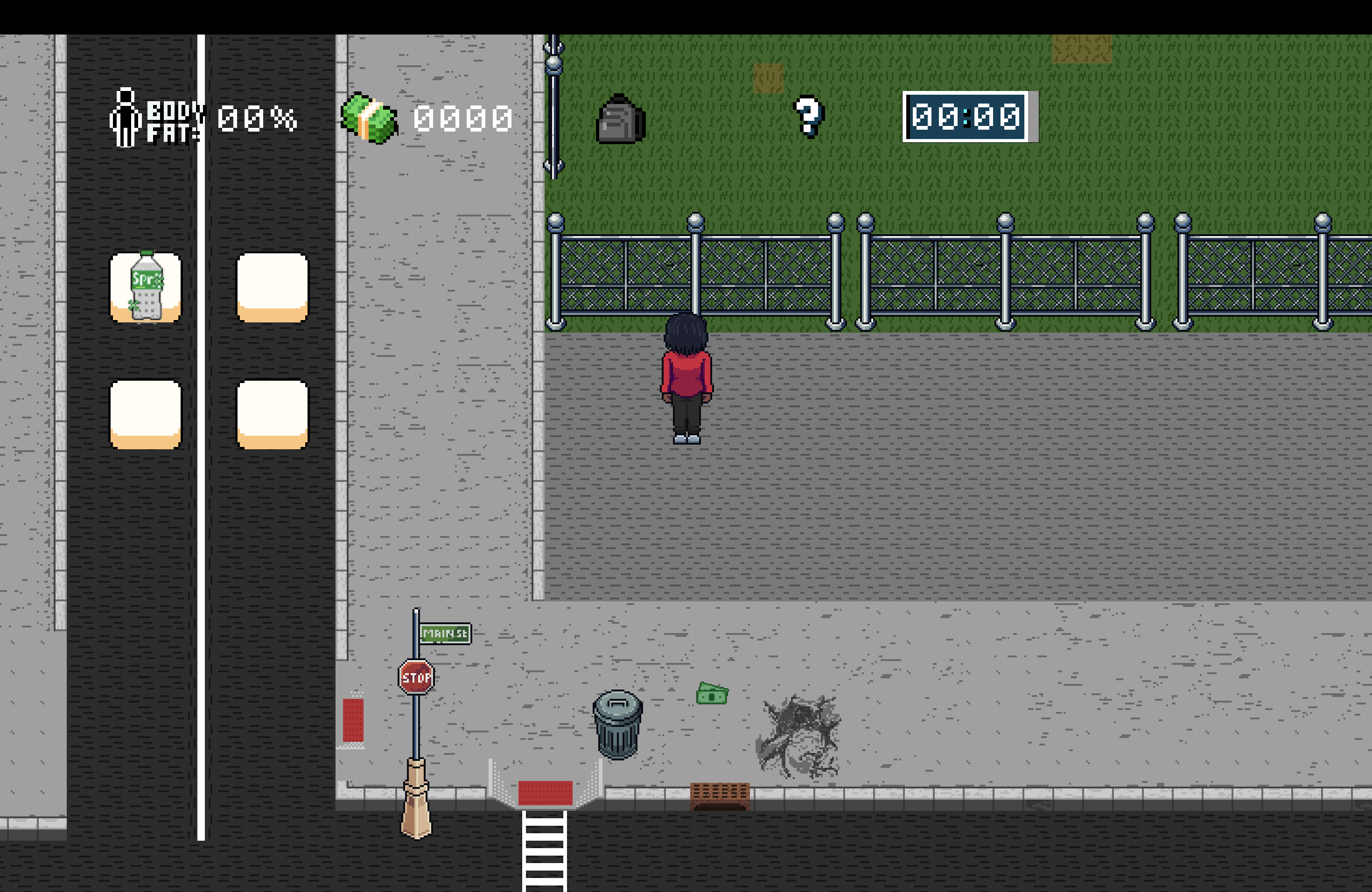
The strange part is that when I interact with the item, an icon suddenly appears where the inventory is, but it replaces the entire inventory UI instead of appearing inside one of the slots.
Here is my backpack inventory script:
extends Control

var items = []

@onready var slots = [
	$GridContainer/Slot1,
	$GridContainer/Slot2,
	$GridContainer/Slot3,
	$GridContainer/Slot4
]

func _ready():
	hide()
	add_to_group("backpack")

func toggle_visibility():
	visible = !visible

func add_item(item):
	print("ADDING ITEM")

	if items.size() < slots.size():
		items.append(item)
		update_ui()
		return true

	return false

func update_ui():
	for i in range(slots.size()):
		if i < items.size():
			slots[i].texture = items[i]["icon"]
		else:
			slots[i].texture = null
And then my spritesoda pick up script:
	extends Area2D

@export var item_icon: Texture2D

func _ready():
	$AnimatedSprite2D.play()

func _on_body_entered(body):
	if body.name == "player":
		var backpack = get_tree().get_first_node_in_group("backpack")

		if backpack:
			var item = {"icon": item_icon}

			if backpack.add_item(item):
				queue_free()
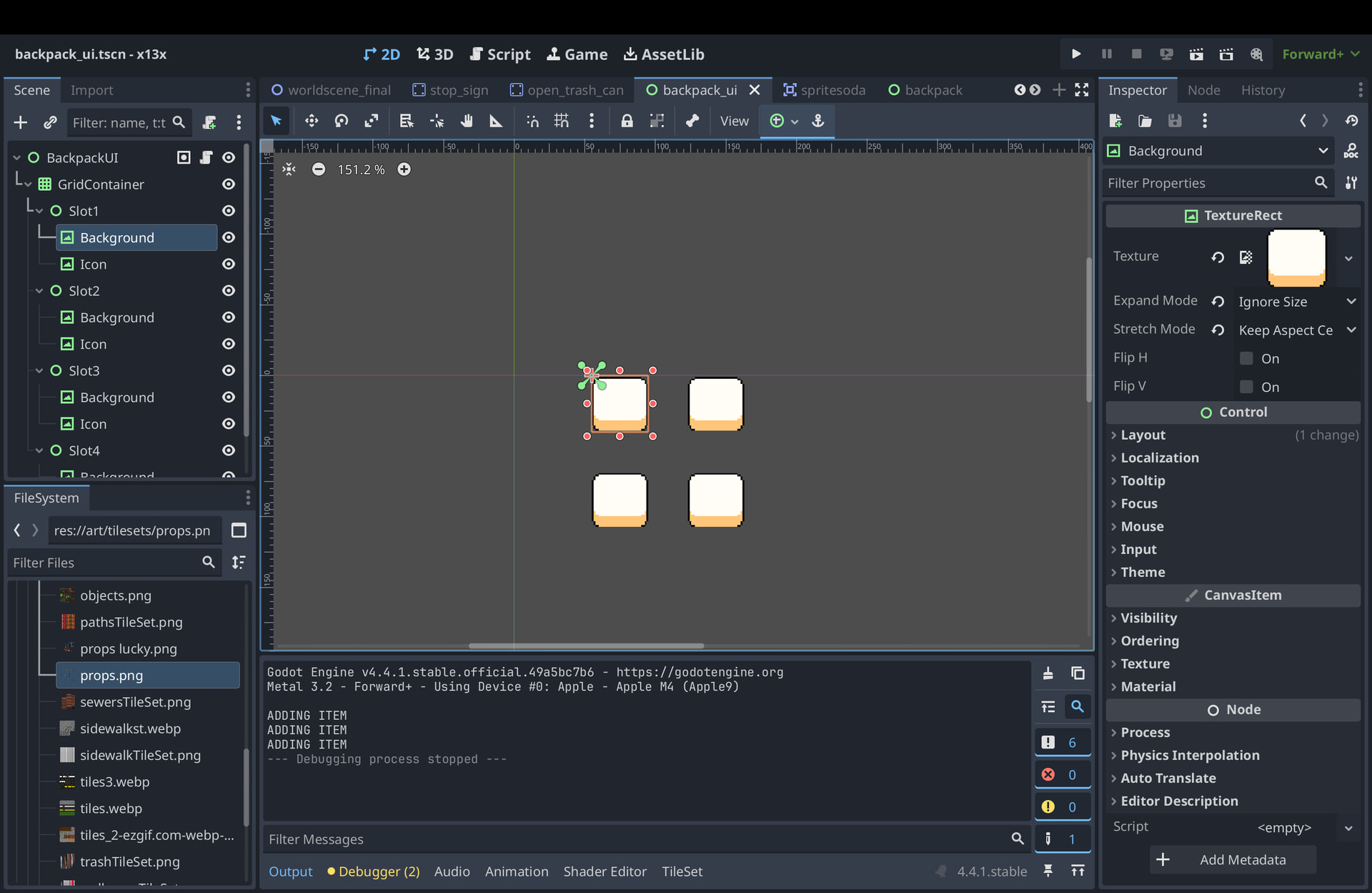
If someone could tell me what I could be missing here, that would be awesome. Thanks. Here’s how my nodes are set up as well: