Godot Version
Godot Version 3.6
Question
hello,
I was following dev worm’s player inventory guide found here
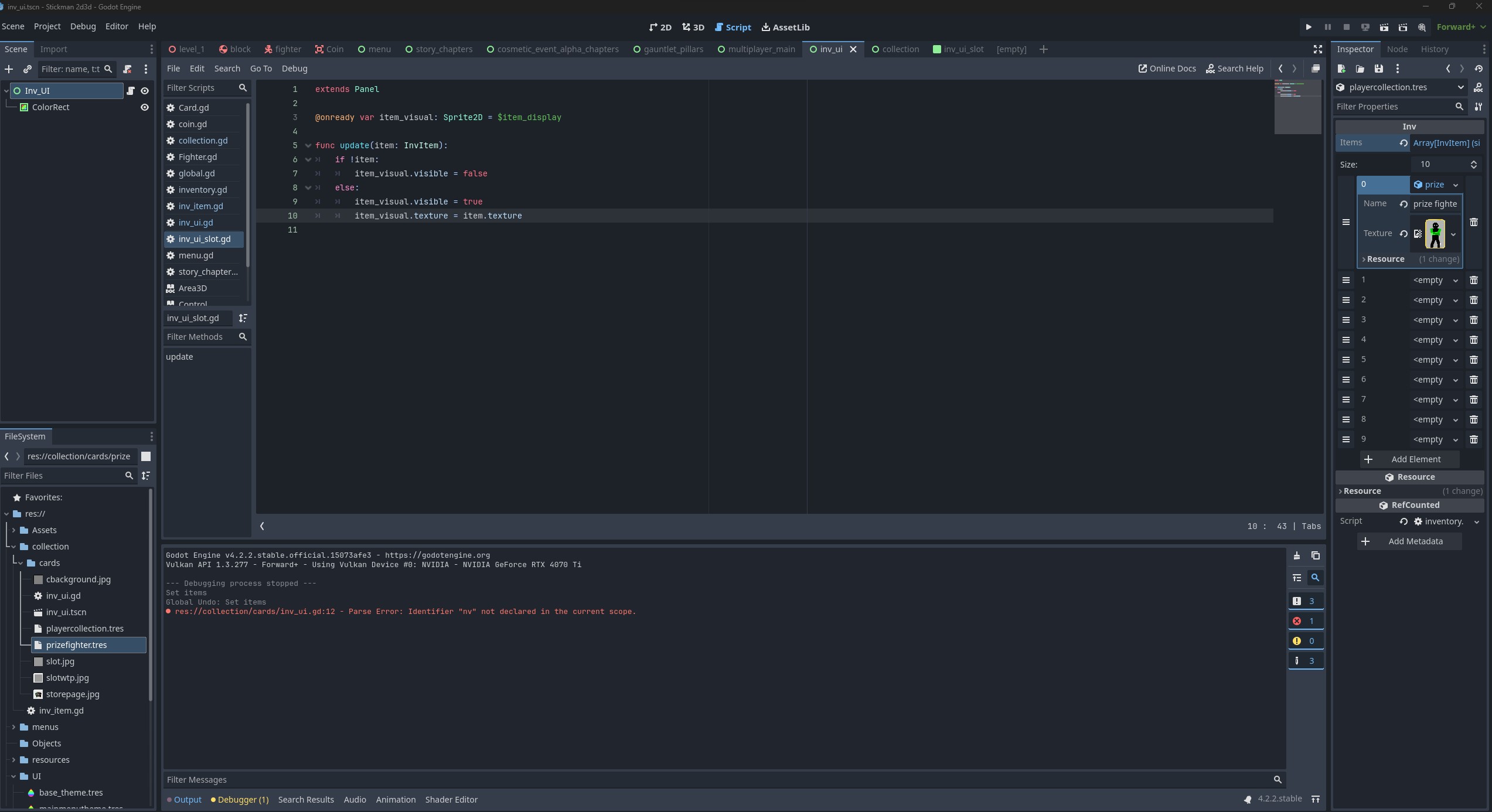
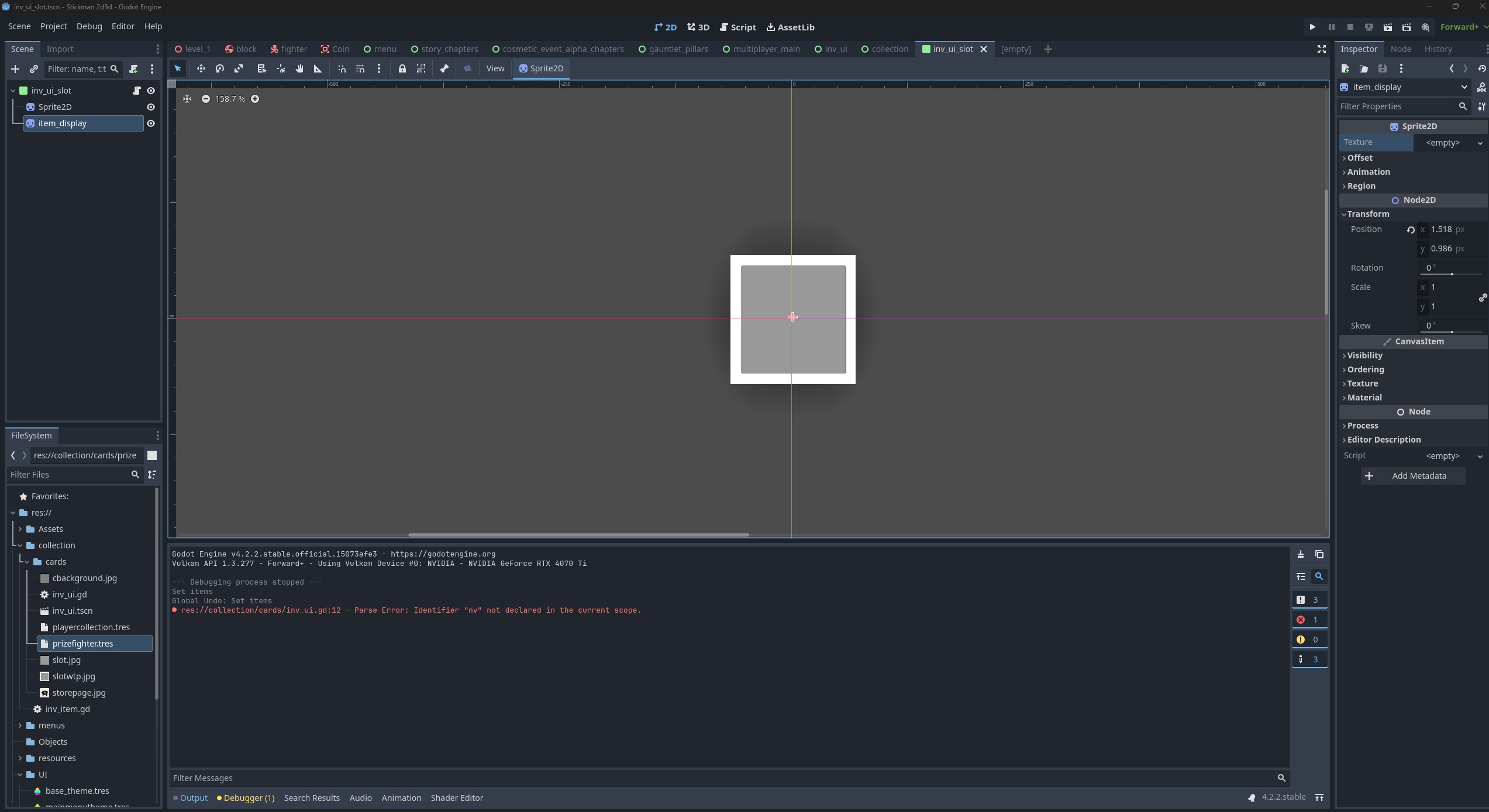
I was able to create an array to store items and can see the image i placed in the 2d texture viewer, but not in the relevant ‘slot’
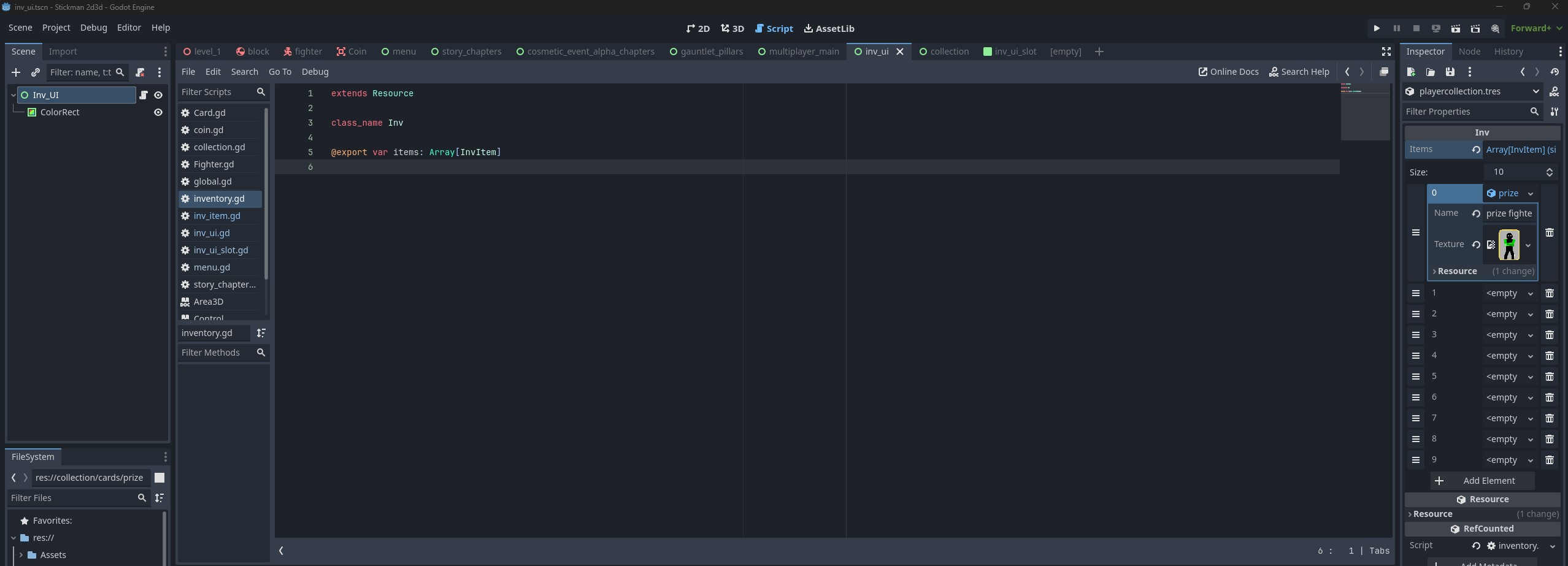

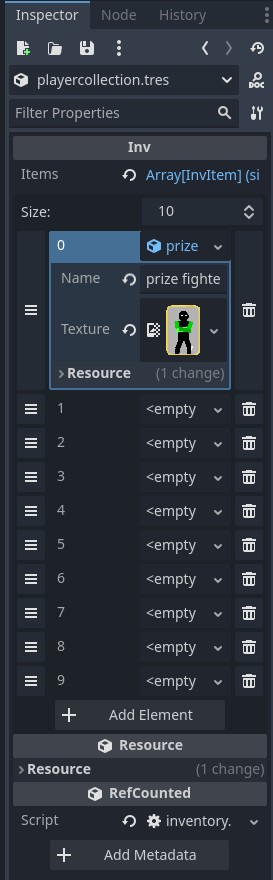
and am pretty sure i exported playercollection.tres to the ‘collection’ scene/menu. Shown here:
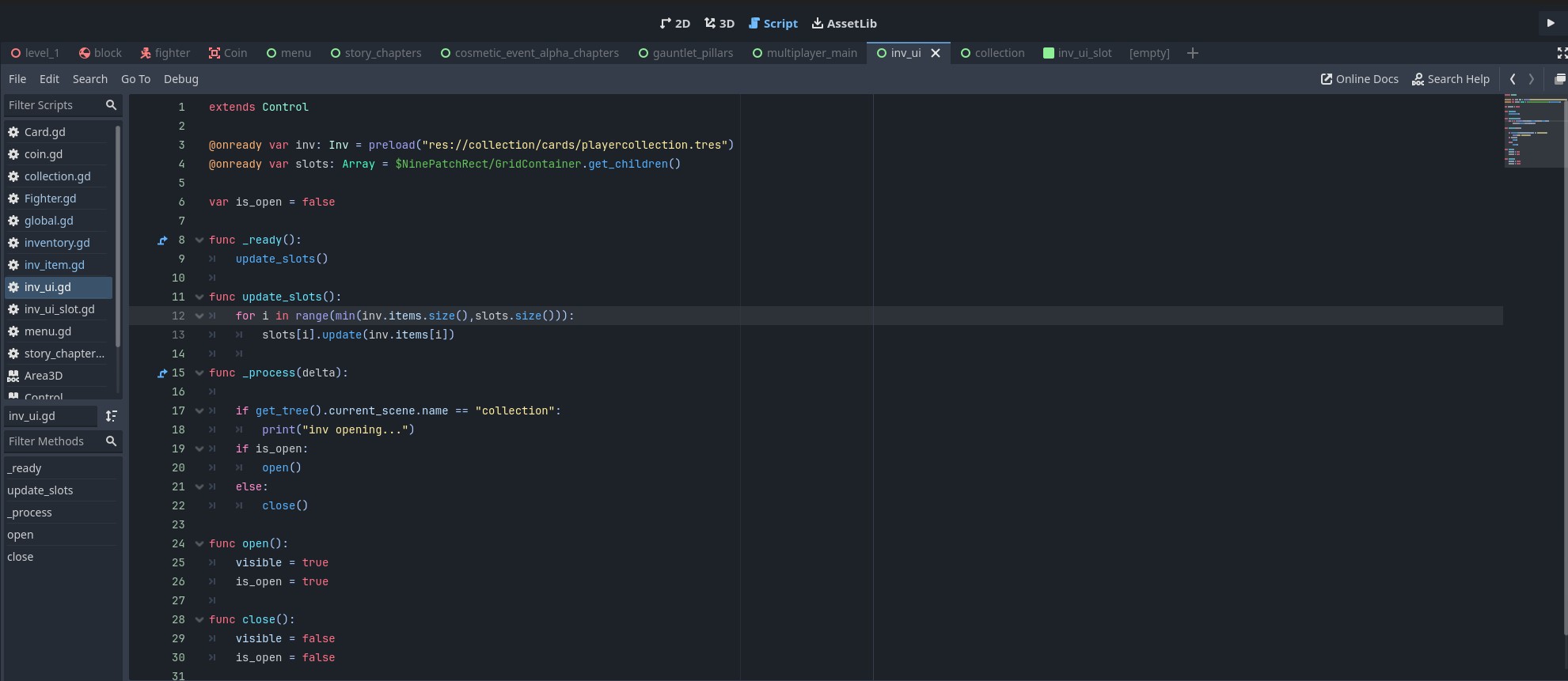
Basically what i want is a menu that goes to another menu when i click on it, which works so far. My inv_ui script is attached to the ‘collection’ scene (a UI node, which can be navigated to via a button on the ‘menu’ ui node).
the difference is when he attaches the inventory to a player in the tutorial, i attached my inventory to a ui node - I want the player inventory to appear when i click the collection tab - its a card game, so all owned cards should appear in
1 per box. so what i have so far looks like this -
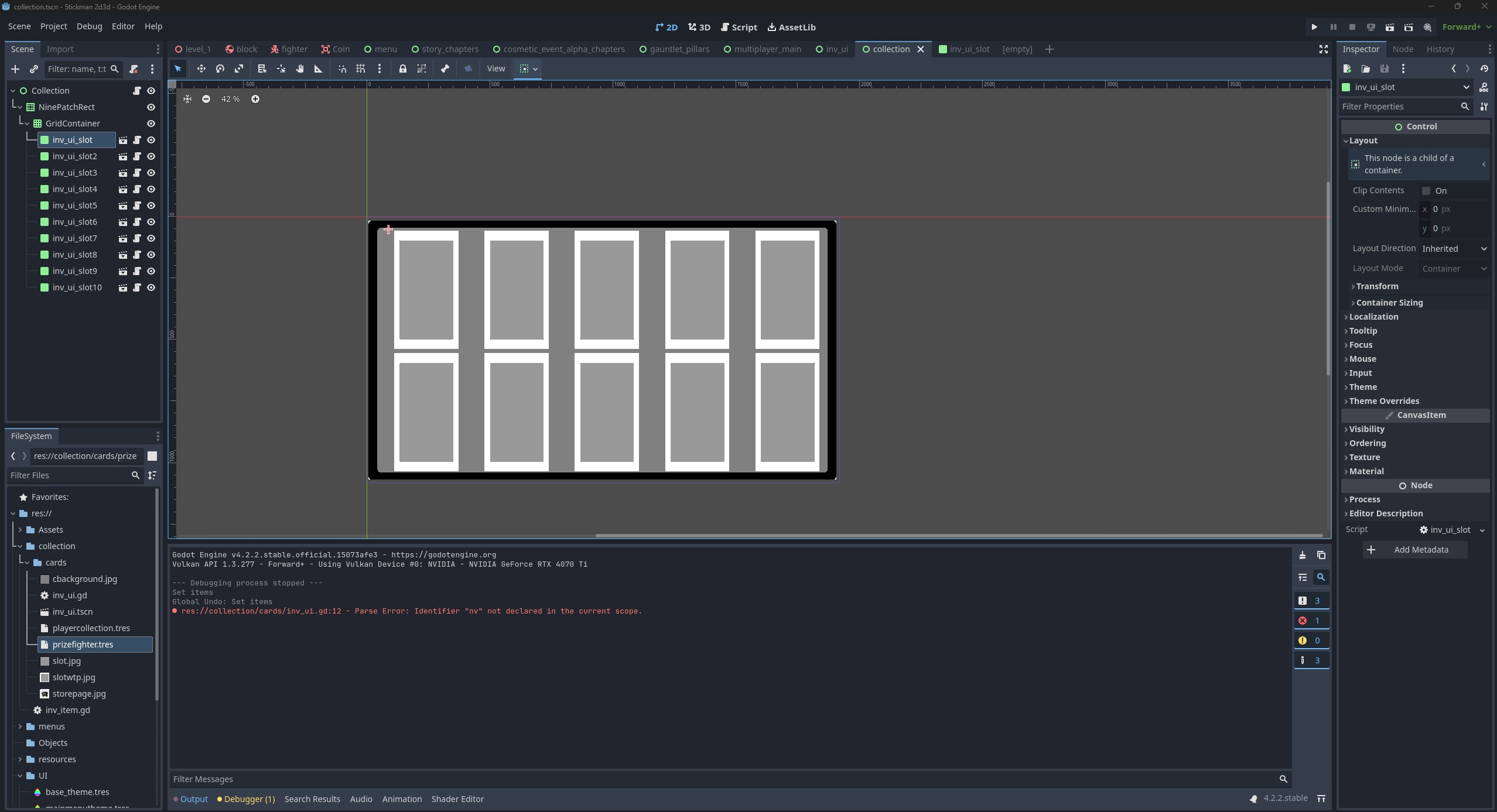
i think the issue has to do with the inv ui slot maybe the img size is way to small, or i can’t attach an inventory to a ui ‘inventory’ node. The slots are the grey boxes with white borders in the colleciton tab so i know they are synced up. did the sizing and scaling myself.