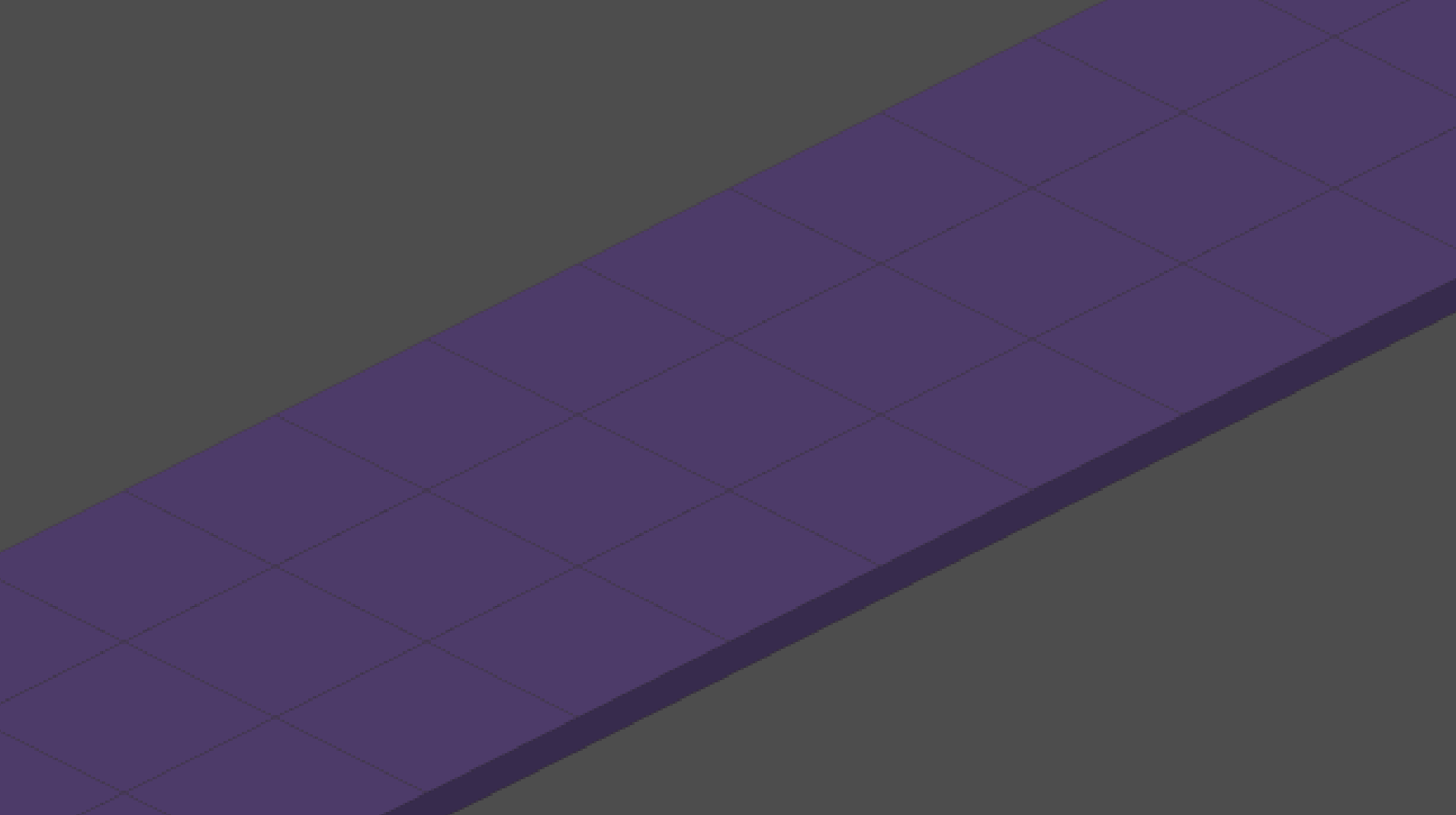
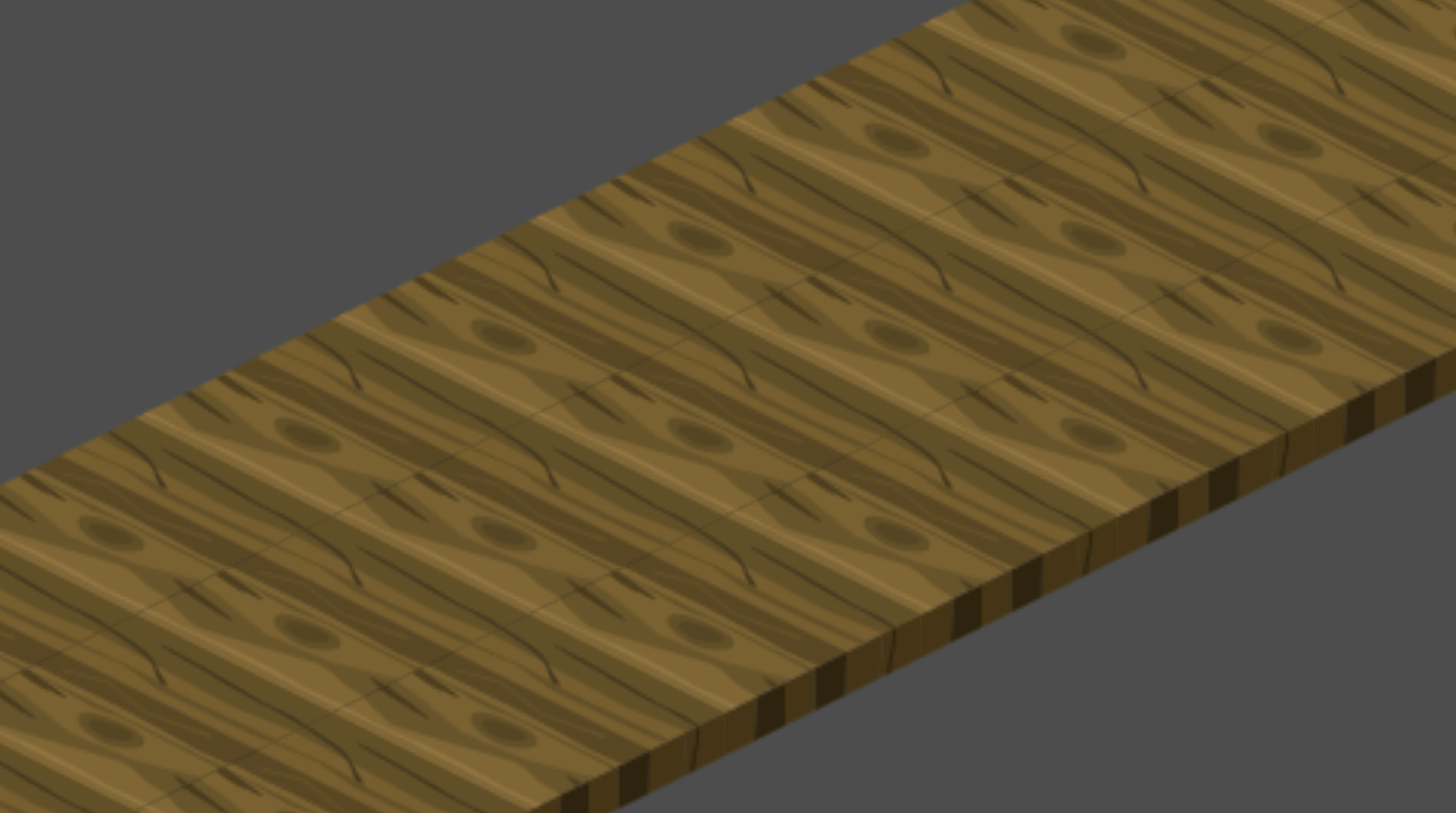
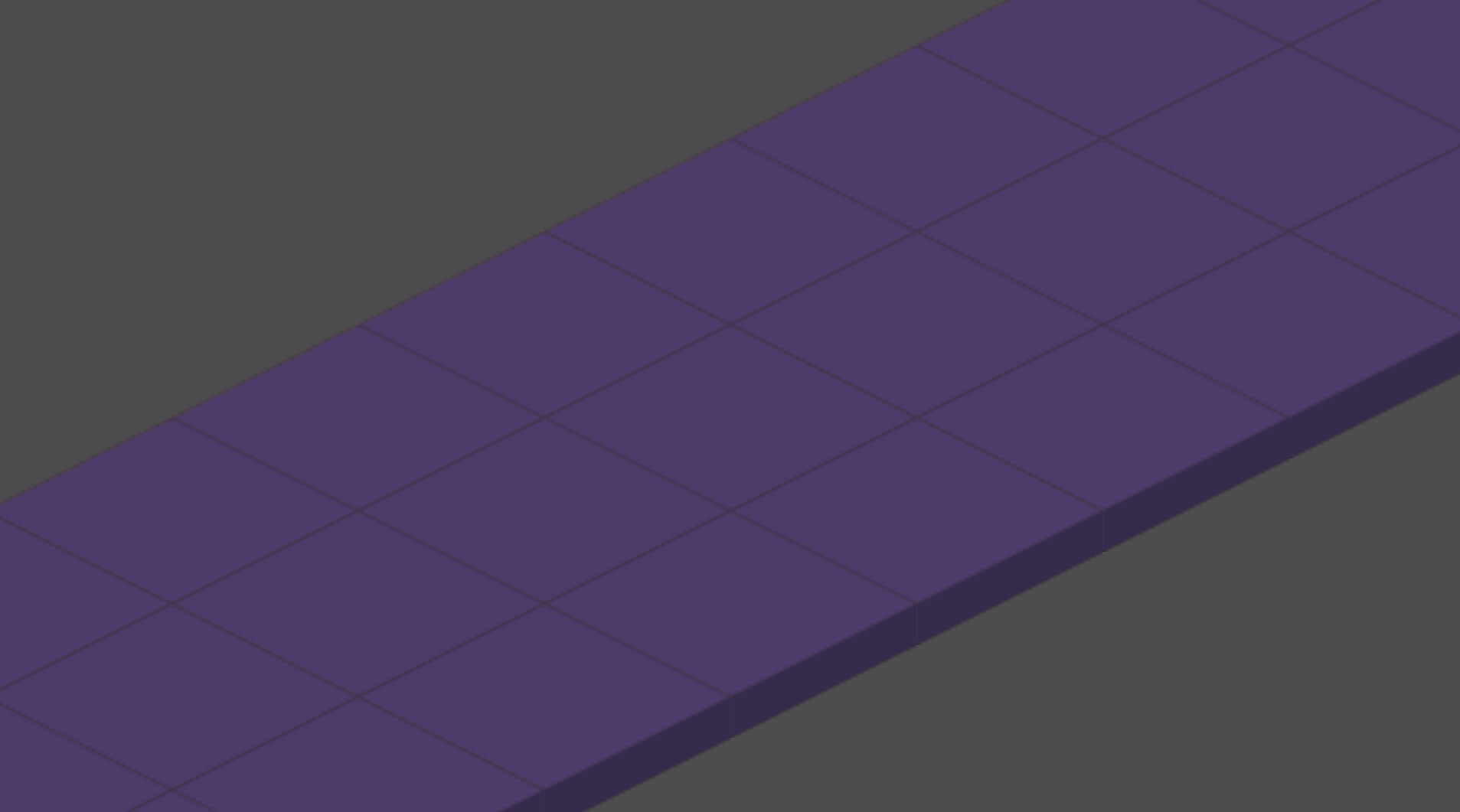
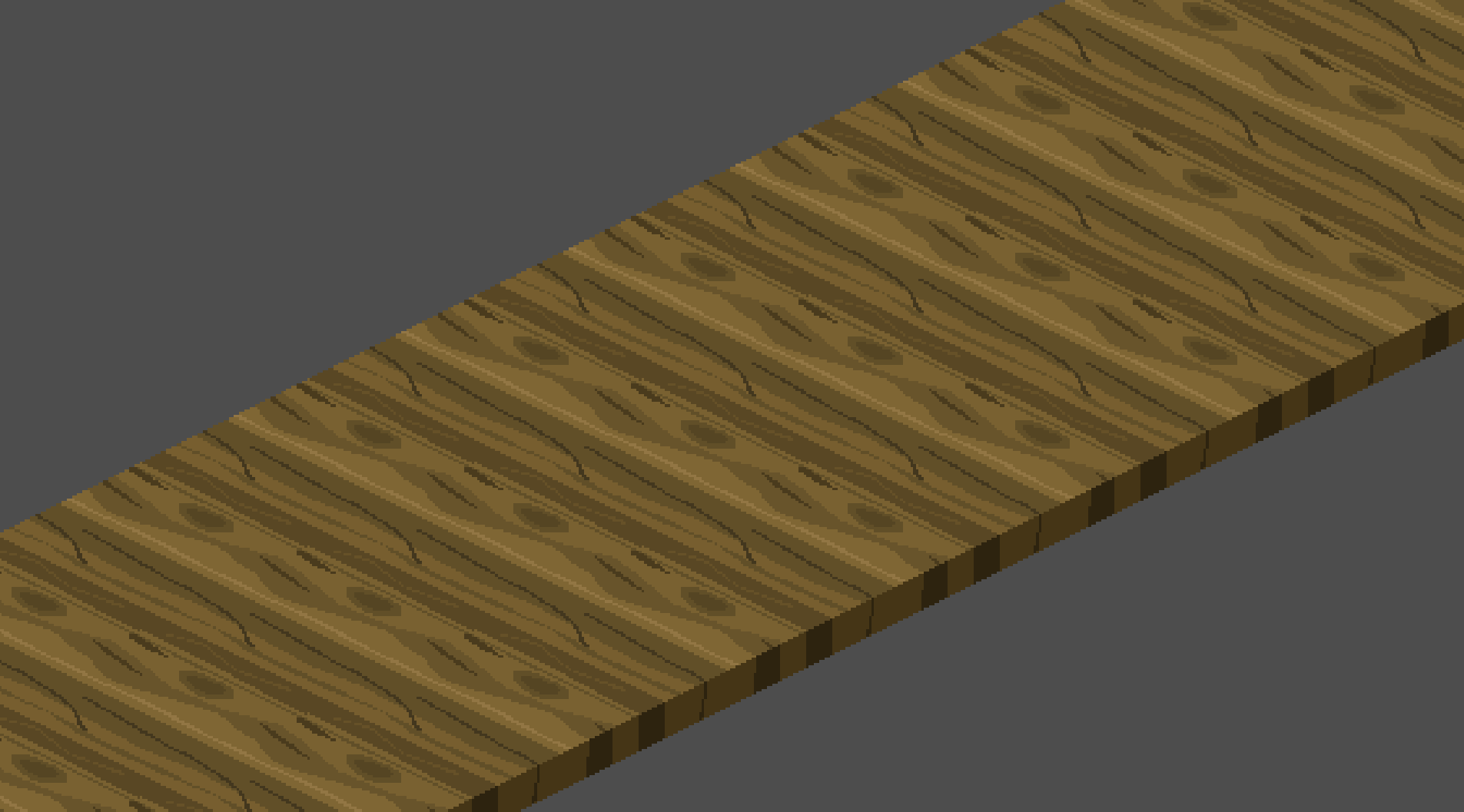
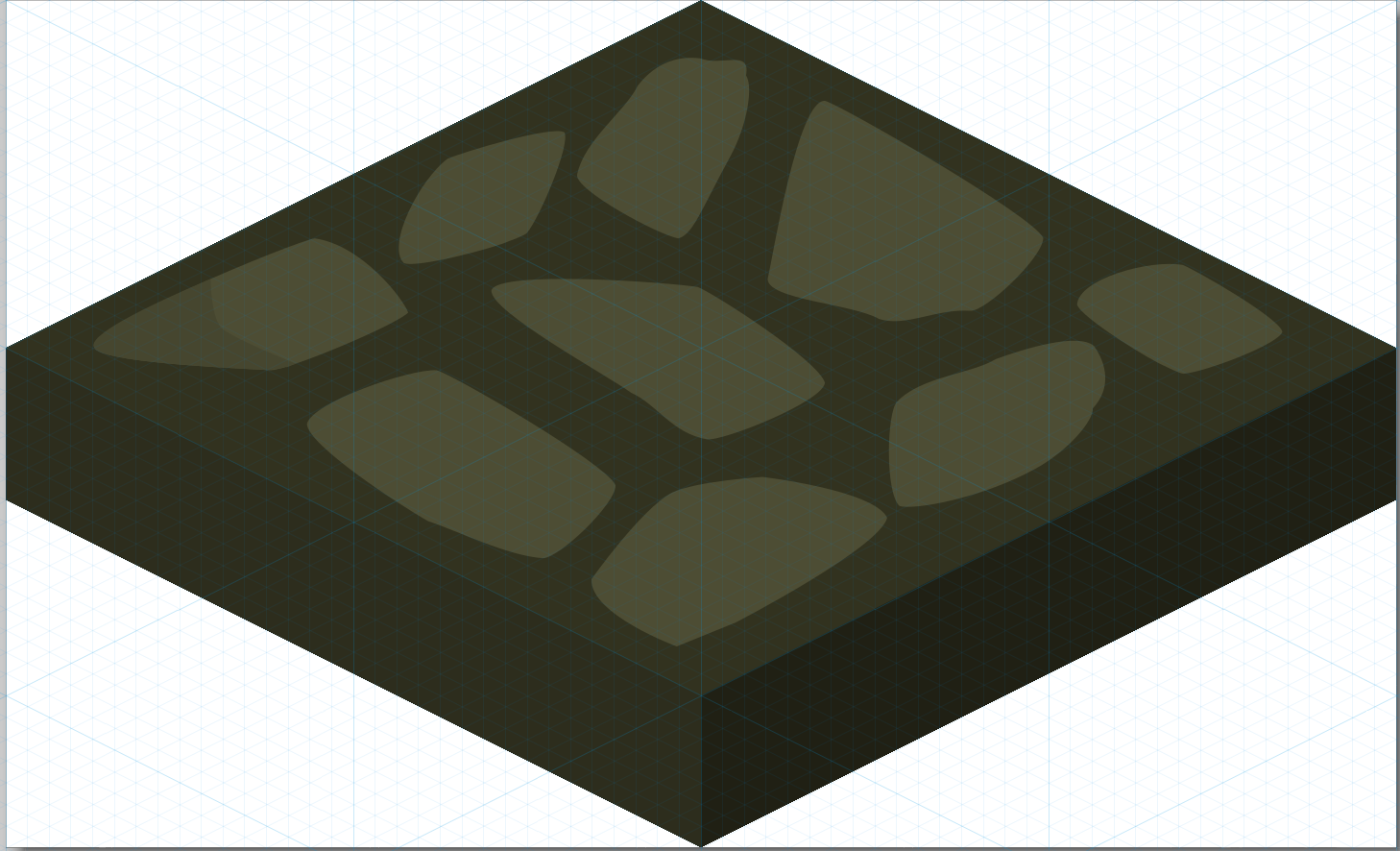
Hi guys, I’m trying to make some isometric tiles in Inkscape and display them in Godot
My tile size is 128px / 64px
I set a singular tile to 128 / 78 with texture origin offset of y -7, so far everything seems to make sense to me.
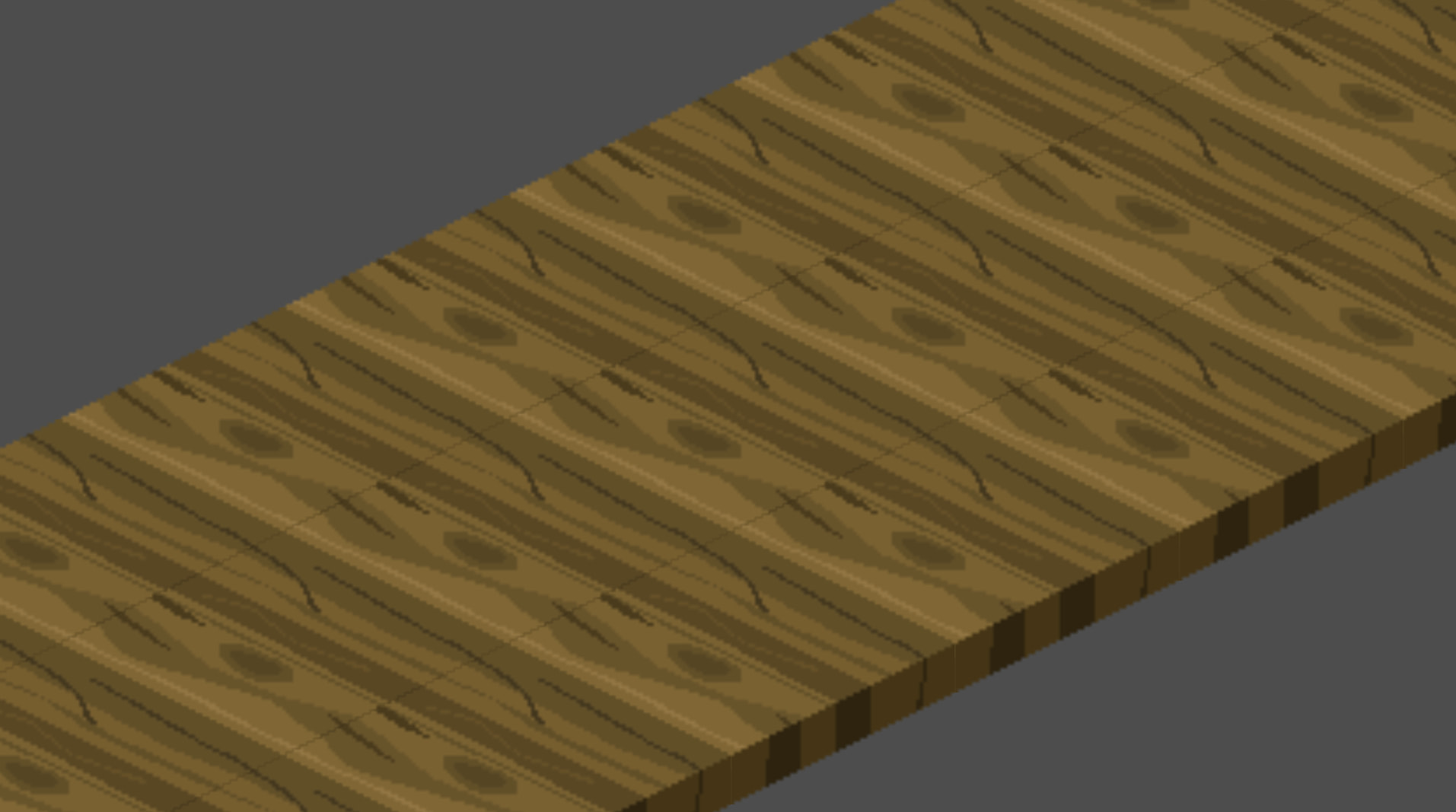
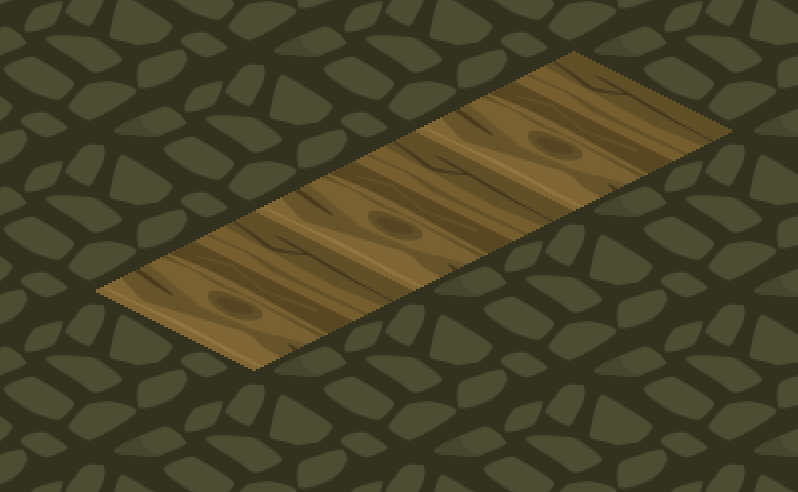
The issue is that when I run the the project I can clearly see seams except if I export my tiles from Inkscape without antialiasing, but that makes the tile way worse looking and have artifacts.
What I’ve tried :
Made the tile slightly bigger 1/2px (very annoying with my workflow), it helped slightly but the seams were still present
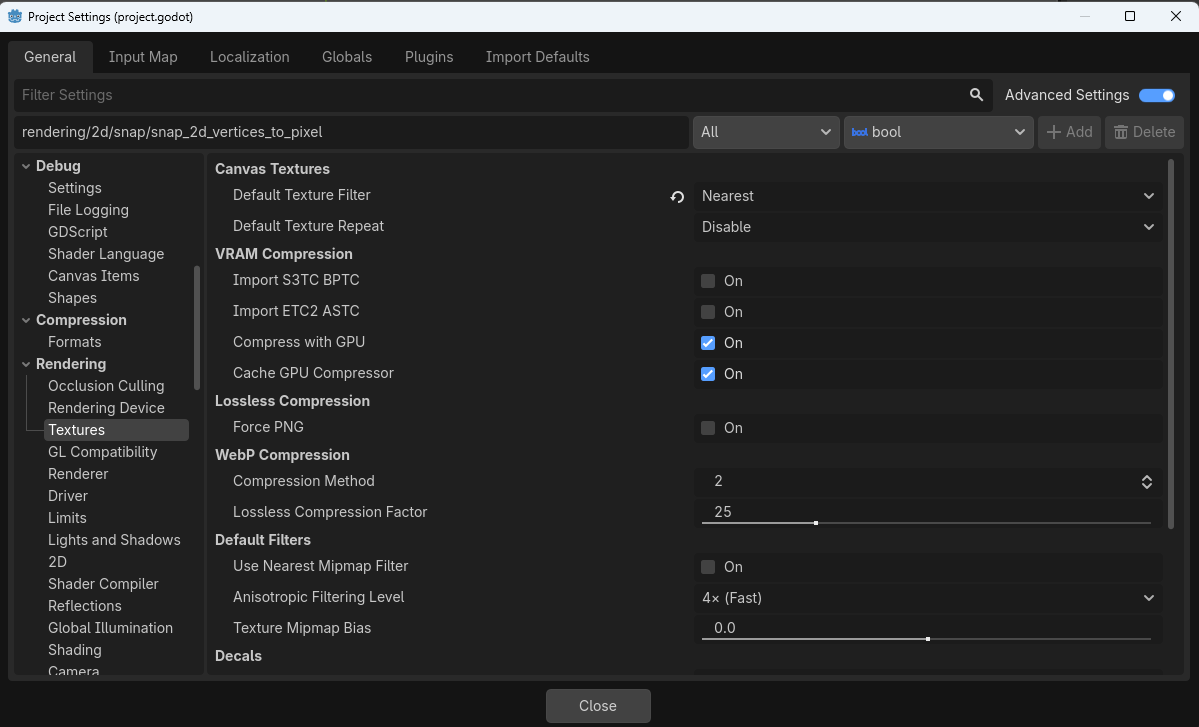
Generate Mipmap on/off, not sure what this does but I’ve read about it
Set my tile size slightly smaller 126/62, and seams still shows
So what I’m understanding is that the tiles with antialiasing are “bleeding” to the other tiles creating this seam effect?
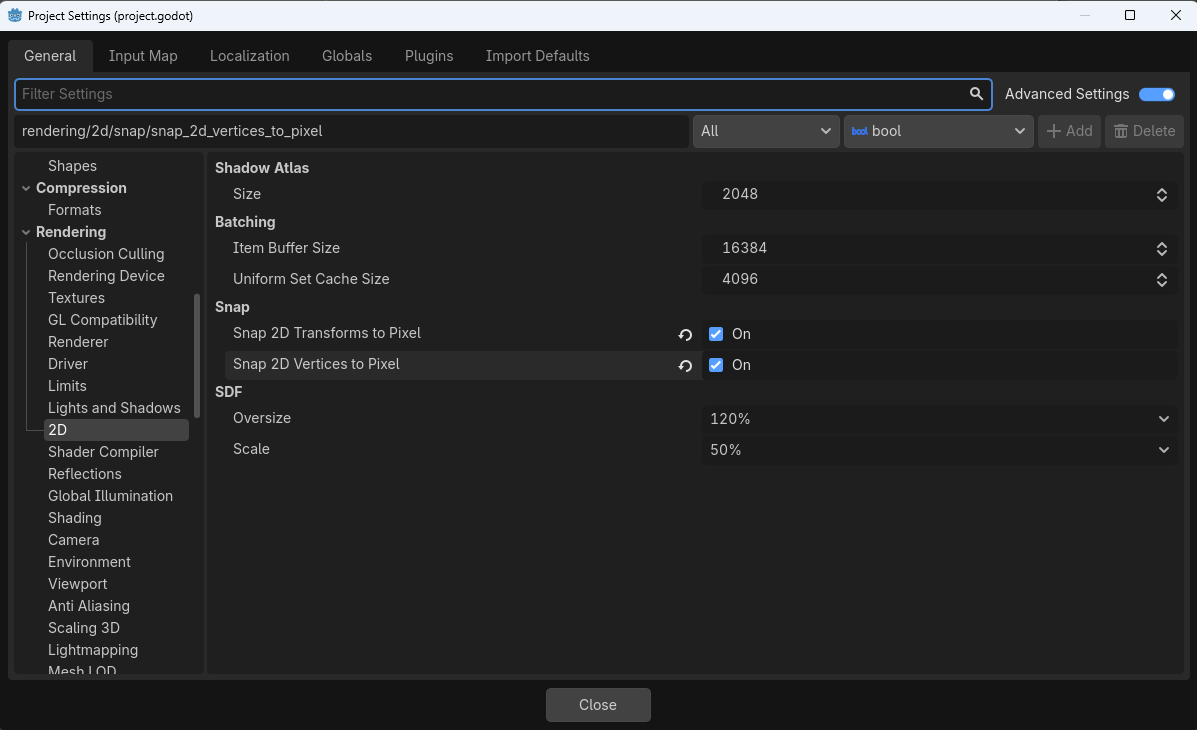
Thank you for your input, I tried it and the issue persists, at some zoom level the issue is definitely less visible but when slightly zoomed in we see it more clearly
I’m not sure the issue is Godot per say, because if export without antialiasing from Inkscape the tiles seams are perfect since there are no transparent pixels
The issue is antialiasing is bleeding “into” the surrounding tiles and two half transparent pixels combined make up that seam we’re seeing, at least that what I think is happening.
But I’m not sure how to fix this, not exporting using antialiasing results in jagged details
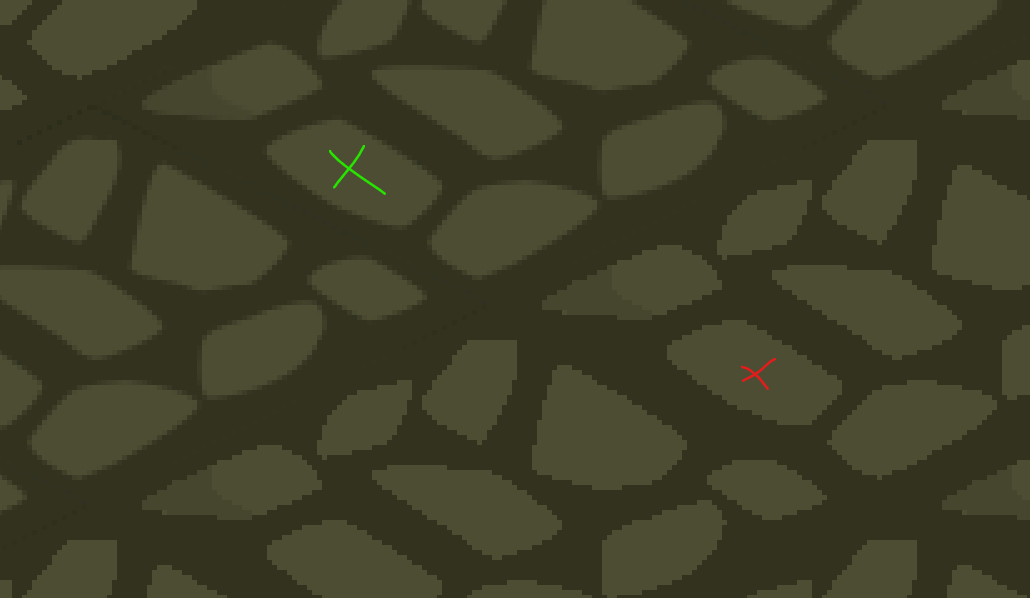
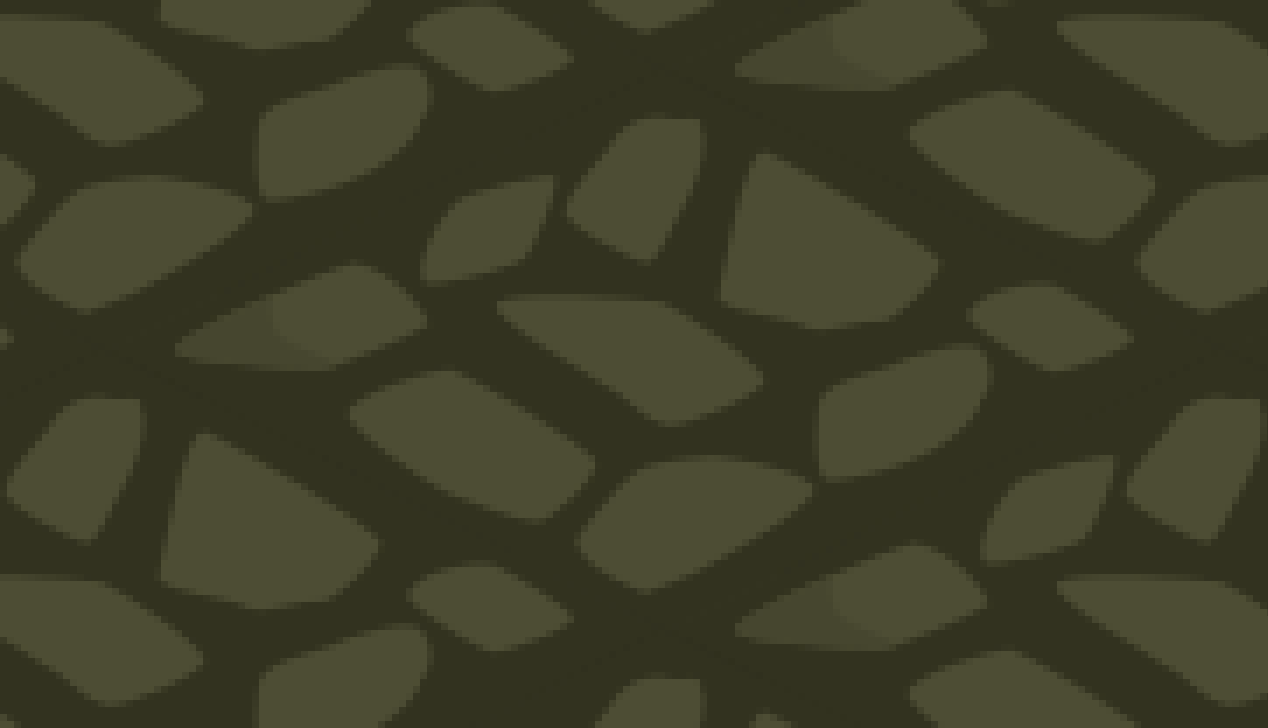
green is exported with antialiasing and red without
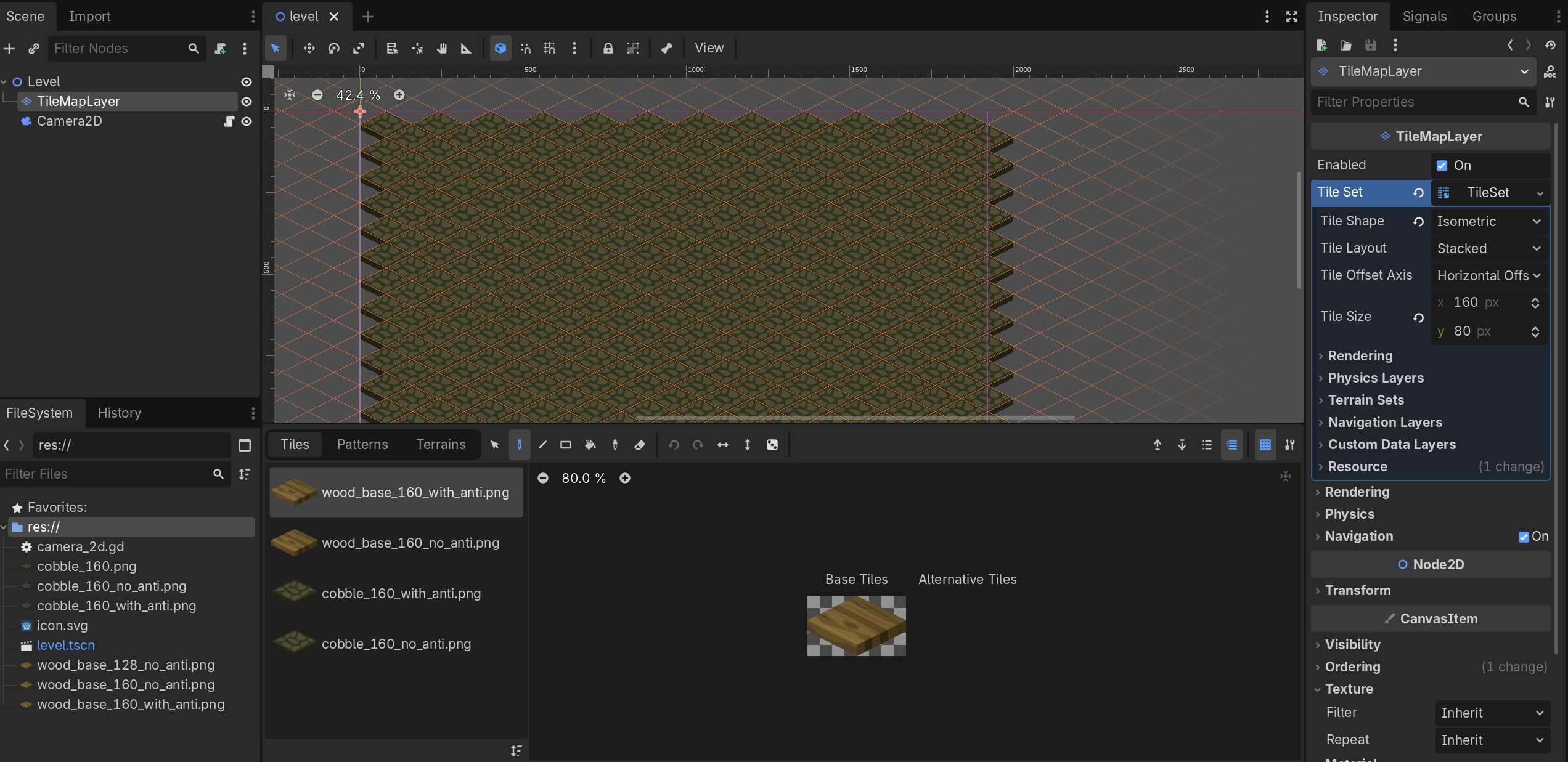
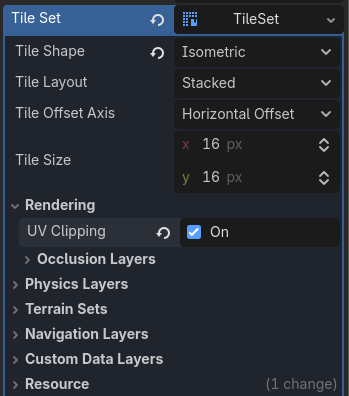
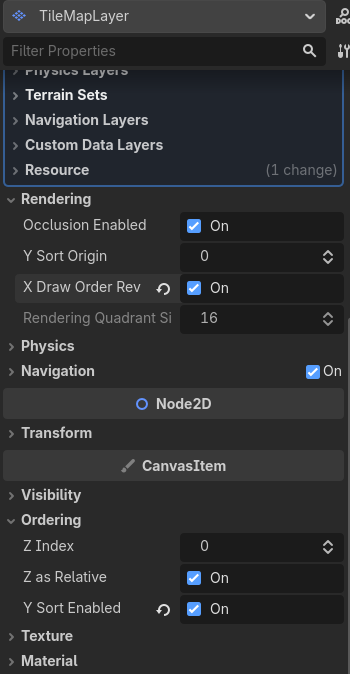
Yeah this seems more like an Alpha blend issue, which is pretty easy to fix in 3D, but I’m not sure about 2D. What’s your scene tree look like? How are you displaying these in the game?
One thing that gave me results even if not perfect but it improved a lot was filter called pixelize in Inkscape, it allows anti-aliasing inside the tile but not on the background making the seams barely visible, but I’m not sure why in some places it stills finds a way to create a seam, since the background has no anti aliasing I’m confused
I tried playing around with all the setting you mentioned but nothing really changed
The Pixelize filter also brings a new issue : connecting tiles of slightly different color will look jagged since no anti aliasing applied to the sides
This example is exaggerated but even a slight change in color will look weird
I asked on the Inkscape subreddit, but I’m not sure where else to ask either, the issue is 2D isometric art is heavily dominated by Pixel Art which obviously does not suffer from the anti aliasing issue, so finding good talk about this subject is hard.
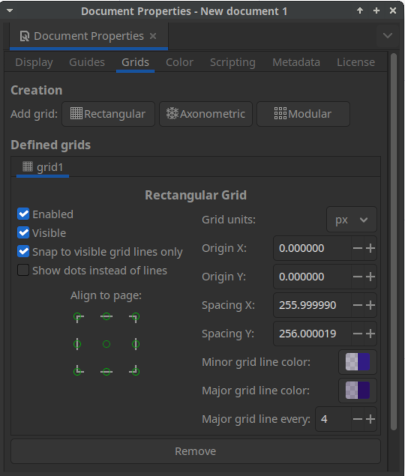
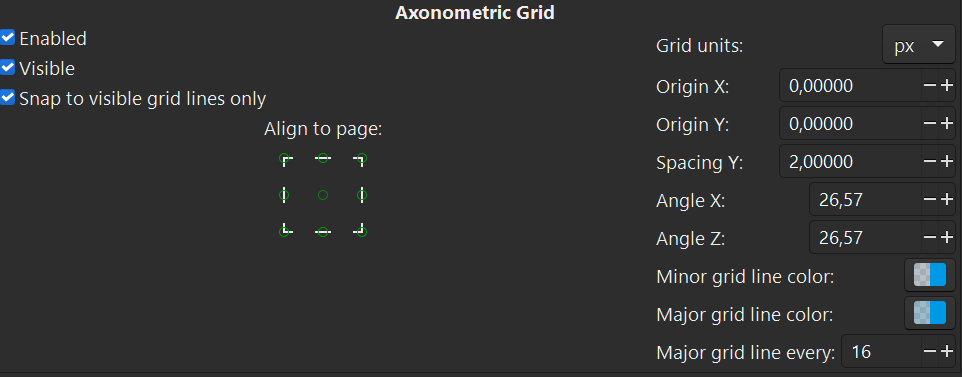
You mention resizing by half a pixel. Have you tried tried moving shapes for the tile, so that nodes snap directly to whole-number pixels on the grid in Inkscape? Also definitely turn anti aliasing off when exporting to png.
I’m not exactly sure I understand what you mean, my node are snapped to an isometric grid if that’s what you’re asking ? I’m assuming it makes them snap to whole number pixels ? I’m not sure