Issues with controls in a spaceship game

I’m currently developing a spaceship game for my kids, inspired by Solar Jetman for the NES. For testing, the ship simply rotates and flies forward. It’s a basic 3D model in a 2D scene.

The ship should rotate CCW when pressing left and CW when pressing right. Its thrust must propel it in the direction the nose is pointing, while also being influenced by gravity. I’m aiming to capture the physics and feel of Solar Jetman on the NES.

That said, I’m running into issues with the thruster mechanics and the overall handling. As a newcomer to Godot and GDScript, I tried relying on LLMs for help, but they only added to my frustration. I can share the current code if requested.

Any guidance would be greatly appreciated. Thanks to everyone who took the time to read this.

Please do share the code. Preferably in a preformatted block so it is easier to read.

In the interim, here is a method I created while learning Godot. Happened to be a space game as well. I found that it was easier to orient the ship in the direction it was traveling than to adjust the ship orientation and then change direction.

This method is from a class that inherits from CharacterBody2D.

# Points a ship in the direction currently traveled
# This works, but only call it once.  Otherwise ship will spin around center point.
func look_direction_traveled() -> void:
	# The transform is the offset of the way the ship initially pointed on a vector 
	# This essentially resets the offset
	var x_transform_angle = rad_to_deg(vector2_to_angle(transform.x))
	var y_transform_angle = rad_to_deg(vector2_to_angle(transform.y))
	rotation_degrees += x_transform_angle - y_transform_angle
2 Likes

Thank you very much for your response, that_duck. I highly appreciate it.

The code you provided worked well. I had to modify some of my other code but here it is:

extends RigidBody2D

@export var thrust_power: float = 3000.0
@export var torque_power: float = 800.0
@export var model_scale: float = 3.0
@export var max_speed: float = 250.0

@onready var model: Node3D = $Viewport3D/Model
@onready var viewport: SubViewport = $Viewport3D
@onready var ship_sprite: Sprite2D = $ShipSprite

func _ready() → void:
ship_sprite.texture = viewport.get_texture()

var glb_path: String = "res://spaceship.glb"
var ship_scene: PackedScene = load(glb_path) as PackedScene
if ship_scene:
	var ship_instance = ship_scene.instantiate()
	ship_instance.scale = Vector3(model_scale, model_scale, model_scale)
	model.add_child(ship_instance)

if model.has_node("Mesh"):
	model.get_node("Mesh").queue_free()

linear_damp = 0.0
angular_damp = 0.0

func _physics_process(_delta: float) → void:
if Input.is_action_pressed(“thrust”):
var facing_dir: Vector2 = Vector2.RIGHT.rotated(rotation - PI / 4) # +45 CW shift for back-thrust
apply_central_force(facing_dir * thrust_power)

if Input.is_action_pressed("turn_left"):
	apply_torque(-torque_power)
if Input.is_action_pressed("turn_right"):
	apply_torque(torque_power)

var facing_2d: Vector2 = Vector2.RIGHT.rotated(rotation)
var target_dir: Vector3 = Vector3(facing_2d.x, facing_2d.y, 0.001).normalized()
var right_dir: Vector3 = Vector3(0, 0, 1).cross(target_dir).normalized()
var up_dir: Vector3 = target_dir.cross(right_dir).normalized()
model.basis = Basis(right_dir, up_dir, target_dir)

func _integrate_forces(state: PhysicsDirectBodyState2D) → void:
var pos: Vector2 = state.transform.origin
pos.x = clamp(pos.x, 0.0, 6400.0)
pos.y = clamp(pos.y, 0.0, 3600.0)
state.transform.origin = pos

var vel: Vector2 = state.linear_velocity
if vel.length() > max_speed:
	state.linear_velocity = vel.normalized() * max_speed

The issue I am facing now is that the thruster seems wonky. For example, when I turn the ship towards the 9 o’clock mark (left side), it flies up. When I’m facing up, it veers It’s as if it is being applied from the left side of the ship itself. I’m still learning this, so I haven’t the foggiest as to what exactly is causing such erratic behavior.

I could try and post screenshots later on if necessary. I will keep working on it and report back if I accidentally fix it, somehow. :]

Thank you again for the response. It really did help us a lot.
1 Like

So if you get it working, great. You might have more luck using a CharacterBody2D instead of a RigidBody2D.

This video also might help you.

Do not use LLMs for Godot. They cannot tell the difference between versions, and they often give answers that were correct and are no longer correct, or make up names for function names and features that never existed. They will very helpfully lie to you.

3 Likes

Thank you for your input and video. 拝見いたします。

You’re absolutely spot on with your description of using an LLM. After hours of arguing with the LLM, I eventually gave up and started scraping whatever code I could from countless tutorials and adding to it. The code that_duck provided solved a lot of my headaches.

I will try to figure out the reason why the thrust seem to be applied from the left side of the ship and report back with any findings.

Thank you both for being so kind.

1 Like

You typically don’t want to use rigid bodies for players. They are very hard and frustrating to control, unless you’re willing to implement some form of PID control

2 Likes

Thank you for that reminder. I really don’t quite fully understand this and I’m learning as I go.

I changed the type to CharacterBody2D as suggested. I then adjusted the code in order to make it work with it.

I’m still having the same issue with the thruster shifting positions instead of being fixed to the back of the ship. It’s very strange.

If anyone has any input on this, I’m all ears. Or eyes. Hmm…

Thank you again, everyone. I’ll post my progress in a few hours.

Postscriptum,

Here is the current (messy) code if anyone’s interested:

extends CharacterBody2D

@export var thrust_power: float = 3000.0 # Thrust force magnitude
@export var torque_power: float = 800.0 # Rotation speed
@export var model_scale: float = 3.0 # Model size scaling
@export var max_speed: float = 250.0 # Maximum velocity cap

@onready var model: Node3D = $Viewport3D/Model # 3D model node
@onready var viewport: SubViewport = $Viewport3D # Render target
@onready var ship_sprite: Sprite2D = $ShipSprite # 2D sprite display

func _ready() → void:
ship_sprite.texture = viewport.get_texture() # Set sprite texture from viewport

var glb_path: String = "res://spaceship.glb"  # GLB file path
var ship_scene: PackedScene = load(glb_path) as PackedScene  # Load GLB as scene
if ship_scene:
	var ship_instance = ship_scene.instantiate()  # Instantiate GLB
	ship_instance.scale = Vector3(model_scale, model_scale, model_scale)  # Apply scale
	# Removed Y:180—dynamic back-thrust via offset
	model.add_child(ship_instance)  # Add to 3D model node

if model.has_node("Mesh"):  # Remove placeholder mesh if present
	model.get_node("Mesh").queue_free()

Points a ship in the direction currently traveled

This works, but only call it once. Otherwise ship will spin around center point.

func look_direction_traveled() → void:
# The transform is the offset of the way the ship initially pointed on a vector
# This essentially resets the offset
var x_transform_angle = rad_to_deg(vector2_to_angle(transform.x))
var y_transform_angle = rad_to_deg(vector2_to_angle(transform.y))
rotation_degrees += x_transform_angle - y_transform_angle

func vector2_to_angle(v: Vector2) → float:
return atan2(v.y, v.x)

func _physics_process(_delta: float) → void:
if Input.is_action_pressed(“thrust”): # Apply thrust when Space pressed
var facing_dir: Vector2 = -Vector2.RIGHT.rotated(rotation) # Thrust opposite nose, from back
var back_offset: Vector2 = -transform.y * model_scale * 0.5 # Dynamic back offset
velocity += facing_dir * thrust_power * _delta # Thrust via velocity
position += back_offset * 0.01 # Approximate offset effect (CharacterBody2D limit)

if Input.is_action_pressed("turn_left"):  # Turn left (CCW) when A pressed
	rotation_degrees -= torque_power * _delta / 2  # Slowed by 50%
if Input.is_action_pressed("turn_right"):  # Turn right (CW) when D pressed
	rotation_degrees += torque_power * _delta / 2  # Slowed by 50%

velocity -= Vector2(0, -245) * _delta  # Apply gravity (75% of 980)

if velocity.length() > max_speed:  # Cap maximum speed
	velocity = velocity.normalized() * max_speed

move_and_slide()  # Move with collision handling

var facing_2d: Vector2 = Vector2.RIGHT.rotated(rotation)  # Current facing direction
var target_dir: Vector3 = Vector3(facing_2d.x, facing_2d.y, 0.001).normalized()  # Target for basis
var right_dir: Vector3 = Vector3(0, 0, 1).cross(target_dir).normalized()  # Right vector
var up_dir: Vector3 = target_dir.cross(right_dir).normalized()  # Up vector
model.basis = Basis(right_dir, up_dir, target_dir)  # Update 3D model orientation

Update:

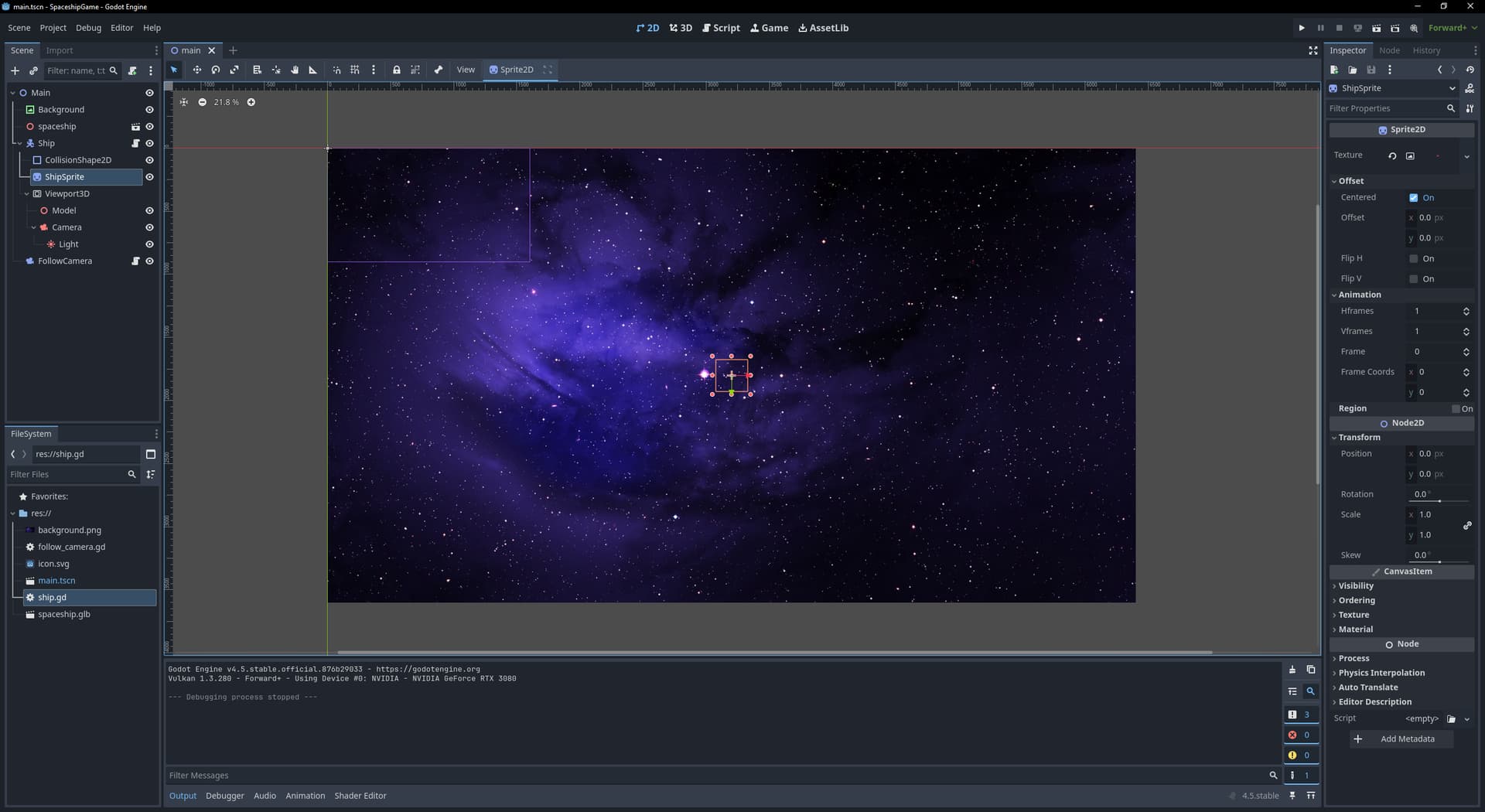
I think I figured it out the issue but I am unable to fix it. I posted a screenshot towards the end for visual aid. I am only allowed to post one as a new member, unfortunately.

It seems as though the ShipSprite (Sprite2D) and the ship’s spin fall out of sync. I’ll try my best to describe it in hopes that someone understands the issue.

The ship is rendered as a 2D sprite (ShipSprite, a Sprite2D node) in the main 2D scene, displaying a texture from a SubViewport (Viewport3D) that captures a 3D scene. Here’s the flow:

The ship is rendered as a 2D sprite (ShipSprite) in the main scene, displaying the output of a SubViewport (Viewport3D) that captures a 3D scene with the GLB model under a Node3D (Model).

The Camera3D (orthographic) inside the SubViewport renders the model to canvas_texture, which is assigned to the Sprite2D’s texture. The Sprite2D should inherit the CharacterBody2D’s position and rotation, but I don’t think this is the case.

I used the suggested CharacterBody2D. When I spin the ship, the back of the ship should remain parallel to one of the edges of the ShipSprite’s box. However, it seems that the box spins at a slower rate.

I noticed that when I uncheck “Centered” on the ShipSprite, the box spins from the bottom-right corner, which makes the ship spin in circles rather than from its center.

I really would love to hear from anyone who could shed some light on this.

Image:

Does it work properly if you use a static premade texture for the sprite?

Honestly, while the thought has crossed my mind, I used a basic 3D model for testing purposes due to my desire to have a bit of flare to the ship’s graphic and movements. Eventually, I’d like to add things like showing different parts of the ship when I turn into a certain direction or when I take sharp turns, simple animations, etc. I do have some experience in 3D modeling and digital arts, so I figured I’d mix the two. It’s a tad ambitious for a beginner in Godot, but I do enjoy a (fun) challenge.

I did somehow manage to fix the whole out-of-sync Sprite2D box. Though I seem to have forgotten what I did to fix it. :smiley:

The only thing I am having issues with now is the fact that I have to do two full turns in order to orient the thrust in the desired direction. It’s weird. It’s as if the thrust or ship (Spride2D) have an offset, even though I have Centered turned on. I wonder if something’s overriding it somehow. When I do turn off Centered, the ship spins in full circles rather than spin from its center. It could also be something in the code, which is the part that’s really eating away at my soul. In fact, I am leaning more towards the latter.

I will continue to look at it and post my results on here. I have learned quite a bit in the past few hours, so that’s something.

Thank you again for your input. If all else fails, I may just try a static 2D sprite until I can figure out how to get a 3D one working properly. :+1:

I’m making a game right now that is a 3D world inside a Viewport for a display on a 3D TV. I’d recommend you think about just going 3D and using an Orthographic camera if you want it to look 2D.

2 Likes

Come to think of it, that’s sound advice. I may just go this route afterall.

Interesting screenshots. May i ask what’s it about? Looks like a platformer.

Thank you.

1 Like

It is. It’s for a game jam. https://dragonforge-development.itch.io/skele-tom It’ll be up no later than Sunday.

Wicked! I tried the link and got a 404 error. I’ll check back on Sunday. :+1: Thank you.

1 Like

Yeah I haven’t published the page yet. I wasn’t sure what you’d see. I was actually hoping a direct link would work, but the game isn’t there. It’s just a placeholder page now so I can write devlogs.