Can anyone help me figure out why these collisions are so messed up?
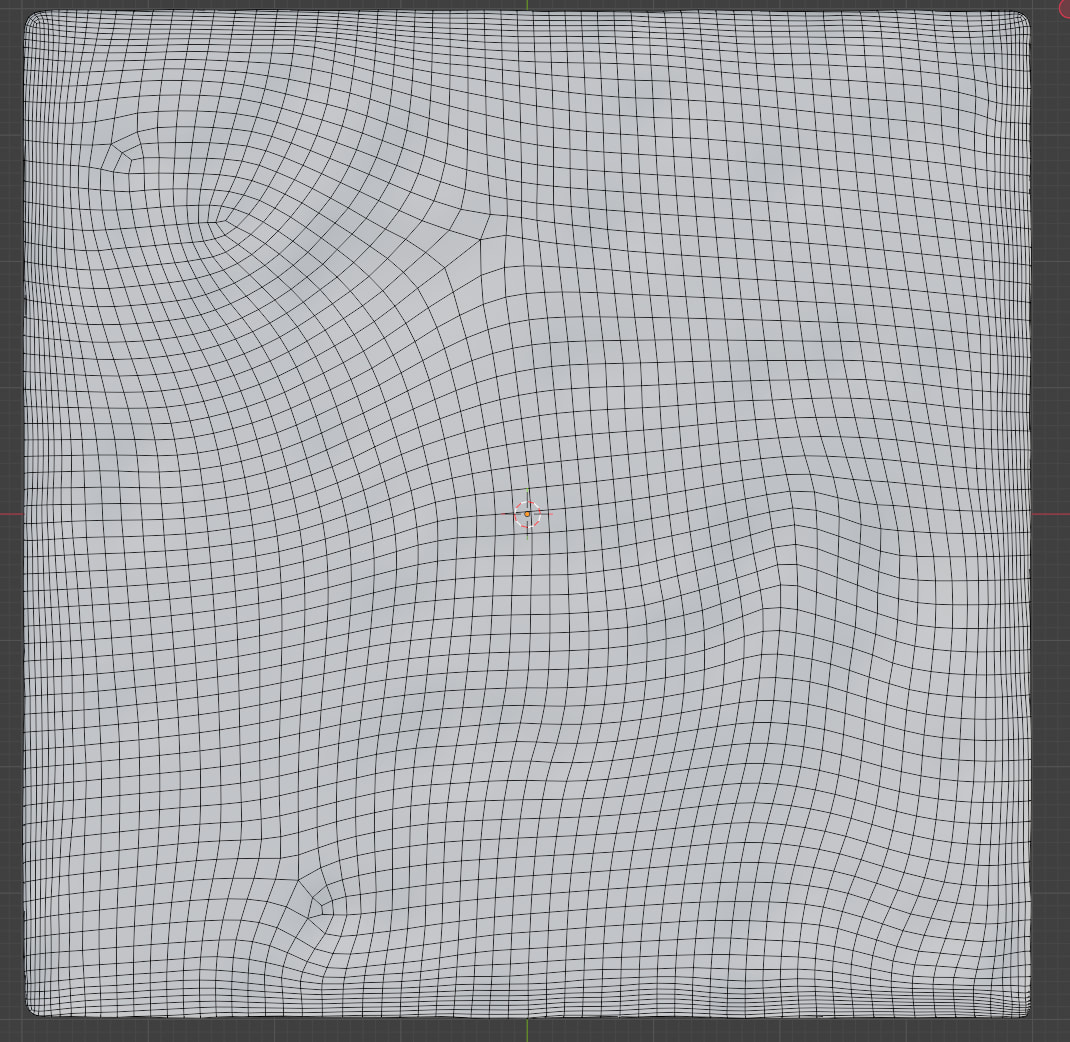
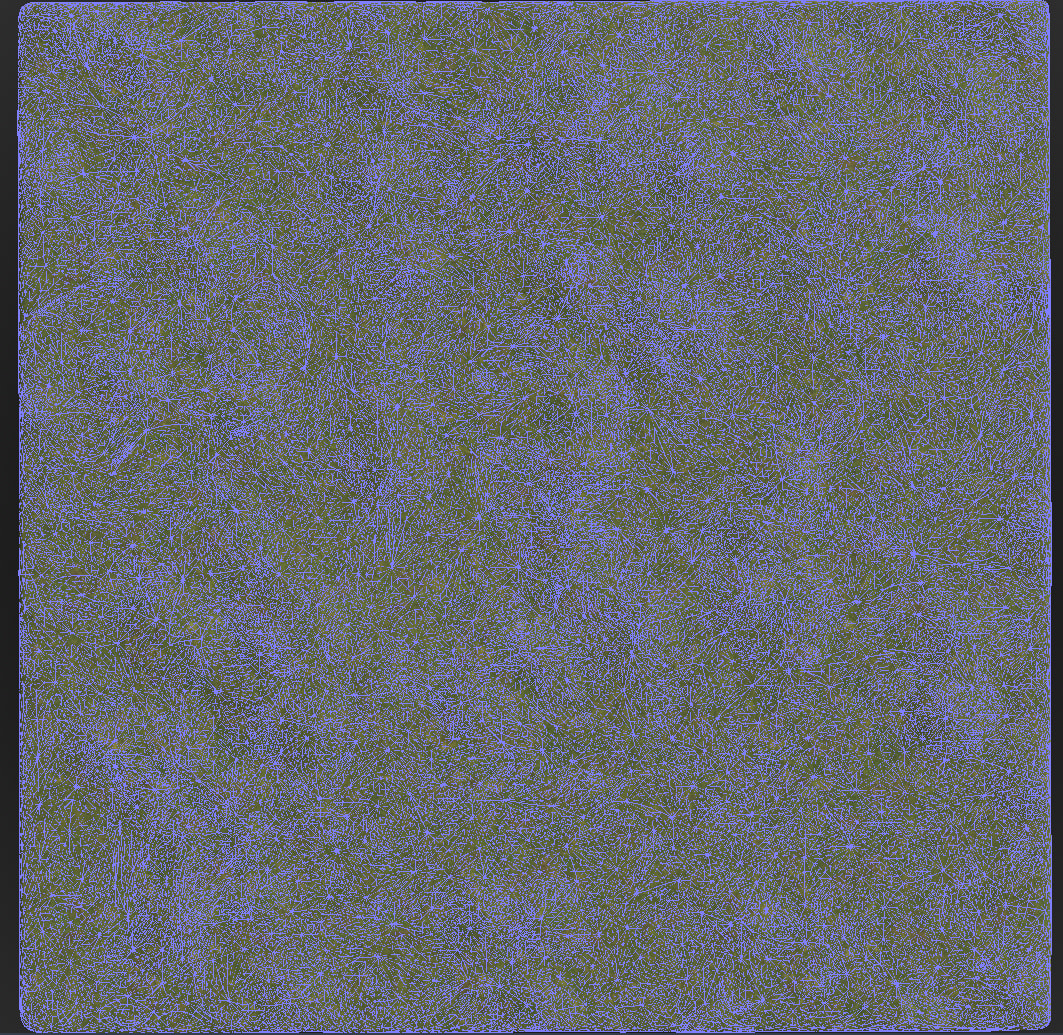
First of all, when I import the .gltf from Blender with a separate “-colonly” mesh included, which is supposed to define the collision for the object (in this case the ground), Godot still recalculates another collision shape (mainly the vertex connections) for the mesh.
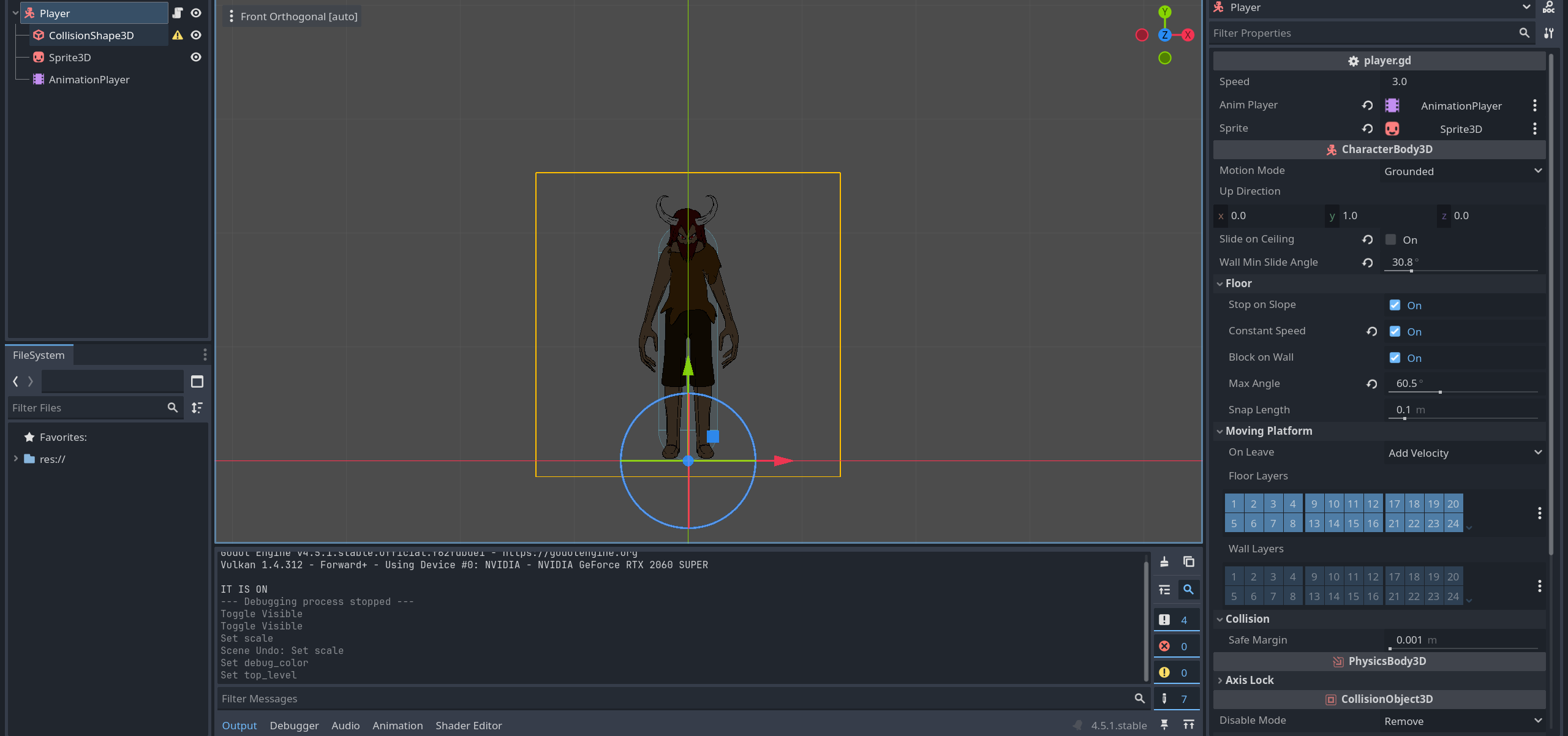
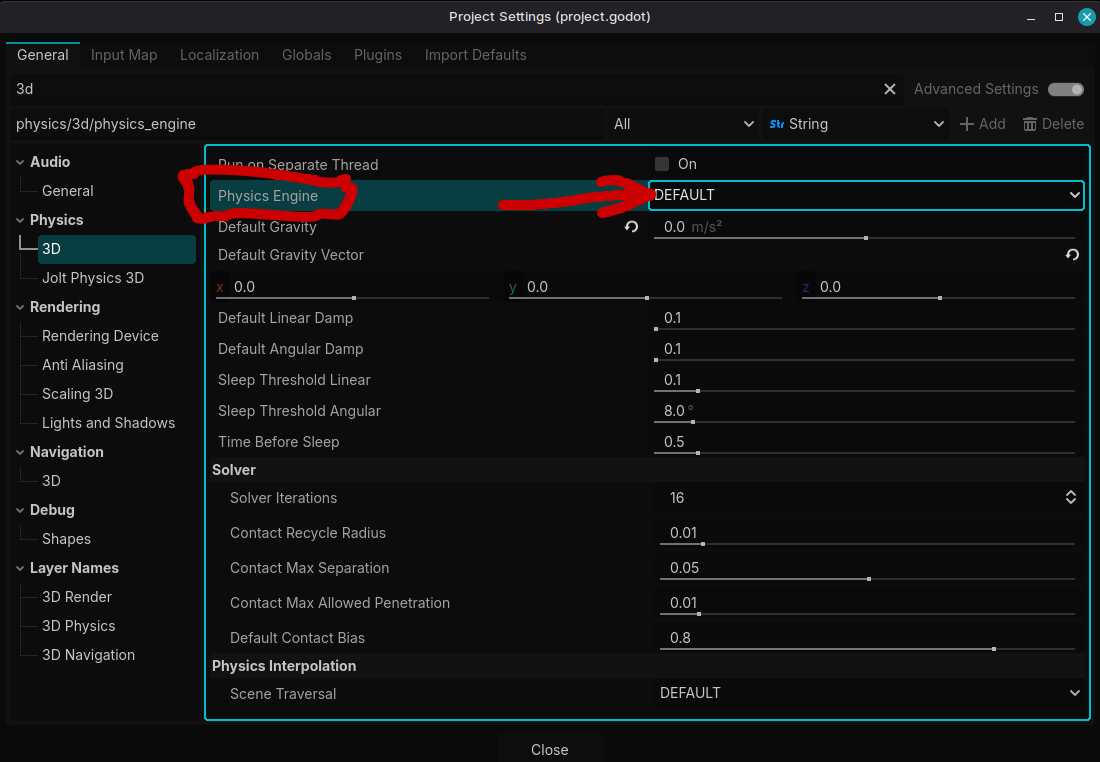
But most importantly, the character has this jagged movement and sometimes gets stuck on the surface for which I can’t determine the actual cause. Is it the CharacterBody3D settings or the mesh itself. The character uses a simple capsule collision btw.
Also some of the jittering is from binding of the camera position and the player position, if you can add a deadzone where the camera doesn’t move (when the player is near the center of the screen) and then move the player when they reach the end of the deadzone.
To your credit, jagged movement is actually not a big problem since I can add camera smoothing. The real issue is getting stuck on top of the small hill as you can see (if you managed to open the video). I don’t know what to blame other than bad collision topology.
Thanks for the comment!