Hello everybody! I’ve been working on Lands of Fury for couple of years. I still have a long way to go, but I’m really happy that I can share a playable demo with you You can try it out on Steam!
About the game
You crash at the base of a Metra mountain that does not let you climb it quietly. Your goal is at the peak.
Each run takes you through a mix of explorable areas, tight paths, and brutal arena fights. One moment you’re scouting ahead and choosing your route — the next you’re locked in, surrounded, and forced to fight your way out.
Shape your play-style through the gear you find and the combinations you create — from controlled, precise combat to overwhelming, screen-filling destruction.
Fight alongside companions you can actively command, turning every encounter into a mix of action and control.
Thank you for the feedback. The banner was definitely the part I struggled with. I spent quite a bit of time working on it in inkscape (I’m terrible with vector art)… But I’m still guilty of being inspired by AI art . Can anybody recommend a good/affordable steam capsule artist? (I know that good and affordable don’t go together, but I’m currently running on fumes )
The glowing circle represents ALMA, a high-tech companion device that follows you throughout the journey. I wanted it to feel like something that hints at advanced technology without overpowering the scene.
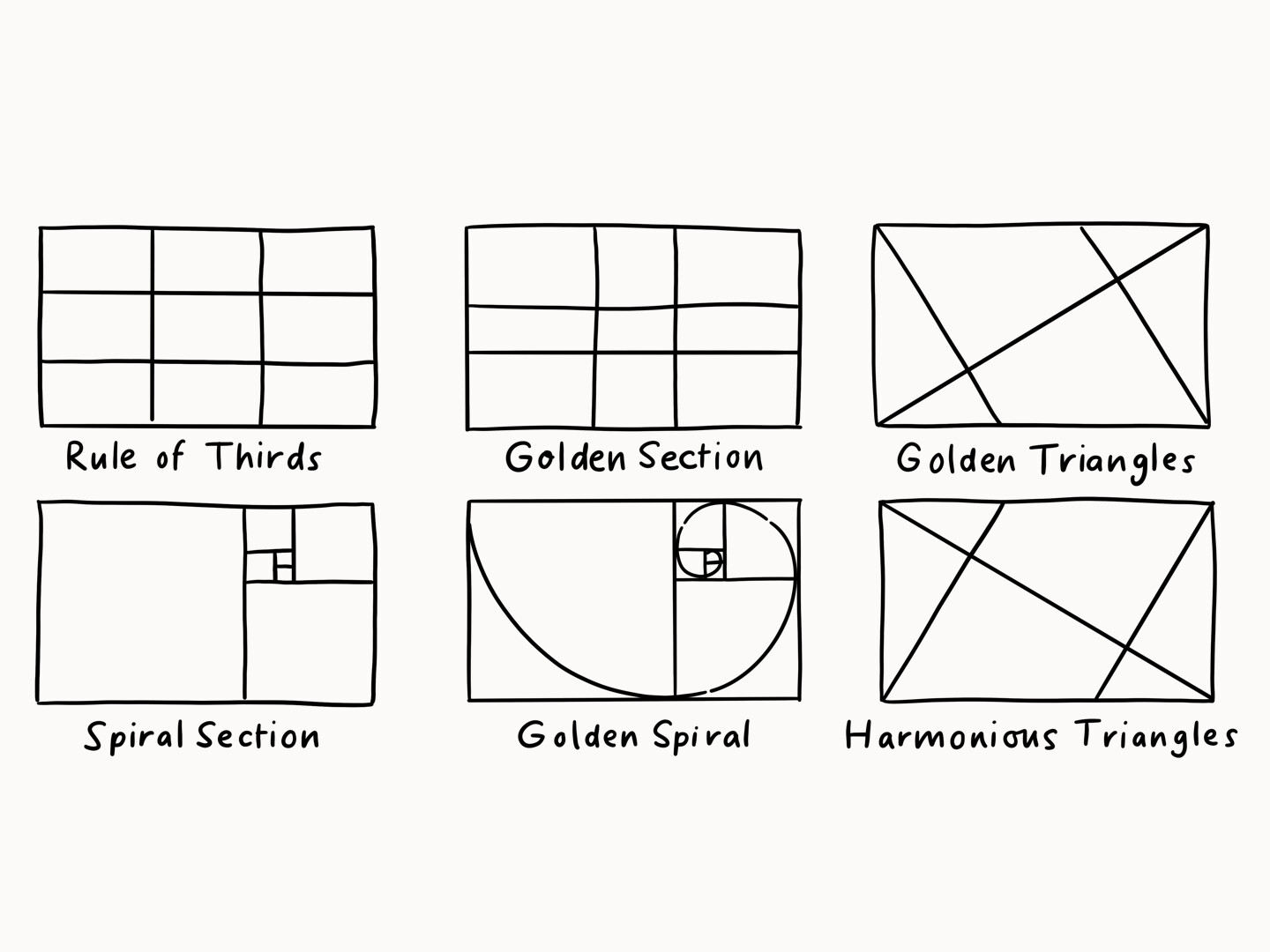
With the composition I tried to follow the rule of thirds:
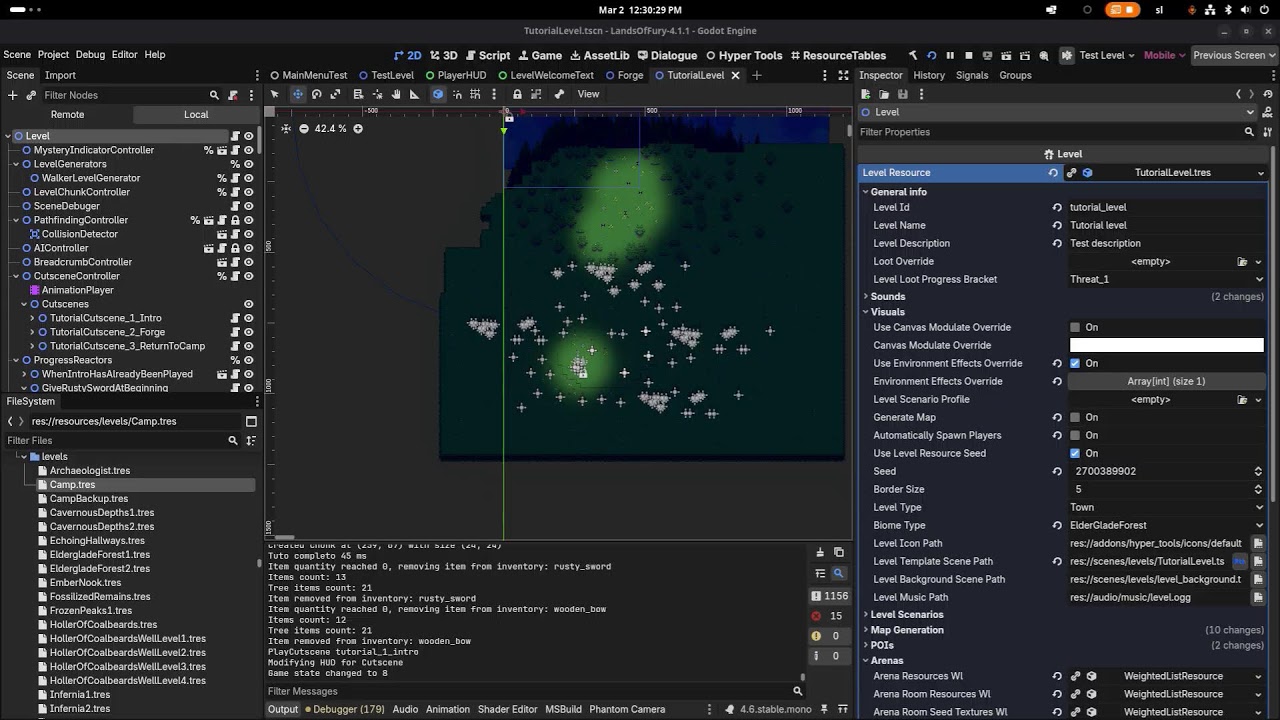
Never used blender before only aseprite and inkscape. By any chance, do you know of any examples of this technique used in other capsule art? You’re right… mine looks too much flat. I tried adding fog etc. but still… it just doesn’t look that good.
Learning to use Blender well is well worth the effort, even if you’re going to make 2D games. I have zero art skills, but Blender makes it possible for me to make art for my games. I still suck at organic forms, but I get better results from Blender than I could ever get from 2D efforts. I think a few months (or longer, depending on the time you have available for learning and practice) of study of modeling and animation with Blender will get you to a state of acceptable productivity.
I work mostly in 3D, but I have tinkered with 2D games from time to time. Blender makes things possible for me that are, and always will be, beyond my 2D abilities. For example, getting a set of 2D frames for animations (walk, attack, response, etc.) becomes very easy once a character is rigged and animated in 3D. Blender will output each frame of an animation as a separate file, and takes care of all the hard parts of drawing (form, lighting, scale, transformations).
The cherry on top is that whatever you create will be available to you if you want to migrate to learning 3D game making.
Played it a little. Here are my initial impressions playing with an XBox controller.
I really liked the music. Well done.
The story seems rather creative with snakes to new levels and ALMA.
The game looks really good. Very attractive UI.
Left stick doesn’t work in UI.
No Graphics Settings (I couldn’t window it and move it.)
Can’t change monitors (I had to run it on my primary monitor which is not the one I use for gaming.)
The B button on controller does not go back in menus.
The tutorial does not tell you what button to use to open your inventory.
Selecting Gothr in the tutorial inventory give “No Inventory Message” as details.
There’s no indication that X is the button for equipping the Go There command to a slot.
I did not enjoy how slow the player moves. I felt like the default walk speed was molasses.
I did not like having to target with the right stick separating facing from moving. Maybe I’d get used to it, but I’m used to left stick being all I need to face my opponent. Felt like playing a tank game. (I don’t like those.)
I still have to add settings for graphics and controls remapping. On my todo, but I had to get out the demo. Pressured by the deadline
Will try to add the left stick for menu navigation - but for some weird reasons input detection wasn’t reliable with the sticks, sometimes it behaved like it double pressed etc… And I’ve been developing on linux and some stuff that is buggy on linux is not buggy on windows anyway I’ll take additional look at it.
Maybe I can mitigate the movement speed issue with a cartridge skill, if you level up and assign a point in it - movement speed +10% or something like that. What do you think about that? Also There are some runes that you can find that temporarily boost your movement speed - but that’s for the limited time. Then again I’m planning on adding more companions and some of them could have a passive that boost movement speed of the party. Looking forward for more opinions on this one.
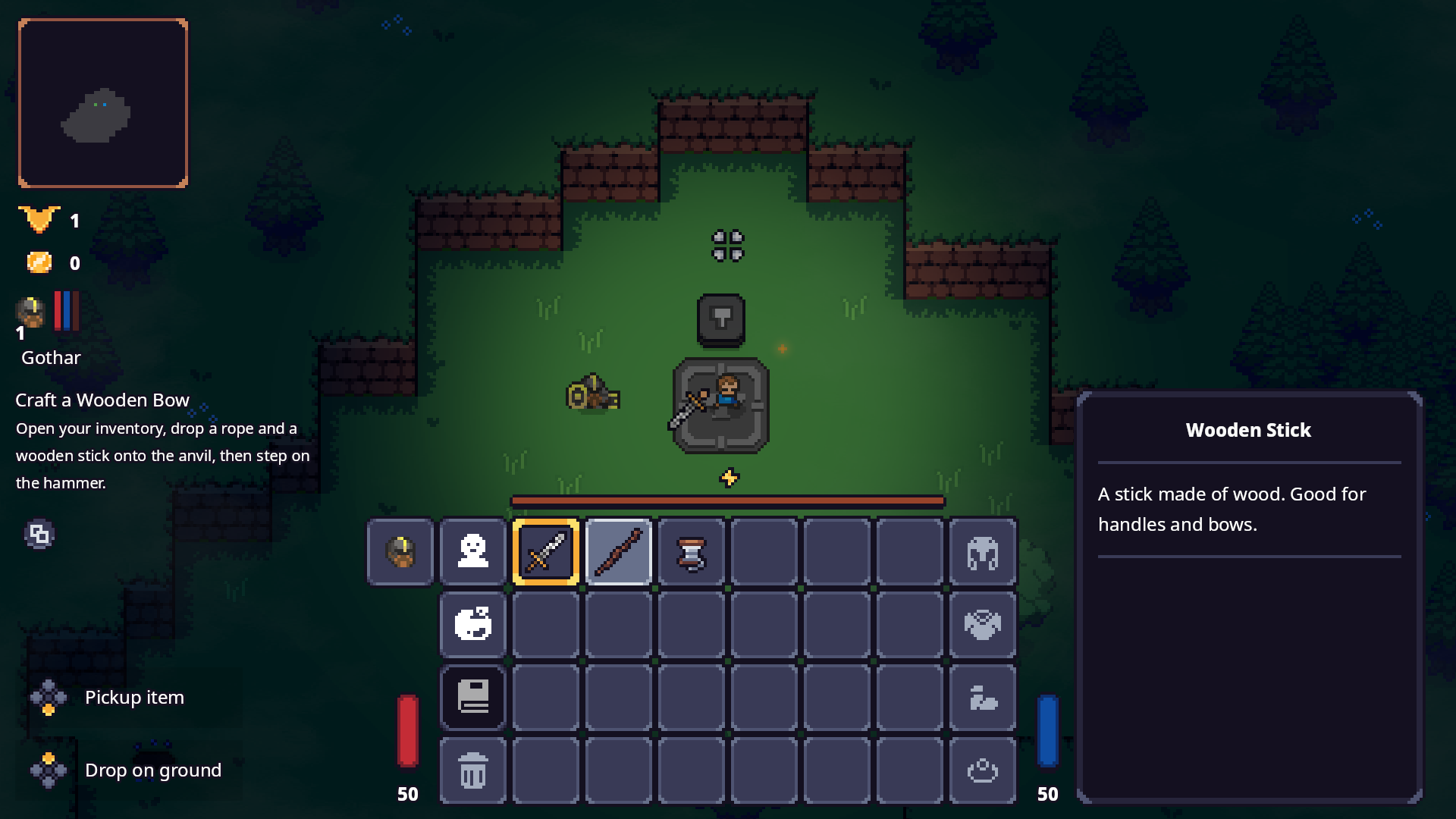
Earlier today I had a similar complaint - the player didn’t know how to drop stuff on the forge… I’ve patched the game couple hours ago… so it should show the input glyphs (tab or back button) under the objective I guess it’s not good enough. I had text next to it but it cluttered everything… now that I think more about it… maybe I could tween the scale of it?
With movement I wanted to achieve that the player would have the ability to move backwards and shoot in the opposite direction of his movement seemed like a good idea when facing a lot of enemies in a tight space.
I think those are good things. But I would recommend upping the base movement speed a bit because it just feels really slow. It is also pretty impossible to progress because it’s really hard to dodge. Maybe I’m missing something, but I go into a dungeon with waves, and I’m toast, but I don’t know how else to progress through a level.
So bonuses don’t matter if you cannot get to them IMO.
With shooting, that makes more sense. But since you start with a sword, and I can’t craft a bow, it’s weird. But still it got better.
Overall the game has a lot of potential, but since I don’t keep anything when I die, this seems more like a roguelike than a roguelight. I’ve tried like 4 times and gotten nowhere except I have some merchants in my camp I can’t afford. If you’re going for a difficult entry point, then it’s going well. If not, consider how you might make it easier to progress in the beginning.
I have a couple of questions that would really help me:
Did you notice that dungeon difficulty depends on how many decorations are around the hole? Did you die more often in the dungeon with one purple scale next to it? The fewer decorations there are, the easier the dungeon. I’m thinking about changing this because it doesn’t seem obvious enough. Currently, I only display the difficulty in the loading hint text and via small decoration hints.
How many meta coins did you earn? (Next to the gold icon, there’s a meta coin icon in the left corner.) After the first death, I grant enough bonus experience (300) to earn at least one coin. It can be spent at Izzy’s shop in the camp. I’d suggest buying the Brawler Cartridge or Second Wind first. One increases base melee damage; the other provides a healing passive with a 2-minute cooldown that triggers when health drops below 25%.
Did you get any opportunities to buy potions from Snap in the dungeon, or did you die before that?
Did you level up during the game? Most importantly, did you spend your level-up points in ALMA?
I’m also considering adding difficulty modes:
Easy – Start in the camp with a rusty sword, fire rune, and a wooden bow.
Normal – Same as now: start with only the rusty sword.
I did not notice the decorations, but now that you mention it I wondered what they were. A pop-up when you walk over the first one telling you about that would be super helpful.
TBH, I that was an armor icon and was my AC or something. In Izzy’s store I saw prices of 1 M and 2 M, assumed that meant 1 Million coin and that was a late-game shop and never went back.
I died in wave 1-3 every time.
Never leveled up. I am still level 1 and have 0 of 60 xp. I think just not losing all your xp when you die would make this a much better experience.
I think that it makes sense if you play the tutorial, you keep the stuff. I’ve yet to find a rope to even build a bow.
I’m starting to get complaints about movement speed from others as well… and that run eats energy… now I’m leaning heavily forward to remove the energy penalty from running. Opinions anyone?
More improvements, fixes, and quality-of-life updates are live!
Version 0.3.9
Features & Improvements
• Added controller vibrations
• The overworld now almost certainly spawns 1 chest containing at least one rune
• Bandit Horseman – danger on four legs
• Increased the hitbox size of the Boss Golem
Version 0.3.8
Quality of Life & Fixes
• Removed energy drain from running
• Added ability to toggle run (Left Stick Press / Caps Lock)
• Added indicator showing how many unspent stat/skill points your party has
• Small text improvements in the tutorial
• Fixed knockback issue that could send you across the screen
 You can try it out on Steam!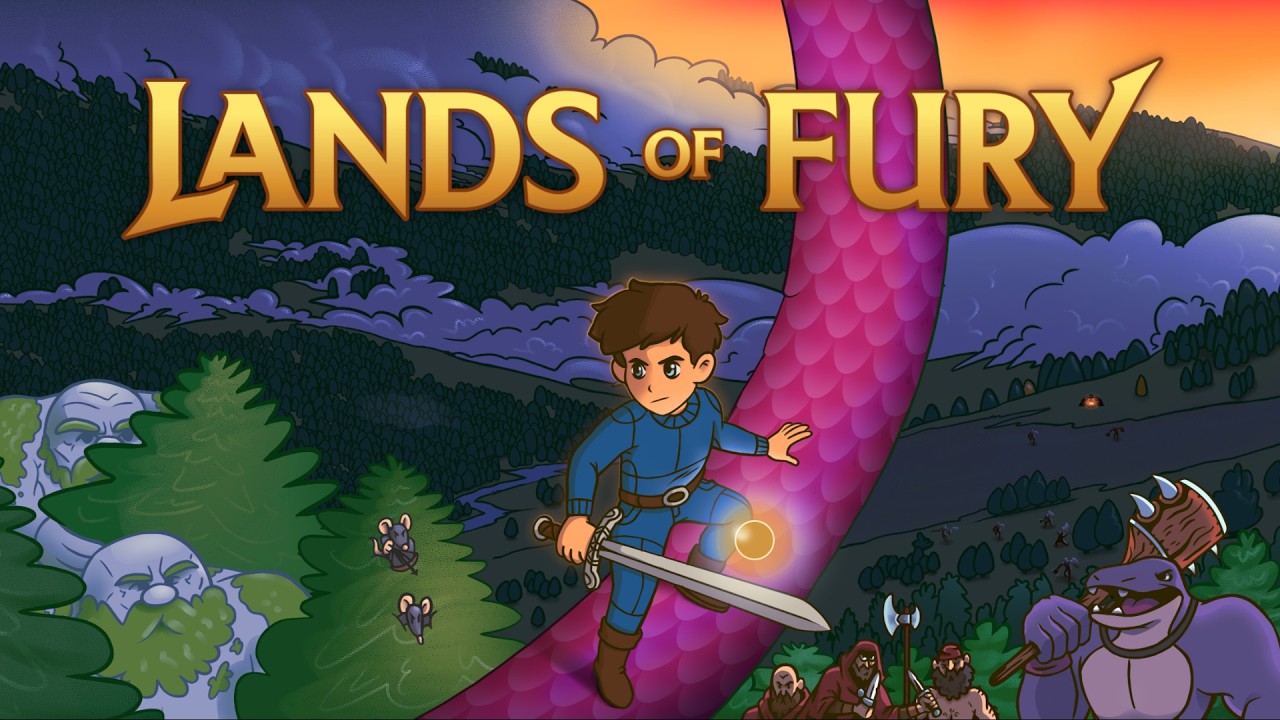
 . Can anybody recommend a good/affordable steam capsule artist? (I know that good and affordable don’t go together, but I’m currently running on fumes
  )
)


 seemed like a good idea when facing a lot of enemies in a tight space.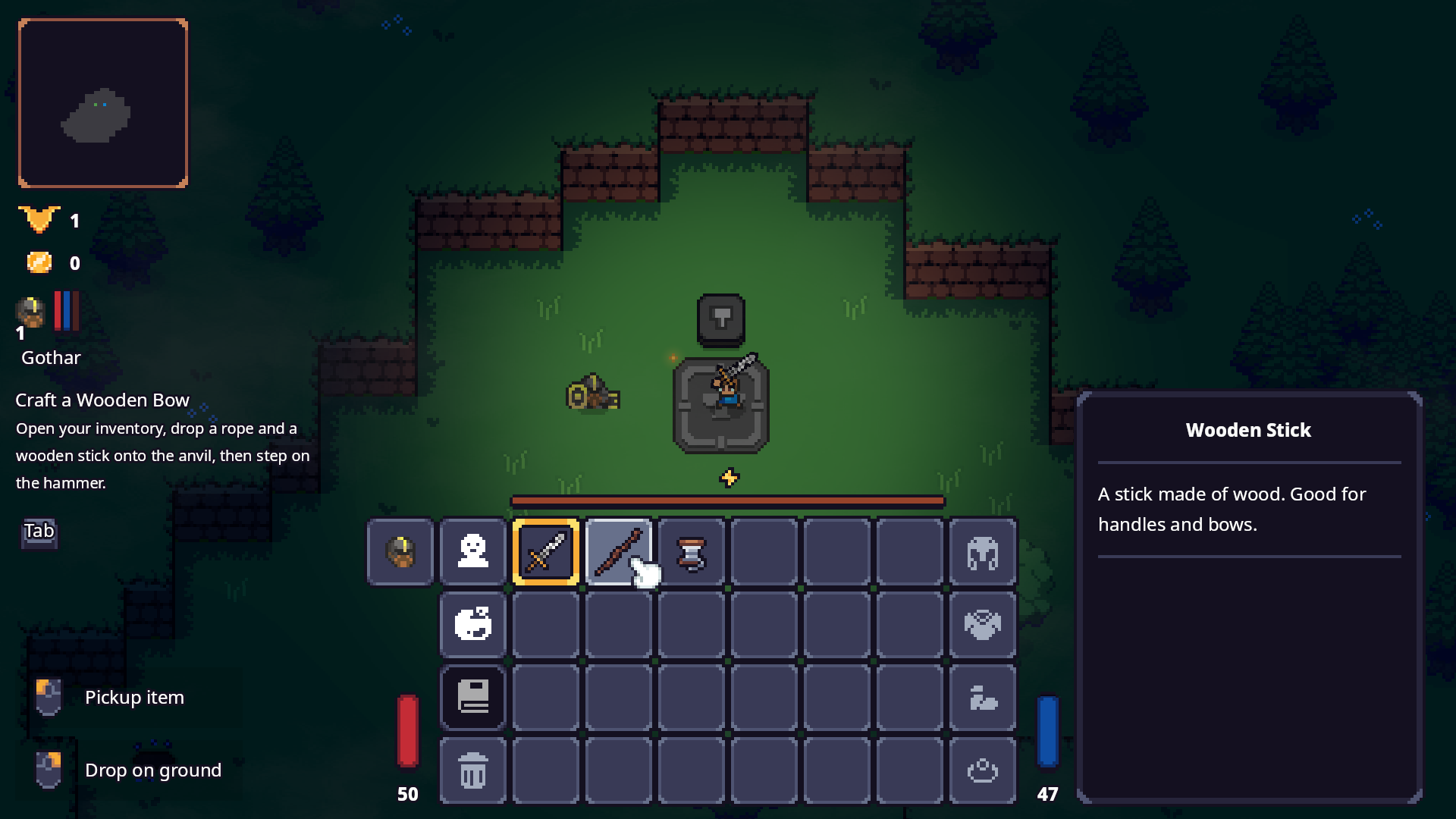
 Green Head – Easy
 Yellow Head – Medium
 Red Head – Hard
 The build is public and should be available for everyone