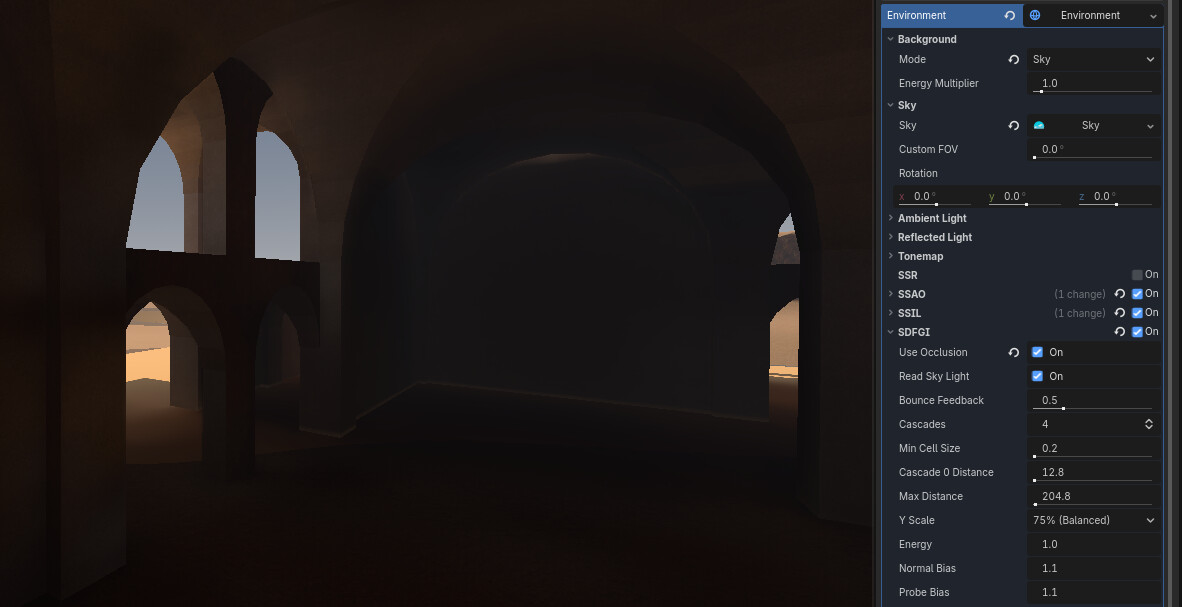
Go to blender and anable culling there:
(last option on screenshoot) on blender 5.2 it should look diferent (I use an older version)
and reexport.
you should do this on all moddels to gain performance.
note (if your faces are not facing the right way then you have to recalculate the normals: https://www.youtube.com/watch?v=NT_ozJW8v50 )
hope this helps.
HINT: voxel gi may look just as good as sdfgi but with a bit better performance (at least on my machine).
Yora
October 12, 2026, 11:01am
23
Chcking all the culling options in Blender makes the leaking in Godot different, and considerably less with Supersampling. But it’s still there with SDFGI. I’ll check if the other options work better, which will take a moment.
Though it would surprise me.
Are the moddels now just rendered from outside?
If you set it to back culling in godot but not anable it in blender it should still be rendered from inside in godot. (I think)
Yora
October 12, 2026, 11:09am
26
Looks a lot less bad, but still not good. The ceiling in that corner has always been the worst.
Somehow VoxelGI doesn’t seem to do anything right now.
I thik you should not use both voxel GI and sdfgi.
Yora
October 12, 2026, 11:11am
28
Yes, I have that turned off.
and they are fulli sealed? bc if not the light may go trought the back of the moddel on non sealed places.
Yora
October 12, 2026, 11:17am
30
LightmapGI seems to be mostly working now. The great hall looks good, but there’s still a bit leaking on the floor on the smaller outer corridors.
So that’s something.
Good to know for the future. Though I think for a game with a Day-Night cycle this is not actually an option for outdoor areas.
Yora
October 29, 2026, 8:10am
31
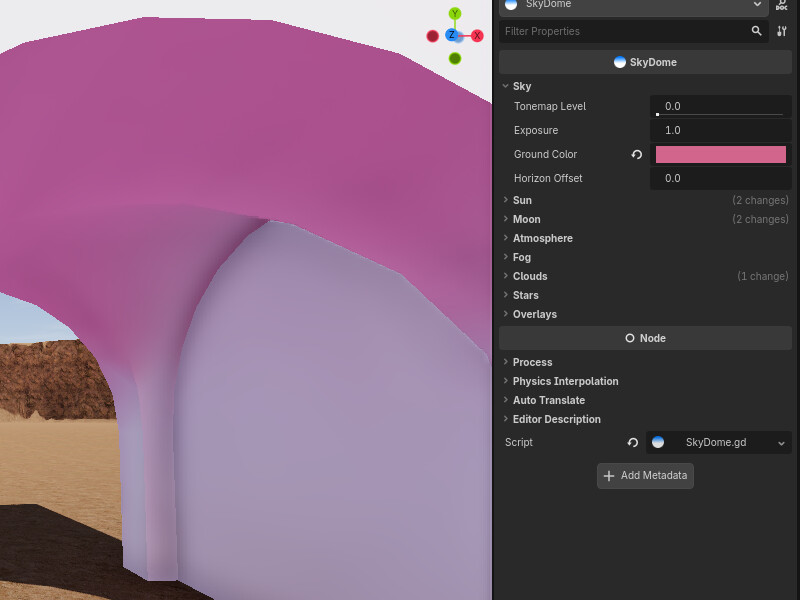
New update on the discoloration situation:
It’s definitly coming from the Sky’s Ground Color.
Setting it to a neutral light gray makes the discoloration go away and simply causes a mild darkening on the underside of ceilings.