Hello, Currently i attempted to follow the export to android tutorial in order to create an apk I could upload to google drive and download on my phone to test a game since I do not have the proper cable for 1 click deploy.
However, I have tried several different pathways following the following exporting for android documentation Exporting for Android — Godot Engine (stable) documentation in English
the android SDK path seems to work:
/Users/myname/Library/Android/sdk
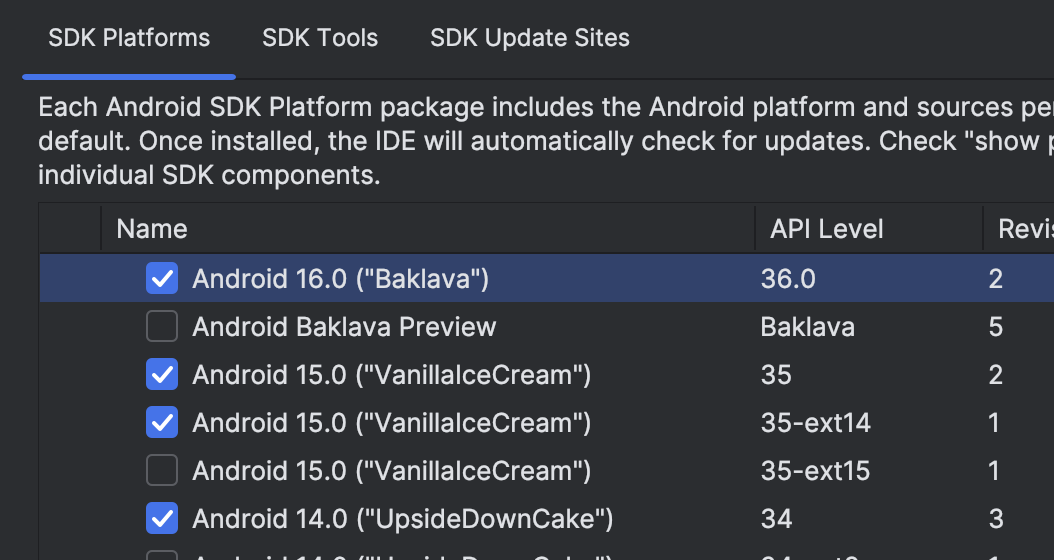
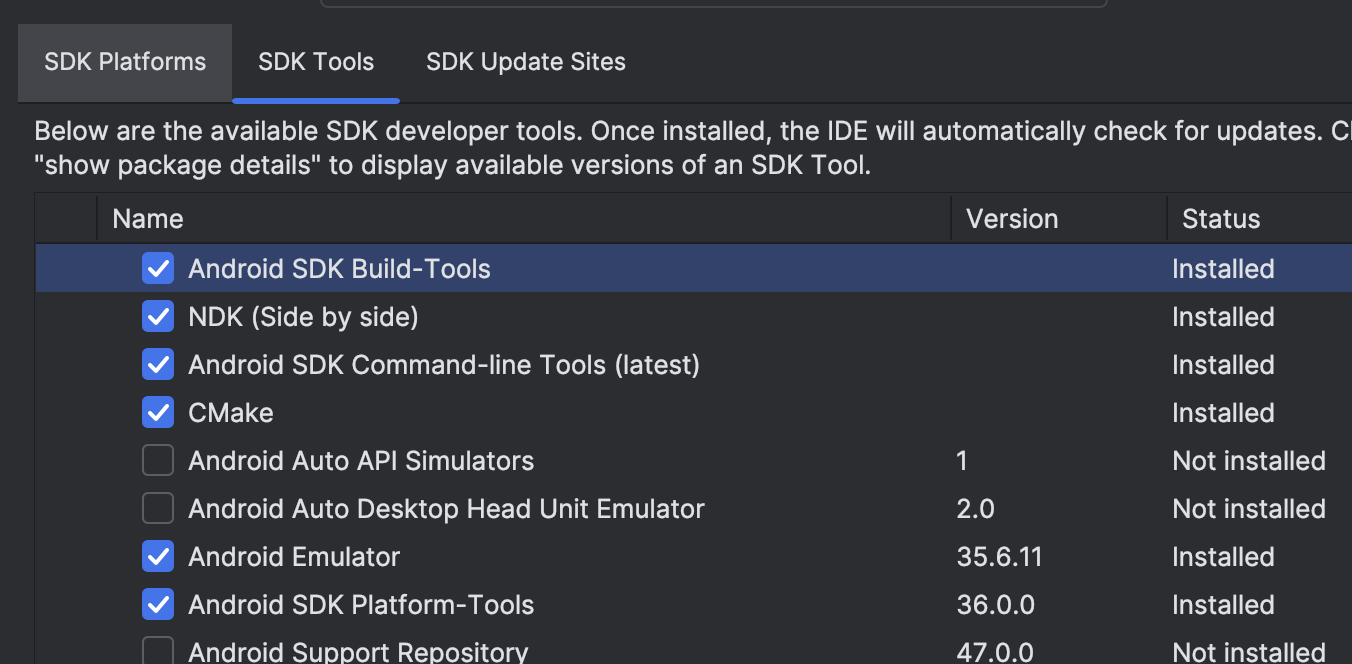
the folllowing tools are installed in android studio in the sdk manager section with the android sdk location: /Users/myname/Library/Android/sdk
however In the jdk pathways, I have a temurin folder and a jdk-24 folder, I have tried the following directories for both:
/Library/Java/JavaVirtualMachines/jdk-24.jdk/Contents/Home/bin
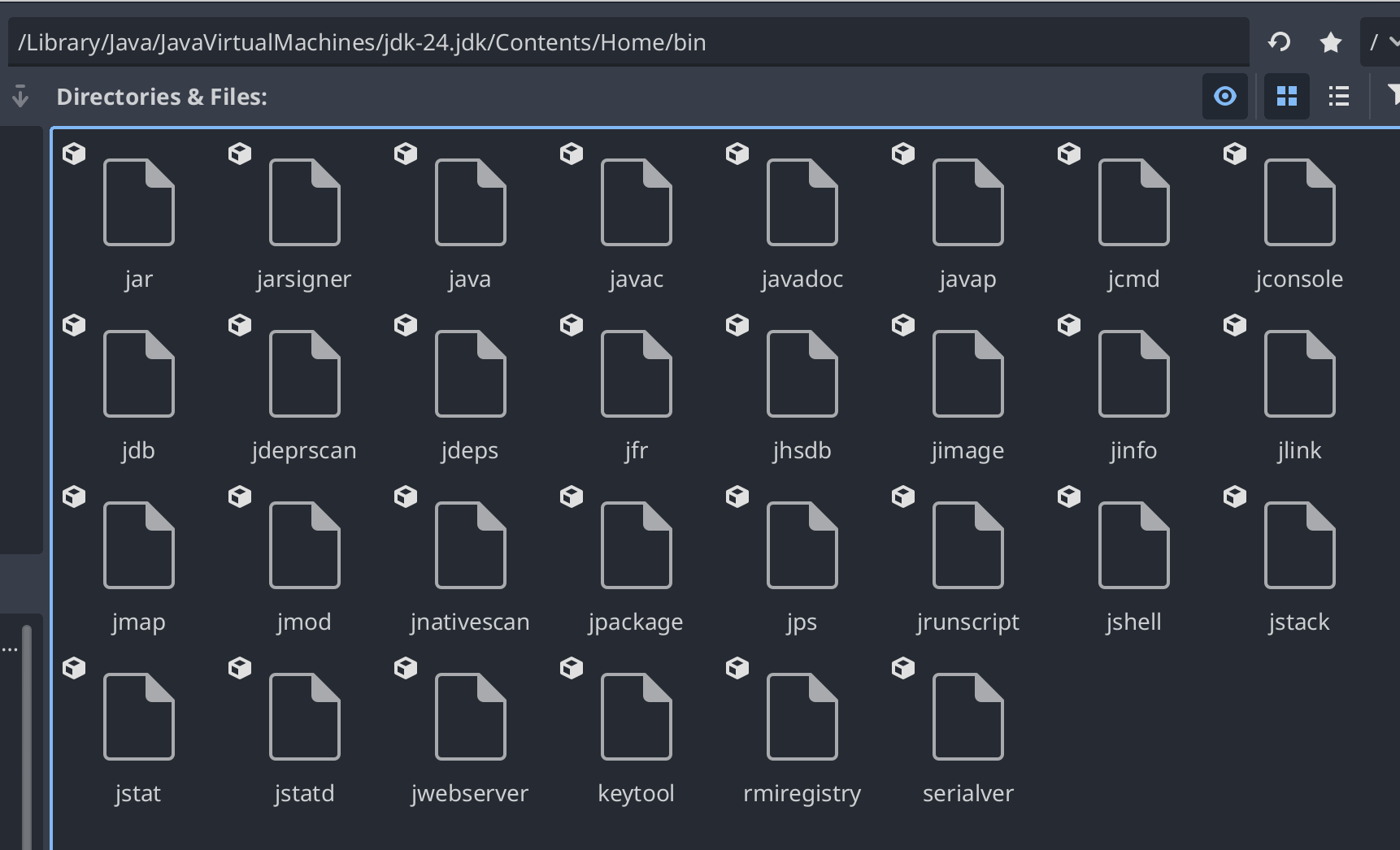
actually, /Library/Java/JavaVirtualMachines/jdk-24.jdk/Contents/Home
seems to work? I didn’t know this was the correct directory for macOS. the only question then would be do I need to export an apk every time I need to test something or could I use physical mirroring? Thanks?