Compression can reduce the file size, but you’re still processing 7680x4320 pixels - those images must be uncompressed to process them.
You could test it pretty easily 
On the offchance that you know of one, do you know a website or something to reduce the size of images in mass? These are animations for each item, and then theres 3000x3000 animations for enemies etc, so it would be ridiculous for me to try and go back and fix and replace every single image file individually
4K HDTV is 3840x2160. I think Apple’s Retina display is even less than that. You can still have nice crisp graphics by shrinking those assets’ dimensions.
I kinda assumed I have
I had them to a high scale because I drew them at a high scale because of using pencil brushes for sketching etc. Ig I could have reduced export size at the time but now theres a ton of textures in the game
Sorry to chime in here – I don’t really know what the issue is.
However, OP’s previous screenshot clearly shows 10 GB of RAM being used. That’s not VRAM.
So let’s see your memory usage charts from Godot’s monitors.
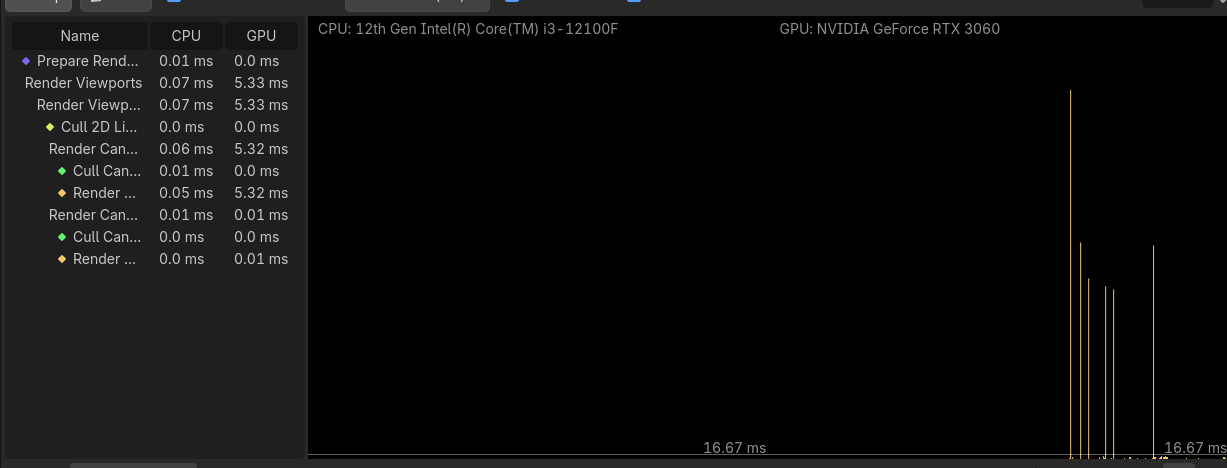
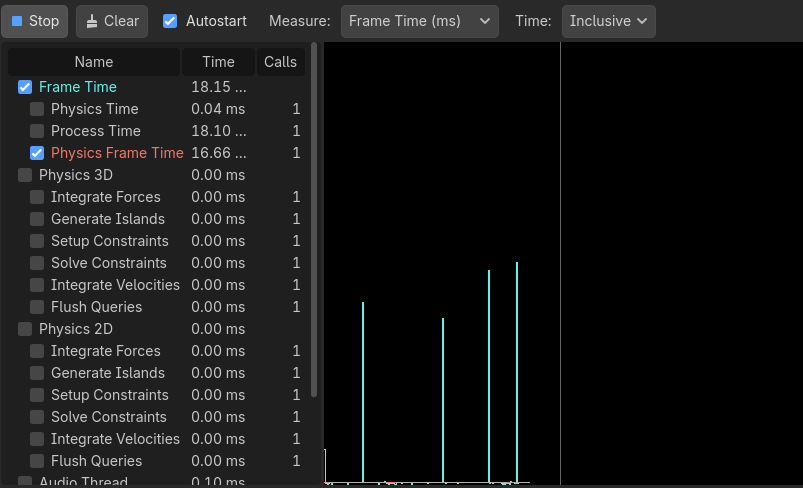
Meant to make that a reply ^
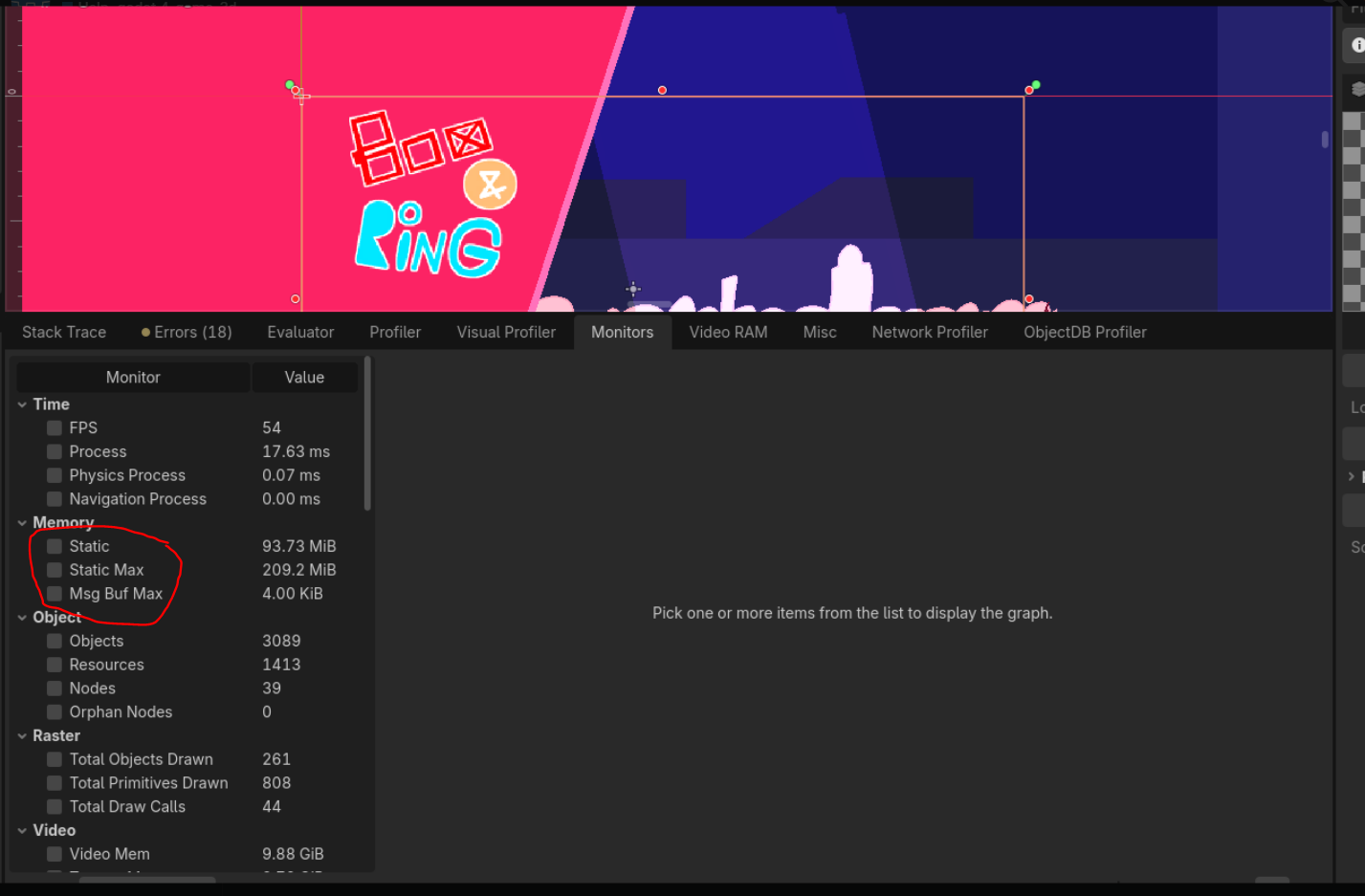
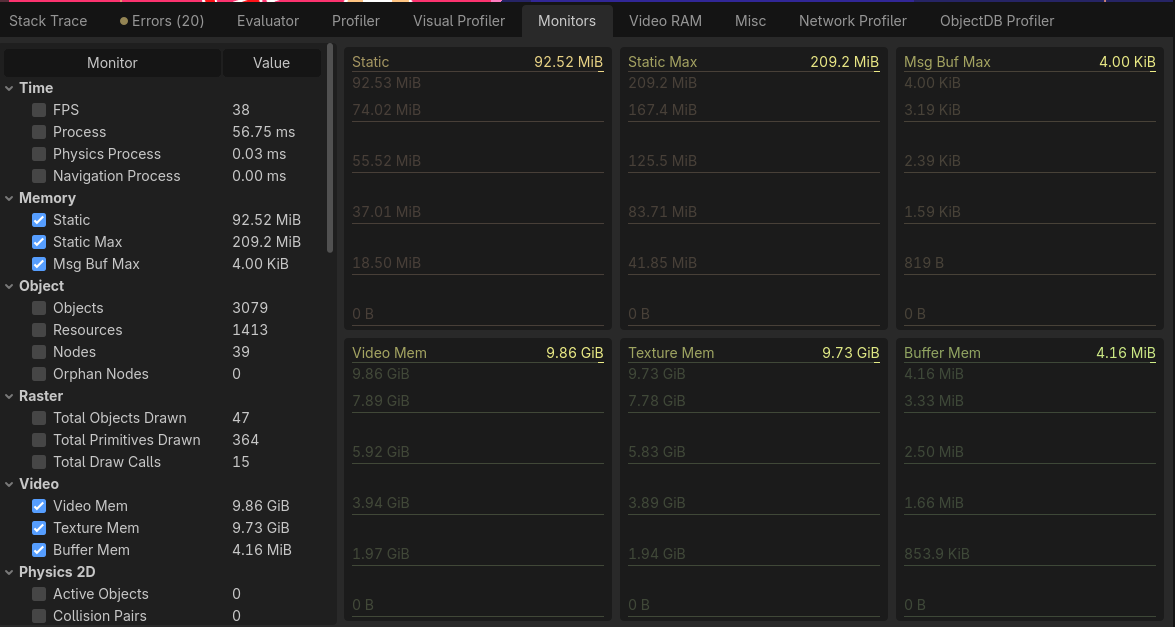
Those 10 gigs are clearly in the vram.
You just crammed it full of ginormous textures. And looking at some of your screenshots those textures appear to be mostly transparent. That’s no way to use your gpu’s resources  You can’t just go piling whatever textures onto it.
Some programs support batch function - what did you use to create the images? I think a version of Windows Pro included functionality to resize all images in a directory. If on Linux and you are comfortable with shell scripts, FFmpeg is your friend. Otherwise, you should be able to whip up a Godot tool script to resize everything.
I had forgotten that these textures are actually really massive. I made the titlescreen invisible and although it still seems to eat a ton of memory in the profiler, my cursor isnt lagging
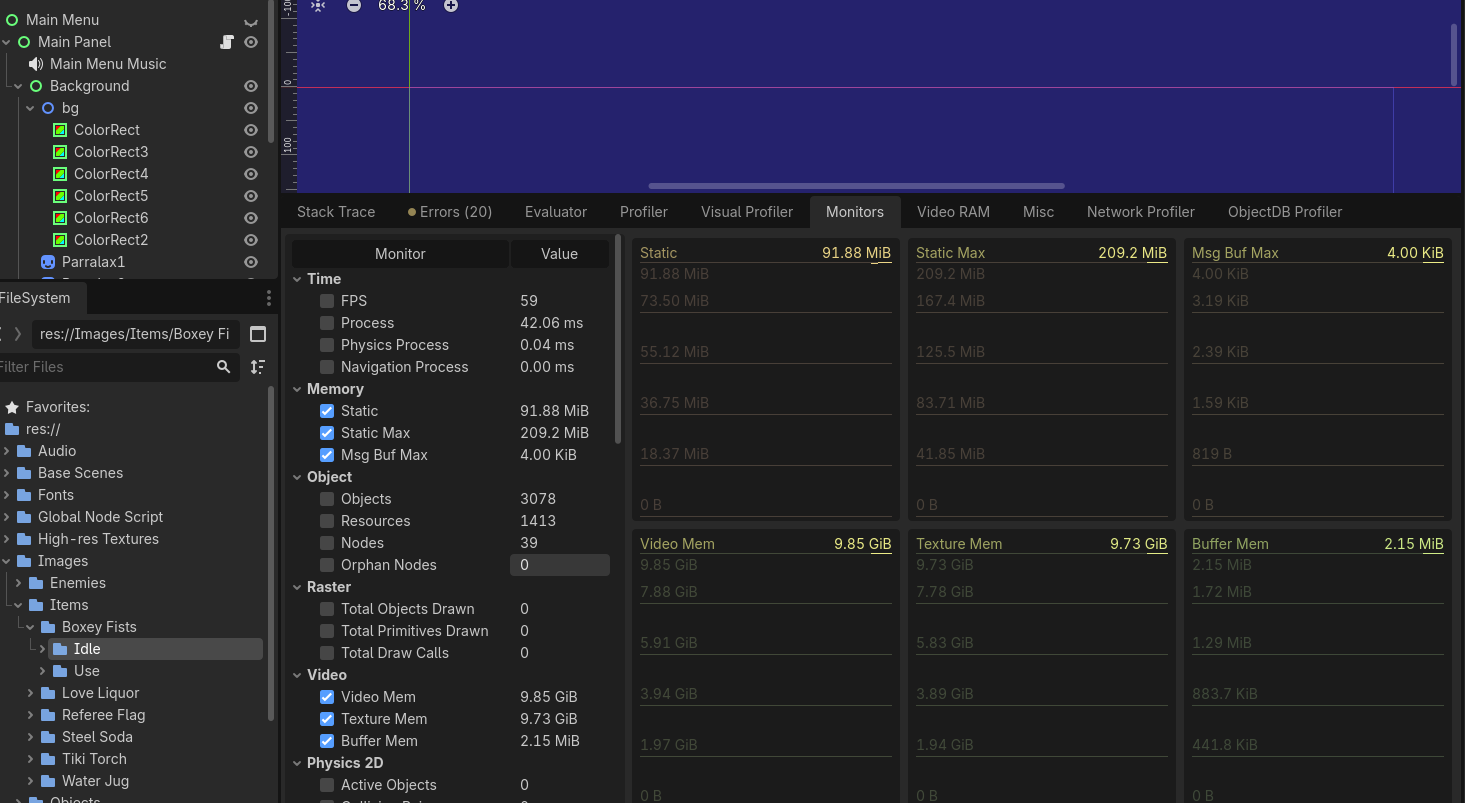
I used Clip Studio. They are all pngs. I plan to look into switching to linux after the game jam. Also I have never made a godot tool script, so I doubt Im familiar enough with that to make something like that. I can look online into searching for something hopefully thx 
You need to be at least somewhat mindful of your graphics card resources. Bring those textures down to the minimal acceptable size and crop out all excess transparent areas.
I found an application called windows powertools and downsized all those massive textures. I cant just “crop out the transparent space” because Im using the animated sprite 2d
1 Like
Crop it on all frames equally to what is minimally needed.
1 Like