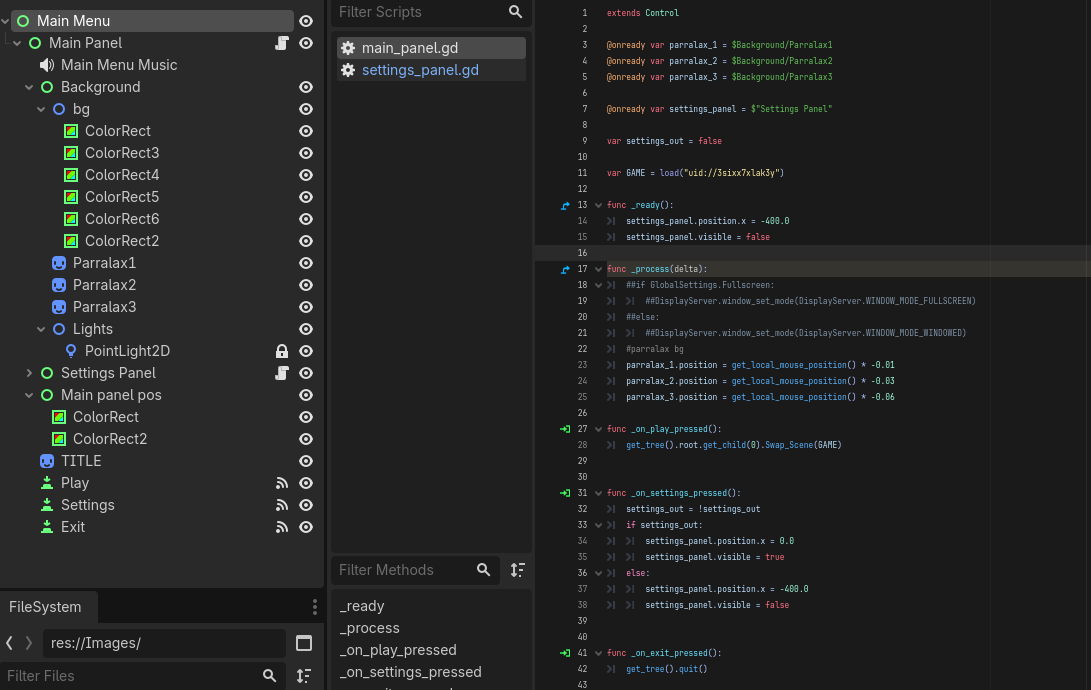
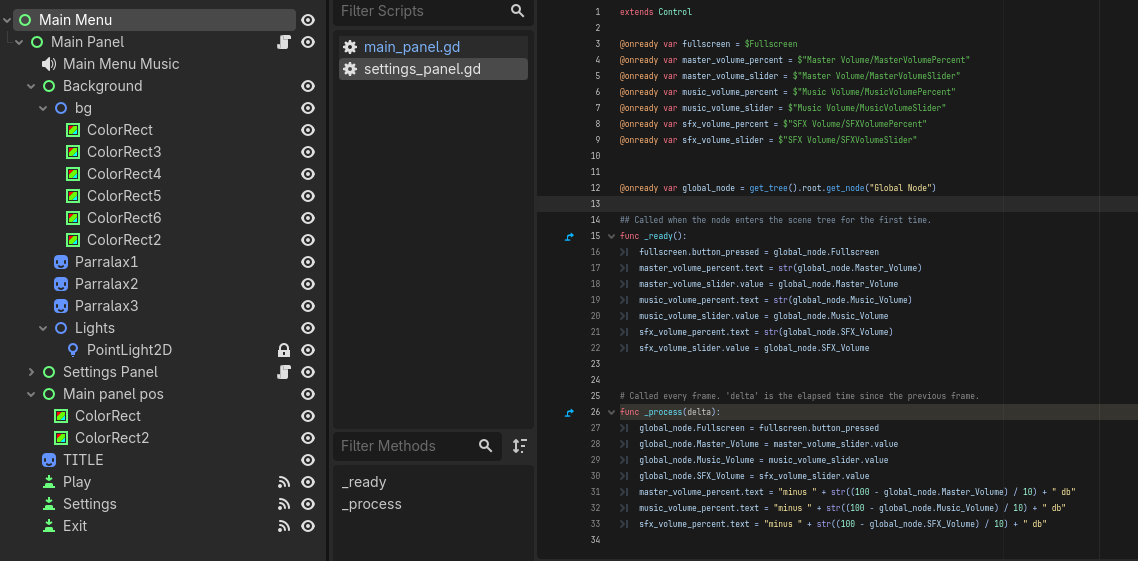
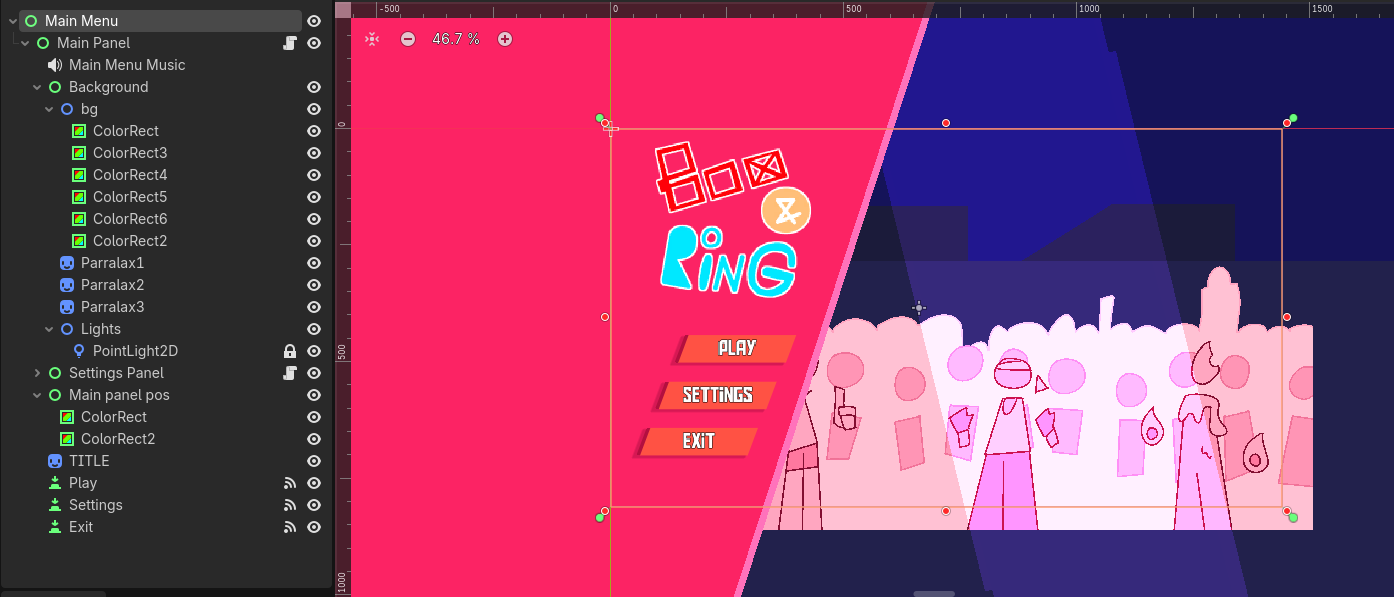
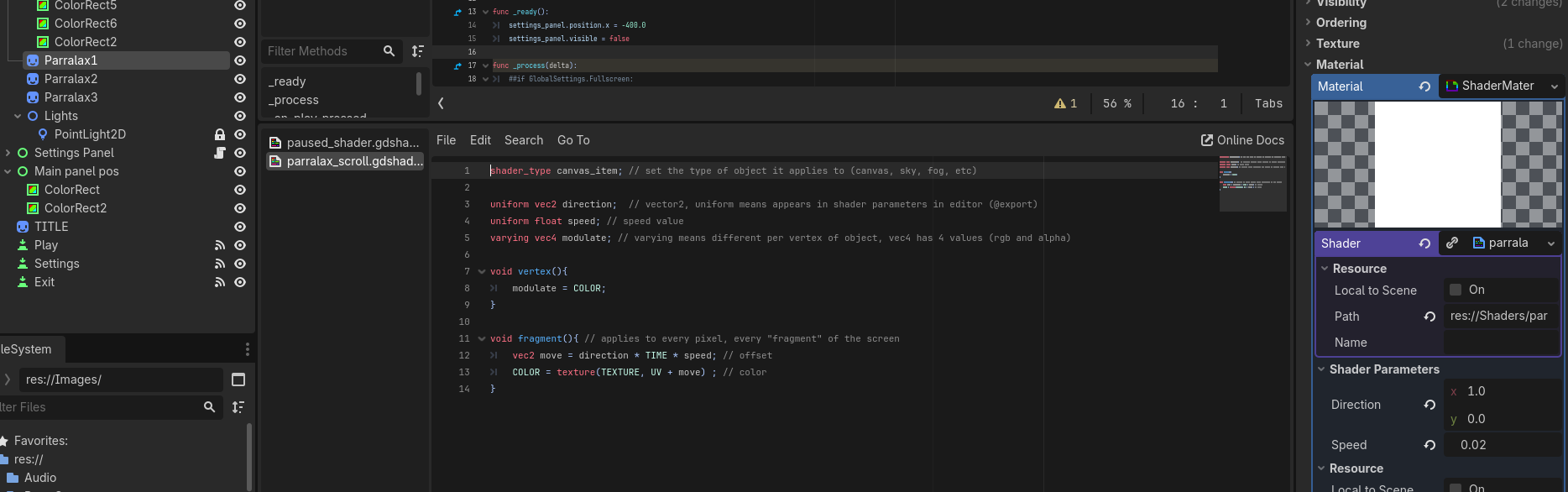
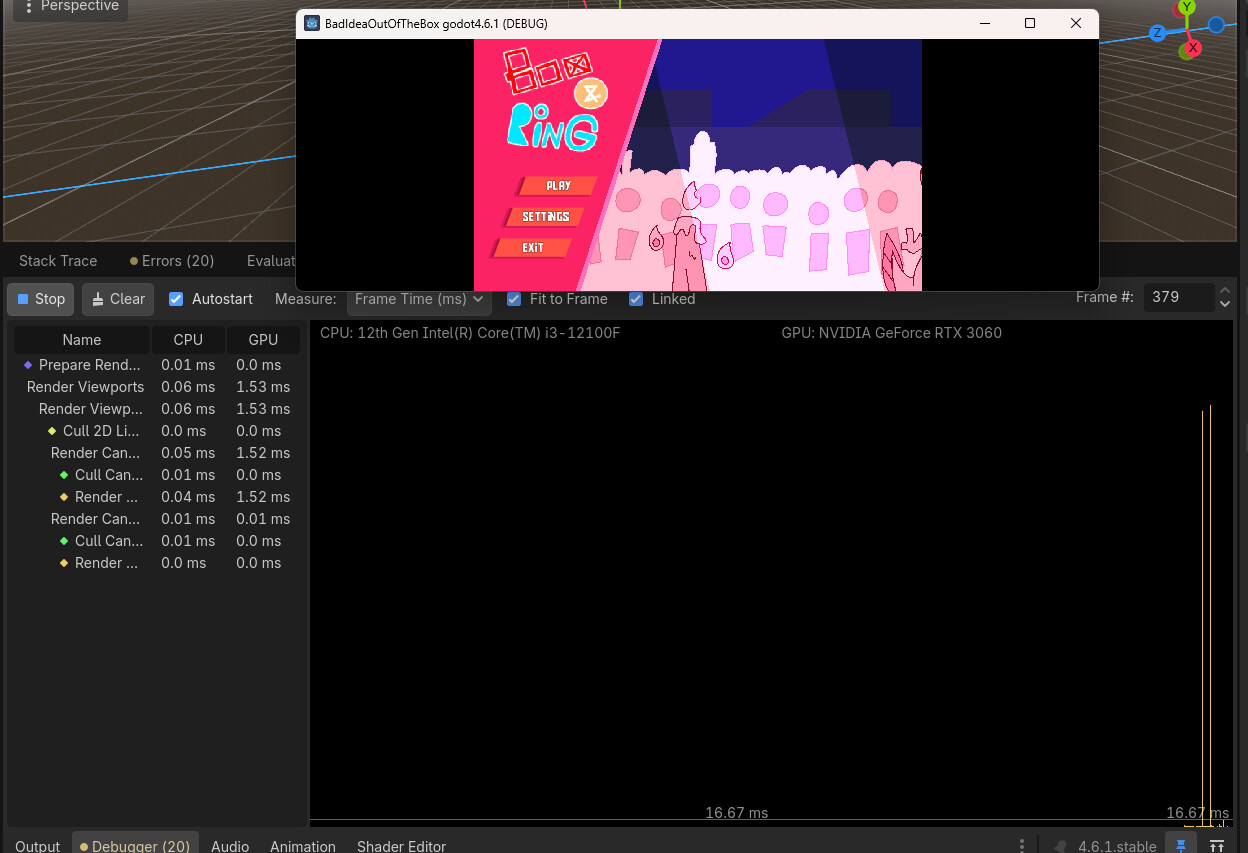
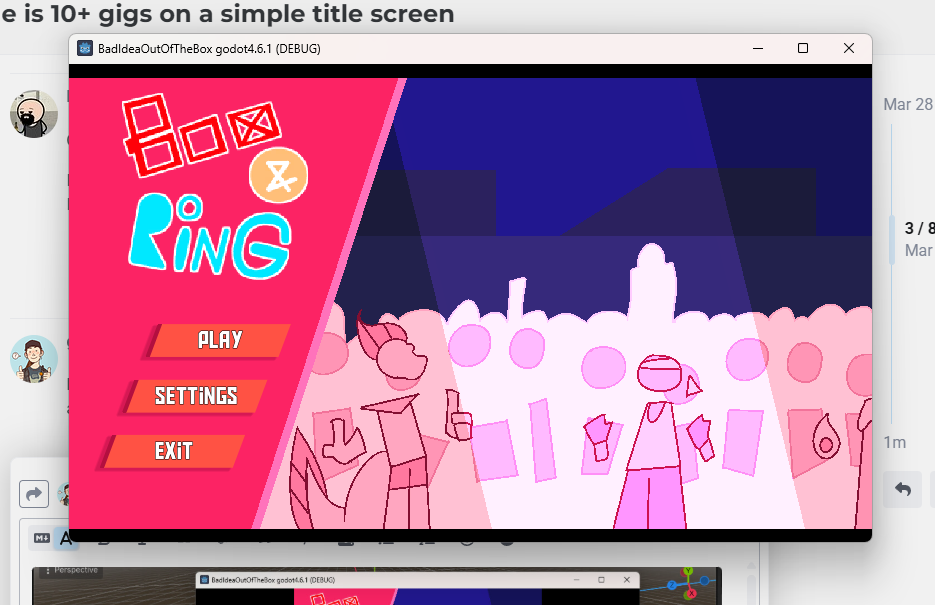
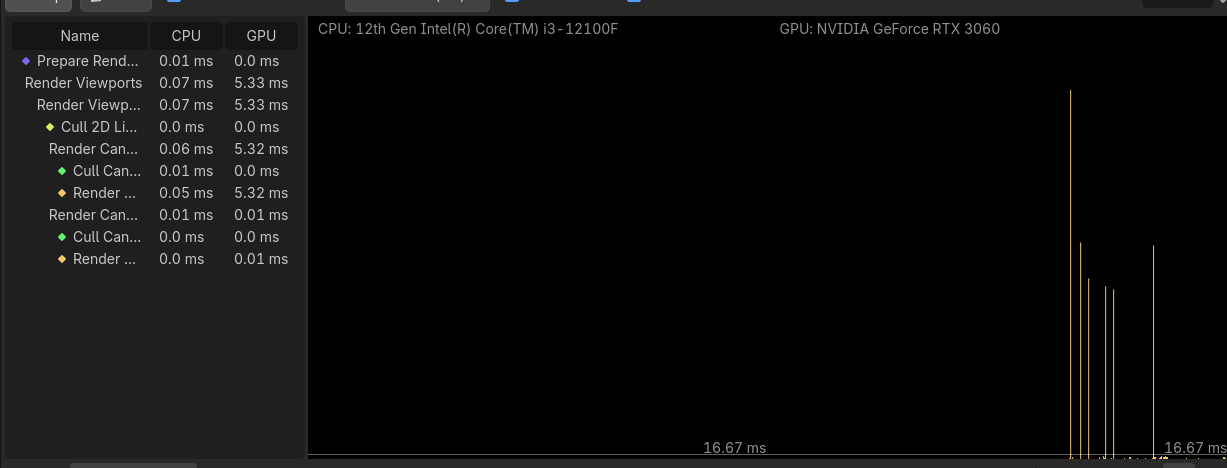
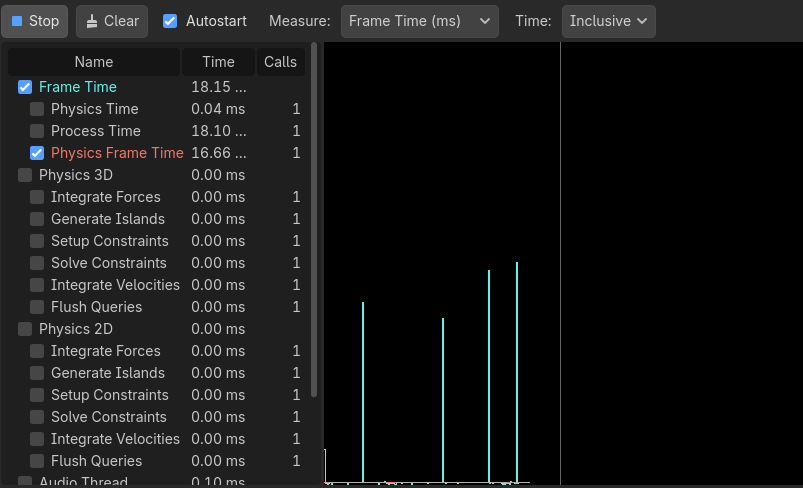
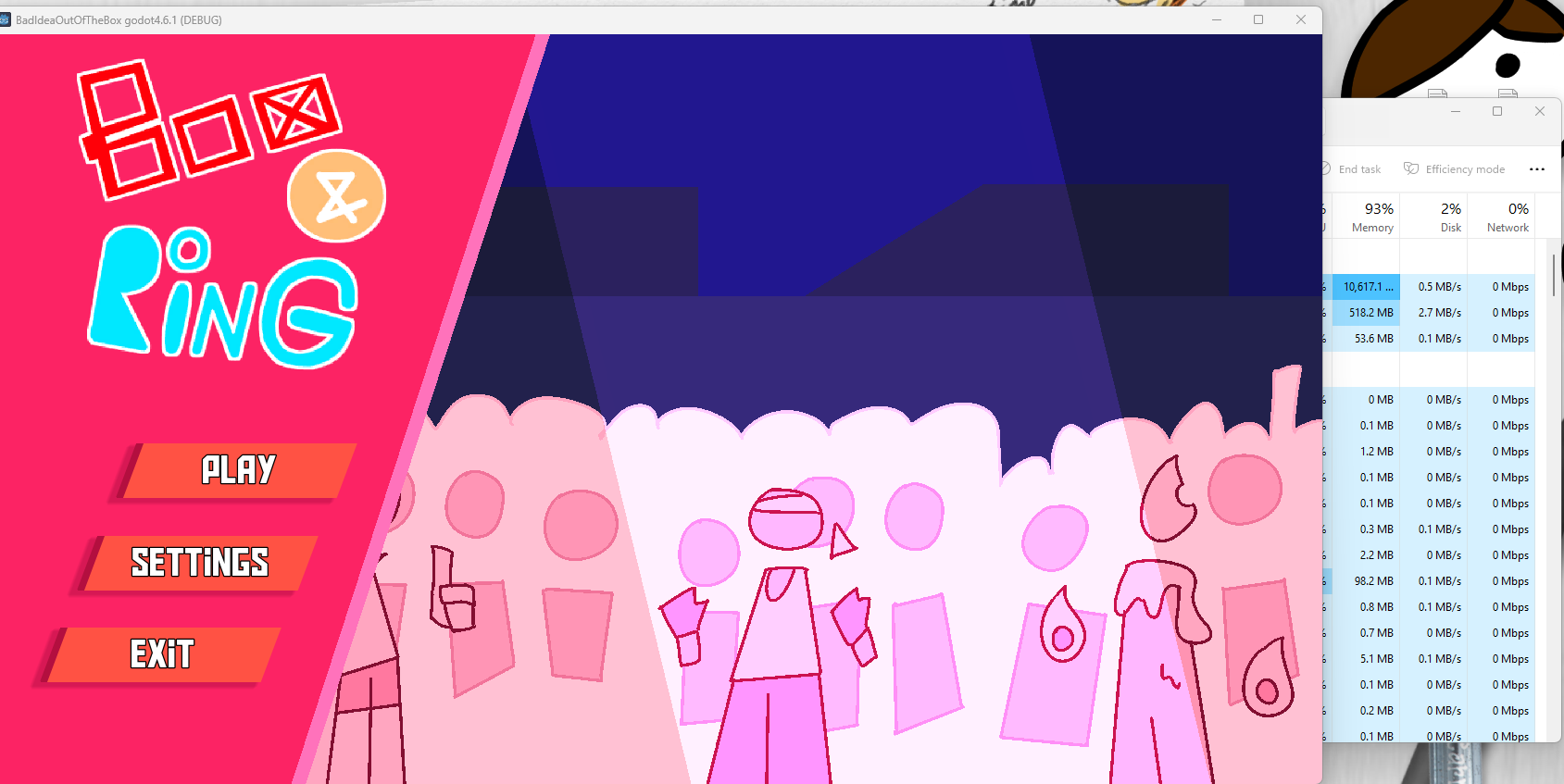
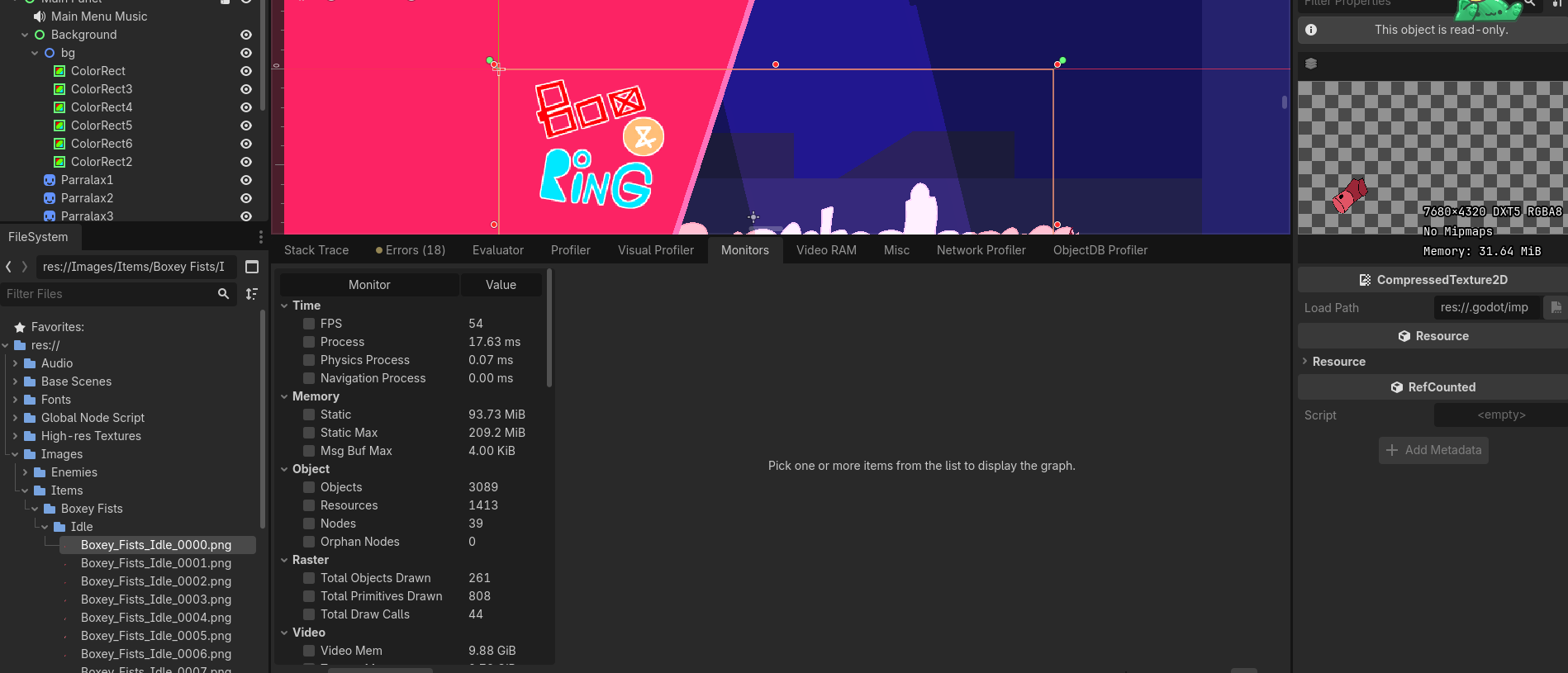
My game as some high resolution textures, though I have vram compression turned on for all of them and I believe that solved that issue(?) regardless none of those high resolution textures are present on the title screen so I have no idea what the issue is. Ill paste screenshots of everything in the titlescreen for context since I dont know what the issue itself is. The “game” (past the title screen) also lags the same way and takes up just as much memory once “play” is hit and it loads (after a while). Making the title screen invisible also doesnt help. I also dont know what the issue is after trying the profiler, it seems the issue is fully on the GPU though. My gpu isnt this bad though.
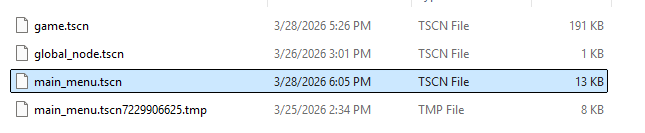
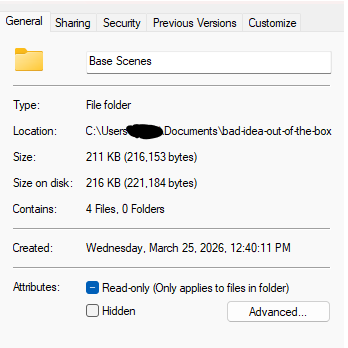
Quick check: How large is your project.godot file, or your title screen scene file?
I ask because I had a similar issue where I had a scene that referenced a very large image asset. It wasn’t used (visible), but still loaded - wasted hours tracking it down.
How are you determining your performance? Are you using the profiler? You can check for large assets in your .godot/imported folder, see what’s taking up the most space.
Editor crashed while I was trying to get screenshots of the profiler in action, the performance with editor open is about 10 gigabytes, now its showing 200 megabytes and no lag. Also this continues to be an issue because it means I cant bugfix stuff (no profiler)
in-editor (profiler) and task manager seem to line up, as well as the game and my cursor visibly lagging severely (to the point of my cursor freezing for tens of seconds) while the editor+game is open, but not when game is not open or editor is not open
I’m no expert, but since the memory usage is so much larger than the actual scene and assets, it would seem that something is getting loaded or manipulated over and over. I’d suggest commenting out things you update a lot (like _process) and seeing if any of that has a big impact on the VRAM situation.
Okay. There is something else going on here - barring comic rays, alien magic, or divine intervention, I doubt a GPU issue. Where did you get the 10+GB measurement? How high are your high res textures?
That screenshot was while there was no lag because the editor was closed (it crashed, game window persisted). I dont think VRAM has anything to do with it
The largest ones are 4x screen resolution, so 7680x4320, but those arent loaded on the titlescreen. (This gave me issues before, but then I started setting import to VRAM compression and it was fixed until now, Idk what it is rn)
Does compression not reduce texture size? Is there a way to automatically reduce texture sizes? Does this matter on the main menu where they shouldnt be loaded at all?