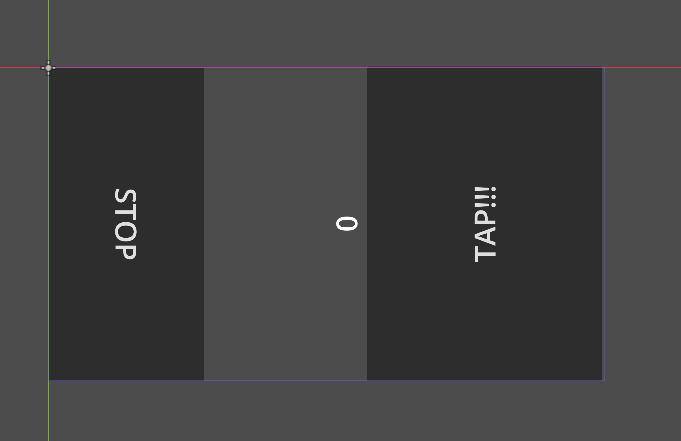
You need to make better use of the Anchors. In the following doc you probably want to use “Left Wide” and “Right Wide” for the left and right buttons respectively
the problem is when i rotate the control node, the anchors won’t rotate as well. so for example the top left corner is gonna be a bottom left corner after being rotated, but it’s anchor is still on the top left
what do you mean? how can i rotate the anchors when the way to position them depends on the other anchors? (I means it’s just one value between 0-1 so you can’t really decide where each anchor is)
I mean, in reality I wouldn’t do that. I’d just change the labels of the two buttons and their functionality under the hood.
But if you want to do what you want to do, literally find the anchors of the other object and set them for the other thing. Swap the values and they should replace each other on screen.