Probably not cutting a hole in the floor, I could see a World Boundry being used for the floor, let’s say on layer 1, then the hole can use an Area3D to disable any overlapping RigidBody’s mask 1. To catch objects on the sides an extra ring-shaped collision(s) can be added on layer 2.
As I see it this would make the objects fall regardless of their size. What about objects that get stuck because they don’t fit the whole yet? One would need to wiggle them out of the hole (using some sort of realistic collision) in order to free the hole up again.
I think in addition to the fact that the floor lets stuff fall through a gap one would need an actual ring-shaped physical body which synchronously to the floor gap grows in size and can push things around a bit.
As for the visuals, one can create a shader material for the ground which gives the illusion of a whole at the right spot through transparency and moves synchronously with the ring-shaped physics object through shader parameters.
I heard it was better to avoid CSG during production builds. Not sure about that tho.
Also, if using the CSG in the first place, why not just subtracting a CSG cylinder from a CSG surface? Instead he goes through this lengthy setup with stencil mask settings. Interesting, but I don’t understand why.
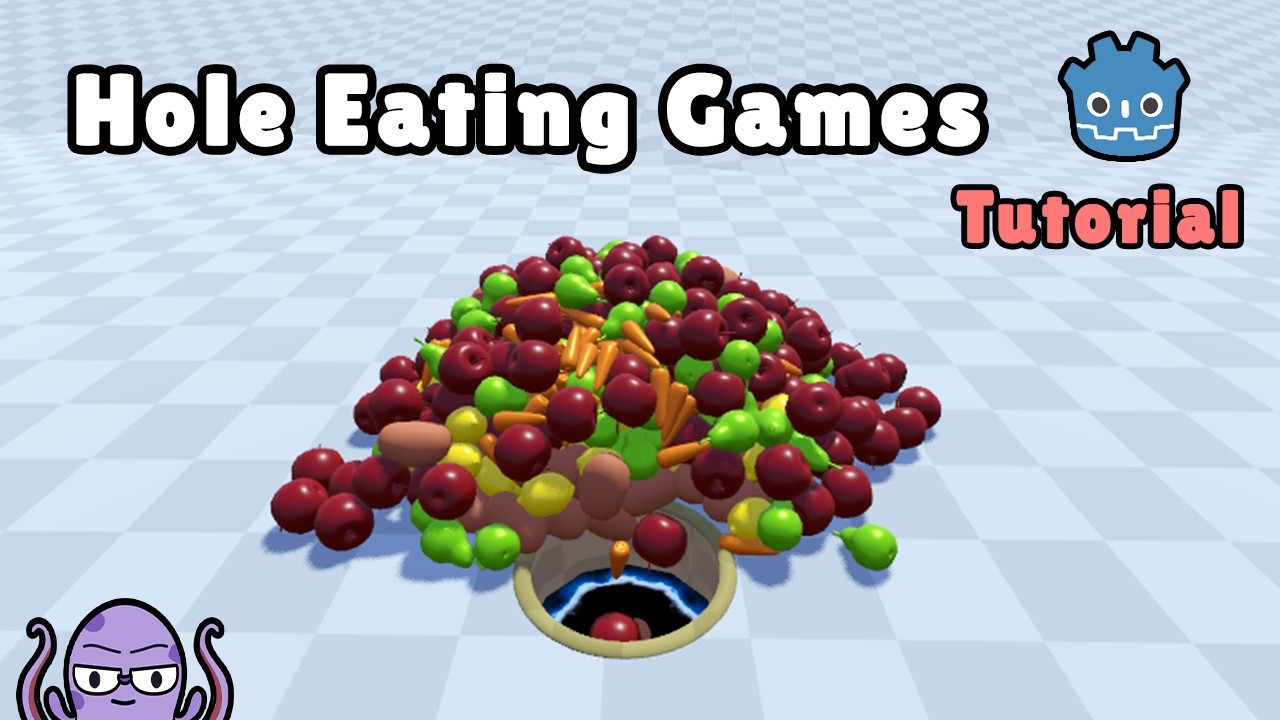
Until minute 4:30 it is about the visuals, only after it starts go be about collision – the important part for the right game feel. The trick that he mentions is kind of what we described earlier.
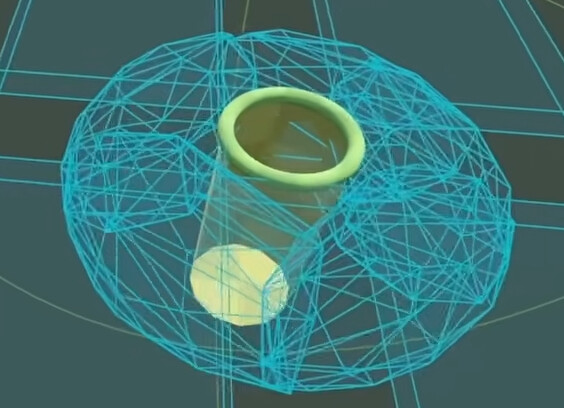
I only don’t get what is cyan doughnut was for. I have the feeling the entire setup should work without it, but I might have misunderstood the purpose.
Very similar approach with Area3D, but overall I think the idea is make it bit less jittery the objects on contact with hole, also object which doesn’t fall still affects other objects.
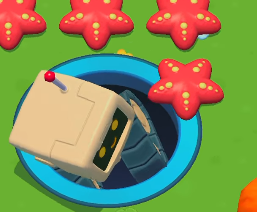
The original studio is “MoonActive” - I believe they used Unity in this case, but principles should be same in Godot.
I was trying to get a minimal setup working for hole mechanics myself: godot_the-hole on my Github.
I think I implemented it with much less, at least there is no non straight-forward setup. So far I think everything is quite simple.
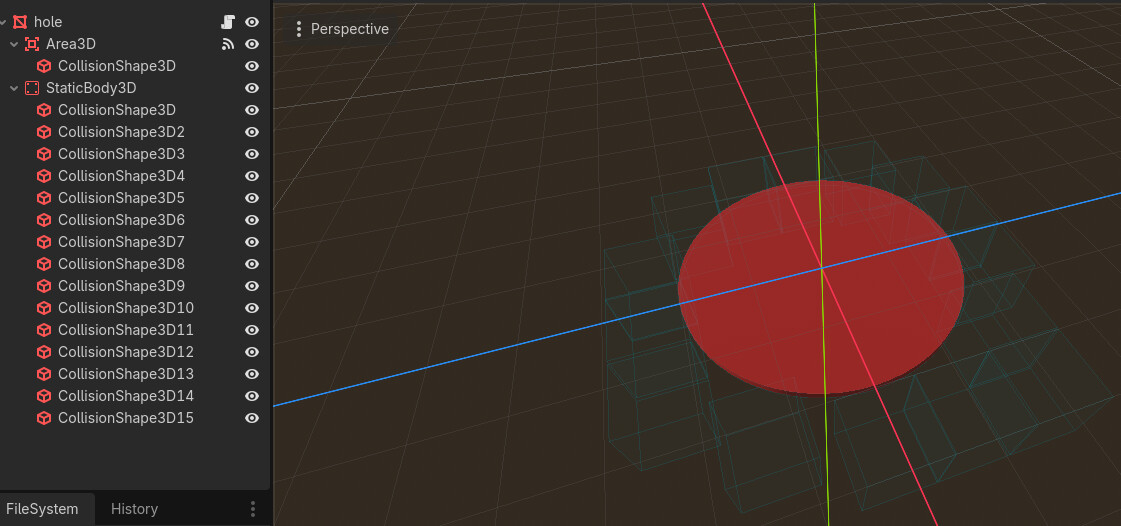
The one exception is the hole scene itself – that is what makes you feel the physics when dropping stuff inside (these shapes are on layer 2, which is always on).
This can probably be done nicer and cleaner. For example I didn’t need a cyan doughnut. No CSG meshes.
These two signals (shown below) toggle if a fruit can fall into the hole or not; and if a fruit moves the right way it stays on top of the ground, while fruits always look for collisions on layer 2.
func _on_area_3d_body_entered(body: Node3D) -> void:
	if body is MyFruit:
		print('hi fruit')
		body.sleeping = false
		body.set_meta('over_hole', true)
		body.set_collision_mask_value(1, false)

func _on_area_3d_body_exited(body: Node3D) -> void:
	if body is MyFruit:
		print('bye fruit')
		body.set_collision_mask_value(1, true)
		body.set_meta('over_hole', false)