Hi,
I found a project that implements pan and zoom in 2d but the same code does not work in another project. The difference is the mouse scrollwheel.
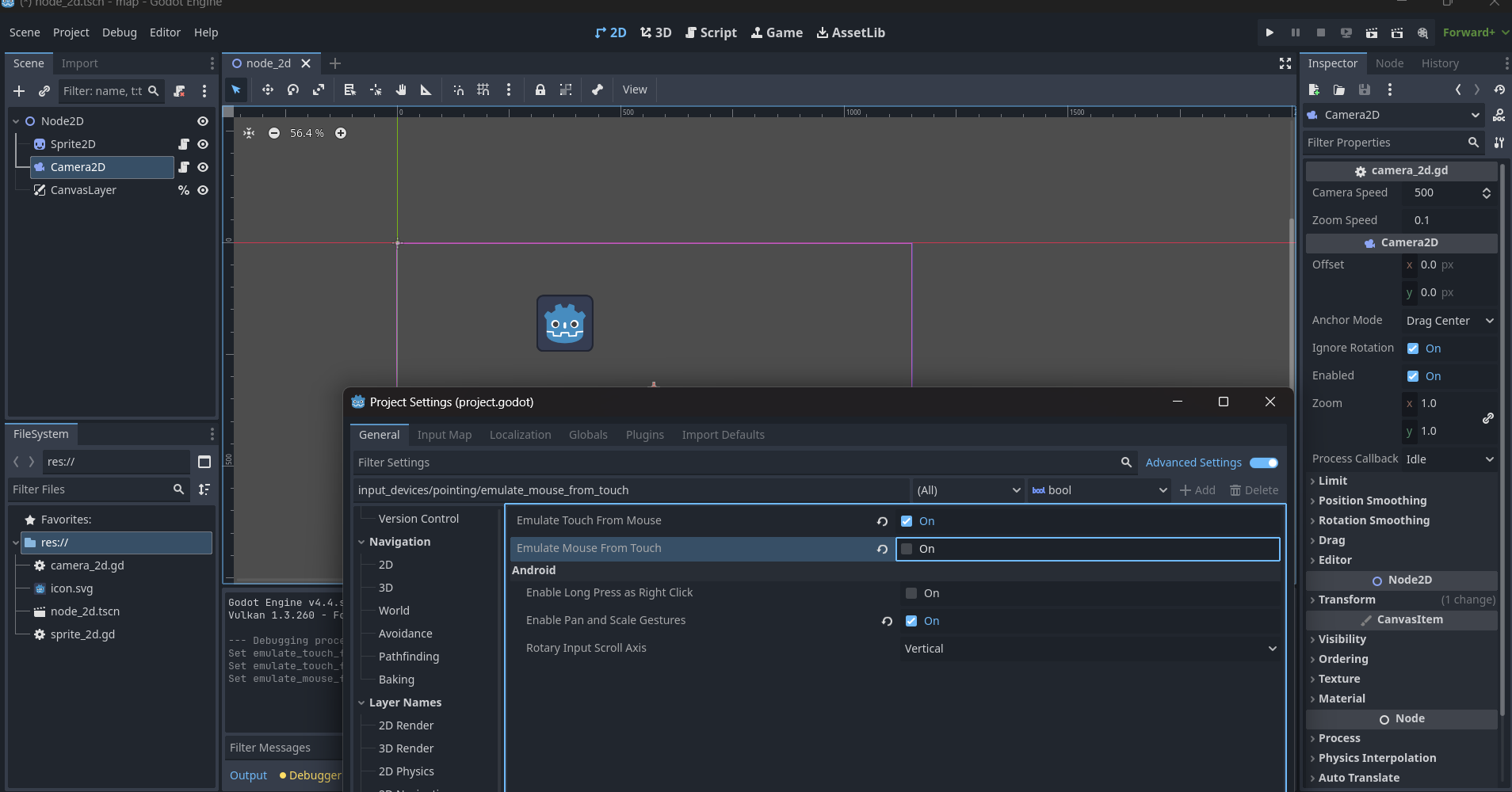
I have both ‘emulate mouse from touch’ and ‘emulate touch from mouse’ checked, could this be affecting the scrollwheel?
I need to develop the project on PC for mobile so it seems to make sense to have both buttons checked, is there a way around this? Or a scroll wheel event that can convert to touch gestures when exported to mobile? I am trying to avoid having two configurations , any help is appreciated. Can post code later not on PC right now.
Hi!
I assume you’re testing this with a mouse and it doesn’t work?
Does it work without them checked?
I can’t see why ‘emulate touch from mouse’ would break it and the other one is enabled by default, but it can’t hurt to check.
I don’t think the “emulate touch from mouse” setting will automatically create touch events imitating a panning or zooming motion. You will probably need two configurations, or you will need to write code that creates panning / zooming touch events from scroll wheel events.
extends Camera2D
# camera movement speed
@export var camera_speed = 500
@onready var sprite = $"../Sprite2D"


# camera zoom speed
@export var zoom_speed = 0.1

# mouse panning
var is_panning = false
var mouse_start_pos = Vector2.ZERO

func _ready() -> void:
	pass


func _input(event):
	if event is InputEventMagnifyGesture:
		self.zoom *= event.factor

	elif event is InputEventScreenDrag:
		self.global_position -= event.relative

	elif event is InputEventPanGesture:
		self.global_position += event.delta * 10


	elif event is InputEventMouseButton:
		sprite.mousePoint = event.global_position


func _physics_process(delta: float) -> void:
	# handle keyboard input for panning and zooming
	var pan_direction = Vector2.ZERO

	if Input.is_action_pressed("ui_page_up"):
		#pan_direction.y -= 1
		self.zoom *= 0.9
	elif Input.is_action_pressed("ui_page_down"):
		self.zoom /= 0.9


	sprite.mousePoint = (get_global_mouse_position() - self.global_position)
	sprite.queue_redraw()
	# update camera position and zoom level
	self.position += pan_direction.normalized() * camera_speed * delta
the code on the sprite
extends Sprite2D


var mousePoint:Vector2 = Vector2.ZERO
# Called when the node enters the scene tree for the first time.
func _ready() -> void:
	pass # Replace with function body.


# Called every frame. 'delta' is the elapsed time since the previous frame.
func _process(delta: float) -> void:
	pass

func _draw() -> void:
	draw_circle(mousePoint, 10, Color.RED,true,5)
its essentially the same type of code as the addon
I also had code from this
however I wanted to use zoom and not scale, then I remembered the addon linked above.
There is the setting shown in the screenshot ‘enable pan and scale gestures’ … I guess that means pinch and pan etc will work on Android?
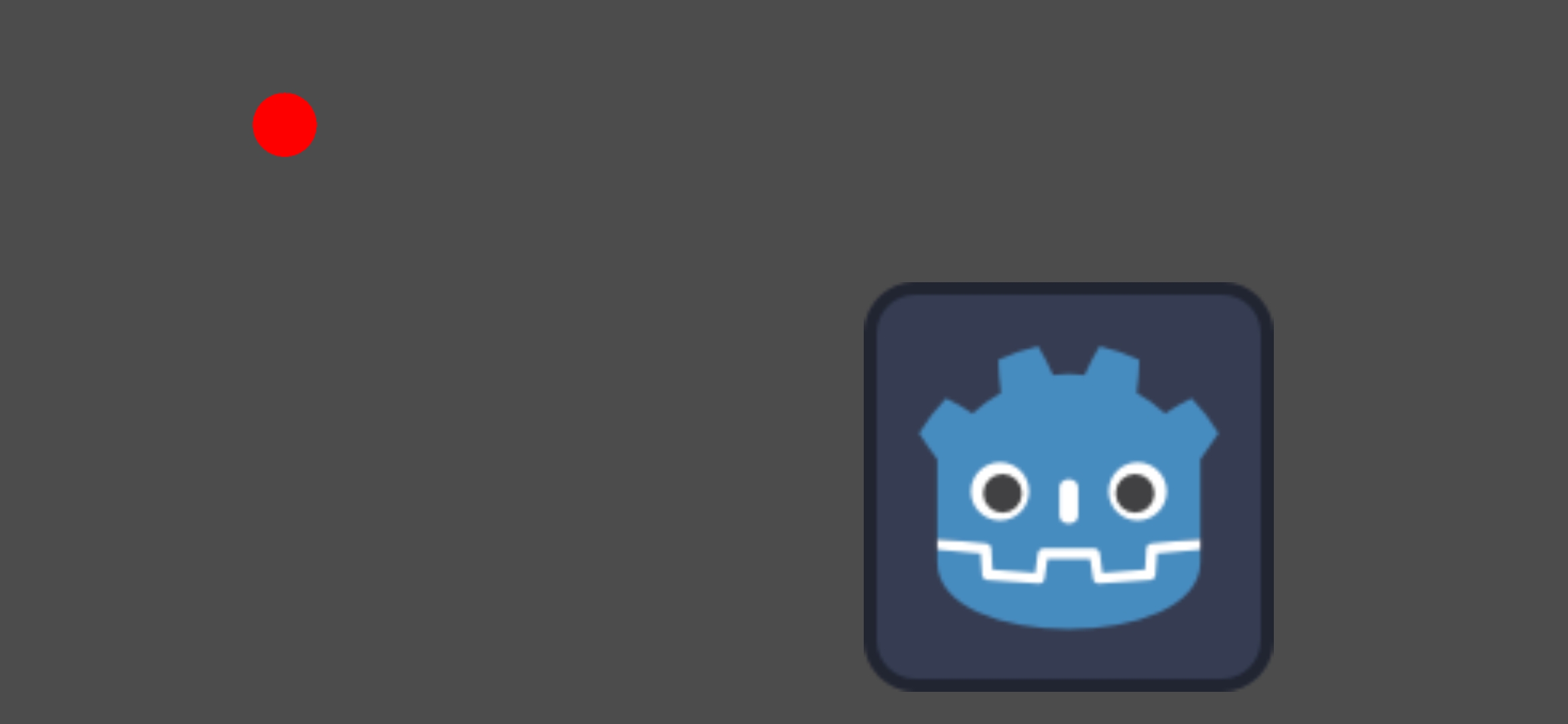
Zoom is working on android with the pan and scale checkbox set and without any multi-touch code … (screenshot from phone app). The red dot doesnt do anything on the phone.