Every 40 minutes my game crashes or becomes really buggy. I have a Macbook Air 15 inch from 2025 so i am very confused on why my game keeps crashing. Could anyone please give me some tips or explanation as to why this could be happening ?
It starts to happen when i make a big change or add some new code. I don’t videcode. It’s surronding the same tutorial where my game has crashed so i had to resart around 5 times
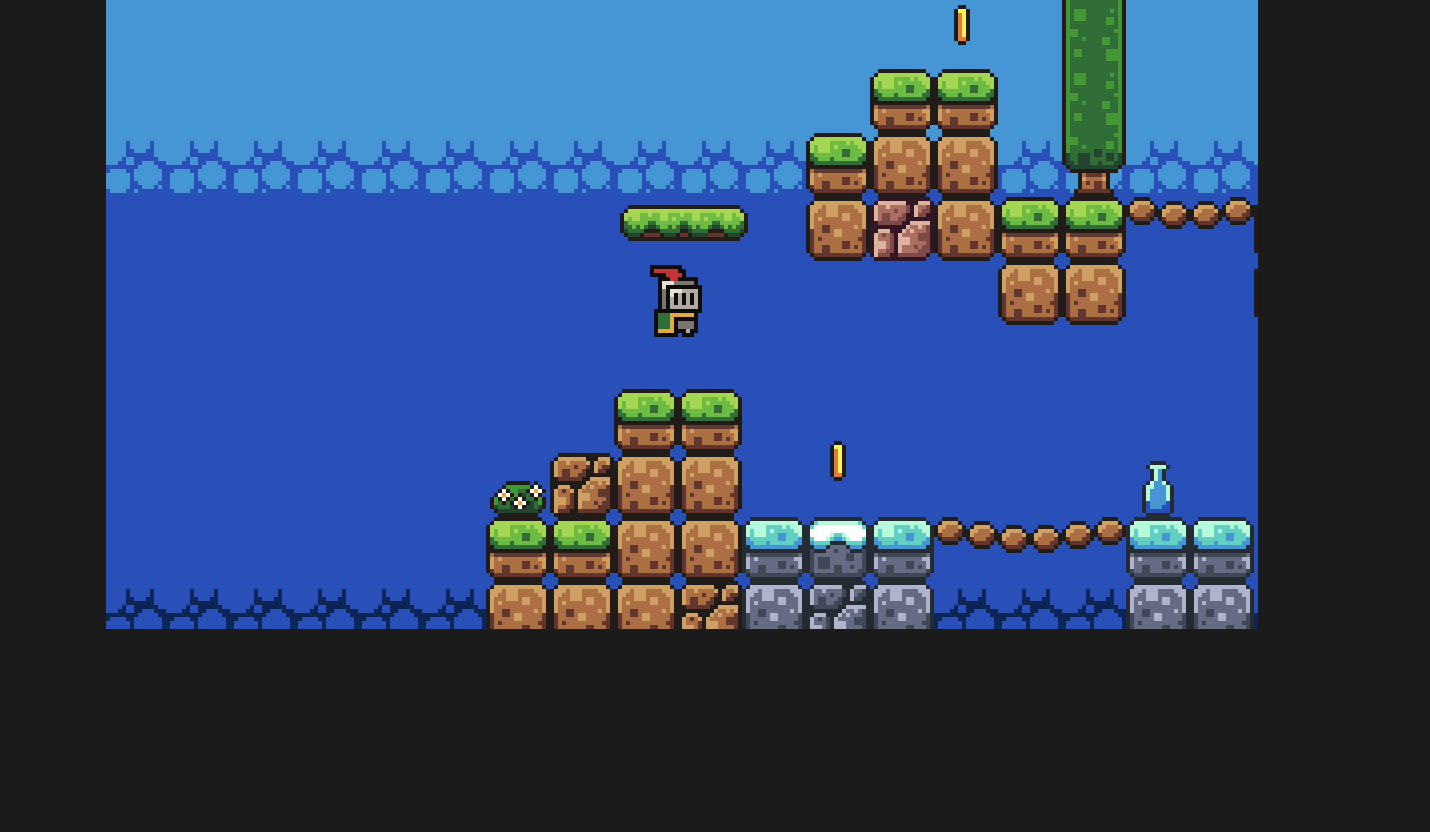
yes just the game. The map like goes blurry or double and the game not engine crashes. https://www.youtube.com/watch?v=LOhfqjmasi0. Ummm. Around 1 1/2 years ago. i tried godot. quit and then just started
i used the newest available version. It was a variety of things but mainly. maybe enemies. rotation of player to face direction of movement. sound. The game would crash. i would delete the project start over and then it would crash again maybe later or earlier. This is the only file it will allow me to upload. when you start the game the player is suspended in midair and cant move
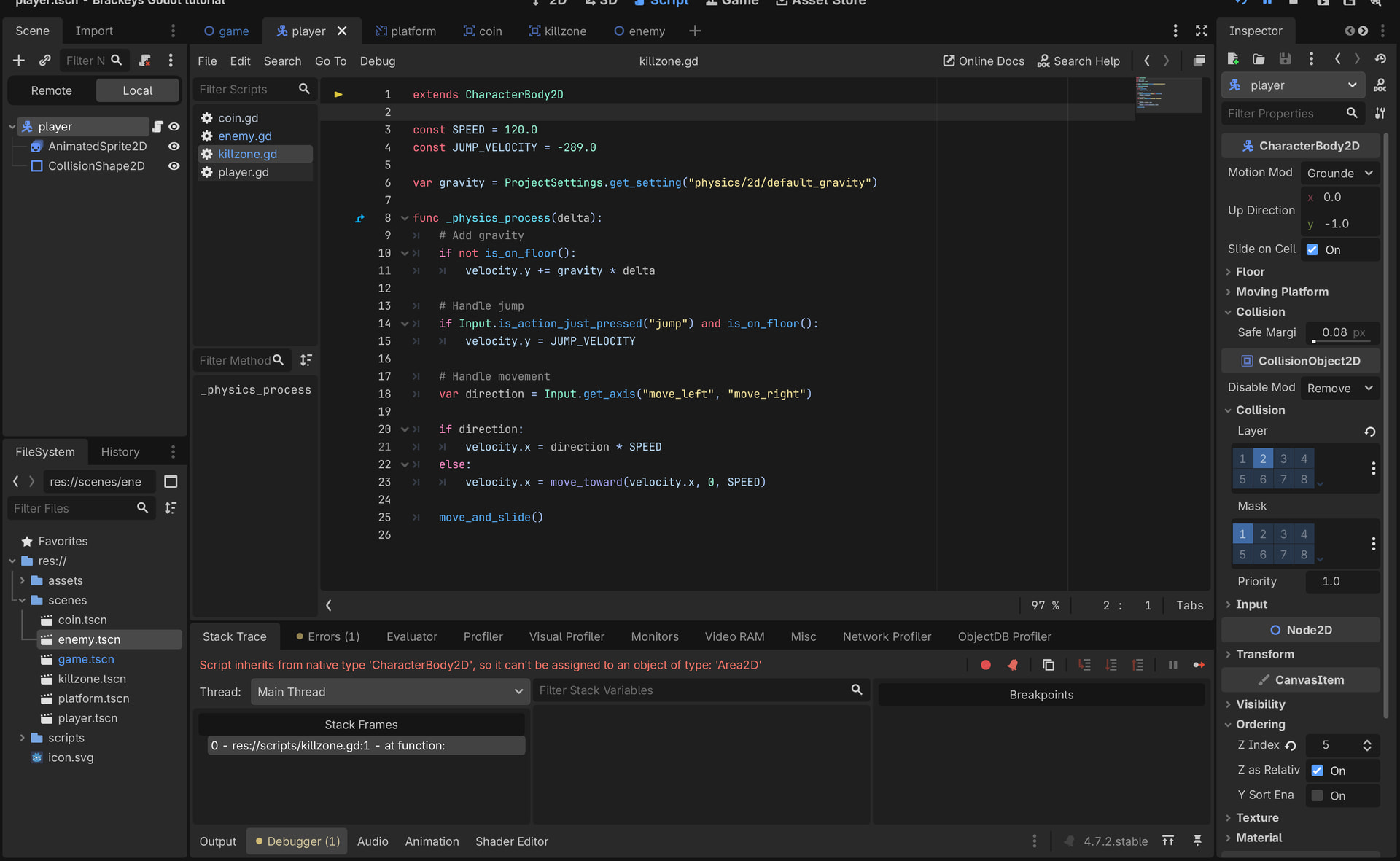
Yes but this is just one of the errors. is the answer just me being stupid and a noob or is it that i use godot wrong? if this sounds stupid then sorry but im a noob
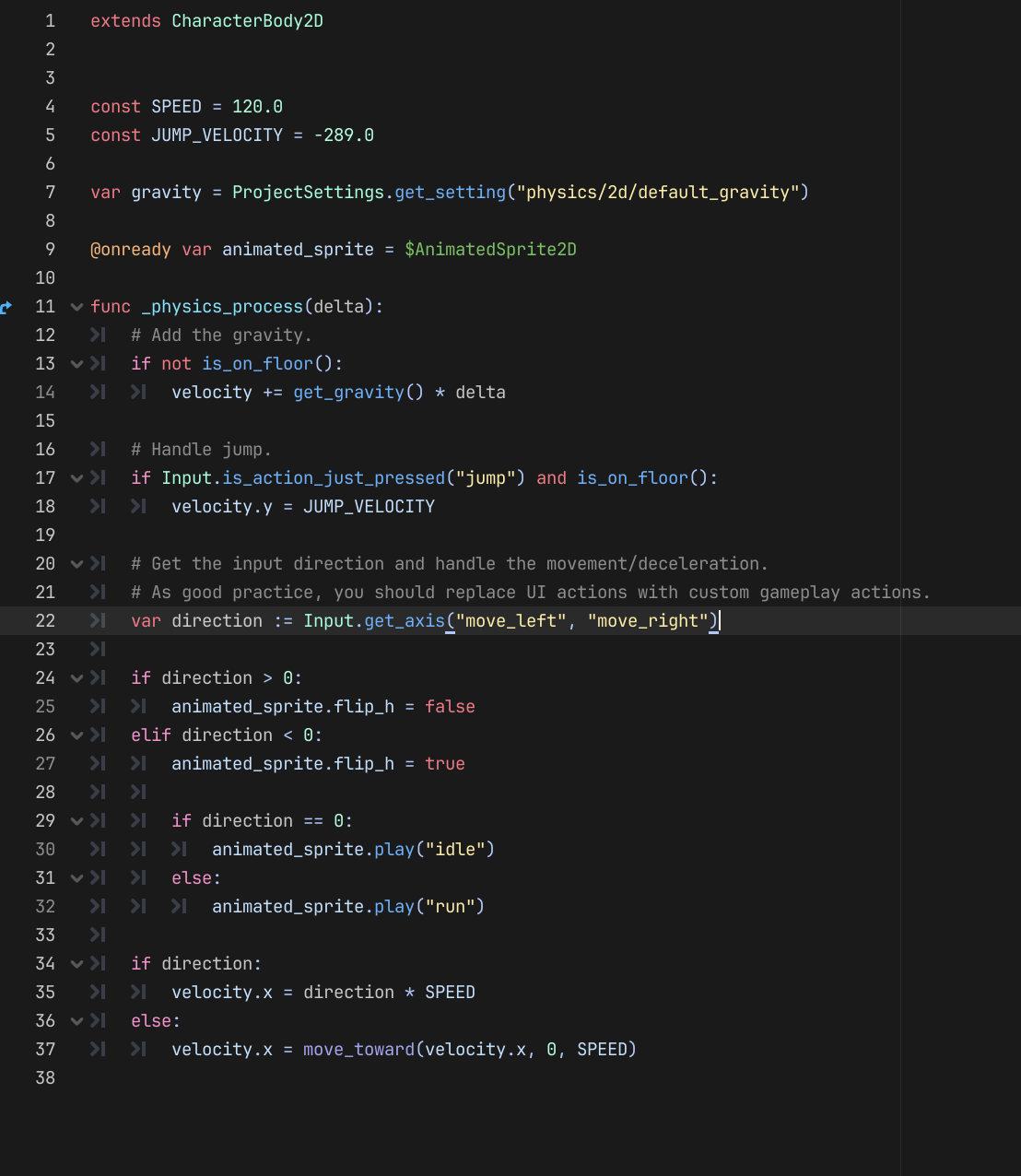
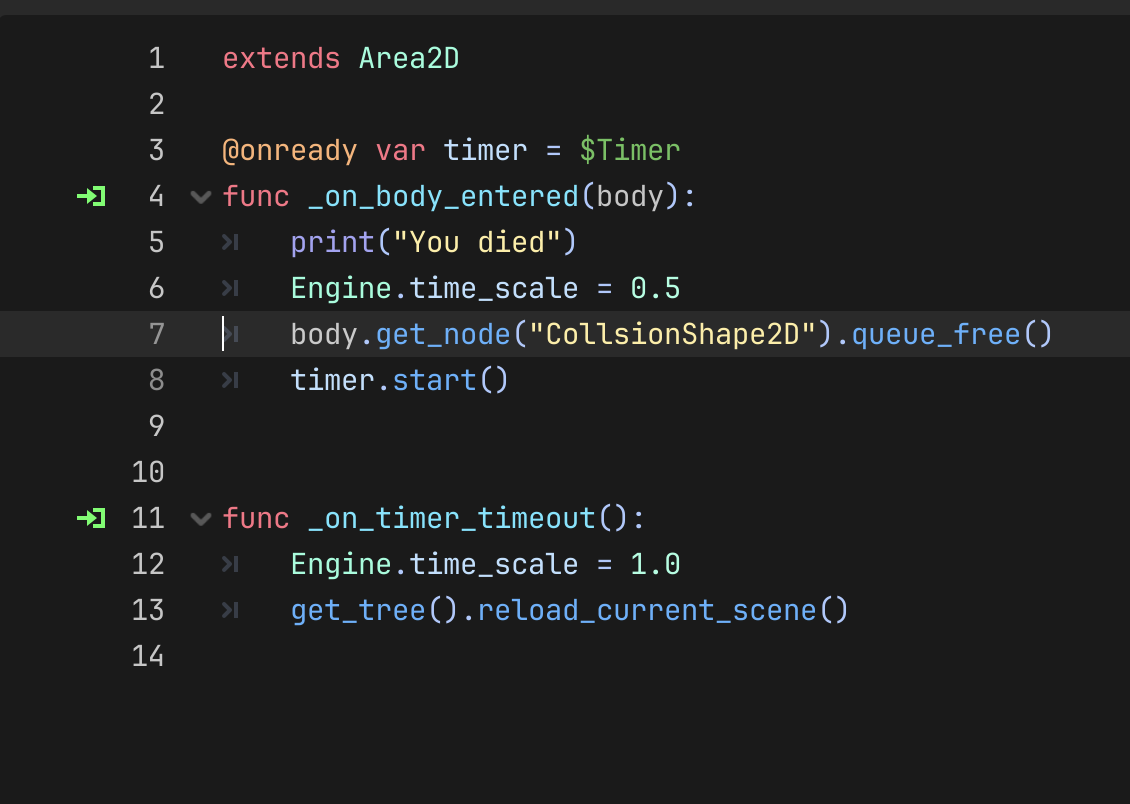
Just need to check your setup, make sure every node with a script has the correct one.
You’re reaction to Godot isn’t uncommon but it’s not Godot “Crashing.” An error has been found and Godot is intentionally stopping the game so you can check what happened and fix it.