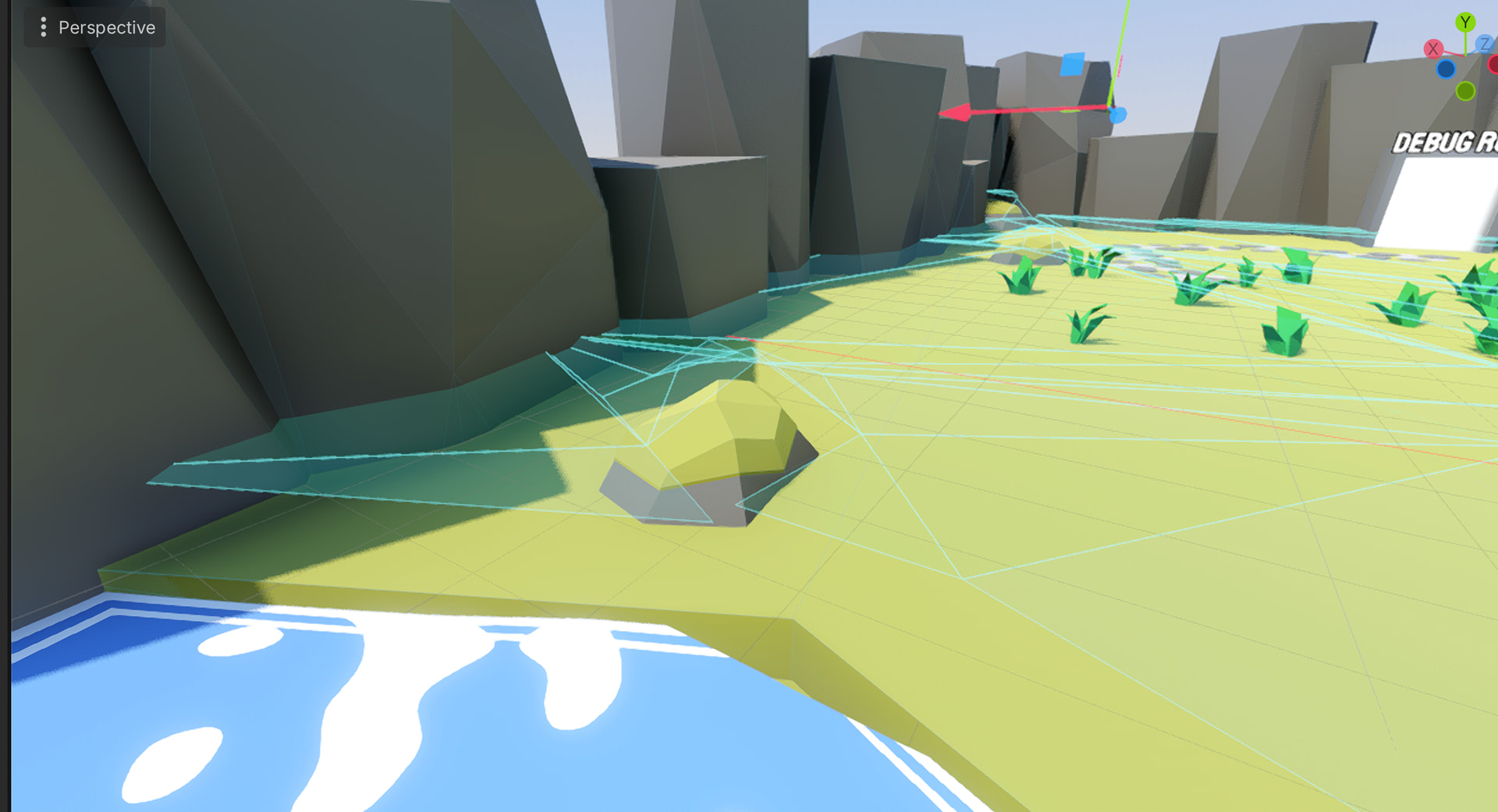
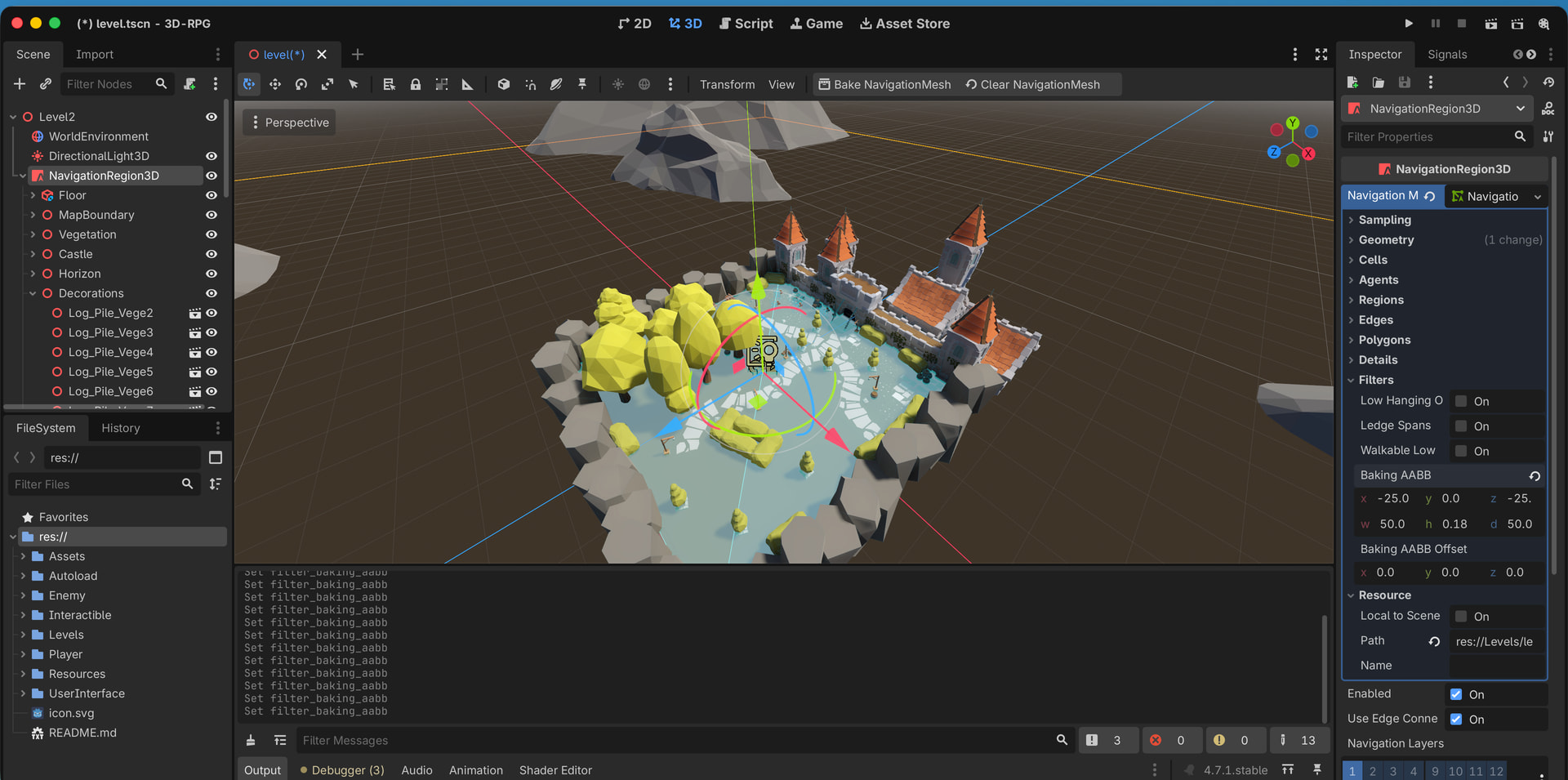
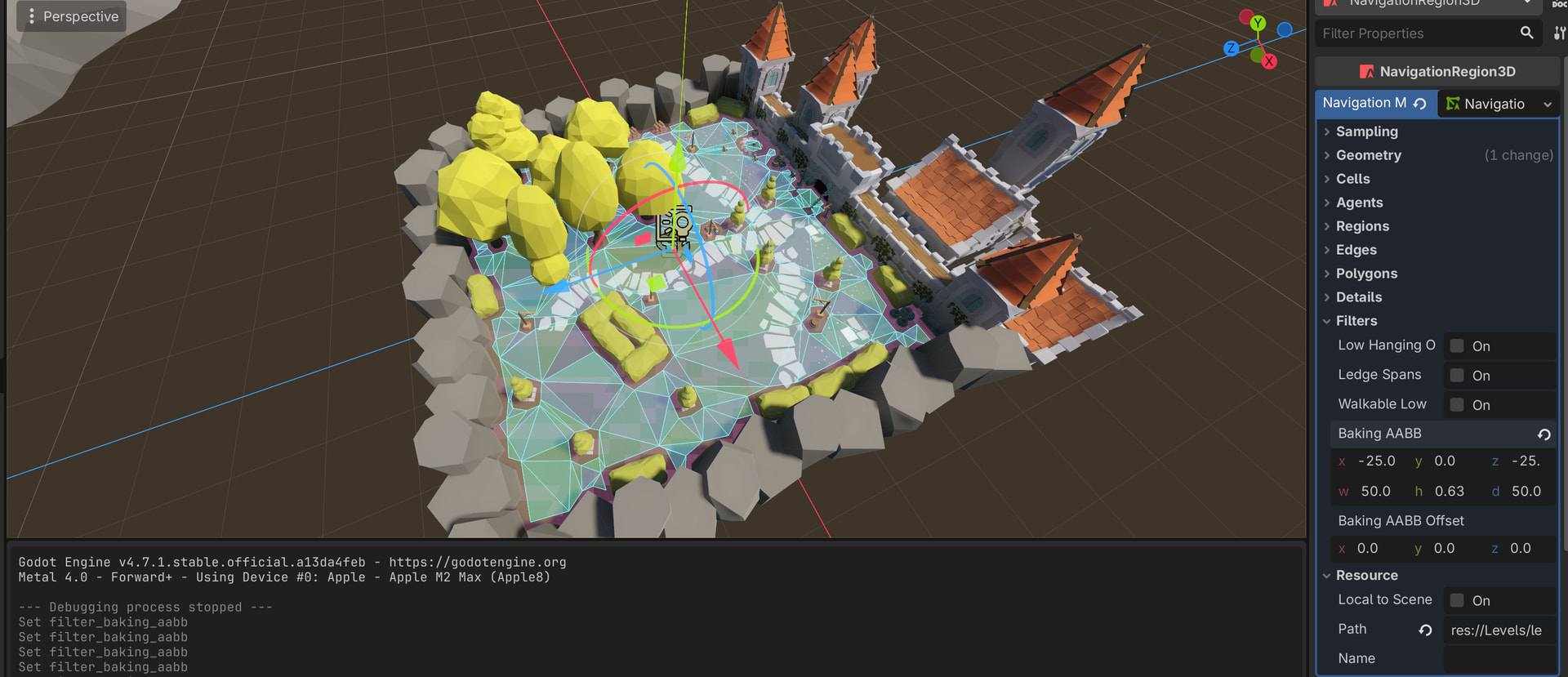
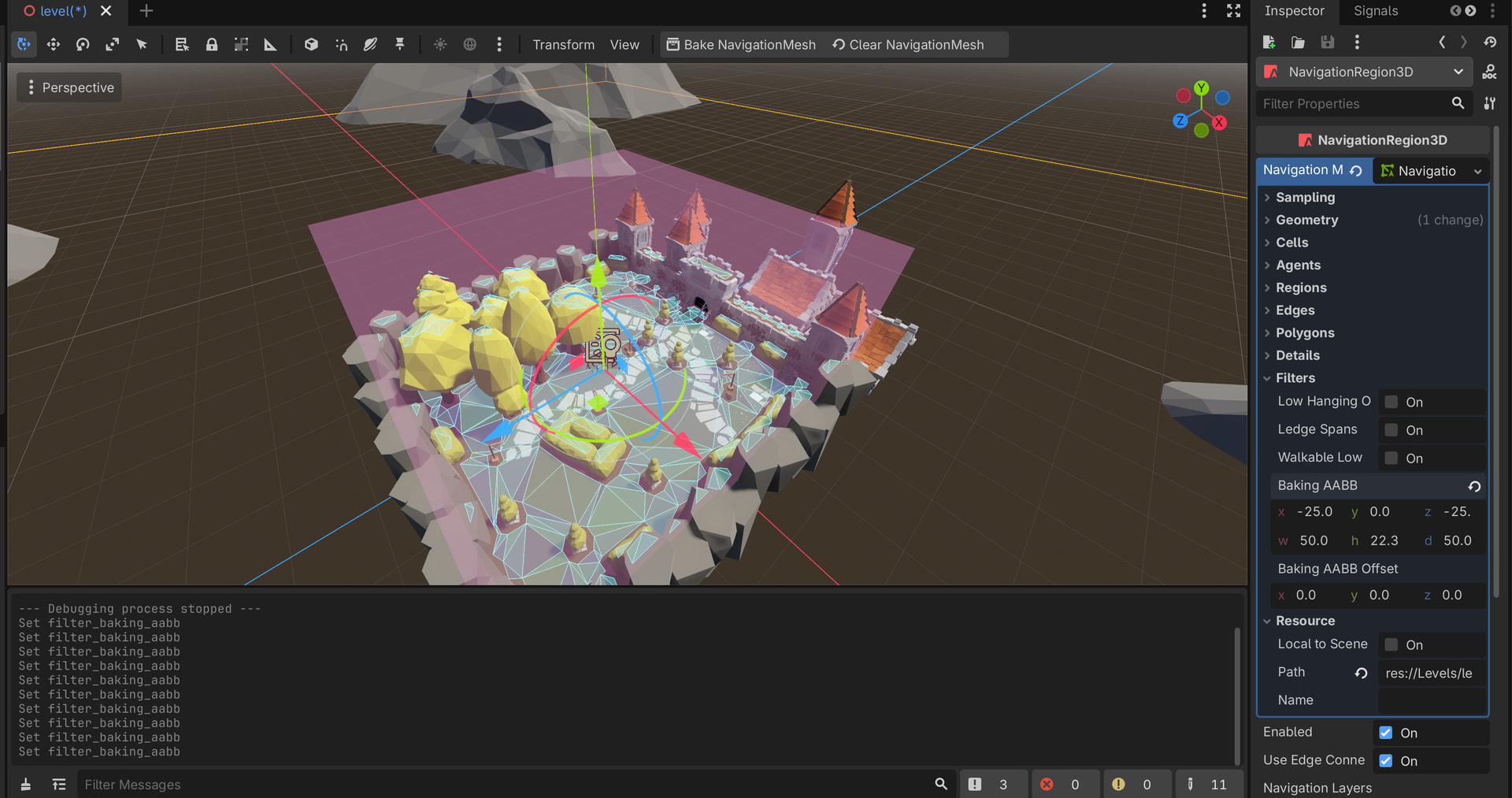
It seem to be fairly simple and I manage to put this into game but not sure about some of the features.
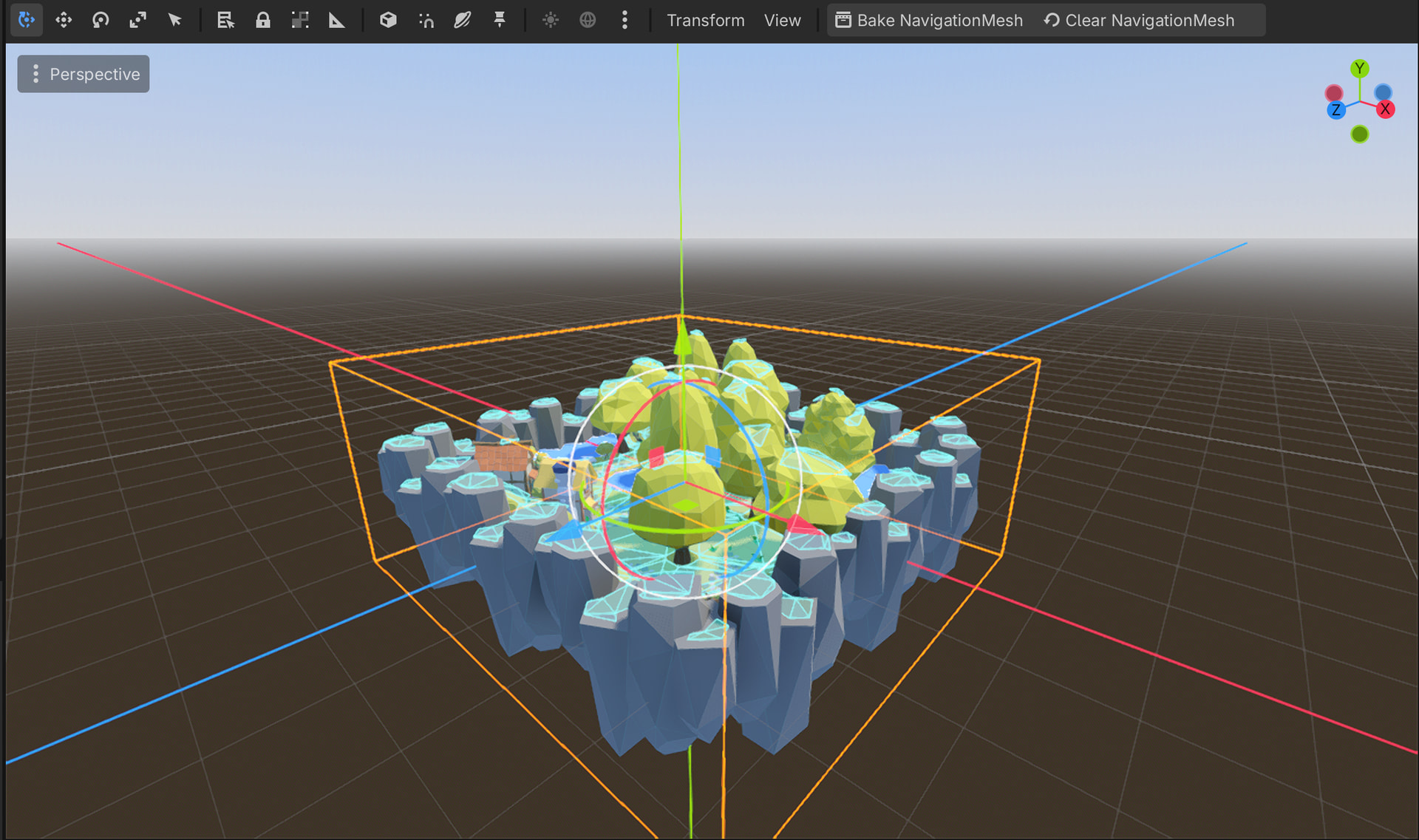
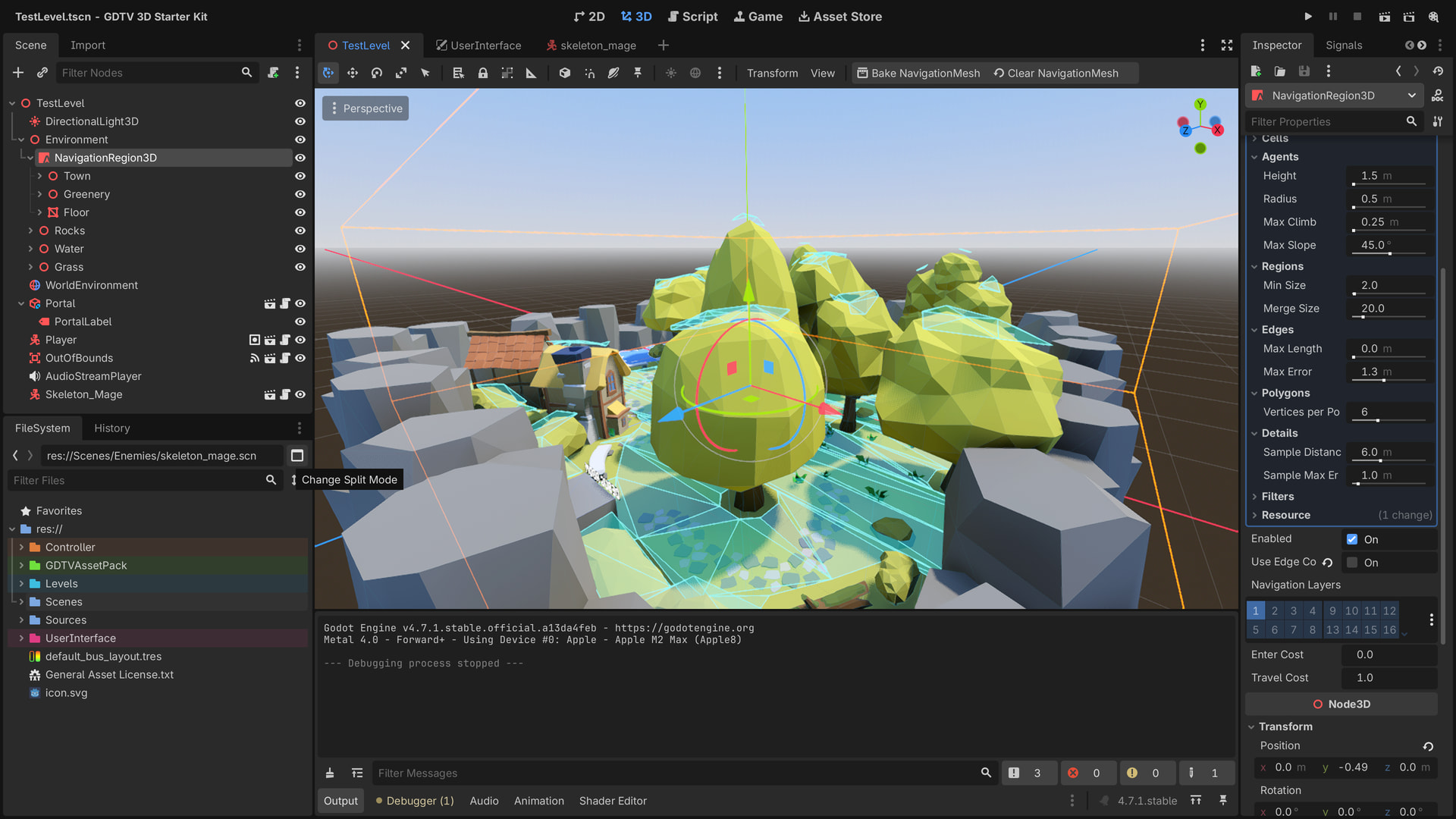
So basically NavigationRegion - is used for bake navigation mesh ( for some reason mine is above surface ), when I try change agent radius or height it complains about it .
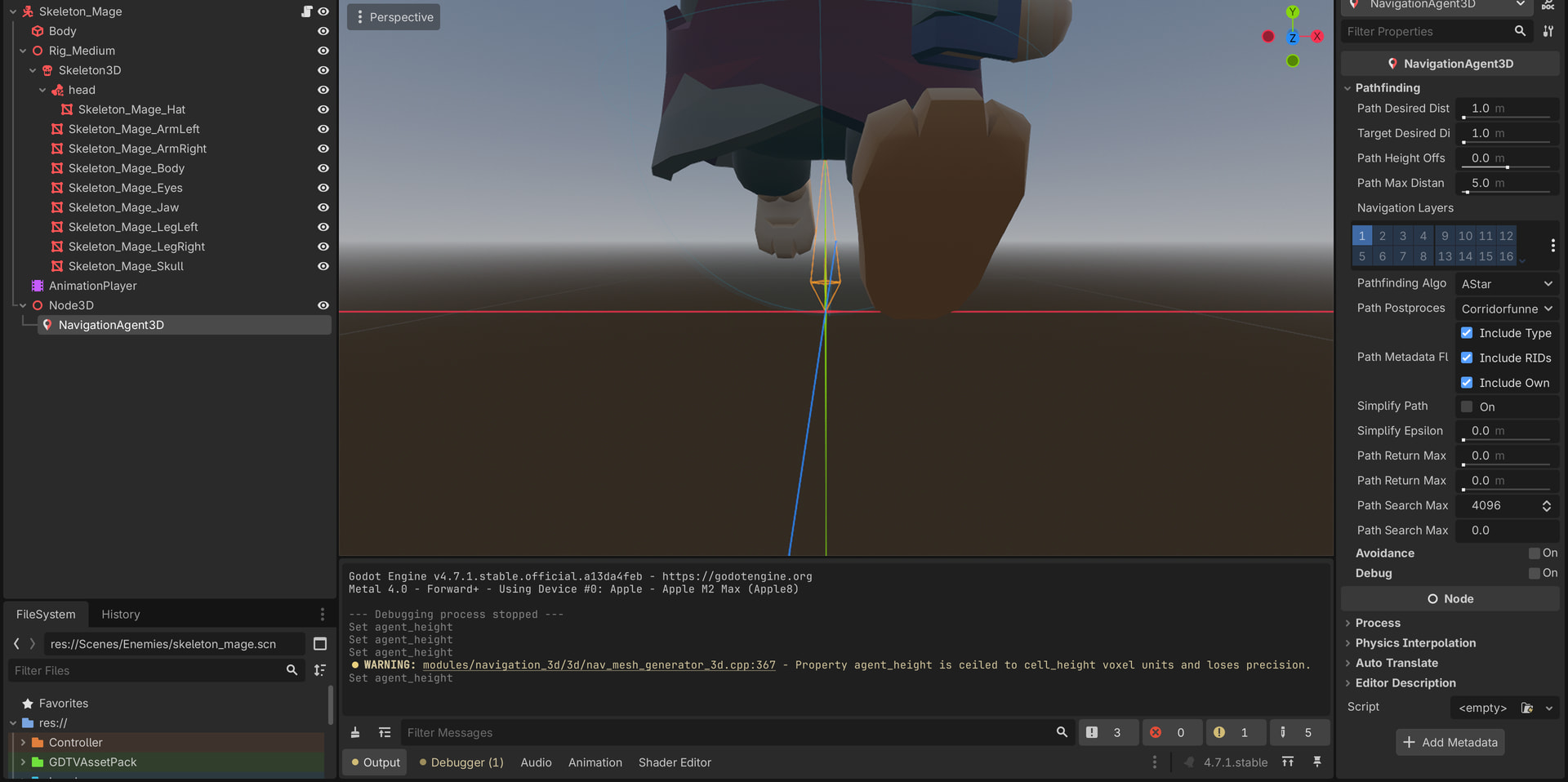
Navigationagent is added to NPC which will go around.
What parameter can I change to make navigation mesh more precise?
Should I attach all environment objects or floor is fine for bake?
Should all points of target be global positions?( such I would like to create path where the Skleton enemies be guarding the territory, changing guards of treasure.
What kind of nodes and approach be best for it( all low poly , KayKit assets)
extends CharacterBody3D

var movement_speed: float = 2.0
@export var movement_target_position: Vector3

@onready var navigation_agent: NavigationAgent3D = $Node3D/NavigationAgent3D


func _ready():
	# These values need to be adjusted for the actor's speed
	# and the navigation layout.
	navigation_agent.path_desired_distance = 0.5
	navigation_agent.target_desired_distance = 0.5

	# Make sure to not await during _ready.
	actor_setup.call_deferred()

func actor_setup():
	# Wait for the first physics frame so the NavigationServer can sync.
	await get_tree().physics_frame

	# Now that the navigation map is no longer empty, set the movement target.
	set_movement_target(movement_target_position)

func set_movement_target(movement_target: Vector3):
	navigation_agent.set_target_position(movement_target)

func _physics_process(delta):
	if navigation_agent.is_navigation_finished():
		return

	var current_agent_position: Vector3 = global_position
	var next_path_position: Vector3 = navigation_agent.get_next_path_position()

	velocity = current_agent_position.direction_to(next_path_position) * movement_speed
	move_and_slide()
Some ideas how to set it up ?
skeleton would get around map perimeter on floor level without need of specific target locations
check if he is stuck to avoid obstacles
What about tree’s should I include them in bake or is there different way to exclude part of mesh from being used in navigation mesh?
extends CharacterBody3D

@onready var navigation_agent_3d: NavigationAgent3D = $NavigationAgent3D
@onready var path_follow3d := get_tree().get_first_node_in_group("path_follow")
@onready var mesh_instance_3d: MeshInstance3D = $MeshInstance3D

var waypoints: Array[Dictionary] = [
	{"ratio": 0.01, "wait": 1.0},
	{"ratio": 0.25, "wait": 2.0},
	{"ratio": 0.35, "wait": 0.5},
	{"ratio": 0.5,  "wait": 3.0},
	{"ratio": 0.7,  "wait": 1.5},
	{"ratio": 0.8,  "wait": 2.5},
	{"ratio": 0.9,  "wait": 1.0},
	{"ratio": 1.0,  "wait": 4.0},
]

var ratio_step := 0
var is_waiting := false

func make_move() -> void:
	var index := int(pingpong(ratio_step, waypoints.size() - 1))
	var point := waypoints[index]

	await get_tree().create_timer(point["wait"]).timeout

	var target_pos: Vector3 = path_follow3d.get_random_position(point["ratio"])
	navigation_agent_3d.set_target_position(target_pos)
	ratio_step += 1

func _physics_process(delta: float) -> void:
	var destination = navigation_agent_3d.get_next_path_position()
	var local_destination = destination - global_position
	var direction = local_destination.normalized()

	velocity = direction * 5.0
	move_and_slide()

	if velocity.is_zero_approx():
		mesh_instance_3d.get_surface_override_material(0).albedo_color = Color.RED
		if is_waiting == false:
			is_waiting = true
			await make_move()
			is_waiting = false
	else:
		mesh_instance_3d.get_surface_override_material(0).albedo_color = Color.GREEN
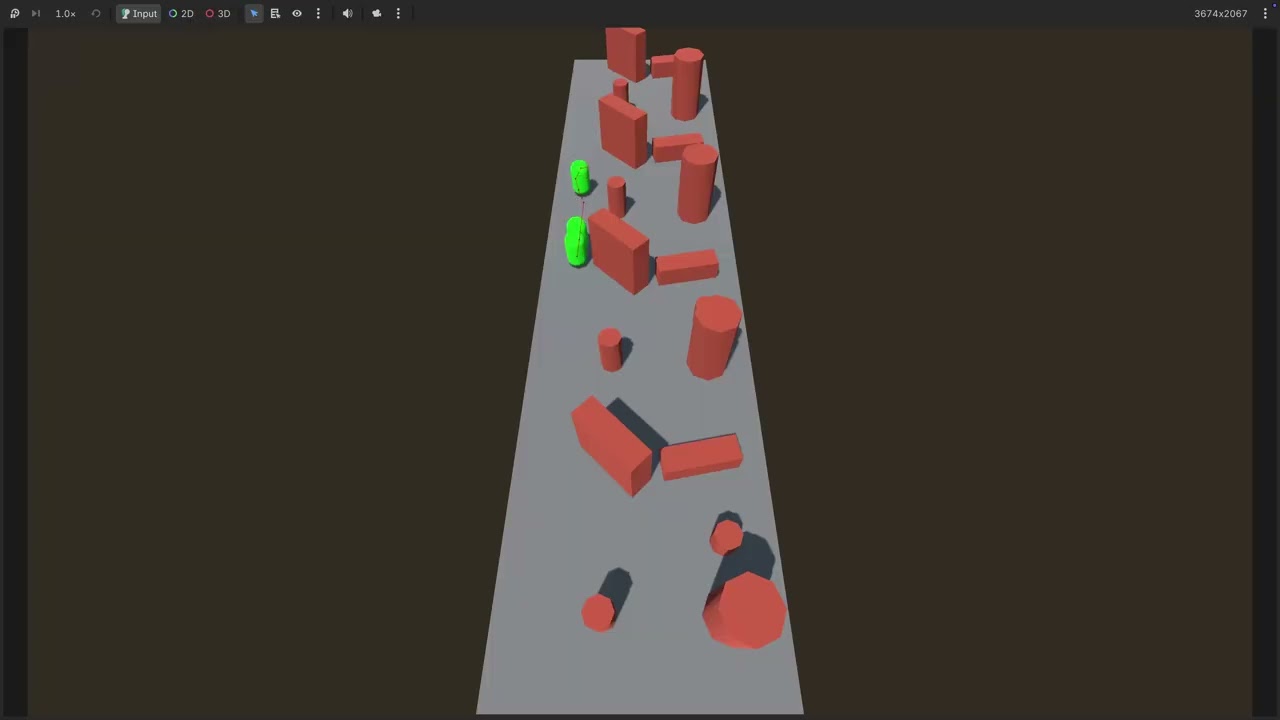
Instead of action the function is called now automatically when timer is out.
To determine if NPC is arrived to waypoint I have used velocity, ratio and ratio_step ( for sake of choosing next waypoint and be able use pingpong)
Maybe could use some other system instead of Dictionary, but I found it could be useful for “guarding”, wonder how aggro(player detected) could be solved then - the player should be detected only if is visible( not behind the wall) and then distance threshold, if player manage to escape from chase the npc returns back to way pointing routine.
Nice read, but I don’t think this will apply to my scenario.
For this basic use it’s fine, now figuring how to make this NPC “see a player” { sensible could be ShapeCast3D to detect him overall as it doesn’t have validation is something like wall is between player and npc.
The raycast be great, but question is shall I keep checking player position from NPC at all the time?
In both scenarios see downside’s , Shapecast for looping through colliders, passing player position and checking for distance could be cool but this need to be process function I guess or maybe separate collision mask/layer for check radius maybe ?
The enemy can have an area 3D with a sphere shape. If the player is not inside the area, no need to check the raycast. If the player is inside the area, check the raycast.
With an area you can also make the collision shape a box (or a custom shape, like a cone or a “frustrum”) attached to the enemy’s head to simulate his cone of vision, so it doesn’t trigger if the player is out of his field of vision.