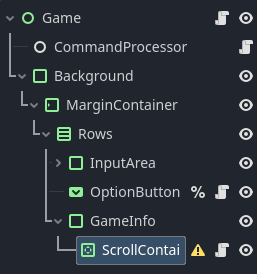
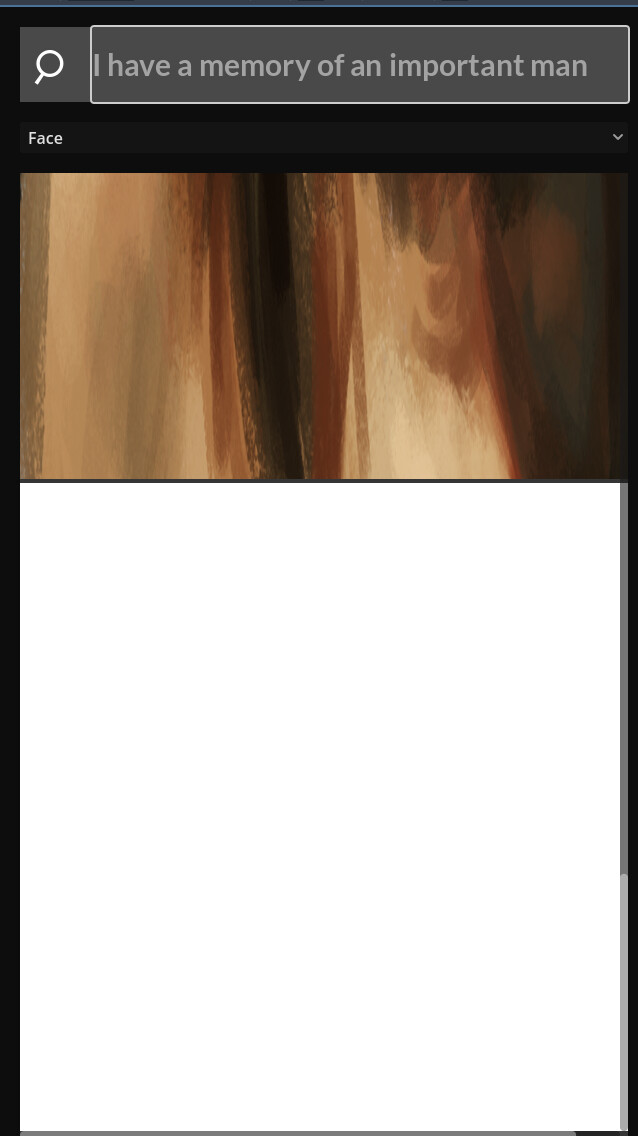
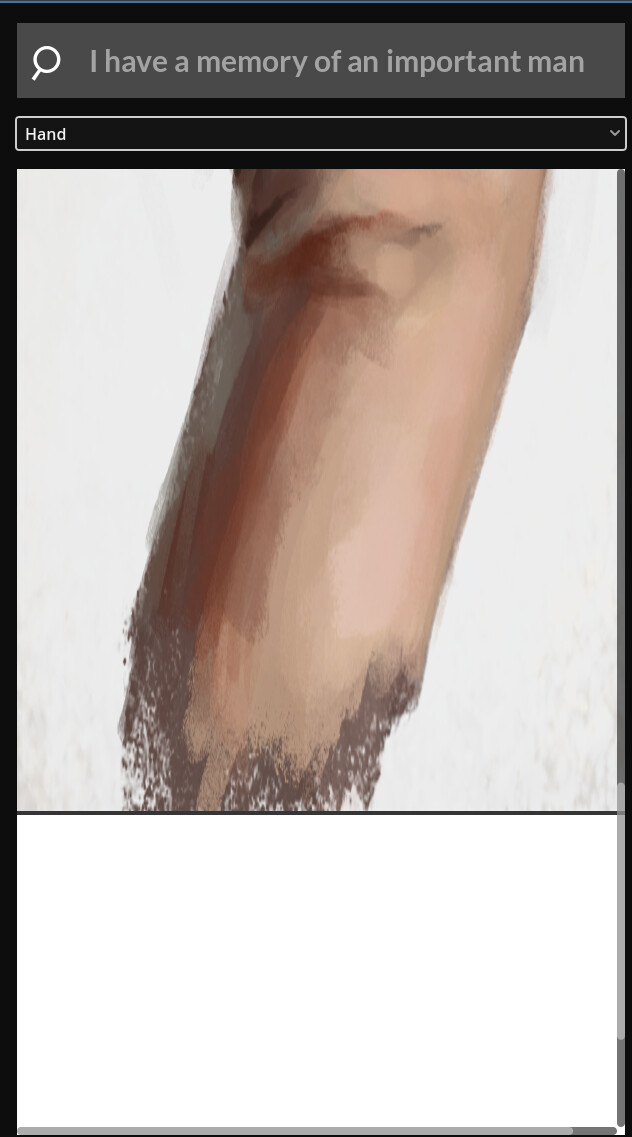
I am working on a project where a scene will change after the user inputs a word. A scene is coded into a scroll container that changes when a word is entered. However, when the scene has more than one node, the extra node will stay behind when the scene changes.
Here is the code I am using to call the new scene:
extends ScrollContainer

const HAND = preload("res://scenes/hand_scene.tscn")
const FACE = preload("res://scenes/face_scene.tscn")

func _on_input_text_submitted(new_text: String) -> void:
	if new_text == "hand":
		print("hand loaded")
		var hand_scene = HAND.instantiate()
		add_child(hand_scene)
	if new_text == "face":
		print("face loaded")
		var face_scene = FACE.instantiate()
		add_child(face_scene)
Keep a reference to the node / scene you added in either a dictionary or an array, then when a new scene is being loaded, simply remove the previous one.
Or even easier, introduce a variable called current_scene and make it equal to the instantiated scene. Then, before you instantiate a new scene, simply check if current_scene is not null, and if it’s not, do: current_scene.queue_free() because right now you’re essentially just adding new nodes on top of each other without ever removing the old ones.
You need to remove the var from where you SET the current_scene, otherwise you’re just creating a new variable. it should just say current_scene = FACE.instantiate() for example.