Godot Version
4.6 dev 5
Question
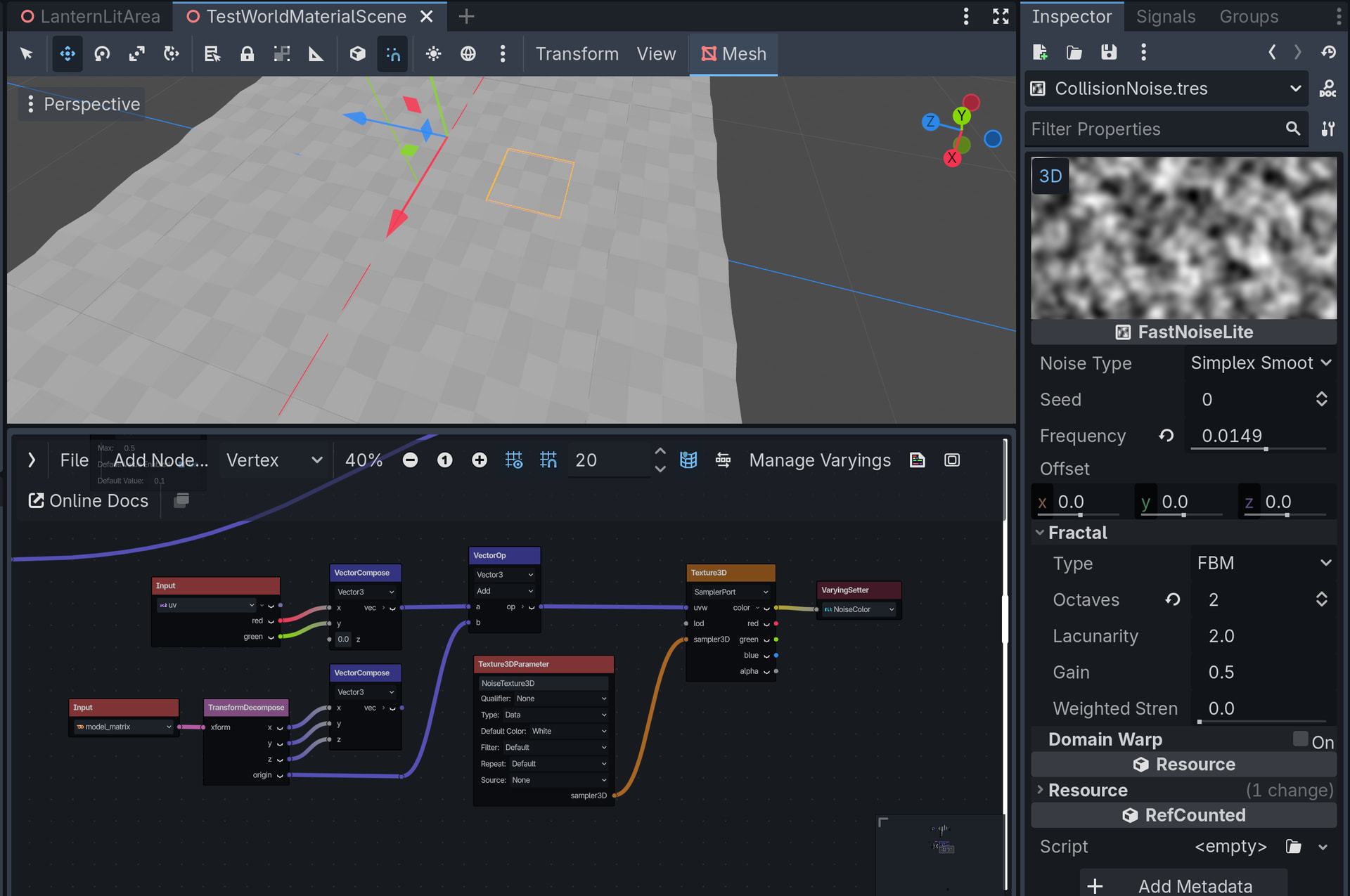
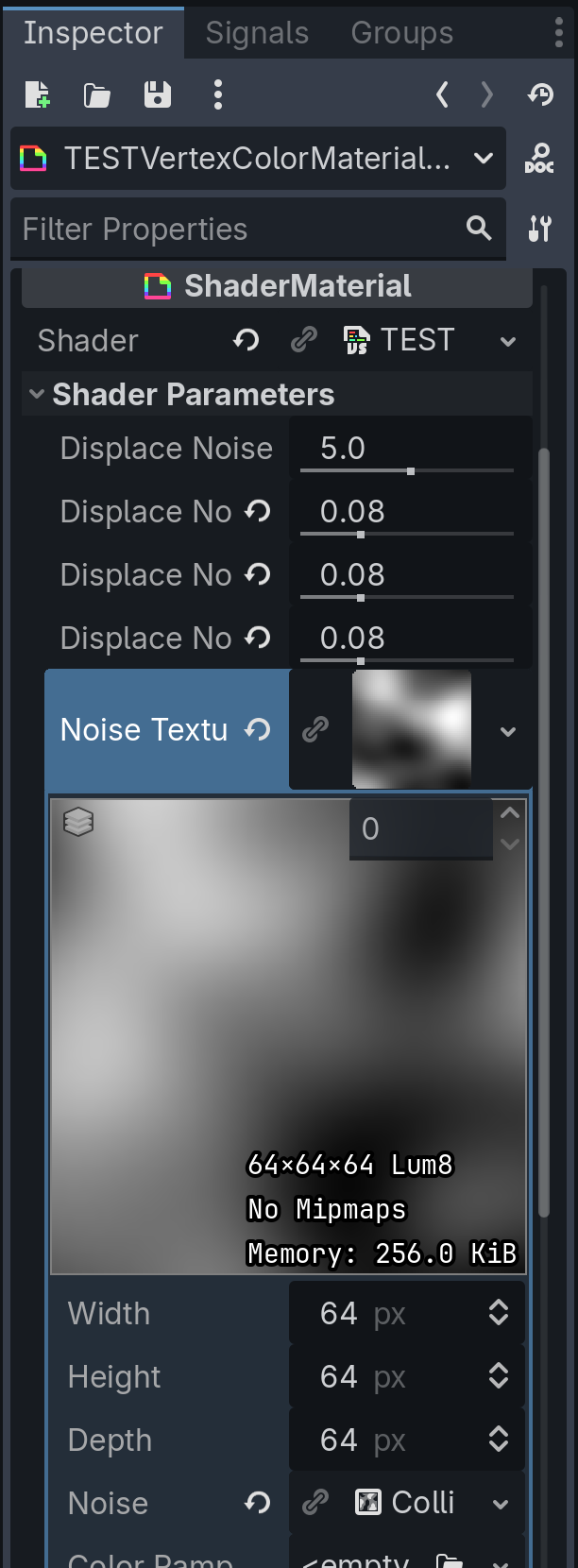
I'm trying to get world noise across a large number of tiles, but currently failing. Please see if you can spot any issues in what I'm doing:
4.6 dev 5
I'm trying to get world noise across a large number of tiles, but currently failing. Please see if you can spot any issues in what I'm doing:
Failing in what way?
As you can see in the screenshot, it’s a single color for all tiles (you should be able to see the highlight in the first image, there’s 8x8 tiles).
I was expecting each tile to get its own sampled color from the noise texture, but it doesn’t, regardless of if I use the x, y, z value or origin of the model_matrix.
Sample the texture in the fragment function, not in vertex function.
Can I send that to the vertex shader, then? That feels weird, because I send some varyings (which is a weird name) to the fragment shader already. Is there talk back and forth?
Perhaps I should have mentioned that I want to do vertex displacement using noise.
For displaying the texture, send the UV you’ve calculated in the vertex function to the fragment function via a varying, and then use that UV in the fragment function to sample the texture per pixel.
For displacement, just displace in the vertex function.
“Varying” is not a weird name at all. It perfectly describes what is happening. The value sent from the vertex function varies across the triangle, i.e. the final per-pixel value is interpolated from 3 per-vertex values of triangle corner vertices.
Highlighted the important word here. To me, that still seems impossible on the vertex side, the way Godot currently handles its built-in noise, if it has to be done via a 3D texture only.
No, it’s perfectly doable with a 2D noise texture aka heightmap. You just need to make sure that the mesh has proper UVs, then you can eventually scale those UVs in the shader to adjust the texture coverage/repetition across the whole mesh.
As the first step I’d suggest sending your calculated UVs from the vertex to the fragment function and debug-draw them by plugging u and v into albedo r and g, to see the actual distribution of UV space across your mesh.