Godot Version
4.7
Question
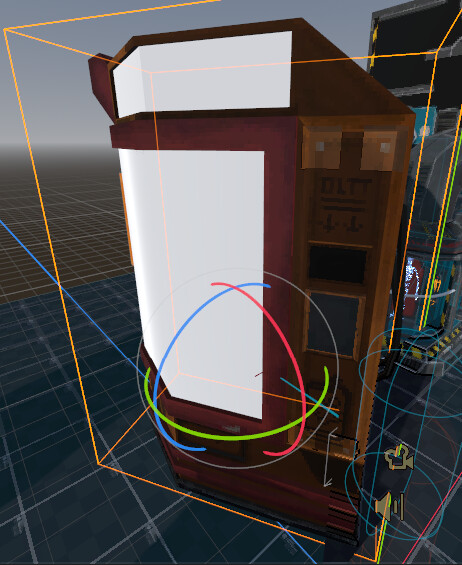
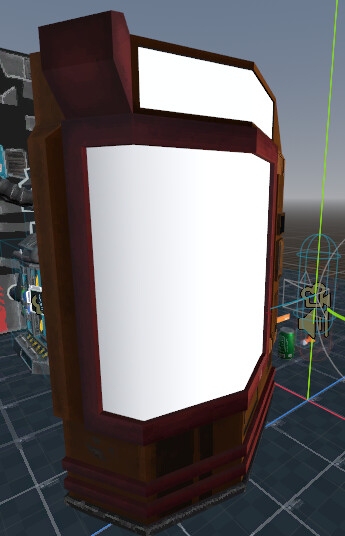
I’ve made a model in blender using the ucuPaint addon for layers to make my life easier, i’ve baked all the textures there and exported them as gltf2 to godot then when i put the model in the scene to see how it looks, it looks like this:
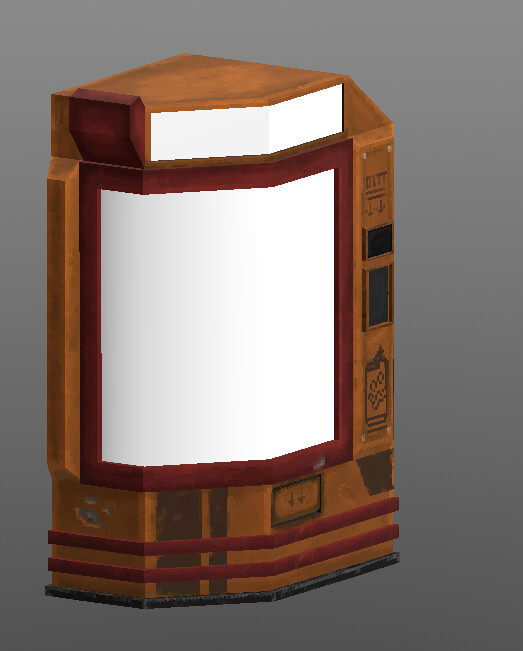
The shadows are all wrong and looks bad but when i double click on the model in the filesystem it looks normal:
This is how i hoped it would look, what gives?
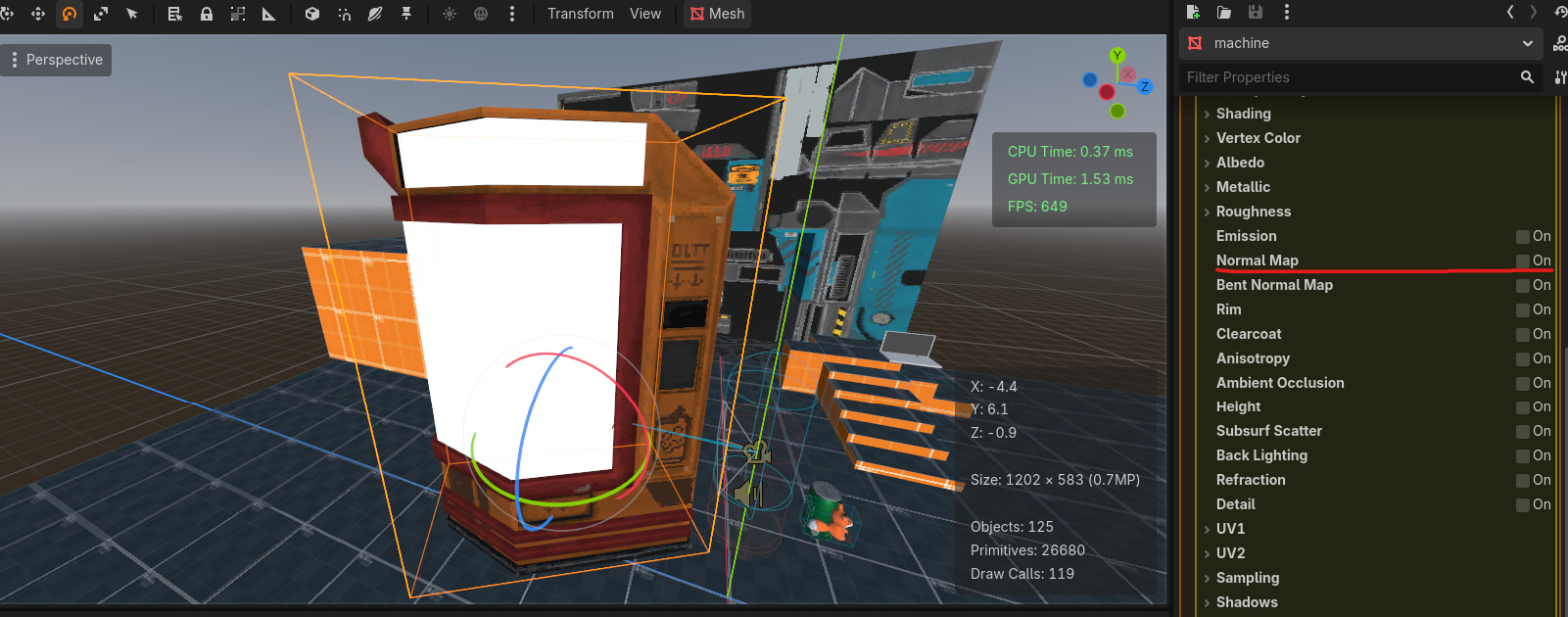
Note: it’s worth mentioning that this is caused by the normal map, as when i remove it the base colors goes back to normal
Let’s see the normal map.
TLDR: when reexporting a model from blender to godot make sure to delete that model .import files in .imported folder for the new changes to take effect
i actually found out the problem but forgot to post it here, while making the model in blender i was using the plugin named “ucu paint” which allows for layering in texture paint mode, and before you export the model you have to bake all those layers, i forgot about that, but when i realized my mistake i went back and fixed it because Godot was using one of those layers as normal map while it was for something else i baked the texture and overwrite the export, this is where the actual problem comes in, despite me updating the model Godot still uses the old texture through the .import which kept the model from loading the right texture, only when i went to the .imported folder in the project and manually delete all model’s related files so Godot does a fresh import was the model able to load properly
i wish there was a way to delete all .import files for the resources that no longer exist in the project, but maybe there is and i’m blind