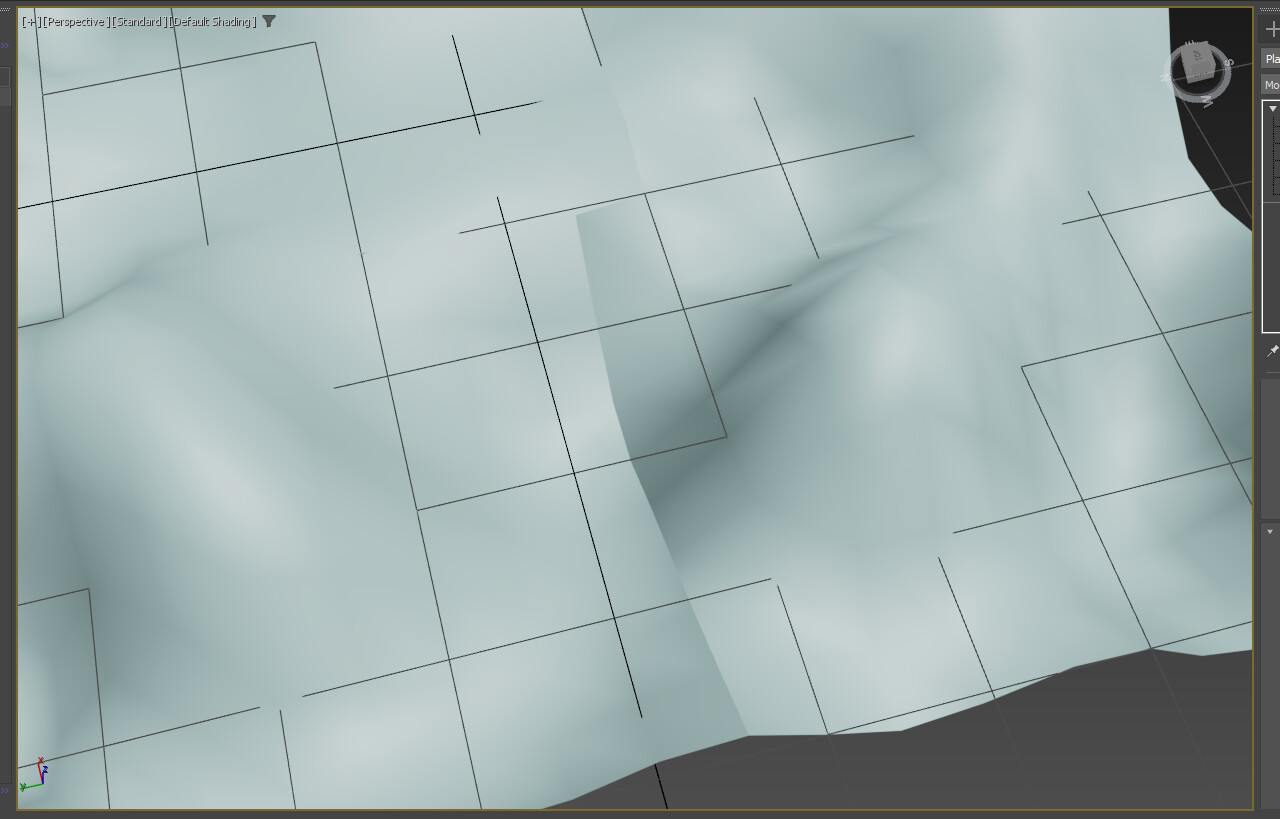
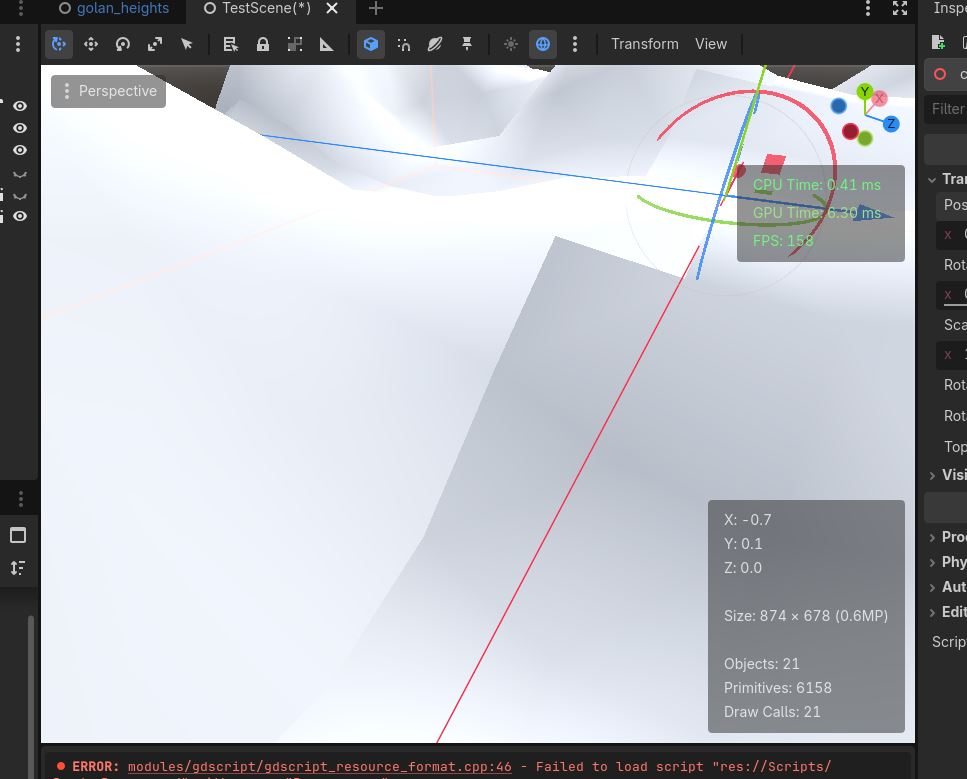
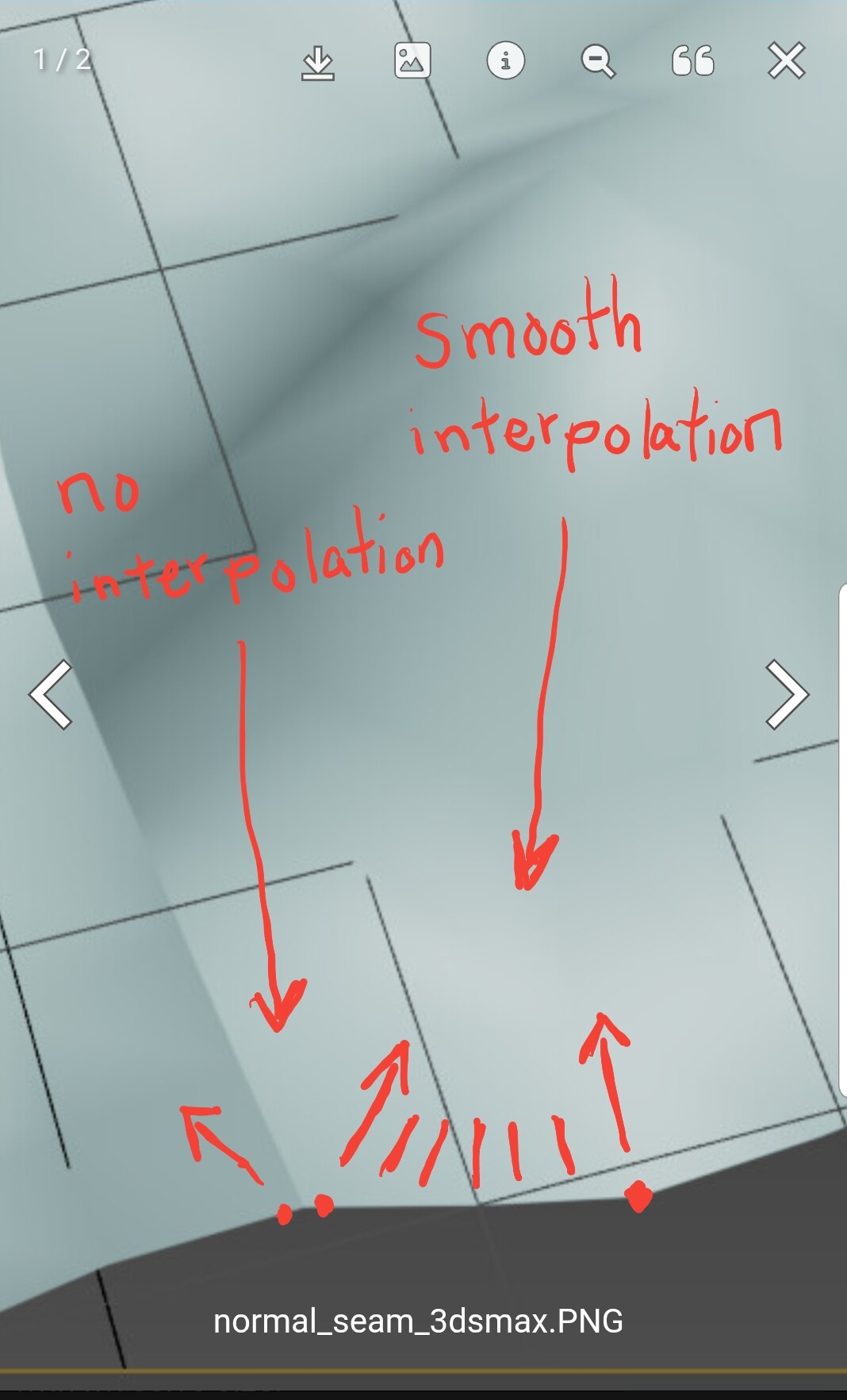
Looking at the bottom edge of the mesh, it looks like you don’t have a lot of vertices, but the shading looks smooth, so that means your using smooth interpolation on your normals. You have to make all the vertices on joining chunk edges have the exact same normals. That will fix it. If your handcrafting in 3dsmax that should be pretty easy (I am not familiar with it) but if your procedurally generating then you will have to build a system for it
It looks like the cut was done on a low-res mesh. So apply whichever modifiers were used for creating/sculpting the terrain, to end up with a plain hires mesh - then cut.
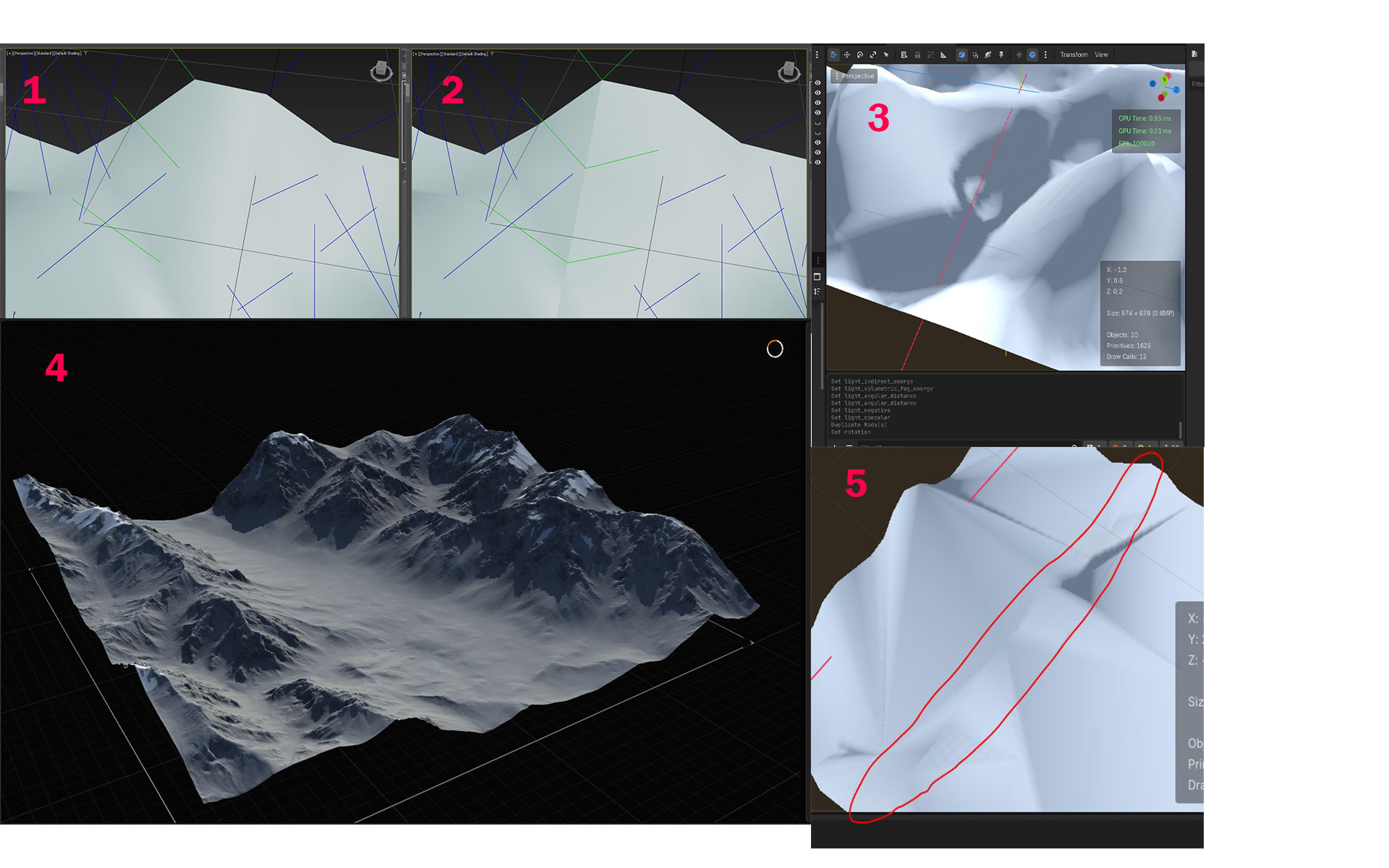
you were right. I copied the rotation of normals that are share the position with the neighbor mesh(picture 1 & 2) and also worked in Godot (picture 3). but in this manner all chunks are have to be edited witch is impossible for a terrain model like this (picture 4)
the terrain area is about to be 1km sq and each part has individual functioning like lake, river, physics, caves,… the manner needs to be more procedural and dynamic in order to handle multiple active camera and ease of design.
even making a custom plugin for Godot to chunk the model and modify normals it will be very hard to implement any customized property with chunked terrain. like textures witch every chunk must have a unique texture and matches with neighbor chunk.
by the way normals change with LOD. witch at this specific mesh is not really noticeable but not sure works in all circumstance’s (picture 5)
i thought maybe there is a another way to optimize the massive terrain, something like decreasing quantity of triangles with shader or anything like that.
but anyway thank you guys for pointing to “normals”, that fixed lighting problem. i didn’t know that.
if anyone watched this post and came up with a new idea please share