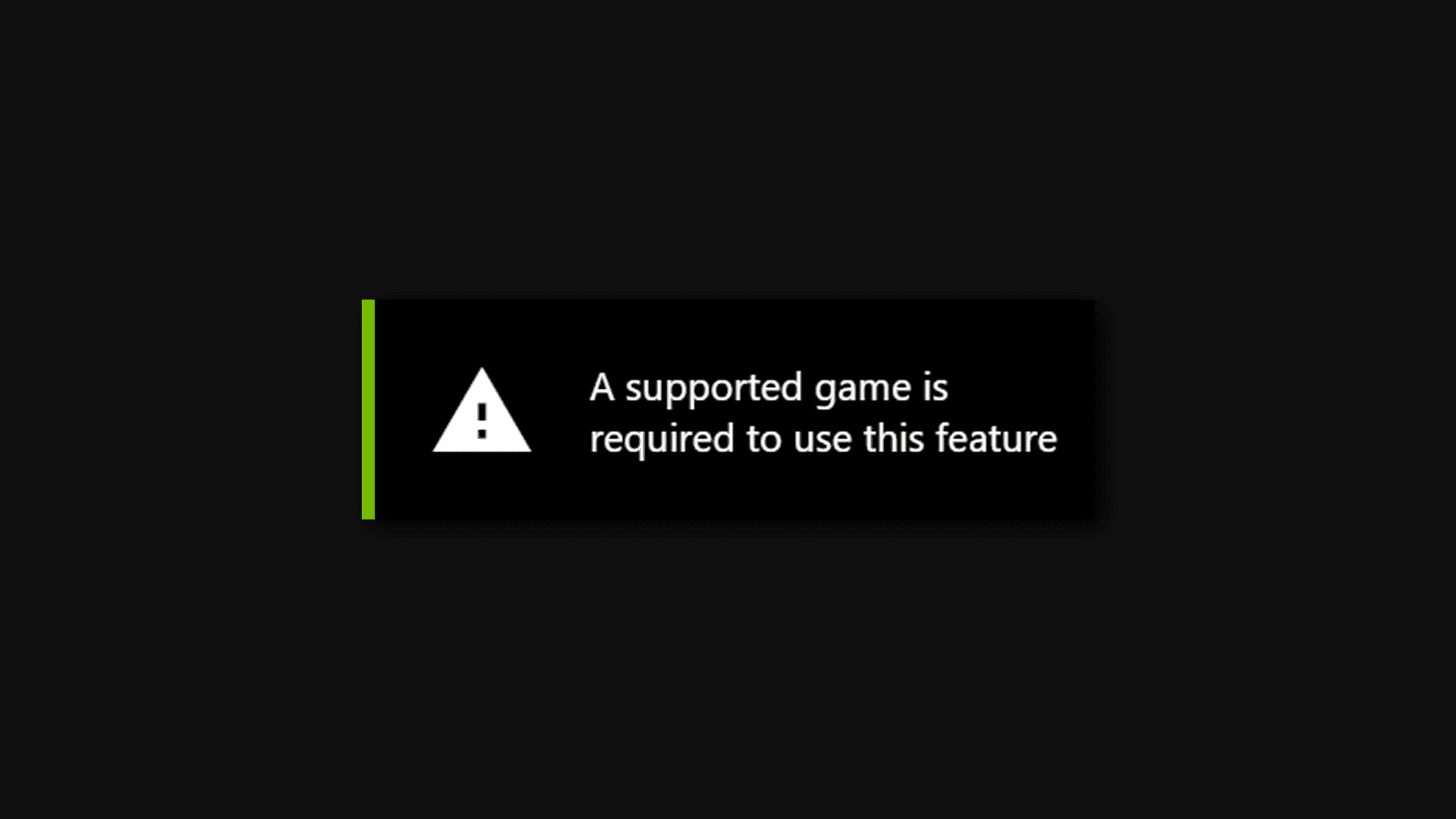
It worked pretty well in Godot 4.4.1 but after I switched to 4.6.1, it stopped working. I have already updated the GeForce Experience and drivers to the newest versions. When I open the overlay and click record, it says this:
The movie maker feature is perfectly capable of doing this. This is what you wrote in your post. I’ve used it many, many times to record gameplay to show off to my players / supporters before.
To be clear, if you are quoting from the docs, it posts better than real-time footage. If your videocard has any framerate stutters, they will not show up in your footage. That’s because the movie maker actually renders directly to video file from the game instead of using what you are seeing.
It’s meant for creating demos. It is not meant for streaming.
In my experience, the video created by movie maker actually had my 2D sprites flashing and stuttering when they moved. That’s why I turned to other options.
That should only happen if there’s something wrong with how your game works. The Movie Maker directly captures what your game renders. There should be no difference at all.