Particles2D sprite sheet animation loop issue

Godot Version

4.5

Question

I want to make falling forest leaves using the particle system in Godot. These leaves should have an animation that consists of 6 frames and should be looped. In the GPUParticles2D node inspector, I have made all the necessary settings (I have specified the number of frames in Materials and checked the Particle Anim Loop option). However, when I test the animation, the leaf falls and plays the first cycle of the animation, but before the second cycle begins, the sprite disappears for a short time and then reappears and starts the cycle. How can I fix this issue?

A step-by-step video of the problem:

I’m not able to reproduce the issue using the default icon.svg

I’m not sure where the issue may be. Can you try with a different texture and see if it still happens?

This is so strange. Your video shows everything the way I need it. I tried to do the same as you with icon.svg, but the image still disappears. Did you set the same settings in the inspector as I did in the top video? Or is it something else?
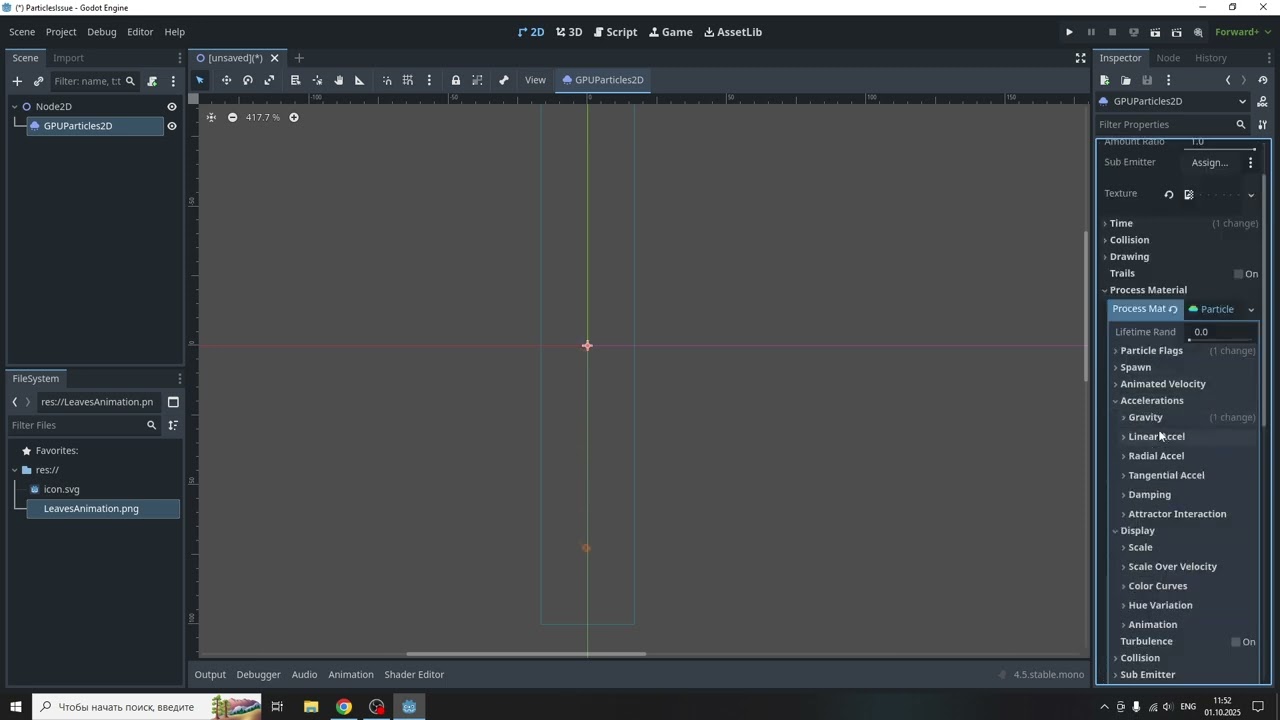
Video:

Yes, they are the same settings as the video above. Are you using an AMD GPU? Some driver versions broke some 3D stuff in Godot Vulkan: Meshes rendered incorrectly after AMD graphics card software update (Fixed in 25.9.2) · Issue #109378 · godotengine/godot · GitHub Try updating your drivers

My graphics card’s version is AMD Software: Adrenalin Edition 25.8.1. The Adrenalin launcher says it’s the latest version at the moment.

The link to the discussion that you sent me says that version 25.9.2 helps, but I can’t download it on my Radeon RX580 graphics card.

It looks like I just need to wait for a new version for my graphics card :frowning:

Nevertheless, thank you so much for your help!

This topic was automatically closed 30 days after the last reply. New replies are no longer allowed.