Networking my fast paced real-time MMO:
The following is my take on developing a networking strategy for fast paced MMO’s like Phoenix USC. I did a lot of experimenting and research on Enet, Godot networking and issues related to data or packet delivery over the Internet. The approach I had taken was to have the server push as much data into as few packets as possible (Packet Lite). The idea being as long as I am not fragmenting the data over several packets all would be well. I also was sticking to a hard limit of 250kb/s for 100 player population (server to client). Additionally I was also sending one quarter of the state updates from the server to the clients every 25ms. This turned out to be good for efficiency and very low bandwidth usage but suffered under packet loss and other network conditions.
After researching about Enet and UDP packet delivery I began to understand the issues involved and came up with a solution. With Enet and UDP packets the best strategy is to send smaller packets lengths (size) and at a target rate likely not to exceed the target clients one way network latency. This is about 50 milliseconds for most connections (100ms round trip) and because the server is sending state updates at that rate there is likely to be no sever induced packet loss.
Sending many more smaller packets (Packet Heavy) dose wonders to help cope with network packet loss, dropouts and higher latency. They do this because most of the state data sent from the server to the client is sent ‘ordered and unreliable’ and if any packet is out-of-order, malformed or late it will be ignored by Enet on the client end. If any of the packet data was spread across several packets all included packets will be ignored. Smaller packet lengths make the cost of packet loss less of an issue by minimizing the impact of packet loss due to their smaller size. If a 300 byte packet is lost some data is lost. If a 1000 byte packet is lost over three times the data is lost. Think of this as holes in the data stream that need to corrected. It’s way easier dealing with smaller holes.
Also, sending packets every 25ms as I was before will induce packet loss if the clients one way network latency is over 25ms. When Enet encounters this kind of situation it starts bundling packets and sending them to the client. If there is problem with the one of the packets all of the bundled packets are ignored on the client end adding to the packet loss. Sending packets at a more likely to be encountered rate of 50ms one-way makes it likely packet bundling will not occur.
The third change was the hard data limit of 250kb/s. It’s now double at about 450kb/s (kilobits a second) for a single client connection. The reason for this is that I have increased the state updates to clients from every 100ms to 50ms. This is the best rate for small packet delivery and improves everything, including handling packet loss, dropouts and more. I may be able to lower it some but I feel its fine at that bandwidth rate per client. To support a base of 100 players on a server the data bandwidth would be approximately 50Mb/s. I have a 756Mb/s bandwidth available with my VPS so this is no problem.
The challenge was to send all of the state data from the server in small enough packets to be effective. Every 50ms the server will send state data to a client in small 10 player state chunks, then send another 10 iterating until all the player state data has been sent to a client. Each chunk of 10 player states equals about a 340 byte packet. Each iteration is a separate network send (packet) to the client.
Once the player state data is sent to the client the bullet data is sent next all within the same network frame (every 50ms). The bullet state data is generally under 700 bytes per network frame and I don’t parse this data I just send it in one packet send. I may use the same technique as above if needed.
I also alternate network channels each client state update. In this way if one channel stalls the other has a good chance of getting data though. It’s all about making sure enough packets of state data arrive to keep the simulation smooth on the client end.
The basic premise of all of this is by using smaller packets I can better cope with network packet loss and other network issues. By increasing the server to client bandwidth any packets that are ignored or lost have a minimized impact due to quicker delivery and smaller packet size. This packet heavy approach allows for more stability because it limits the impact that packet loss can have on the client.
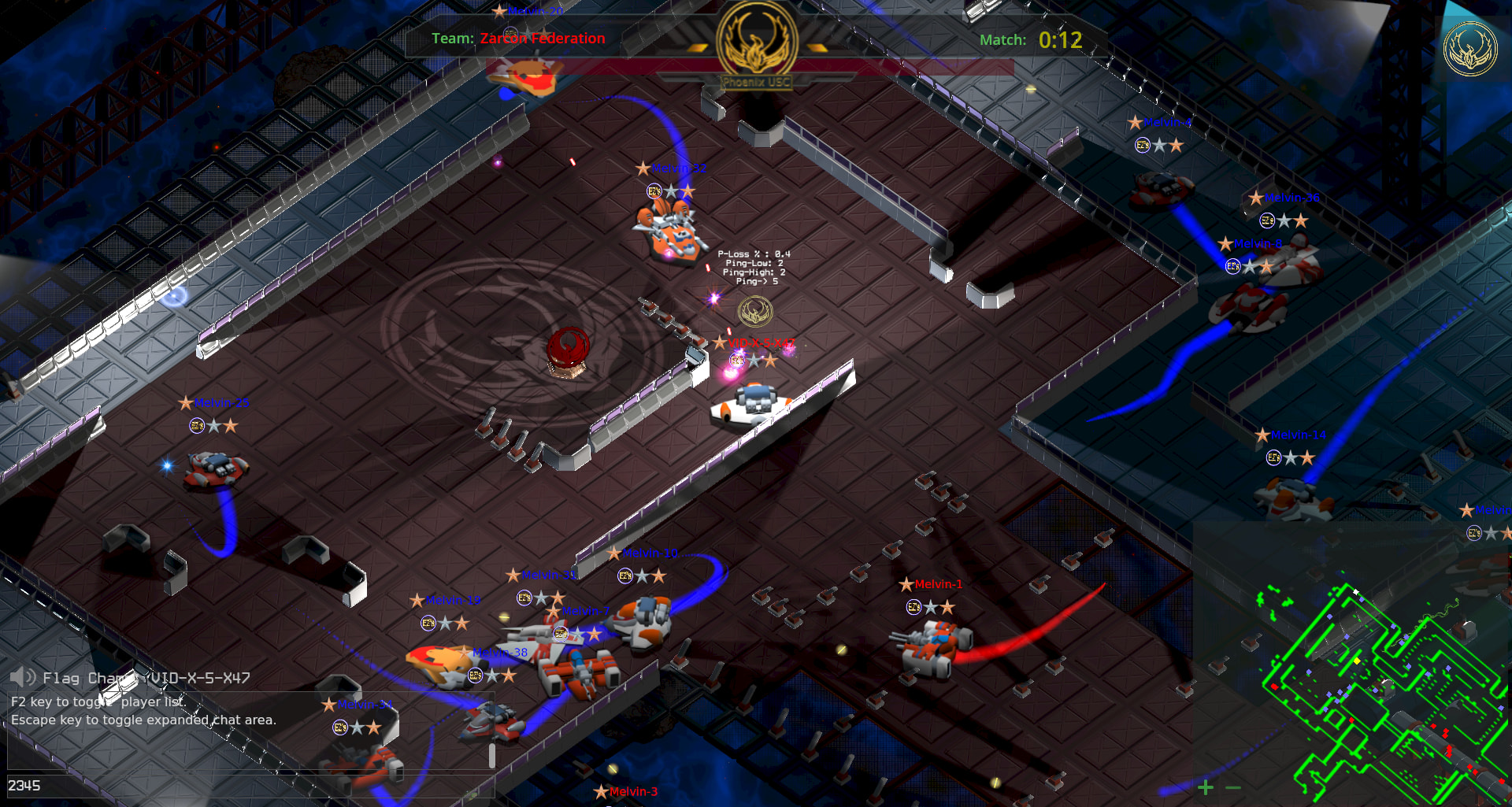
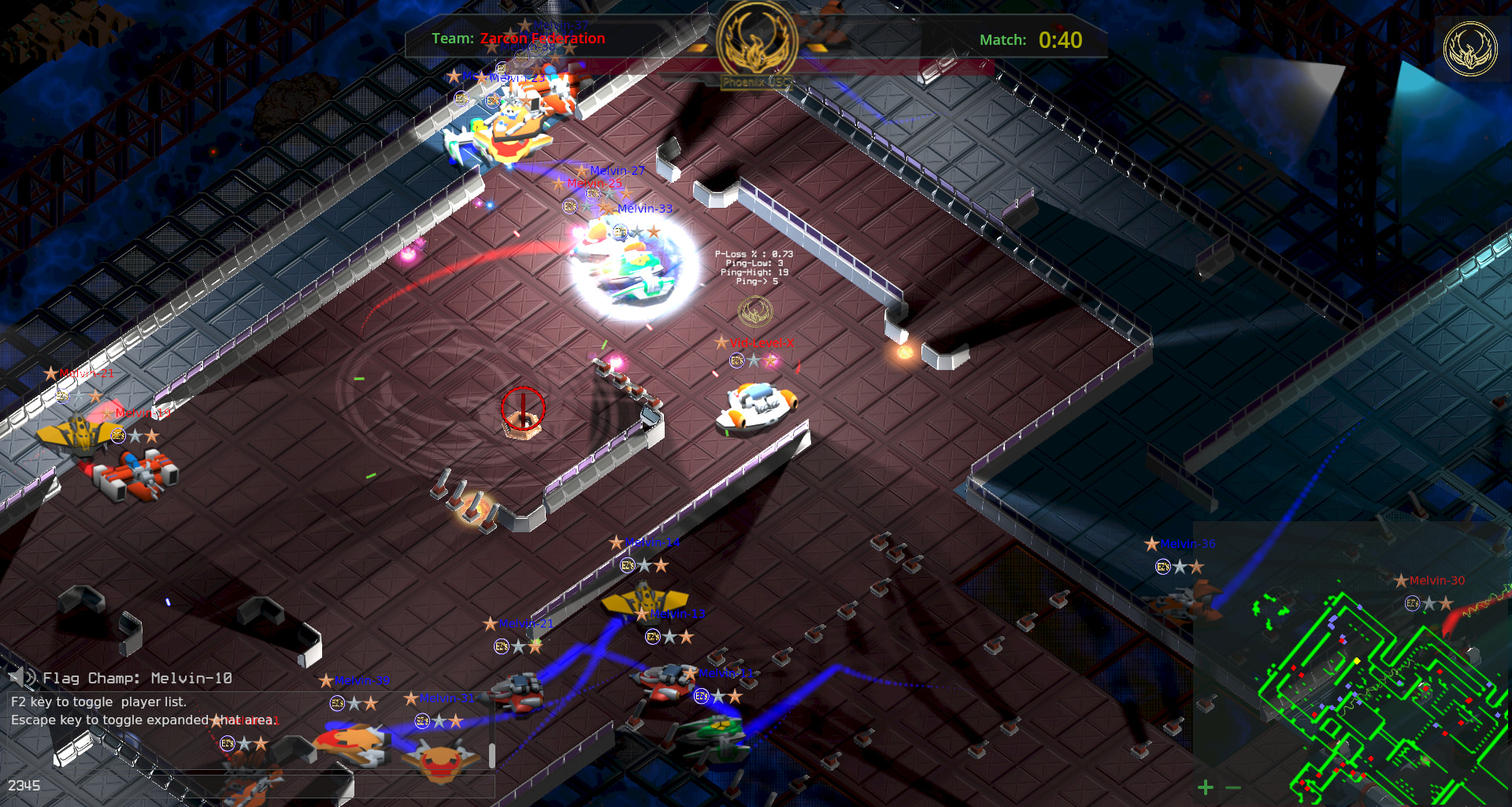
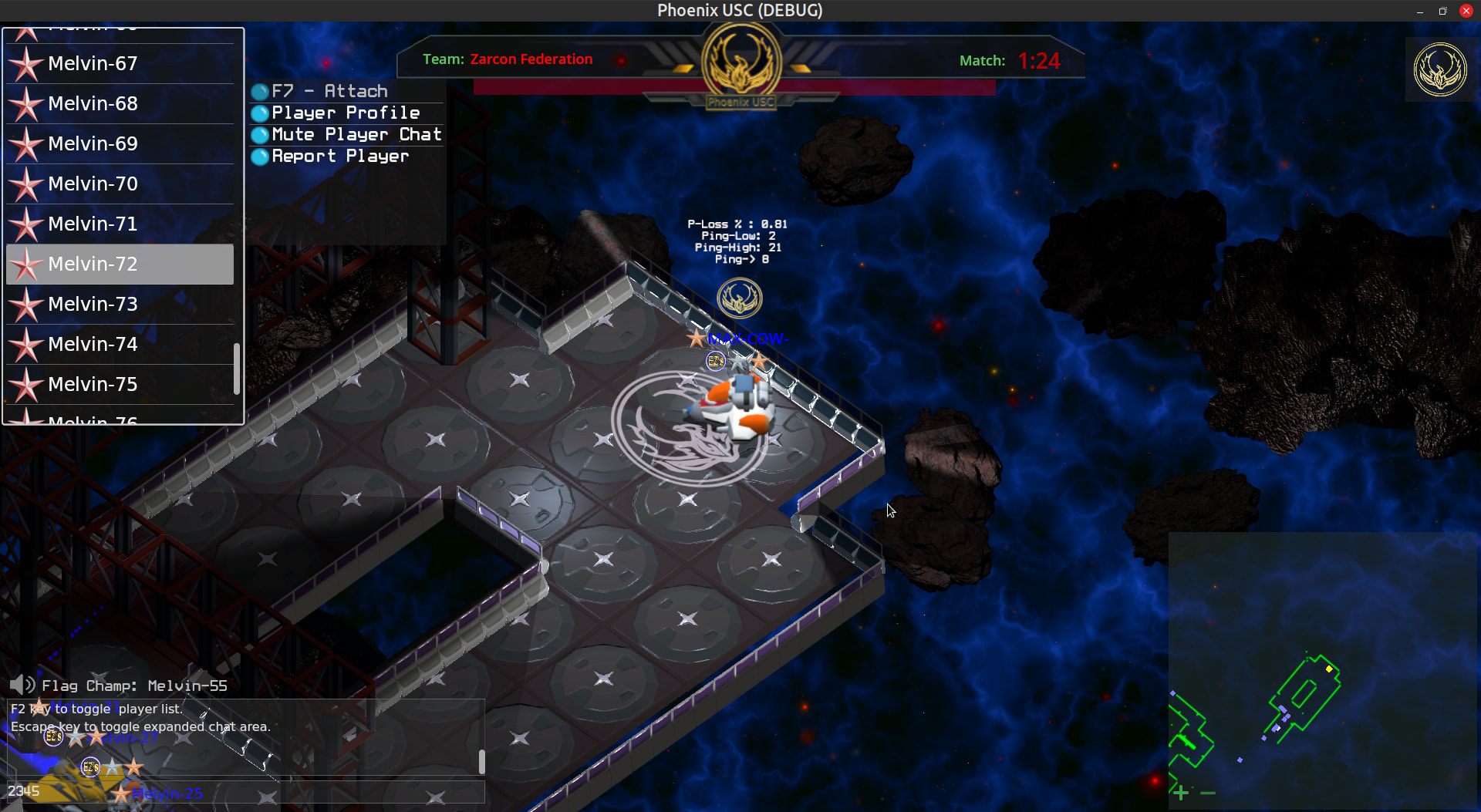
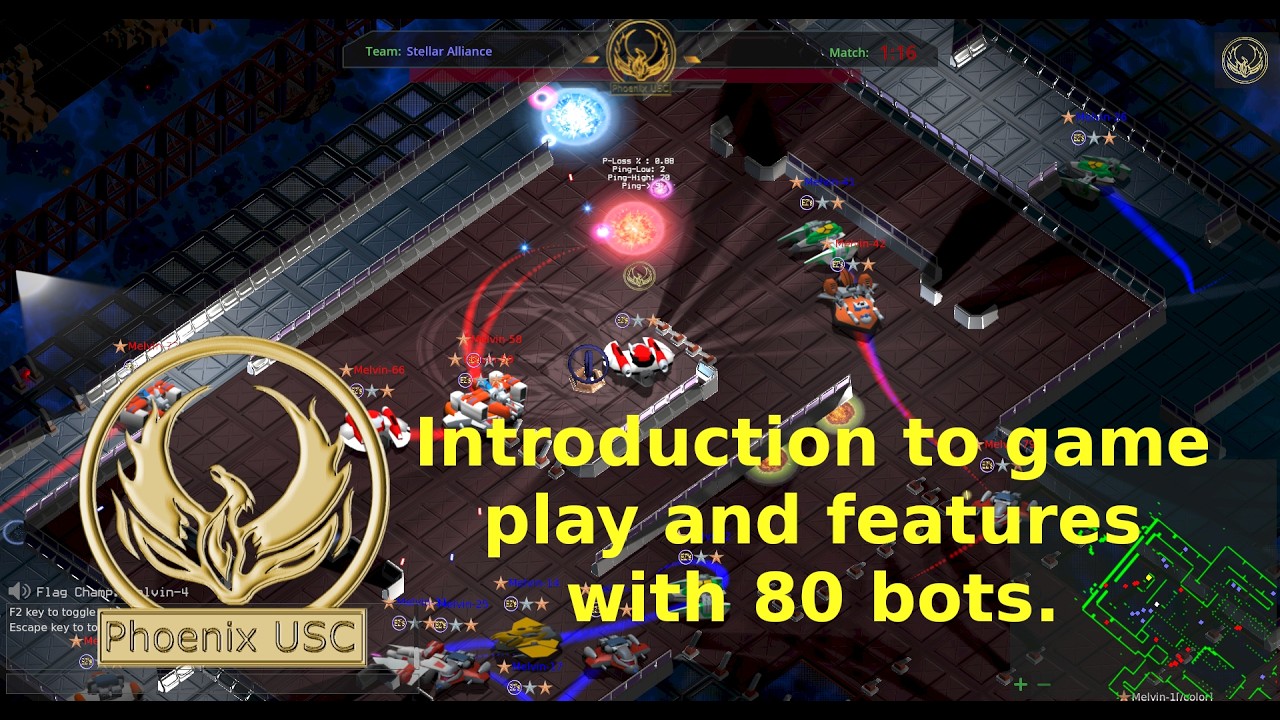
Testing this on my StarLink connection does very well now. My average ping is about 50ms or so and it’s very common for me to observer a 0.1% packet loss with this new approach. That is sweet to see. The network stability is solid and the network performance is reliable, as seen in the video post above.
There so much I could discuss here, but I think I have covered the basics of my approach to networking Phoenix USC. It’s been a journey.
More soon…
Vidiot_X