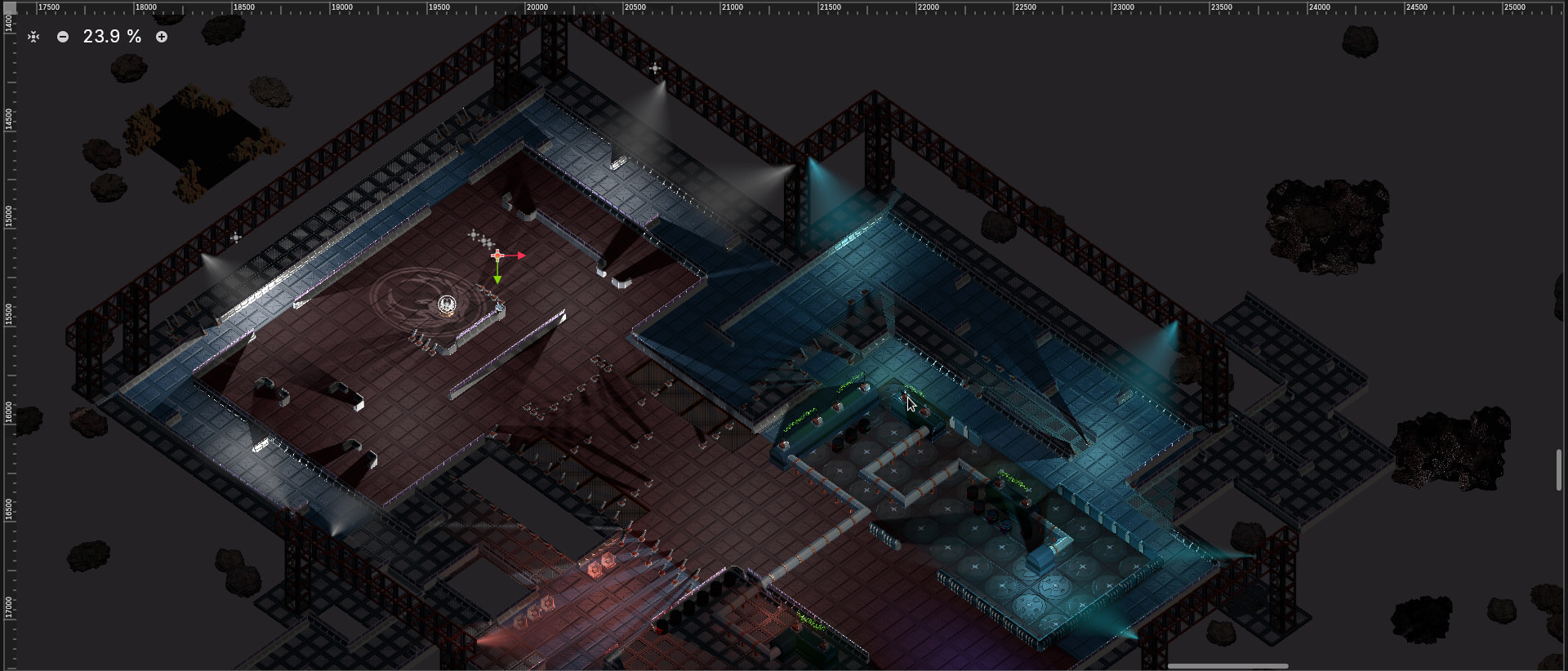
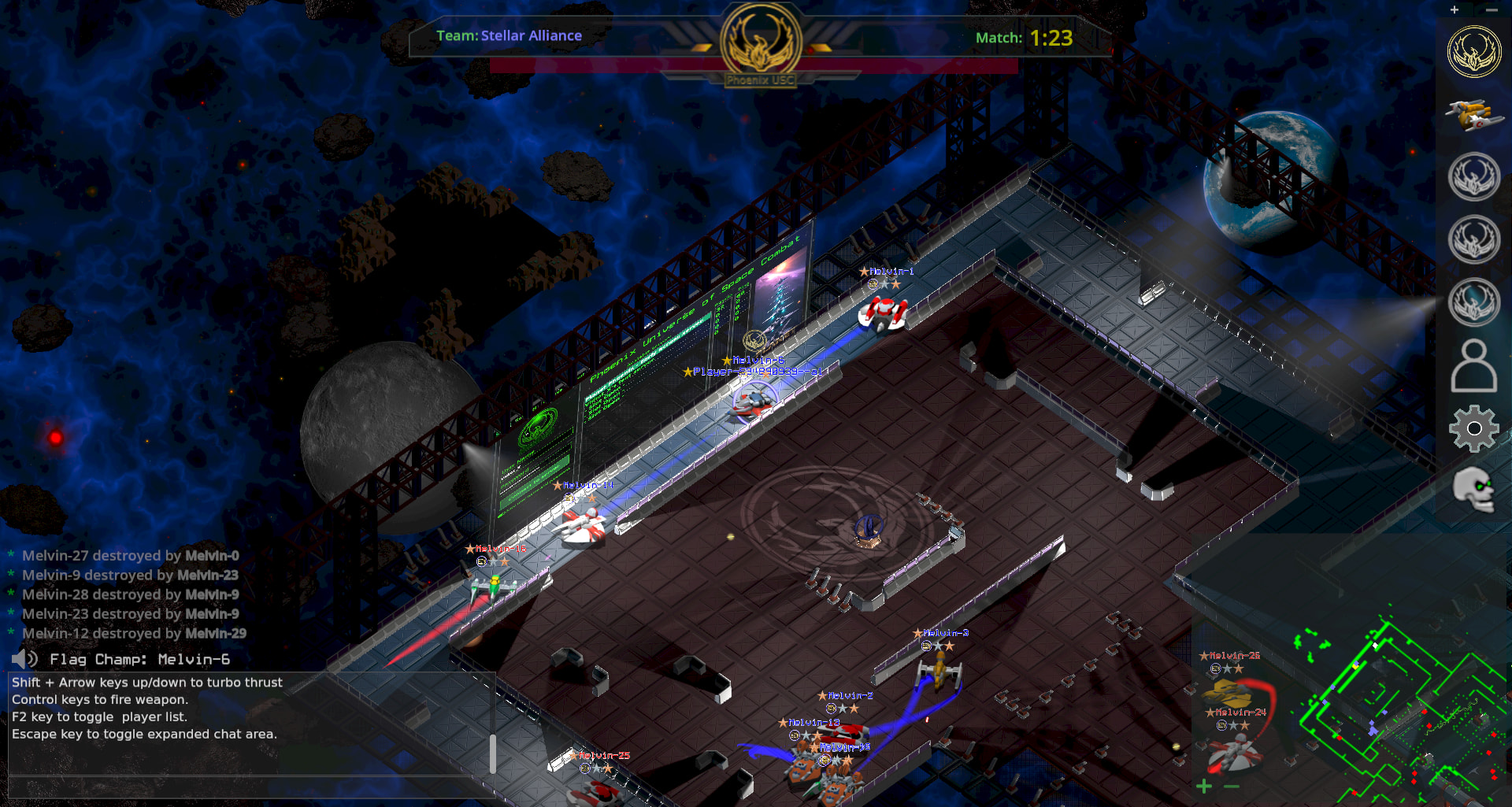
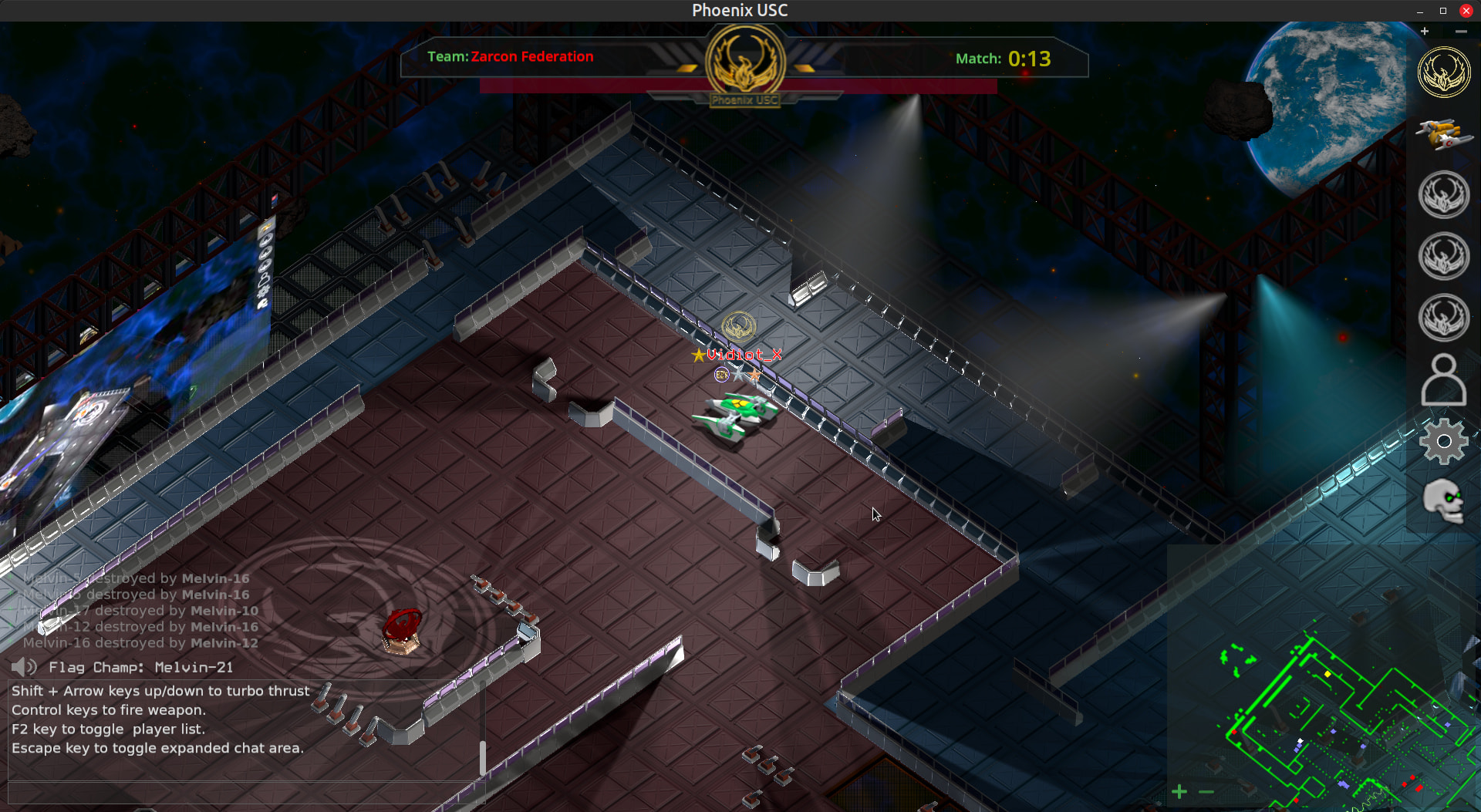
I have replaced the placeholder fake sprite 2D lights with a nicer looking sprite. It’s actually a layer of two sprites per light. One for the light body and one for a light bloom effect. The sprites enhance the Godot 2D lighting by adding some light source and detail effects.
I like it.
More soon…
Editor view:
Here is an in game view of the lighting mentioned above.
Hi,
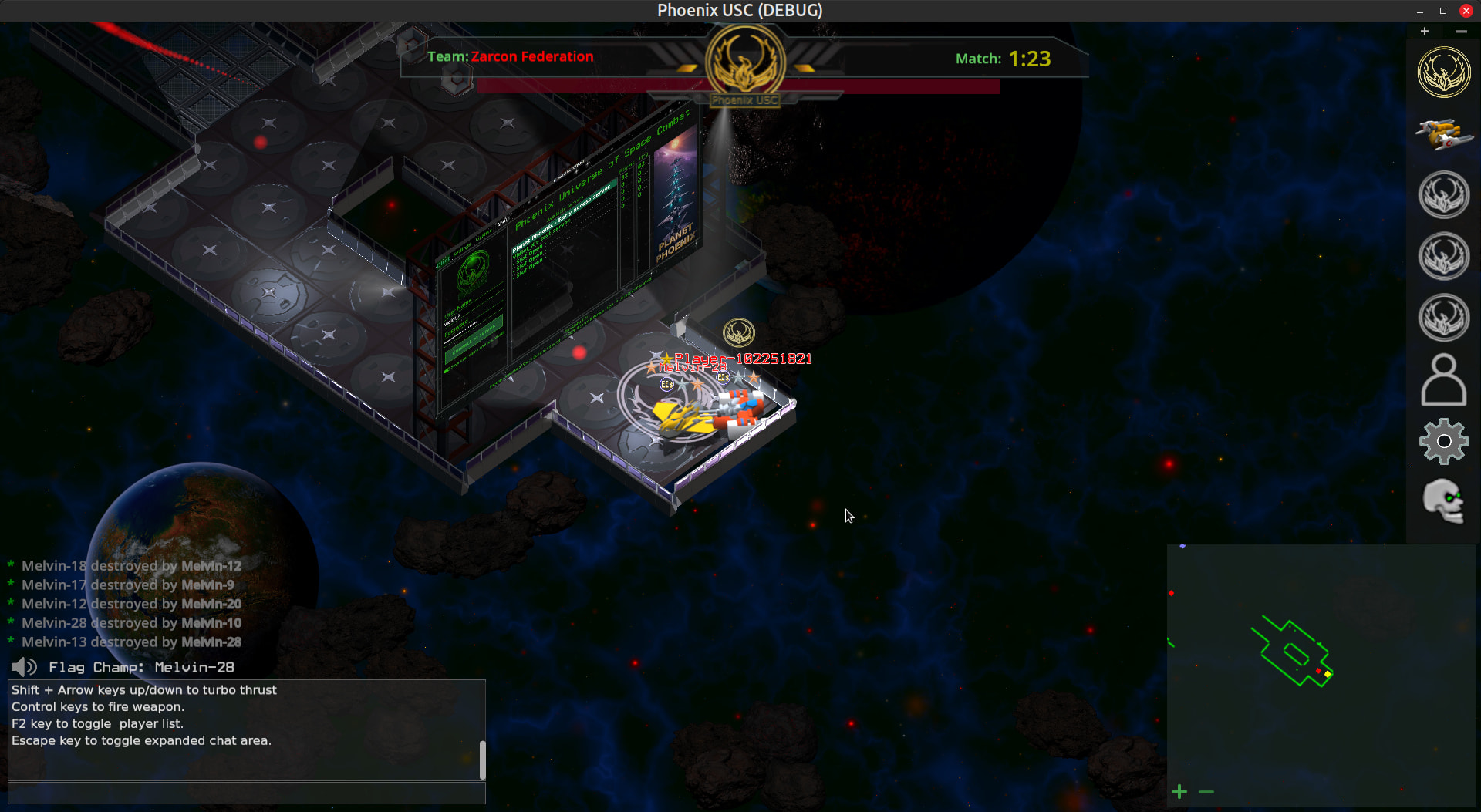
I have been busy. I actually have two development update videos showing off all of the new additions and changes, plus a darker background shader effect. The second video shows the new video display walls and the new 2D overhead lighting effects. The first covers it all less the new features mentioned and is more fighting focused. Both show the login process using the new lobby server.
I’ve also included some images of the darker background showing a spawn area and flag room.
More soon…
Phoenix Universe of Space Combat will have essentially four classes of weapons to start, mines, bombs, lasers/plasma and special. I’ve been working on coming up with some creative special weapons that use creative ways to destroy the enemy.
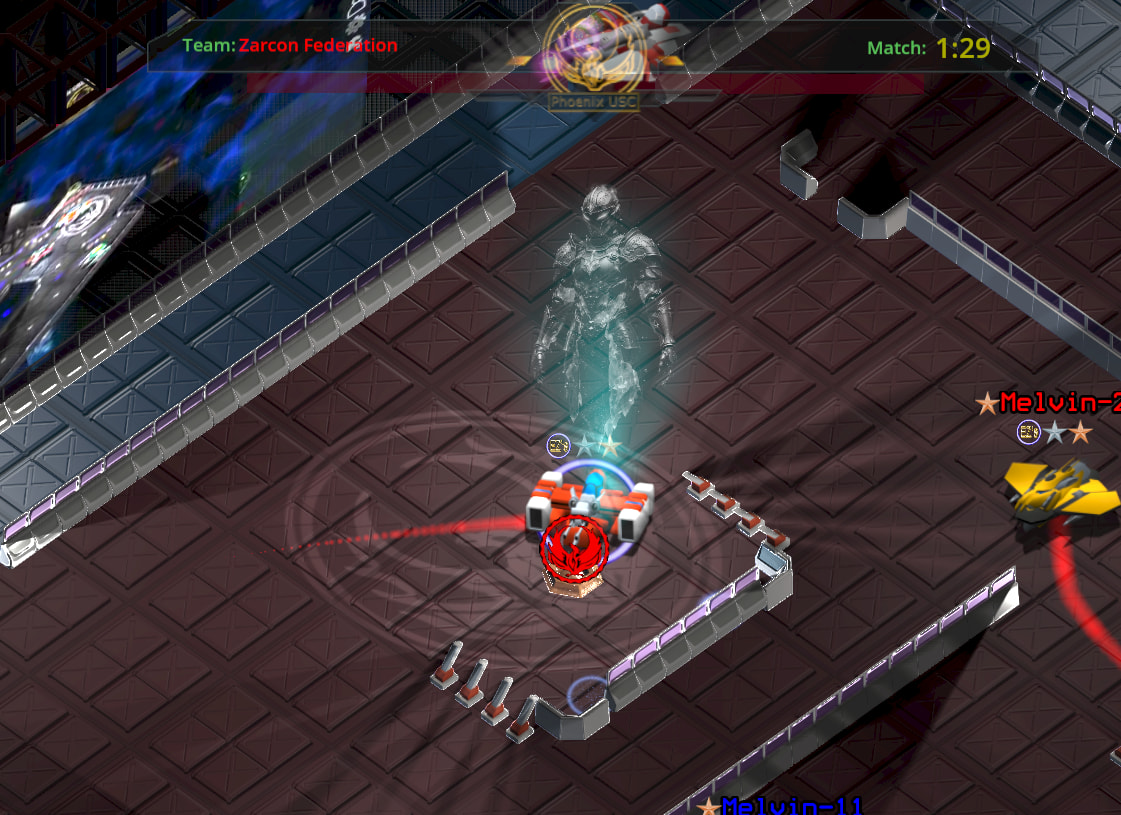
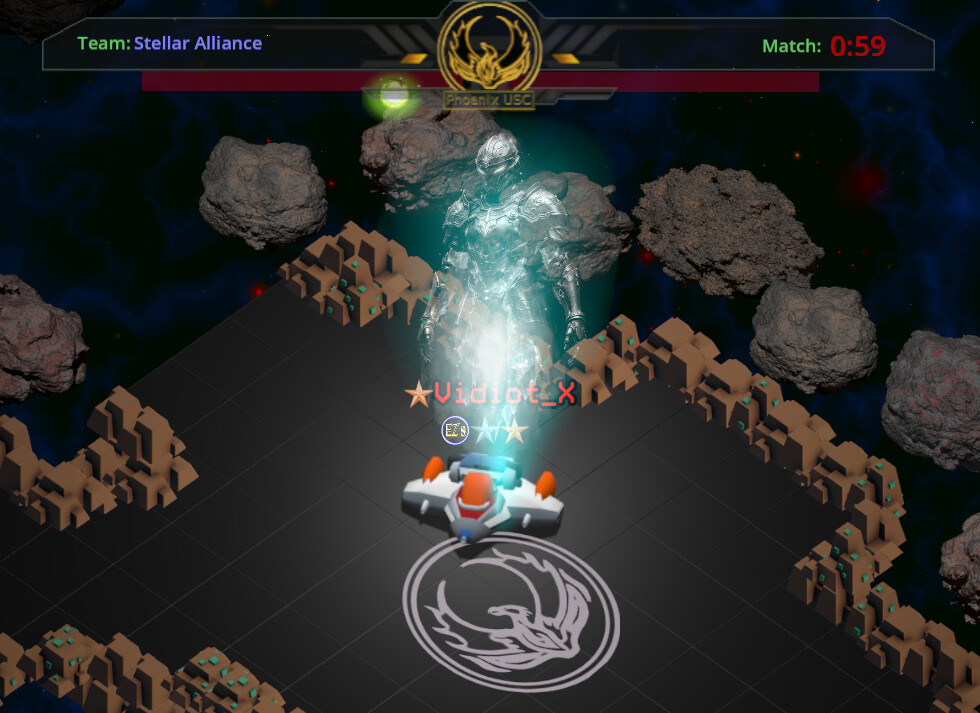
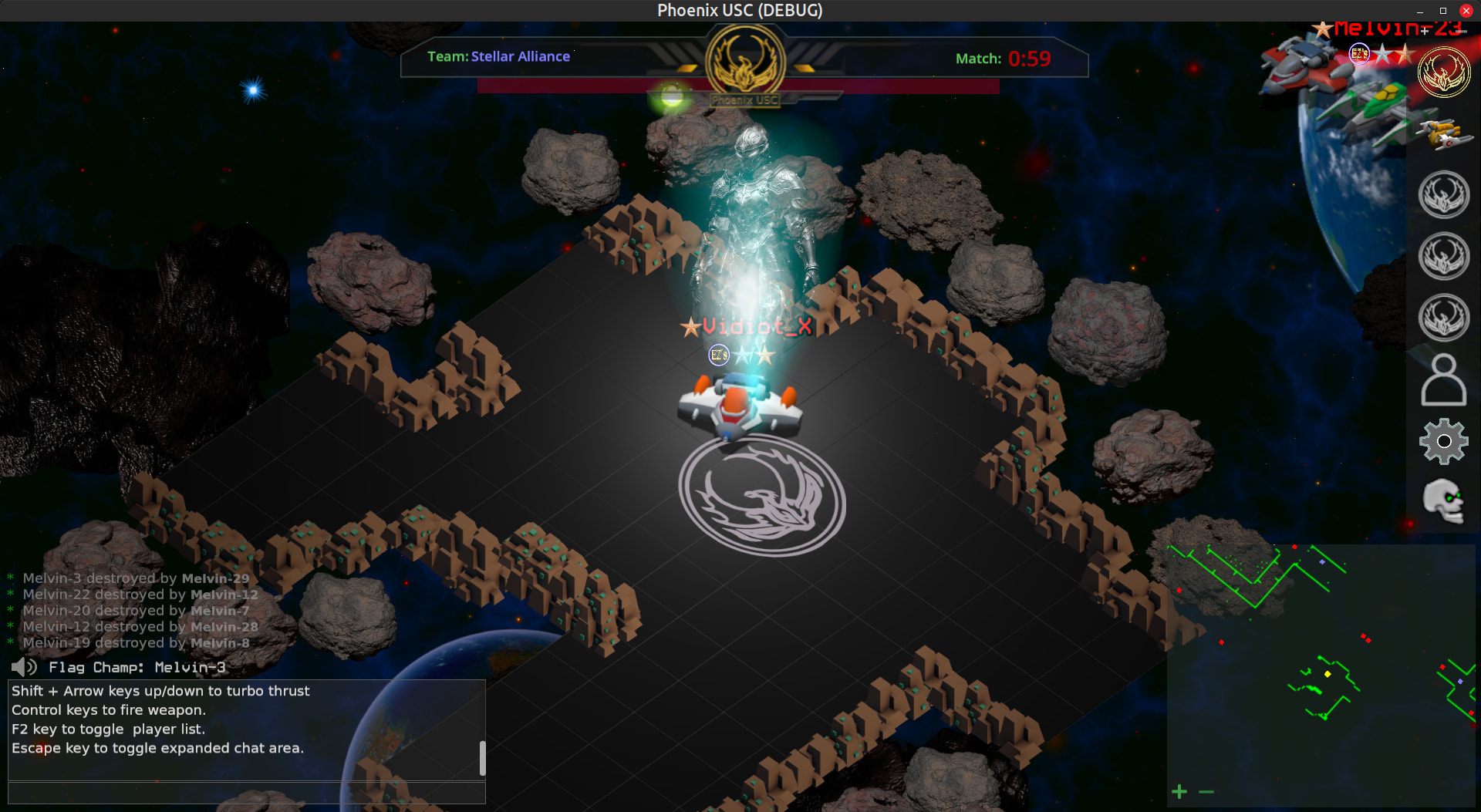
I am going try holograms as special weapons (also others). This images is kind of what I have in mind. Picture an astral legend with lighting coming from the hands to the nearby ships. A brief but impactful event.
I do this kind of thing to be daring and it often leads to good results (most of the time). Experimenting is fun.
The Zarcon Special. This is the base for the hologram effect (still a wip). It’s a layer of 3 sprites and an animated sprite giving the swirl effect. I will add just a bit of random flickering to the light sprites which should complete the effect. I will next start to work on the weapons effect of energy either coming from the hand areas or from the center of the swirl effect (whichever works out better). That energy will spread around the hologram effect in a circle. Similar to a spark to ground effect, but emanating from the hologram and to the ground in a random circular pattern.
Here is a short video (1080p 60fps)
edit - added these images.
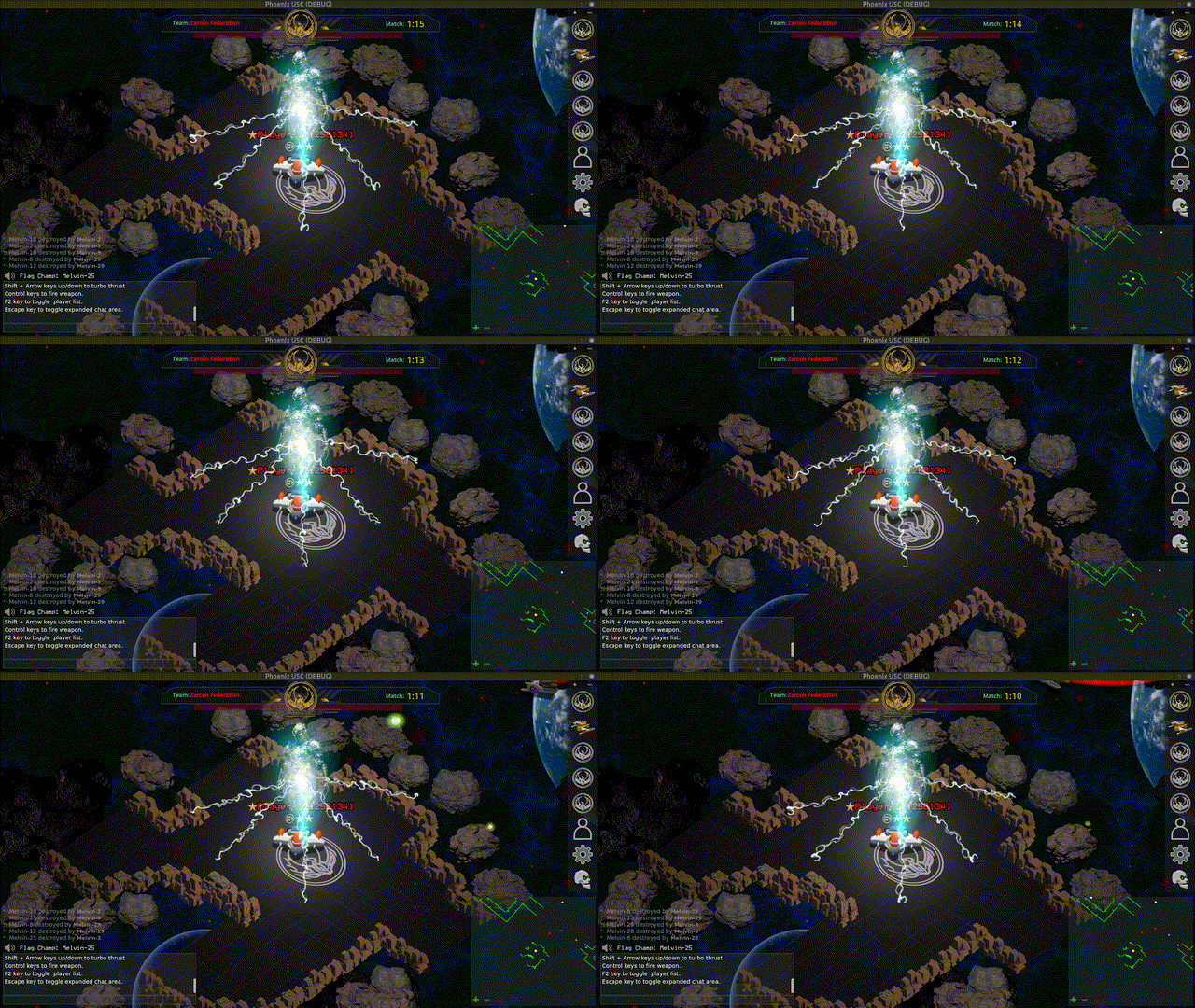
The idea here is the holographic projection pops up and then will connect the energy bolts to ships nearby. The pattern of the energy bolts will vary with the positions of nearby ships. The whole effect will last maybe a 2-3 seconds. Next step is to add the logic to make it all work.
The entire effect so far is sprites. I will probably add a voice effect and possibly some additional bloom effects on effect start.
More soon..
Color matched and faster oscillation. I’ll have a full effect soon start to finish. (gif)
1 Like
I have just finished a minimap and it was hard! The way markers I added were the complicated bit really I suppose. Anyway, was looking with a bit of envy at your minimap (your colour choices were very good, I love that green) and I made my minimap into a circle. It looks really nice. Have you tried a circular minimap on yours? I used a simple shader to do it, will share it with you if you are interested in trying it out. I am a bit of a novice when it comes to shaders but it seems to work well. (I was a bit hesitant to suggest this as your hologram and your entire game looks so good I am sure you know how to do it, but offered in good faith and in full knowledge that you are clearly better at this than I am).
1 Like
Do you have an example of the shader effect (image)? If it is something I could use I might try it. I’m always open to input/suggestions like this. Thanks for the compliments by the way. The best thing is to post an example image and let me take a look and see if it’s something I can use.
Just as an aside, I have the Godot setting ‘HDR 2D’ on. That really helps with the color and look by using a high dynamic color range and color space. This in turn allows for enhanced 2D lighting by increasing the color gradient and support for 2D light bloom or glow effects. I could not pull off the 2D lighting in this game without high dynamic color range support.
1 Like
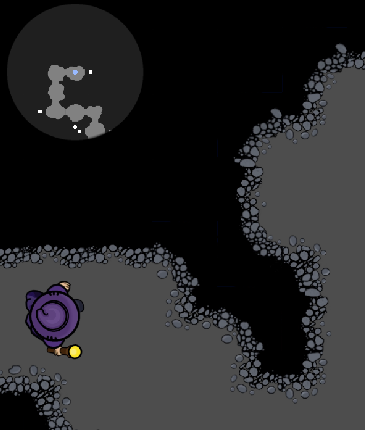
This is only a prototype at the moment as I practice dungeon generation but the minimap is here:
The circle itself is a sprite that will later look more like a compass.
To turn my minimap into a cricle I just applied this shader to the ViewPortContainer.
shader_type canvas_item;

uniform float radius : hint_range(0.0, 1.0) = 0.9;
uniform float softness : hint_range(0.0, 0.5) = 0.05;

void fragment() {
    vec2 uv = UV * 2.0 - 1.0;
    float dist = length(uv);
    float edge = smoothstep(radius, radius - softness, dist);
    vec4 col = texture(TEXTURE, UV);
    col.a *= edge;
    COLOR = col;
}
I wish I could say I knew shaders but I don’t. This is probably my 2nd shader ever. I tried to find where I copied this from but couldn’t find it again (so apologies to wherever or whoever wrote this example). I do understand what it is doing although I could not do it myself.
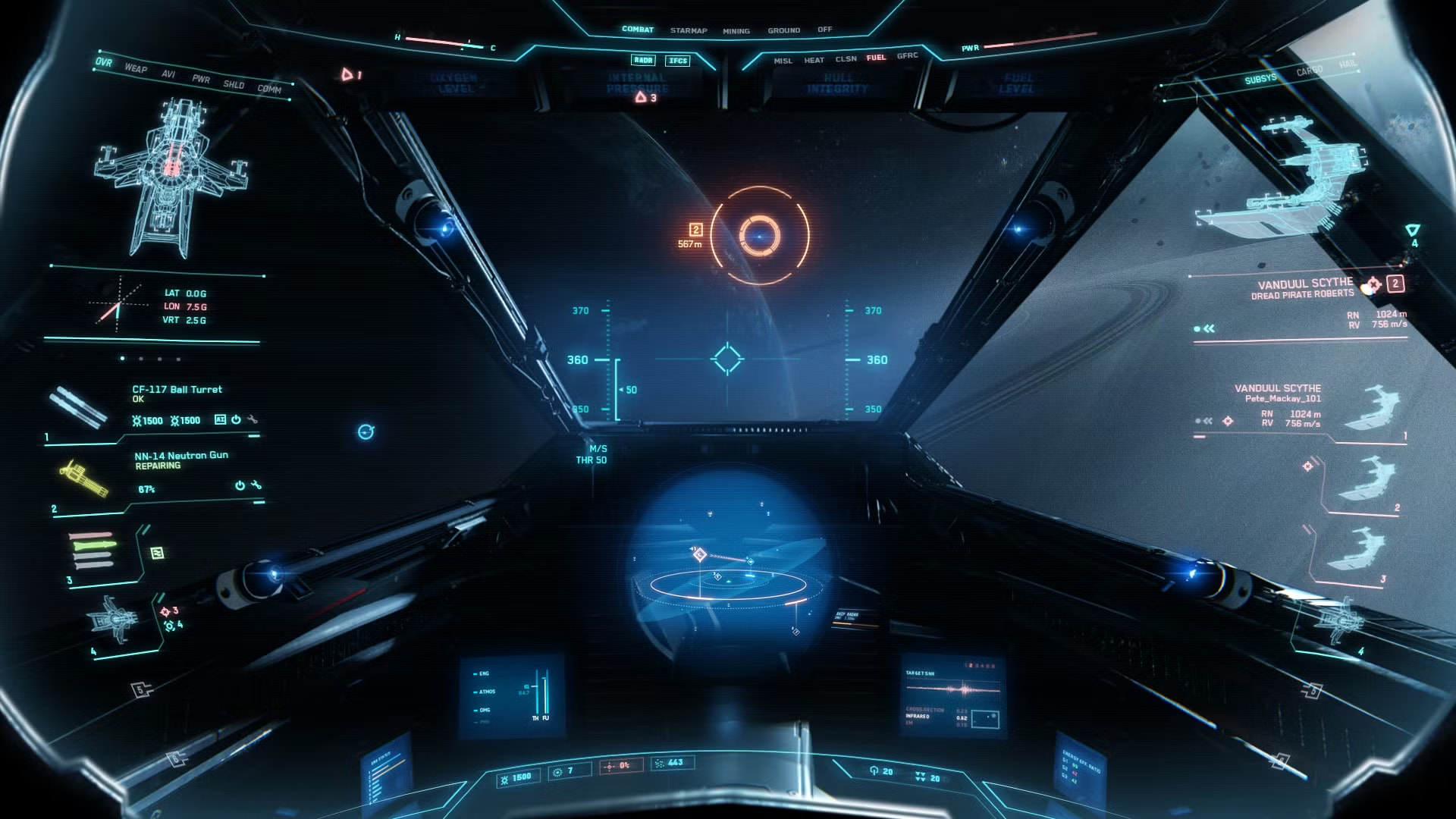
Its not quite star citizen level of improvement but it is a rough implementation of a nice improvement I thought. Anyway, just an idea. It at least provides an equidistant view on the minmap unlike a square one. And I think it would embed more nicely into a more polished UI (if I ever get that far).
Its no wonder Star Citizen (scam citizen) has been nearly 20 years in the making.
1 Like
Thanks for the tip with HDR. I was unaware of that. I found bits dotted around in the docs about it: eg:
This allows 2D rendering to take advantage of effects requiring high dynamic range (e.g. 2D glow) as well as substantially improves the appearance of effects requiring highly detailed gradients.
I will give it a go on my other project, that uses tons of 2D lights and glow effects. Thanks.
1 Like
Right on , I’ll look this over and let ya’know. Thanks.
1 Like
I came across this free AI text-to-speech web app. It works great and is free to use with no login required. I have included a test AI generated speech example. I will be using this sort of thing for video production and game tutorials.. and its free…
1 Like
I’ve been taking some time off… no more! Meet configurable radar. Scale and move the mini-map anywhere on the HUD/Screen. The mini-map also supports zoom.
This is trickier than it looks with resize applied to containers and map draw.