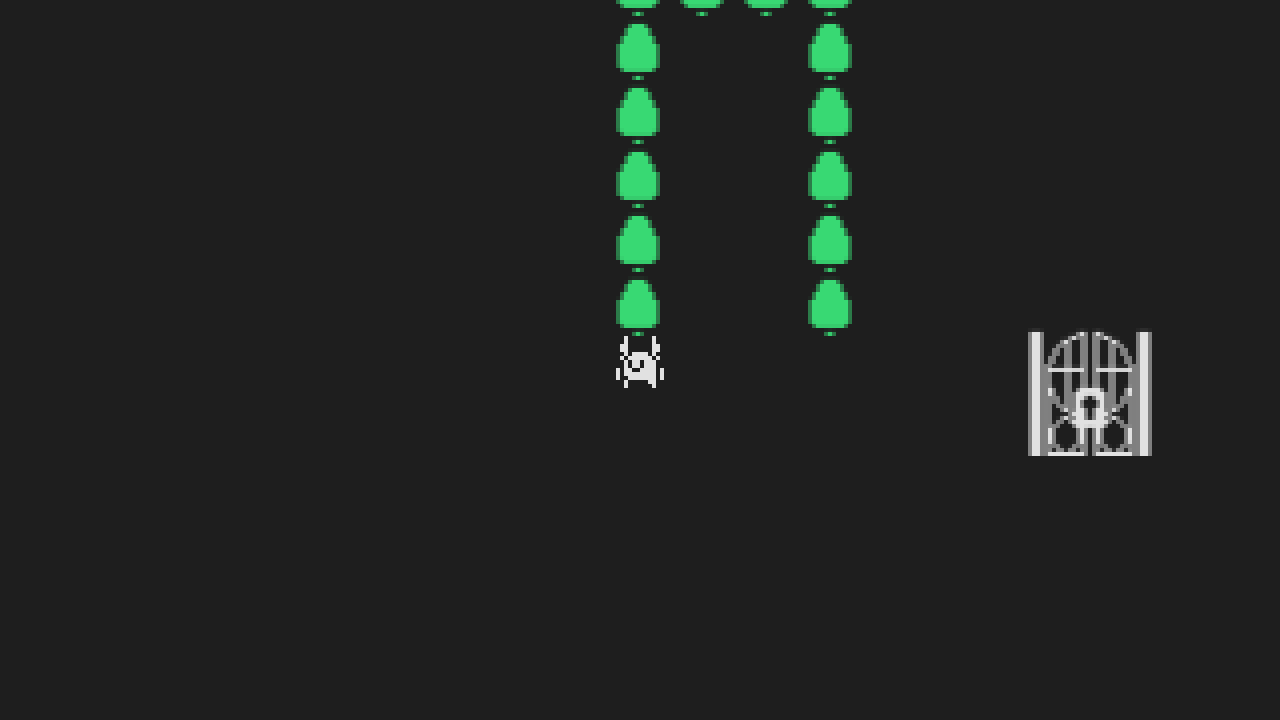
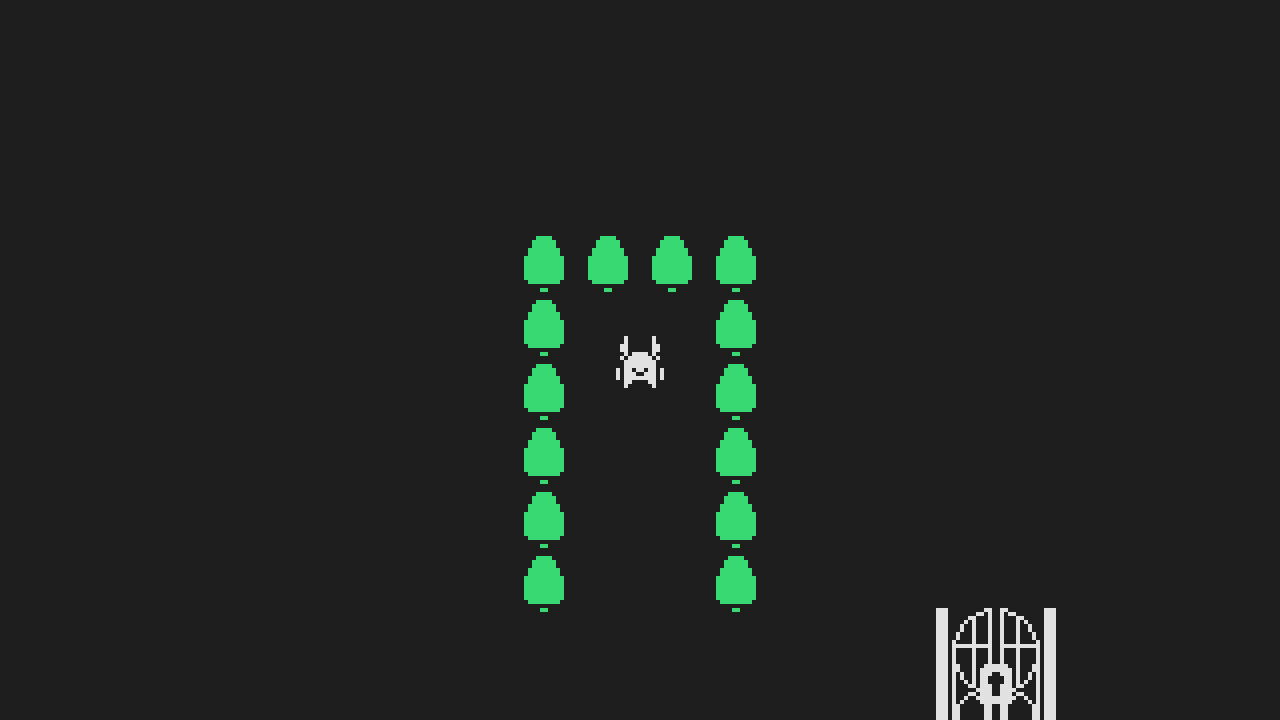
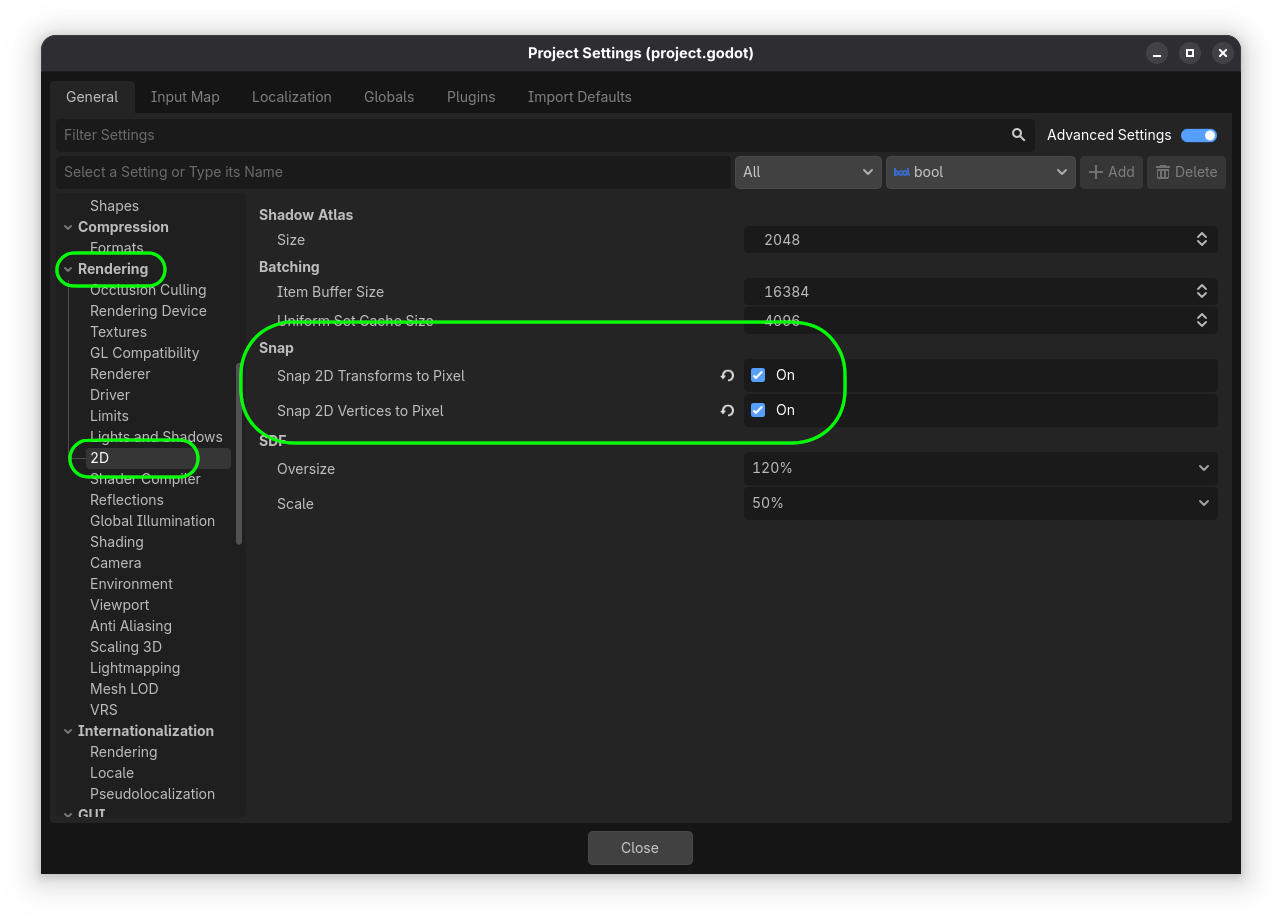
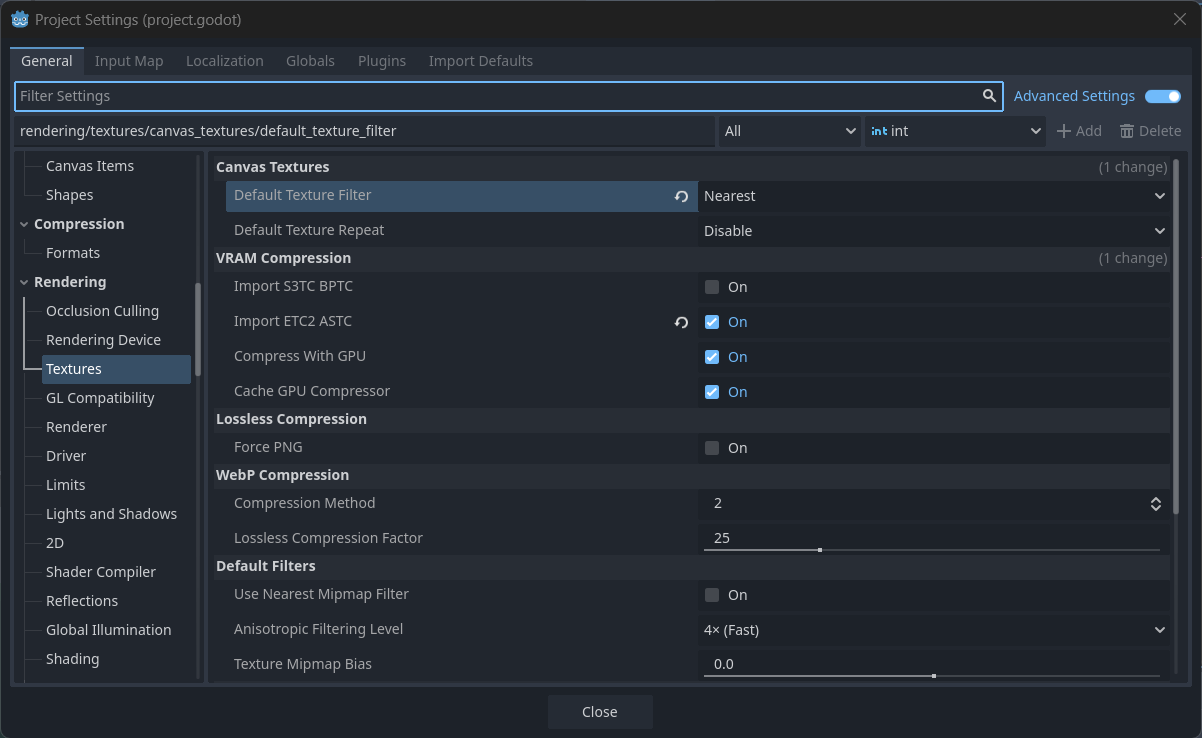
My Pixel art is doing this strange blur effect when my player moves a certain way. I imagine it has something todo with my player being position being “in-between” pixels since the blurring changes based on where the player is. Plus the player themselves always looking fine. if someone could please help that would be greatly apprecaited.
You may still see strangeness in the editor due to fractional zoom, you can use the ‘number shortcuts’ for perfect power of two zoom level if that bothers you (1 == 100%, 2 == 200%, 3 == 400%, etc).
Whatever you’re moving, you could feed the coordinates through floorf()to force them to whole numbers. You might also want to switch from “linear” to “nearest” for your texture filters.
While that does fix the pixel blurring issue my player moves really weirdly now. They move faster going up and left than they do down and right (I imagine cause its rounding to the closest negative number). Moreover this also locks them to only moving in the 4 cardinal directions (plus up-left for some reason, again maybe a rounding thing?) whereas I want full 8-directional movement.
Ok. I see where you’re going with this. the problem is that its triggering the part of my brain that goes “You’re over-complicating this” if that makes sense. like there’s gotta be some easier way of doing this
You might be right tho? Cause yeah im like 90% sure the problem somehow has to do with the players position being a float instead of an integer. so there has to be some way of rounding the players position without making their movement feel weird.
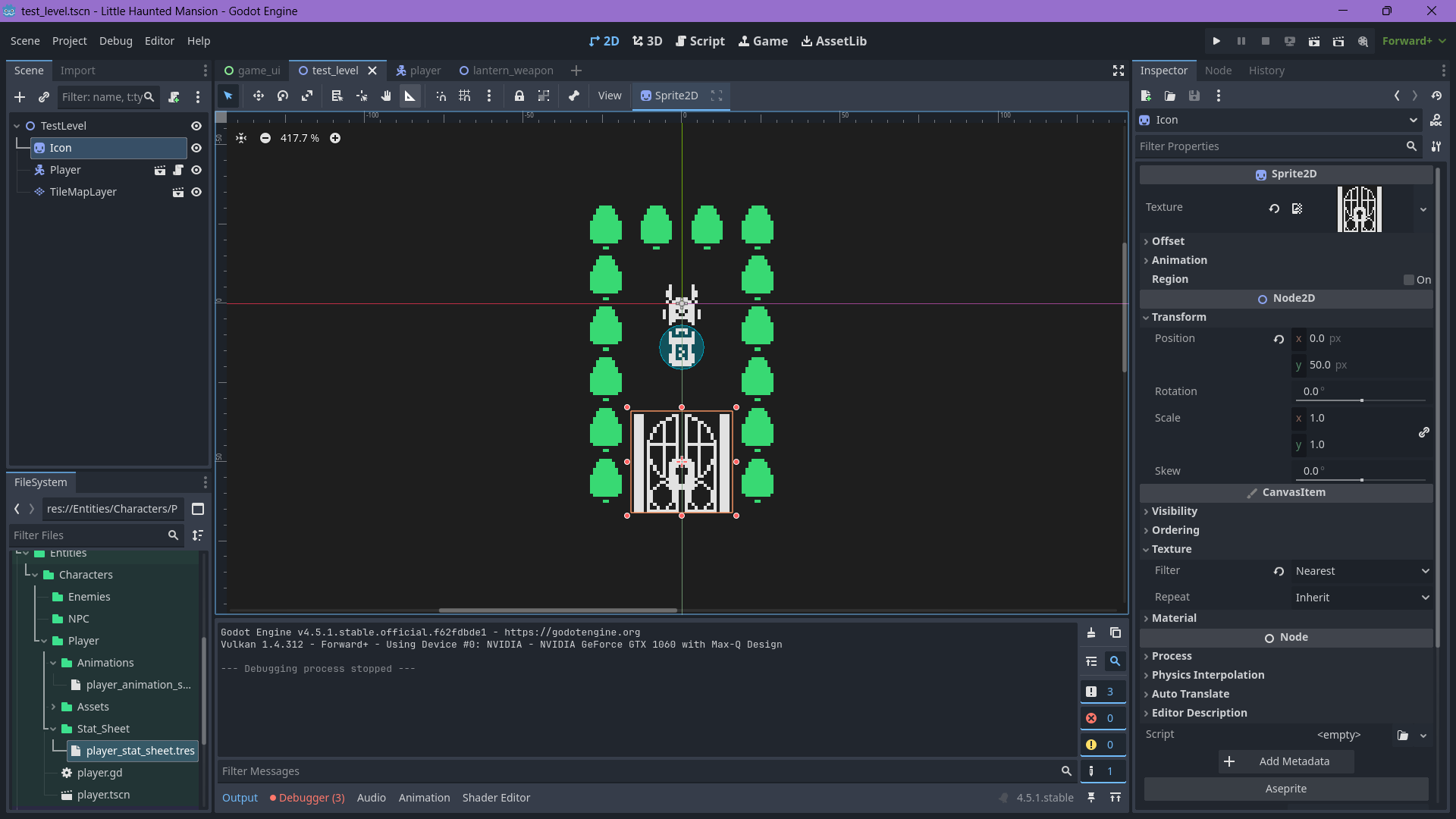
Ok so apparently the texture filter might not be set to nearest??? cause I just changed the texture filter on the door sprite to nearest instead of inherit and now its fine???
Ok. So yeah I’m gonna go ahead and mark this topic as solved. For those in the future, if anyone else runs into this issue you can fix it by setting each individual sprites texture filter to Nearest. You can do this by going to Node Inspector>CanvasItem>Texture>Filter and setting it to nearest.
In the meantime I’m gonna maybe see about submitting a bug report on the Github. Cause there’s definitely something weird going on here but I’m not sure whats causing it.