rslotay
November 27, 2025, 11:37pm
1
4.41
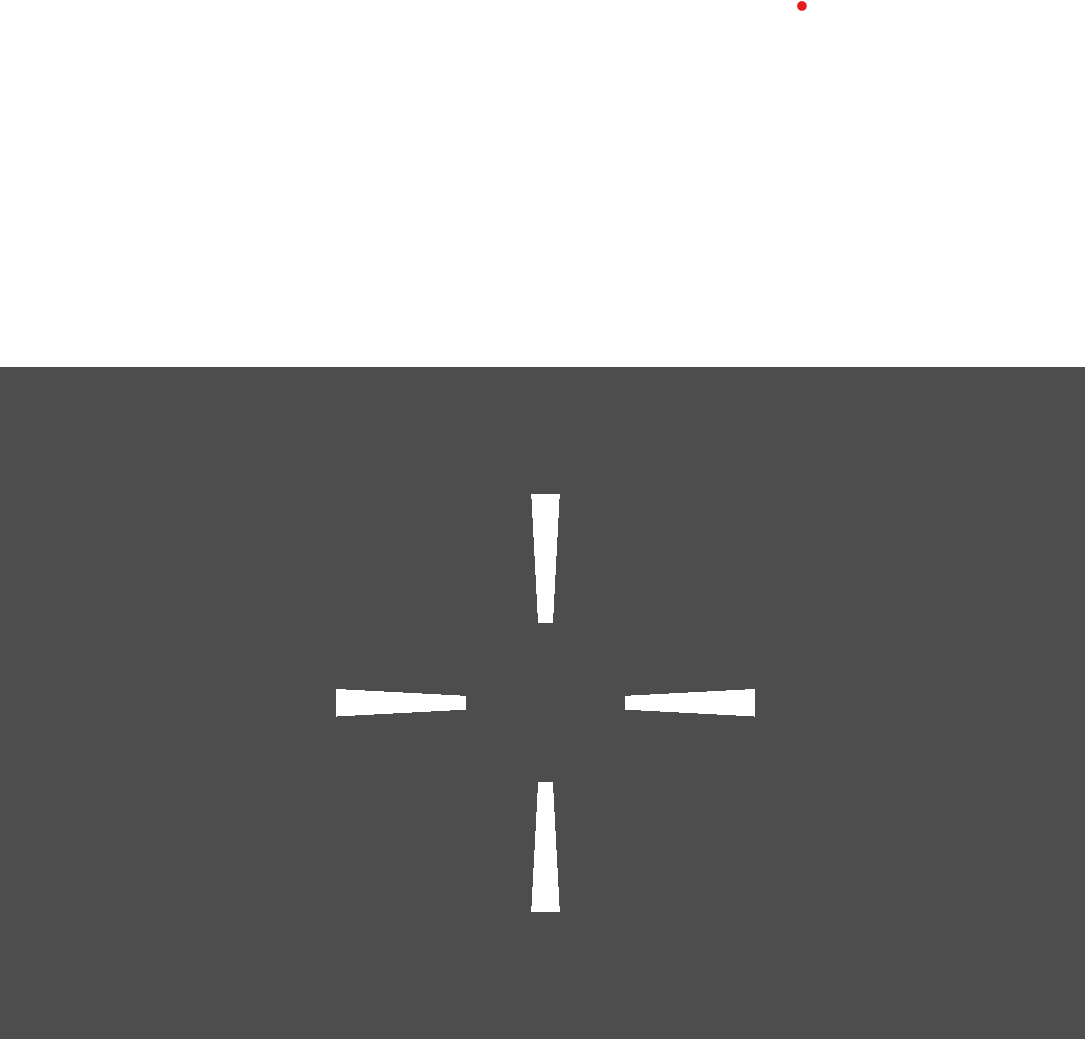
I made a Battlefield 6 like crosshair using width curves but instead of loading a smooth curve in full screen it's all pixelated.
This is how it looks when I run the game:
But when I’m in the editor it looks like this(completely fine):
Is there anyway I can fix this??
rpahut
November 28, 2025, 4:04am
2
Dude both of them are pixelated, are they not?antialiasing , or just use a texture.
4 Likes
mrcook
November 28, 2025, 11:25am
3
If your worried about smoothness of the crosshair I would just use a texture like rpahut said. Other than that there is not enough info for a fix. It might just be a math to rendering problem if you are making it from godot tools. But I have no idea how you would fix it.
rslotay
November 28, 2025, 5:57pm
4
I’m using compatibility renderer because my laptop is from 2012 and when I enable 2D Anti-Aliasing in project settings in the output tab it says:
WARNING: drivers/gles3/storage/texture_storage.cpp:2692 - 2D MSAA is not yet supported for GLES3.
rslotay
November 28, 2025, 6:00pm
5
But I’ll try to use a texture
rslotay
November 28, 2025, 6:04pm
6
IM STUPID. There is an option in the border category which literarily says ANTI-ALIASING *edit never mind it doesn’t work
rpahut
November 29, 2025, 2:03am
7
Apparently, antialiasing on shapes is broken for everyone.
rslotay
November 29, 2025, 4:55am
9
Also, how do I use a texture to make a crosshair like this because I’m planning to make a dynamic crosshair so will that work and if so how?
rpahut
November 29, 2025, 5:52am
10
Just paint the lines on a texture. Would it not work the same way you were going to use the lines?
rslotay
November 30, 2025, 3:50am
11
I need to animate each individual line so no
rslotay
November 30, 2025, 5:46am
12
Or maybe I’ll make a texture for each individual line. That might work
rslotay
November 30, 2025, 5:48am
13
I’ll try to use a TextureRect node instead
mrcook
December 1, 2025, 2:07am
15
try this, Crosshair Pack · Kenney
and change the crosshair size depending on speed or player input? (don’t know your codebase)
hey!
I think that’s just a screen resolution problem,since your laptop is from 2012 I think the resolution might be around 1366x768 soo I think that’s because of lower ppi(Pixel per Inch)
you can try making it larger or just keep it as it is.
What’s your window stretch mode?
rslotay
December 29, 2025, 7:04pm
18
I can’t do that because I am moving each line in a script.
rslotay
December 29, 2025, 7:07pm
19
Actually, my laptop is set to 3840x2160, so I don’t think that’s the problem