Godot Version
4.6
Question
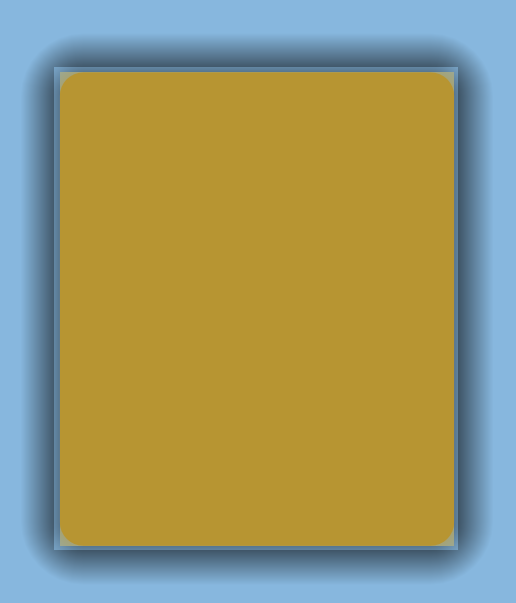
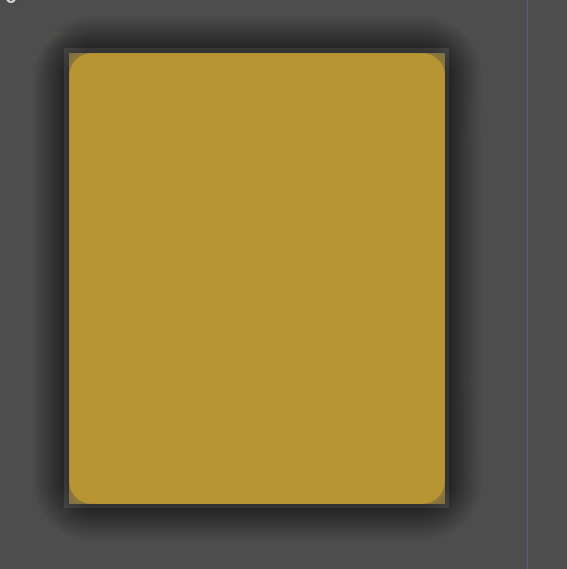
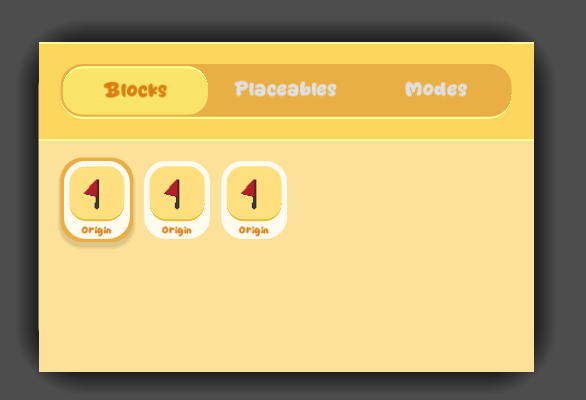
With clip + draw
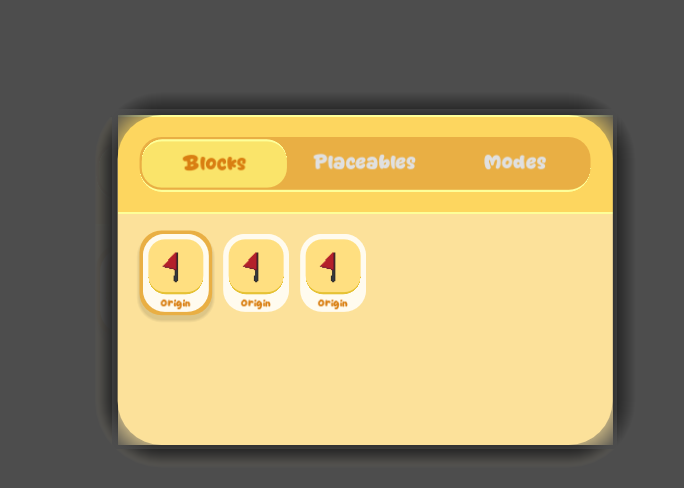
Without clip + draw
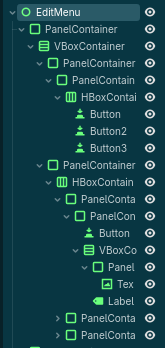
Here’s my scene tree:
Is this a known issue or I’m doing something wrong?
Additionally, it creates some ghosting (where the graphics leave some prints) when I’m moving the camera.
To get better help, could you describe more concretely what is broken about the clipping?
Is it the semitransparent yellow rectangle behind the rounded yellow rectangle that needs to be gone?
To be honest, I not understand what your clipping does and what it’s set on, but can’t you simply use the rounded corners property of a custom stylebox for your PanelContainer in stead?
The problem right now is understanding what exactly is your question.
That’s actually a great point. I’ll just do that instead. But still, this is a rendering bug and I thought I should report it.
May be, but I wouldn’t know how to start to reproduce it based on what you shared.
Take a look around the official issue list to see what a good bug report looks like:
Oh, you mean the clip_contents property is not working as expected on your parent PanelContainer?
(I edited out my discouraging ramblings)