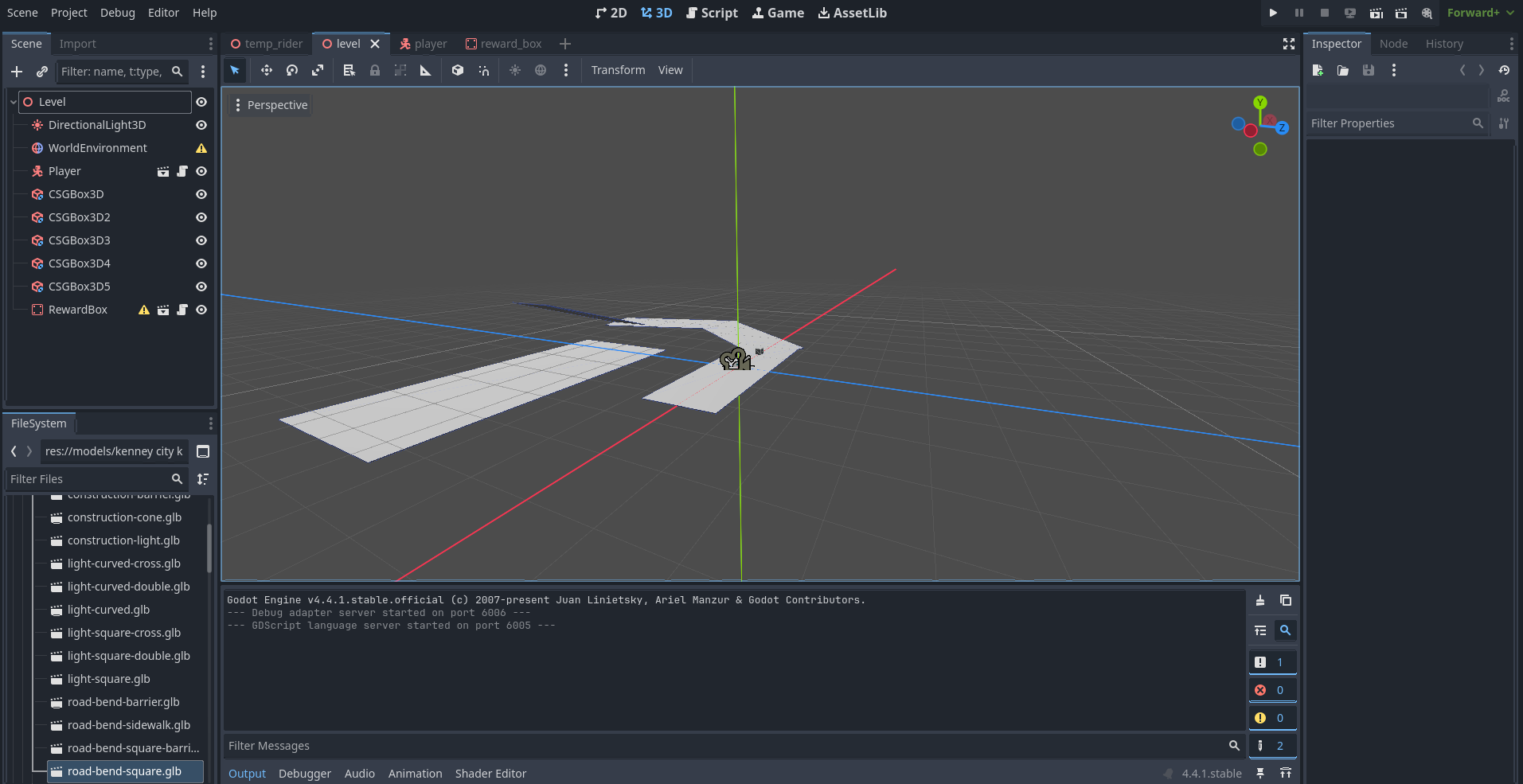
Whenever I add a 3d .glb asset from Kenney’s city kit in my editor, it appears in the viewport then disappears as soon as I move the camera. Why is it doing this and how can I fix it?
They stay in the scene tree when I drag and drop them into the viewport but they disappear in the 3d environment. I do get these warnings, which I didn’t notice before:
Those warnings don’t prevent the file from loading, but they most often appear when you copy a scene from another project. If that’s what you did, you also need to make sure you copied the model file over as well, and that they are linked.
I don’t have one of those but I know I do have a graphical issue due to drivers. I’ve tried rolling back my drivers which didn’t work though. I’m using Nvidia GeForce RTX 4060 laptop drivers version 32.0.15.7247.
I figured it out. The assets did appear in the editor, but they were just too small to see. The reason I thought they disappeared when I moved the camera was because the assets would enter the scene right in front of the camera and seem big, which would not happen after I moved the camera.
You can press F over the 3D viewport to focus the camera on what ever Node3D is selected, that may help you confirm this if it happens again or for anyone else viewing this topic.