Godot Version
4.6
Question
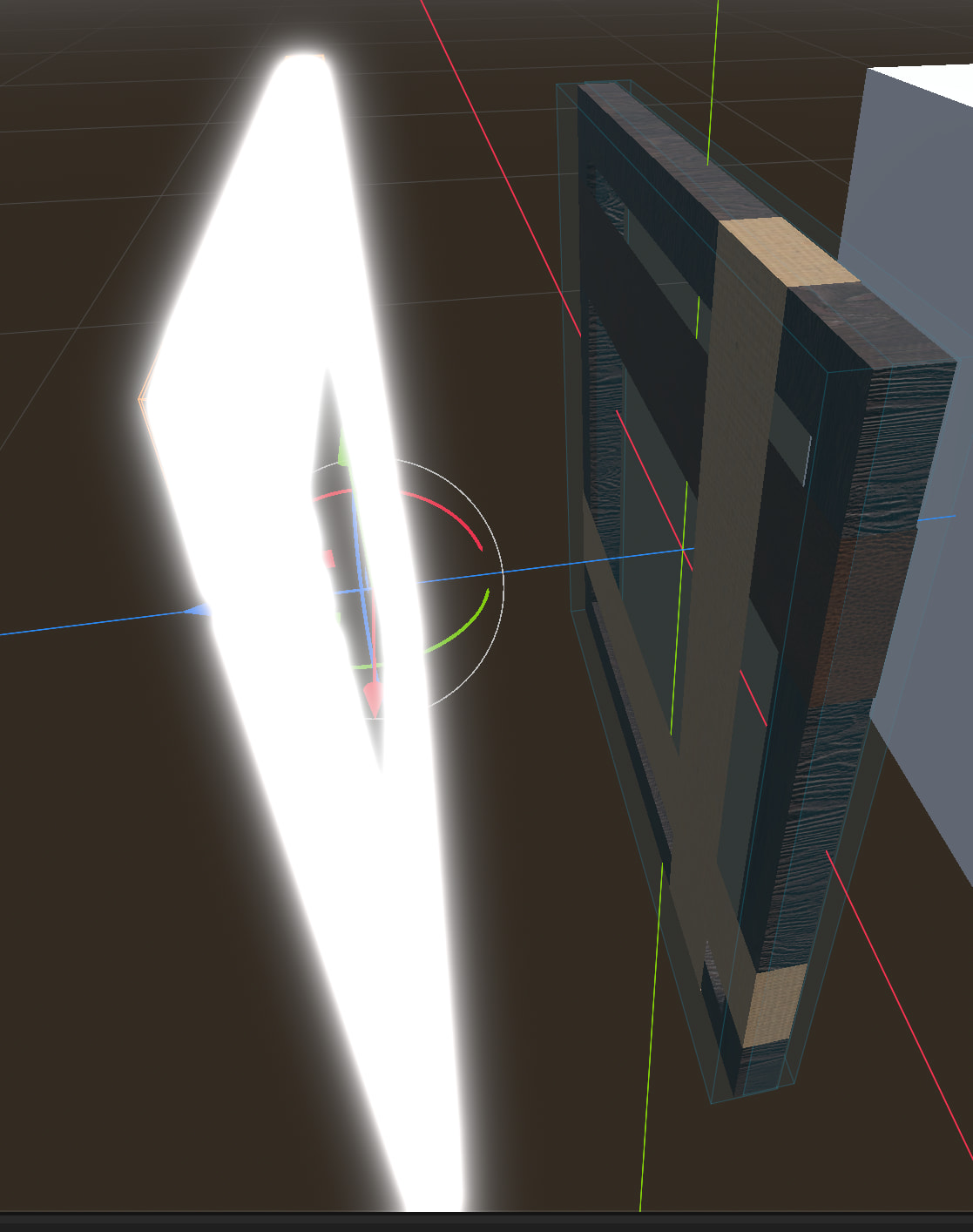
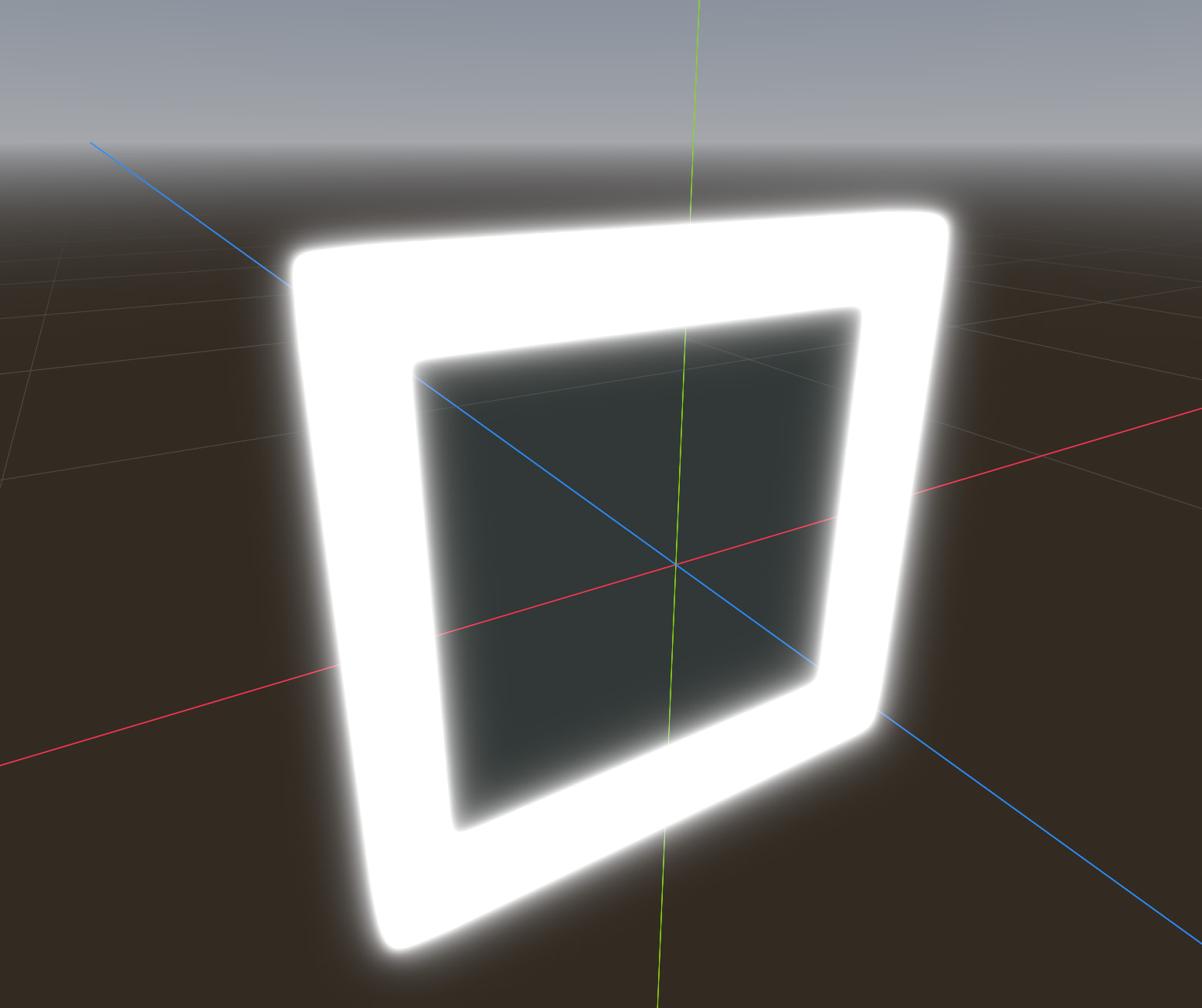
In my game I have UI elements represented as a glowing outline. I would like to know if there is a way to make it not reflect when SSR is turned on
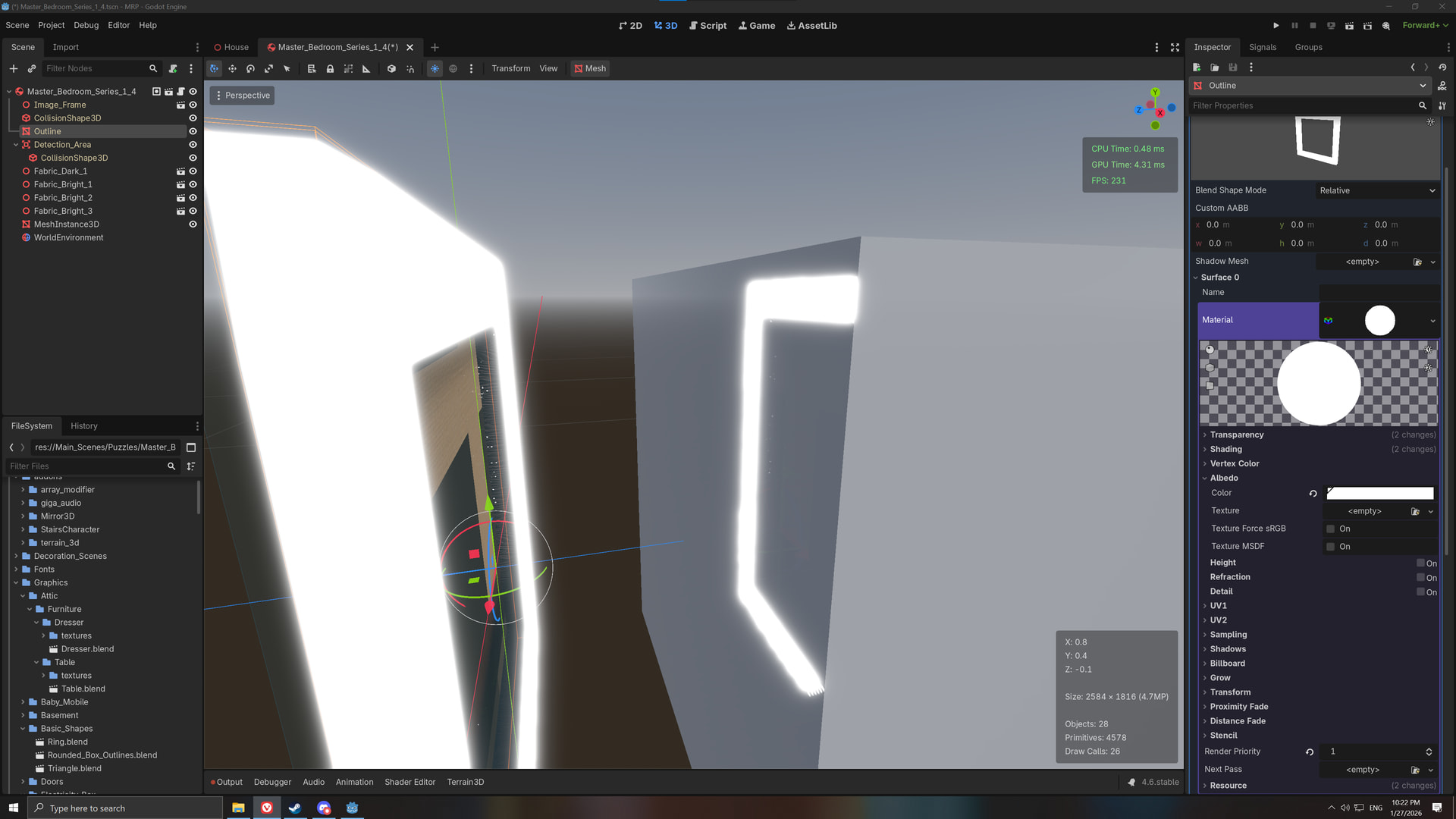
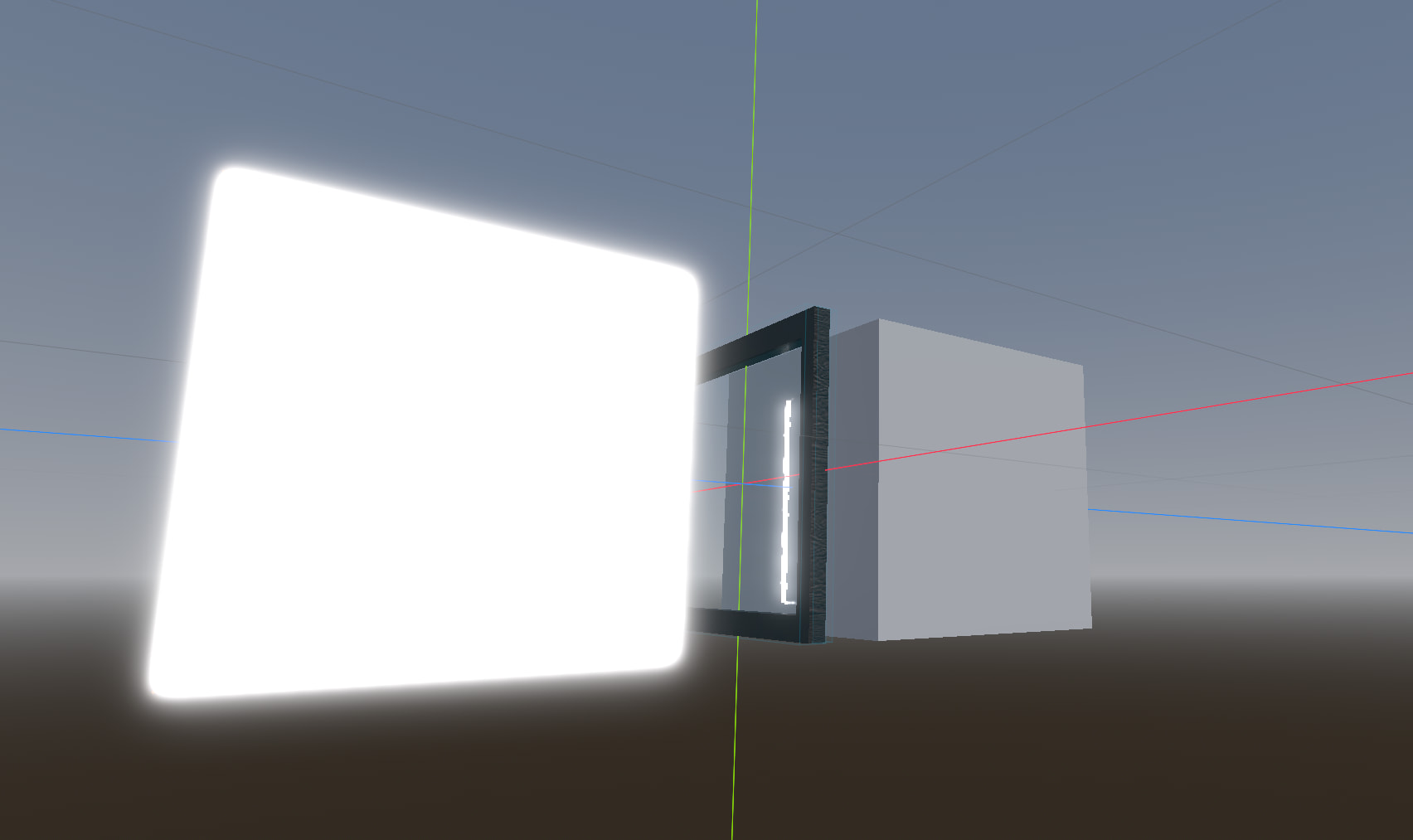
In the image below, you can see that the outline is being reflected on the cube in front of it. I would like to make it so it won’t, without disabling reflections.
Thanks ahead!
I would bet it is not possible since “Screen Space” effects operate over the entire screen, not objects individually.
Only opaque pass and alpha depth prepass will contribute to screen space reflections. SSR require depth information and both of those passes write to the depth buffer. Transparent pass does not.
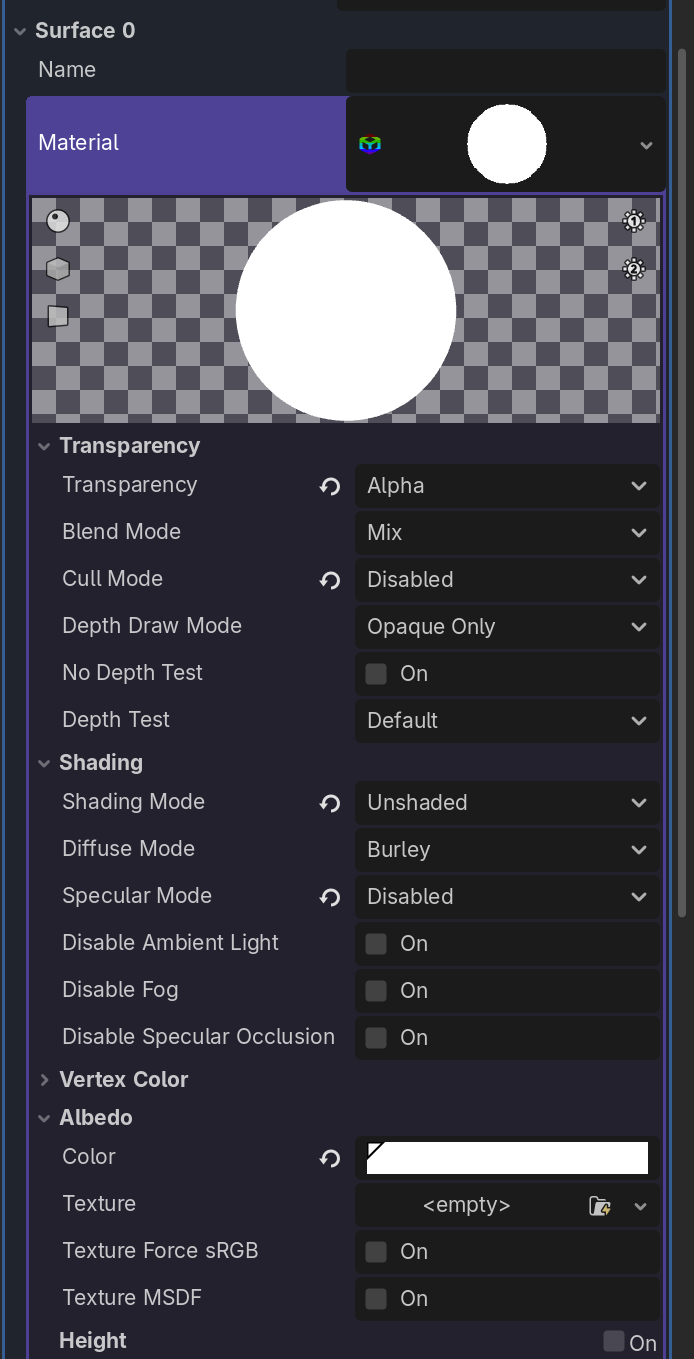
So you can trick the renderer to exclude an object either by explicitly setting the material/shader depth draw mode to “never”, or by forcing the object to the transparent pipeline (enable material alpha transparency or write to ALPHA in the shader). Doing any of those may cause other unwanted rendering side effects though, e.g. the object won’t be able to cast shadows any more. Some of those can be worked around.
So usefulness of doing it this way will depend on what exactly you want to achieve.
1 Like
While you are right that those options do prevent the reflections, I need to apply them on the object that receive the reflection (The cube in the example). I would like to make the changes on the glowing outline so it won’t contribute any reflective light.
I do want to thank you for the answer as I did not know about those workarounds and it might still be helpful in the future of the project
Not sure I understand what you mean. You want prevent an object to contribute reflection but you want to do it on an object that receives them? This sounds contradictory.
The use case is this:
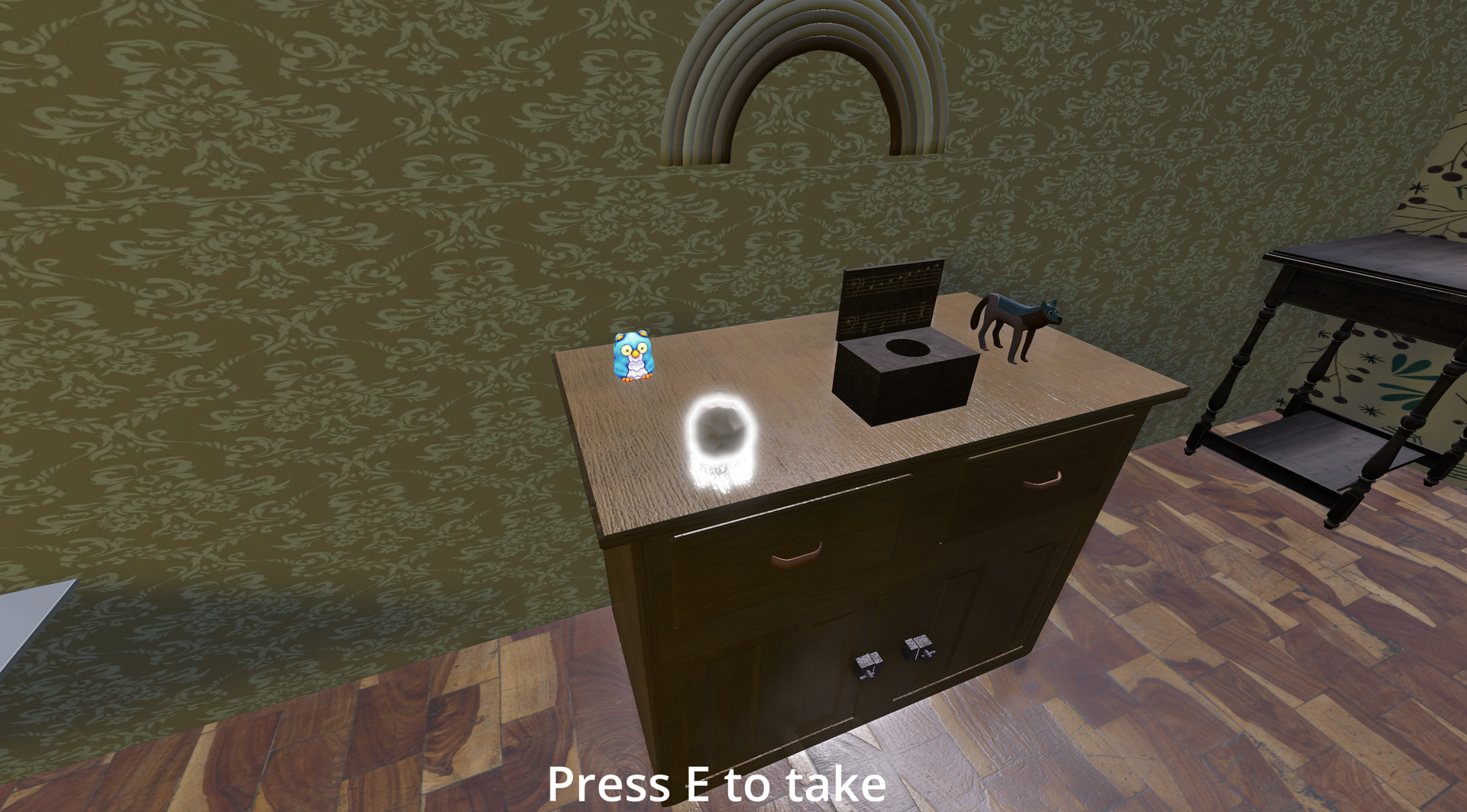
The game in it’s current state uses glowing objects to show that an object is interactable (You get close to it, and it starts glowing to show that you can interact with the object). I’m thinking about those glowing objects as something that isn’t a part of the world, that the player see but it’s character isn’t. That’s why I want the world to behave like it’s not in there.
I think it’s out of place to see the outline as a reflection in the world when it’s only meant for UI purposes
As I said before, if the glowing object is rendered as a part of the transparent pipeline, it won’t be visible in reflections. Isn’t that exactly what you’re asking for?
Maybe I did not understand you correctly, but when I apply those settings (on the outline) I can still see reflections on the cube.
If I apply the same settings on the cube, there won’t be reflections, but I don’t want to do that as it will prevent needed reflections from appearing
Transparent objects should not be visible in reflections. Are you sure what’s reflected is the exact object you enabled the alpha transparency for?
Direct quote from the docs:
Keep in mind that screen-space reflections only work for reflecting opaque geometry. Transparent materials won’t be reflected, as they don’t write to the depth buffer.
It seems like you are correct, but I don’t get why I get the reflections as some kind of a side effect from the ‘regular‘ elements
Is the object you move in the video supposed to be reflected or not?
Yes. The frame itself is an object I would like to reflect. Only it’s outline shouldn’t as it’s a UI element
Since transparency is determined by the material, make sure that reflectable and non-reflectable objects don’t share the same material.
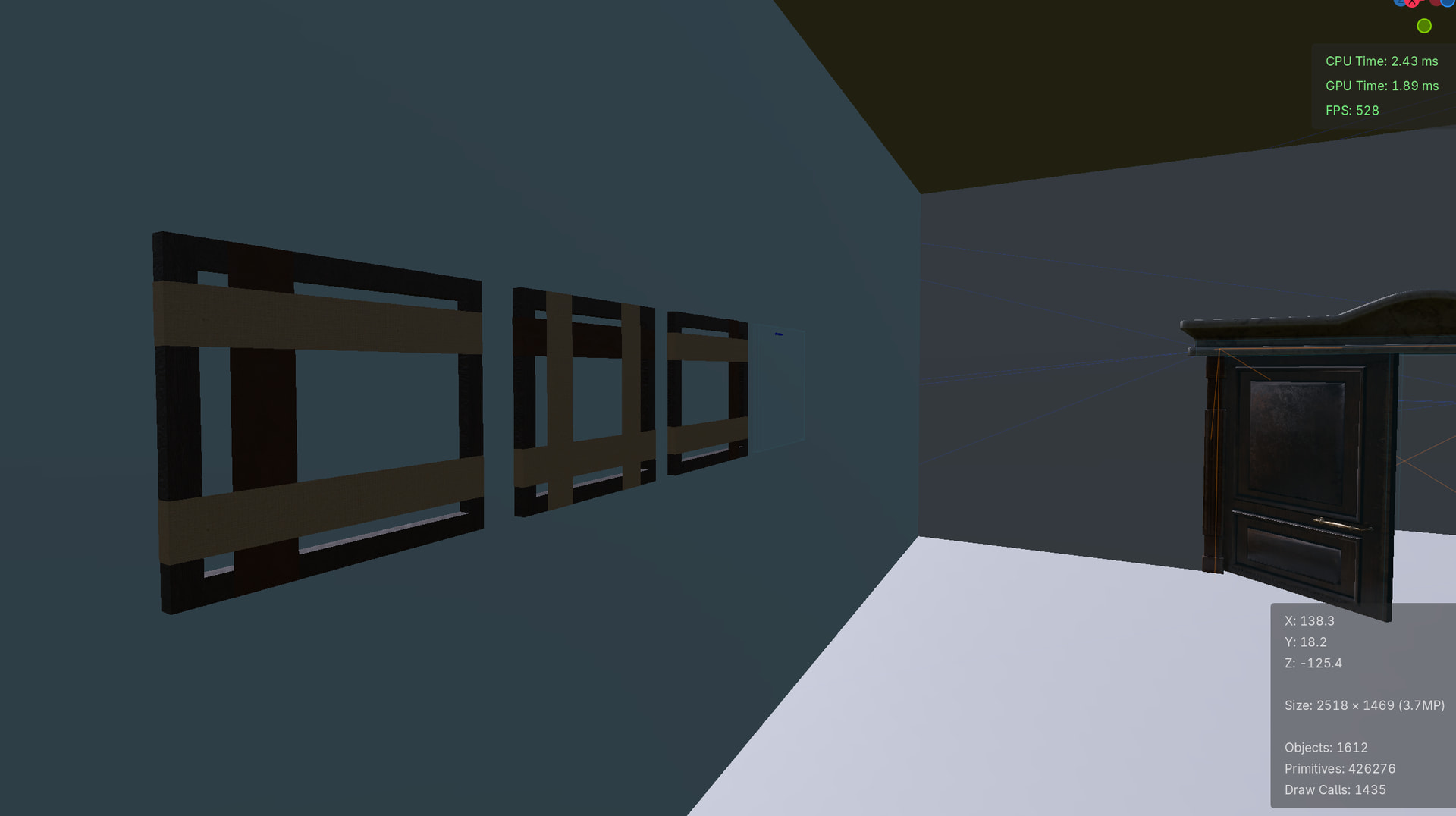
Btw, what’s considered an outline in the video? The thing you move (frame?) is reflected. Once it gets behind the wall, nothing is visible in the reflection. Isn’t that exactly what you wanted to happen?
There are two elements:
Glowing outline
Frame
The frame is a part of the world that the player can interact with
The outline is visible only when the player is close enough to the frame, and is not supposed to be a part of the world, meaning it supposed to have no collision, no shadows and no reflections
Even when I create a completely new object and I put it behind the frame it makes the same problem
Apparently it does this. I guess this behavior is connected
Can you make a minimal project that reproduces the problem?
Let me know if there is a permission problem
Which object shouldn’t be reflected?
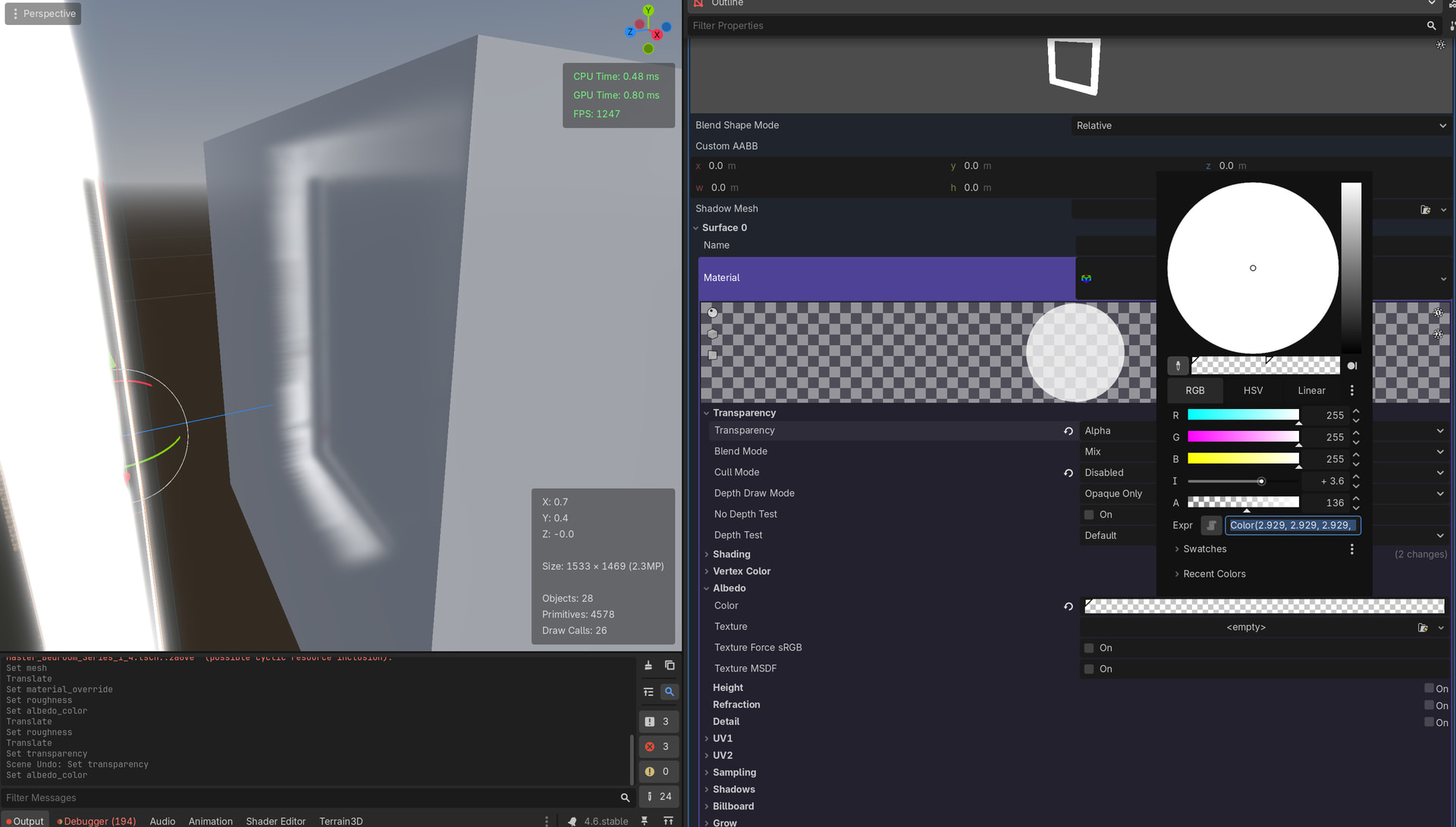
The glowing object shouldn’t be reflected. But, for some reason, you can see it on the mirror when you move the frame
The glowing object is set to alpha while the rest has the transparency property as disabled