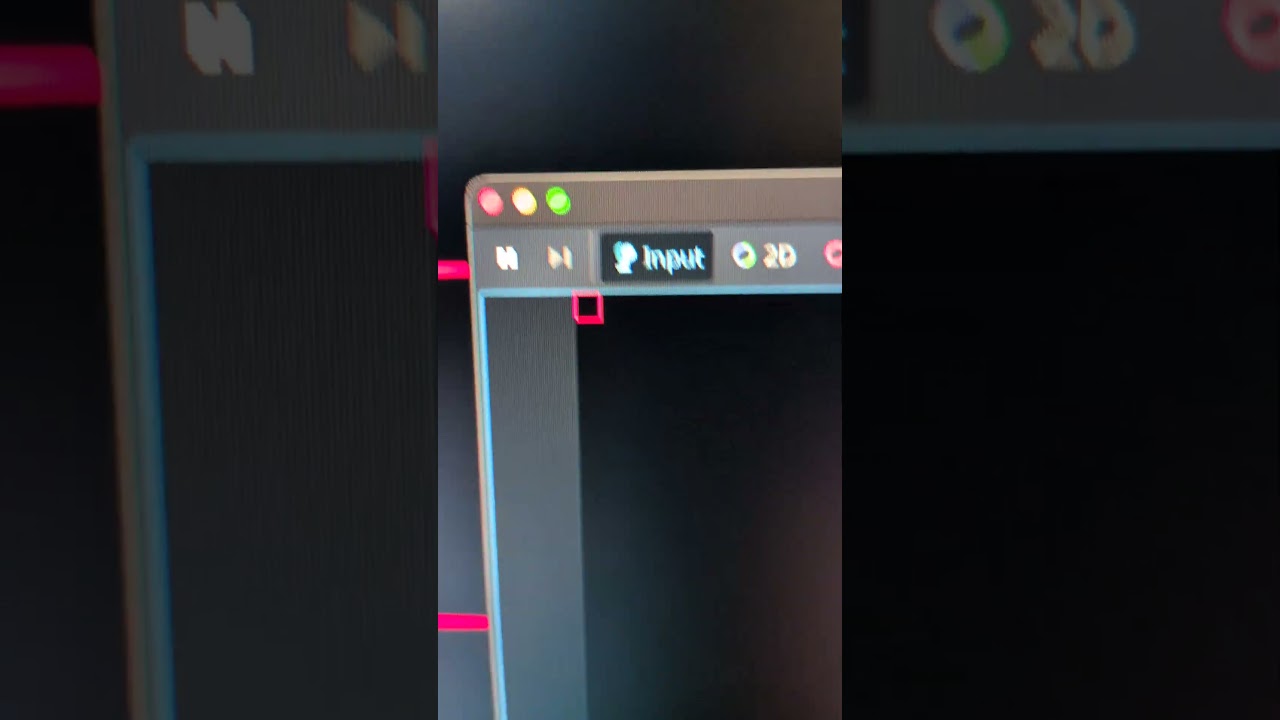
Two sides of the rect are invisible, the situation changes when I move the rect around by 1 position, sometimes is totally visible, sometimes one or two of the sides disappear.
Unless your mouse pointer is huge, it looks like your 48x48 sprite is rendered into about 20x20 pixels. Also, judging by the rulers in the screenshot the sprite is more like 32x32 with a 1-wide border. Since you said nothing otherwise, my guess is you shrink the texture, and so some of its pixels are falling in between the screen pixels when displayed.
This looks like it should work, but there is more stuff in the project right? Must be something else is shrinking the sprite (or the output window). Try putting it at the root of the scene. Maybe do a test in a clean fresh project.
I made exactly this! I isolated the problem to a bare minimum project with the rectangle and you can move it around with keyboard. Here is the test project I uploaded in limewire, this time I set the thickness at 1 pixel to make the problem more evident. Please see, thank you very much!
That is strange. I don’t have an answer, sorry, but I have seen that before although I cannot recall what I did about it.
What I do now is I do not crop my sprites tightly, I leave a transparent border around them of at least 10px. I don’t know why, but it seems to help immensely with pixel flashing when a sprite is moving.
I hope someone else can help you. It does look like that when any scaling is happening somehow the engine has to make a decision about what pixel is lit or not, and if your pixel is only one wide but sits between two, sometimes it disappears. I have put it down to this is just the reality of using floats for positions and pixel grids for screens. It’s like how thin diagonal lines look like step ladders up close, it’s just the way it is. If you put a transparent border around your sprite I bet it stops happening, although this is not an explanation it is at least a way forward (maybe, perhaps).
Hope you get a solution, perhaps someone here with more knowledge about the engine workings will have a better answer for you.
I am clearly seeing that the sprite is shrunk. You can count the pixels, it is displayed as 16x16 with 1 thick border. Meaning something in your project is scaling it.
There might exist a problem with Godot, or there might be none. It is nothing but guessing with no good input data until you can isolate the issue and communicate reliably what parts are in play. Maybe try uploading the project via a less shady service and someone will do that for you.
I discovered the problem, and it’s something I would never have suspected.
As further proof, I tried running the project on a Linux machine and the problem did not occur. I also noticed that the window size is larger than when I launch the game on my Mac. That’s when the light bulb went on.
My normal development setup consists of a MacBook Pro connected to an LG Ultragear monitor with a resolution of 2560 x 1440, where I keep the editor. When I launch the project and display the game window on the LG monitor, the problem occurs, but when I do it on the Mac monitor, it doesn’t.
The Retina monitor has a higher resolution than the LG, so somehow MacOS“adapts” the Retina dpi to that of the lower-resolution monitor, performing a system-level window shrinking.
At this point, I honestly don’t know how to solve the problem… Is there a way to “force” godot to use native LG monitor dpi when playing the game?