Godot Version
v4.6.stable.official [89cea1439]
Question
I’m editing assets (png) with an external editor (Libresprite) as I’m coding.
The “reimport” option does not reimport assets : they still appear as when they were cached.
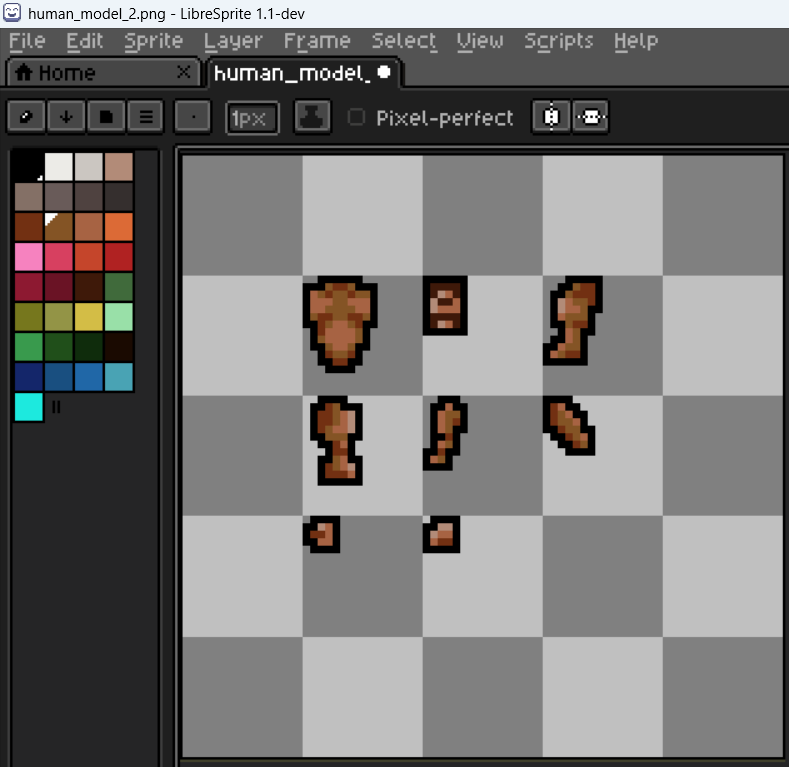
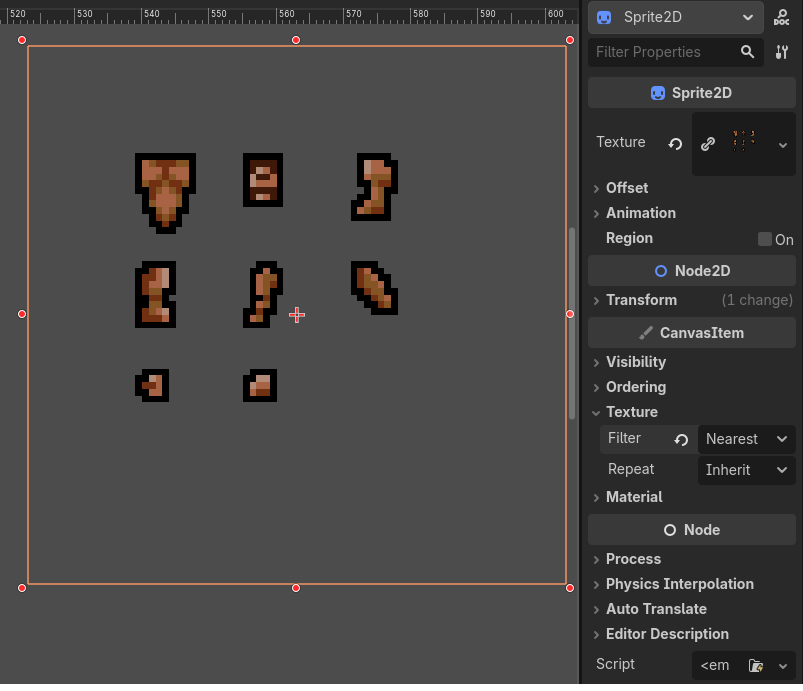
You can see, among others, that the revised neckline on the torso (top left) in Libresprite doesn’t show in the Godot editor. Doesn’t show at runtime either.
It happens both in the editor, and through code even if I use
ResourceLoader.load(“res://assets/sprites/human_model_2.png”,“image”,ResourceLoader.CACHE_MODE_REPLACE)
After a while, and/or one-to-several quit/starts of the Godot Engine, it eventually refreshes the assets.
Seems like the same issue as here
What should I do to see the actual current version of an asset, not the cached version, short of deleting the .import file ?
PS : it’s not blocking, it ends up updating the asset. It’s aggravating at most.