Godot Version
Godot Engine v4.2.2.stable.official
Question
I haven’t used Godot in months
Recently I wanted to start a new project, so I ran the Godot app and… Black screen
The Project Manager runs, and I also found out it does still work, at least some parts of it, like:
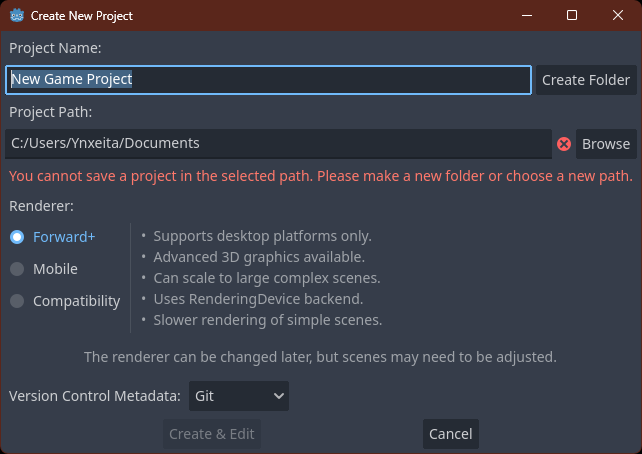
Ctrl + N for creating a new project (it correctly renders the Create New Project window)
The project search bar works (typed “test project”, which I created for testing this, and pressed the Enter key)
And it does open the project to a normal-looking project screen
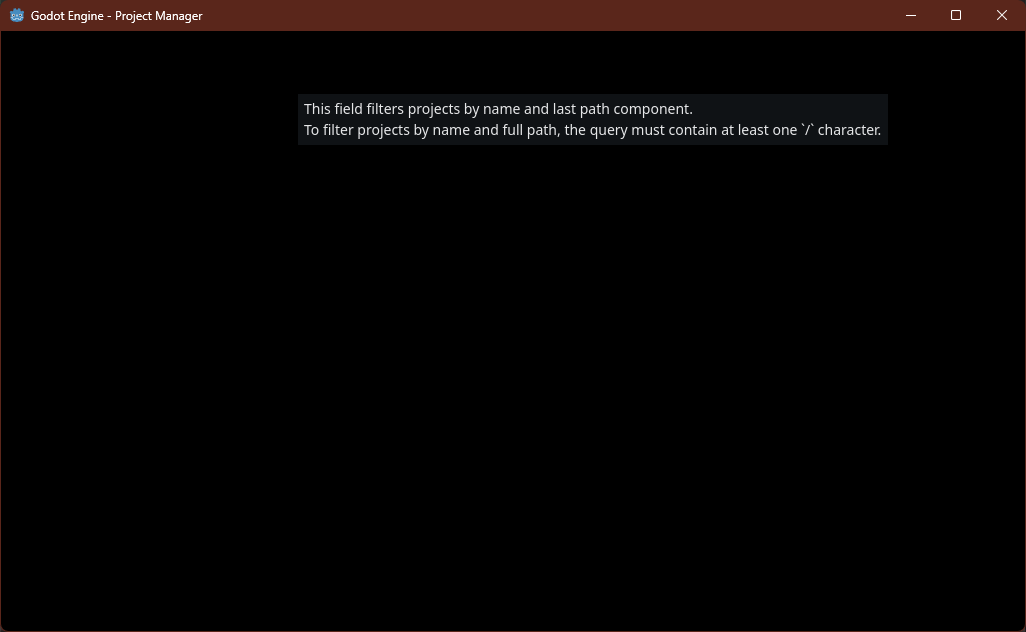
But the Project Manager window doesn’t render anything
It’s just a black screen