Quest 3 Passthrough all black

Godot Version

  • Godot 4.6
  • Godot XR Tools 4.5.0
  • Godot OpenXR Vendors Plugin 4.3.0
  • Compatibility Renderer

Question

Hi all,

i recently migrated my project from Godot 4.4 to Godot 4.6. Now i noticed, that passthrough with my Meta Quest 3 isn’t working any more. The background is all black.

I basically use the code from the documentation to switch to AR mode: artivact-xr/scenes/common/environment/environment_manager.gd at main · arassec/artivact-xr · GitHub

Passthrough with Quest 3 worked with Godot 4.4 and it now still works with Pico 4.

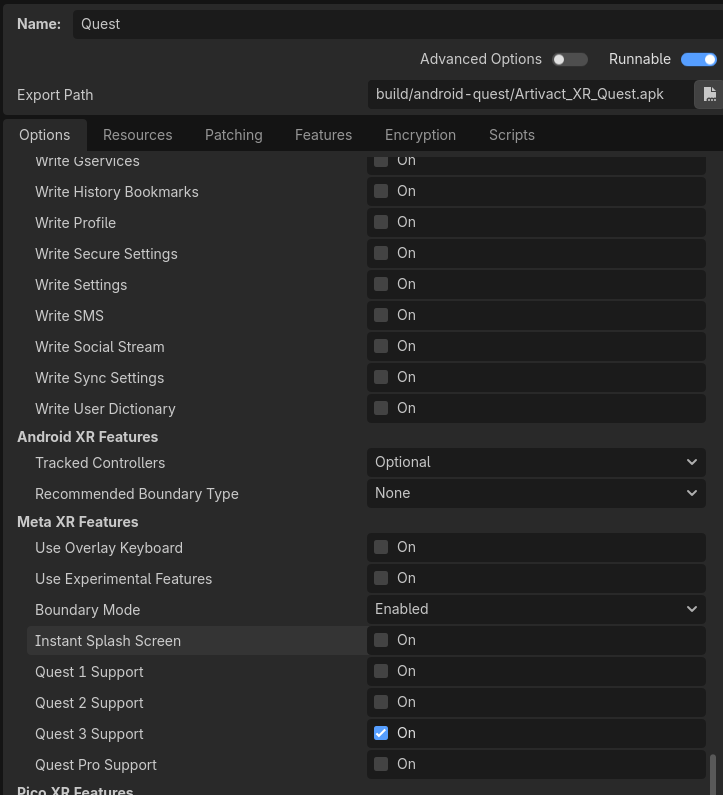
I can’t find the “Passthrough” export property mentioned in the documentation.

Any idea what i’m missing?

Hey @arassec ,

The settings were moved into the OpenXR tab in project settings, you need to enable them there. As other runtimes besides Meta have started implementing Meta vendor extensions we’ve moved enabling them there.

Good catch on the documentation not being up to date, we need to resolve that :slight_smile:

1 Like

Hi @mux213,

thanks for the fast reply, i will have a look in the project settings.

Does that mean, that the vendor plugin is not needed any more for passthrough? :slight_smile:

Sadly for a number of runtimes the vendor plugin is still needed, more and more headsets are adding support for the standard passthrough behaviour as defined in OpenXR so for basic pass through functionality the core of Godot has all the needed support.

However some Android based headsets also introduce additional security privileges around pass through that are vendor specific and for which support is added through the vendor plugin.

Bottom line, vendor plugin is still smart to install just to save yourself some headaches :slight_smile:
Thanks again for the Info. :+1:

And just in case anybody stumbles upon this thread having the same issue: go to

  • Project → Project Settings
    • XR → OpenXR
    • Activate “Advanced Settings”
      • Enable Meta → Passthrough

Now i’m having passthrough again! :partying_face:

1 Like