Question about Scene inheritance and animations

Godot Version

v4.5.1.stable.arch_linux

Question

I want to preface this with the fact that I’m very new to this so forgive me If i say something very stupid.

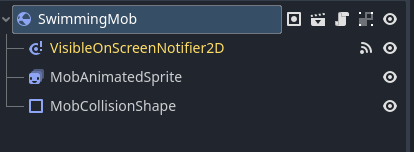
I finished the 2D tutorial and as an next step, I wanted to separate the Mob scene into 3 different scenes ( Mob, Flying_mob, Swimming_mob) because I wanted more flexibility with the animations/collision shapes etc.

What I did was create 2 new scenes that inherit from the initial Mob scene. However I noticed that in the inherited scenes, I couldn’t change the animations sprite frames.

  1. Since I’m not changing the objects, I would expect to be able to change their configuration at least. Is this expected behaviour or am I missing something/doing something wrong?

  2. Is there a best-practice to achieve the desired effect? My problem is that the sprite animations and the collision shapes don’t really match that well. That’s why I wanted to create different scenes - so I have more control over them.

My current ‘solution’ is to create a new ‘abstract’ Mob scene, and create 3 inherited scenes Walking_mob, Flying_mob, Swimming_mob).

Thank you. And please let me know if any of the above doesn’t make sense.
1 Like

You should be able to change the sprite frames. Did you try to replace the entire sprite frames property on the inherited scenes?

You do not need an abstract scene. In fact, there is very little call in most cases for the abstract keyword. If you were using quotes because it’s not really abstract, then I’d call it a “base” scene instead of an “abstract” one.

What you want to do is remove or override things from the Mob scene that are going to have specific implementations, and implement them at that level. You can do this one of two ways. The first is to create a scene that doesn’t implement things but you know this and are going to implement them.

For example, just do not add either a CollisionShape2D or the Shape inside it (your choice) forcing you to implement it in the inherited scene. For the AnimatedSprite2D you can either leave it completely off the object, leave it with a null SpriteFrames forcing you to create one.

The second is to use exported variables on the root node and then programmatically fill in the other nodes.

I’d recommend you start down the path you’re down with a base scene and go from there. As you get to know the engine, you will decide you like it or go down the code route.

Examples

Here are a couple of more advanced examples you can play with. They are free on GitHub.

ChibiAnimatedSprite2D

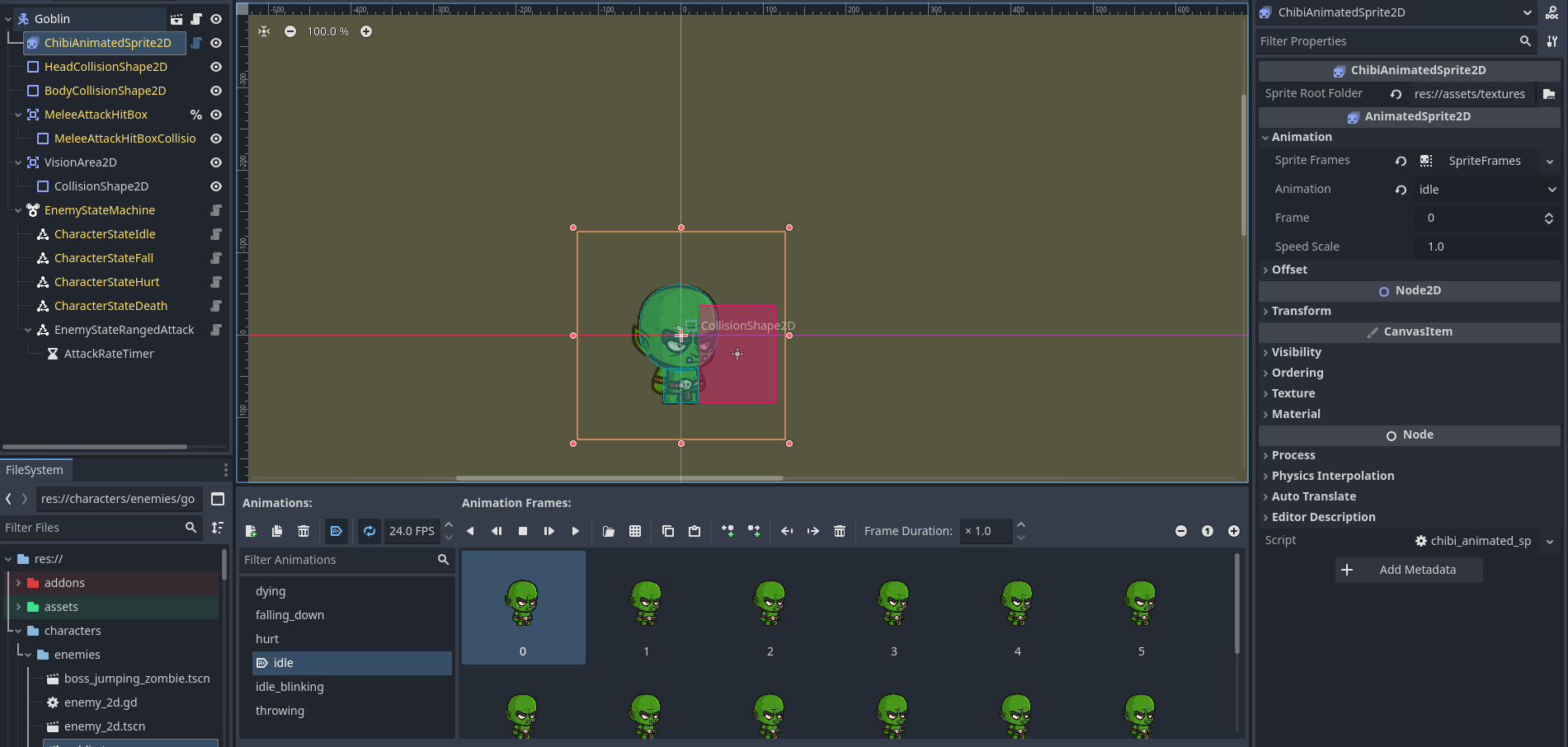
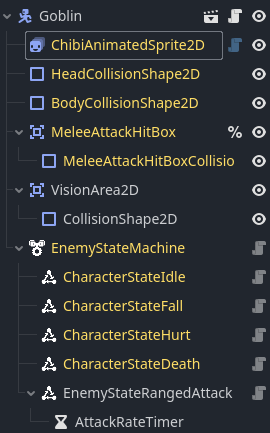
This is an addon that takes sprites from CraftPix.net and using their folder structure, loads the SpriteFrames when you select a folder containing the sprites. For every subfolder, it creates an animation. This is then inserted into an inherited Enemy2D scene with an exported variable for the path of the folder. This is a relatively simple object.

Curved Terrain

This is a more advanced addon example, in which I have taken a node with three subnodes and turned them into a single programmatic node that I can add to a scene. It is a @tool script (as is the one above), which allows me to show changes in the editor immediately when they are made. Those updates are turned off when the game is playing so that the nodes do not become a burden to the processor. The other nodes still exist, but only in code - not visually in the editor.

Examples Conclusion

Both of these nodes can be added as a normal node and function just like the built-in nodes. They also have Readmes with step-by-step instructions for installing and using them in a project. They are probably overkill for what you are doing now, but they might give you some things to ponder as you learn.

1 Like

Not sure what you mean ‘replace the entire sprite frames property’ but what I tried to do is change the ‘Sprite Frames’ for the inherited AnimatedSprite2D and couldn’t

@dragonforge-dev Thank you very much fore the detailed reply. I will have a look at your suggestions.

Yes the Abstract naming was just an example (although I did end up calling it AbstractMob :sweat_smile: ).

I ended up with something like this

image

Which did end up working (somewhat) as expected. I get the mob configuration warning which is … not ideal, but I’m not sure if it’ll end up being a problem or just an annoyance.

Thank you both for the replies. And thank you @dragonforge-dev for the links and the suggestions. Really appreciate them (though it will take some time to wrap my head around them)

:man_bowing:

2 Likes

I would recommend not worrying about sharing code via inheritance at this stage of your learning path. Just create the 3 mob scenes independent of each other. No problem if you duplicate code at this stage. :wink:

1 Like