Godot Version
v3.5.2
Question
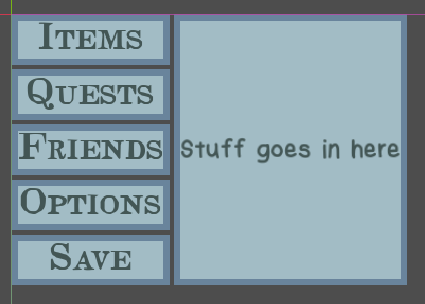
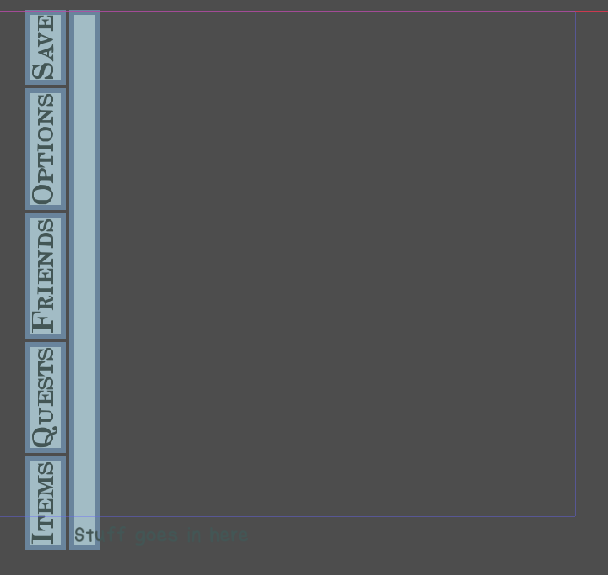
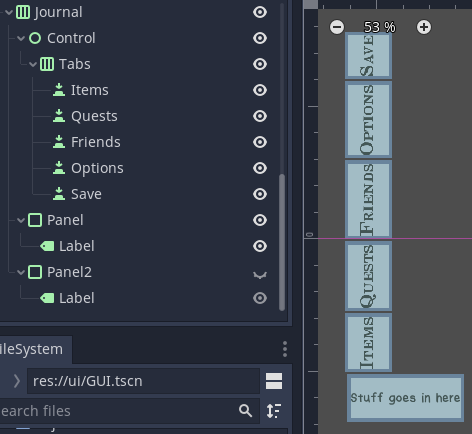
Hello! I have a set of buttons within a VBox next to a panel container, all contained within an HBox. Here’s what it looks like currently:
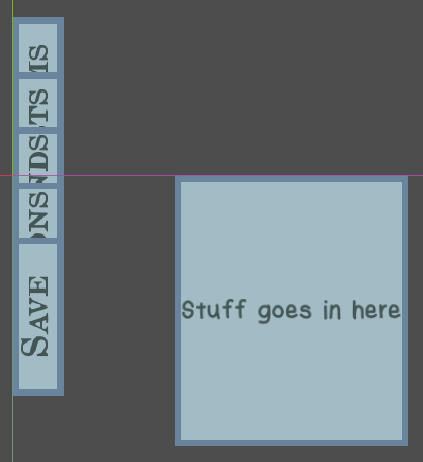
The problem is, I want the buttons to be rotated 90 degrees while still lining up with the panel container. When I rotate the buttons themselves, they stack on top of each other:
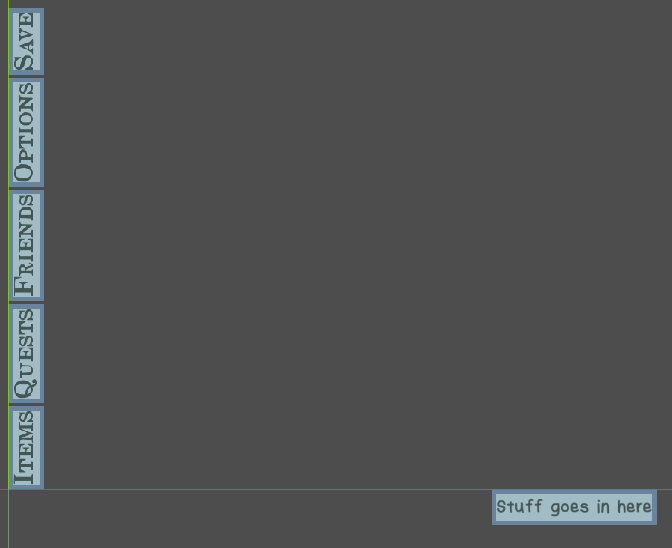
And when I switch the VBox to an HBox and rotate that, it almost gets what I want, but the parent HBox’s spacing acts like it’s still horizontal:
I want to avoid just manually putting in margin/size values to get it back into alignment because I’m trying to make this UI responsive to different screen sizes. How do I achieve the effect I’m going for?
1 Like
That’s not how it’s going to work when the user rotates the screen on a phone. You don’t have to rotate everything. You’re just changing the aspect ratio. If you’re on a computer with two monitors, I recommend you turn one of them sideways and then test vertical and horizontal resolutions and see how it’ll look.
For landscape and portrait mode you want to make the base resolution of the project square. More info here
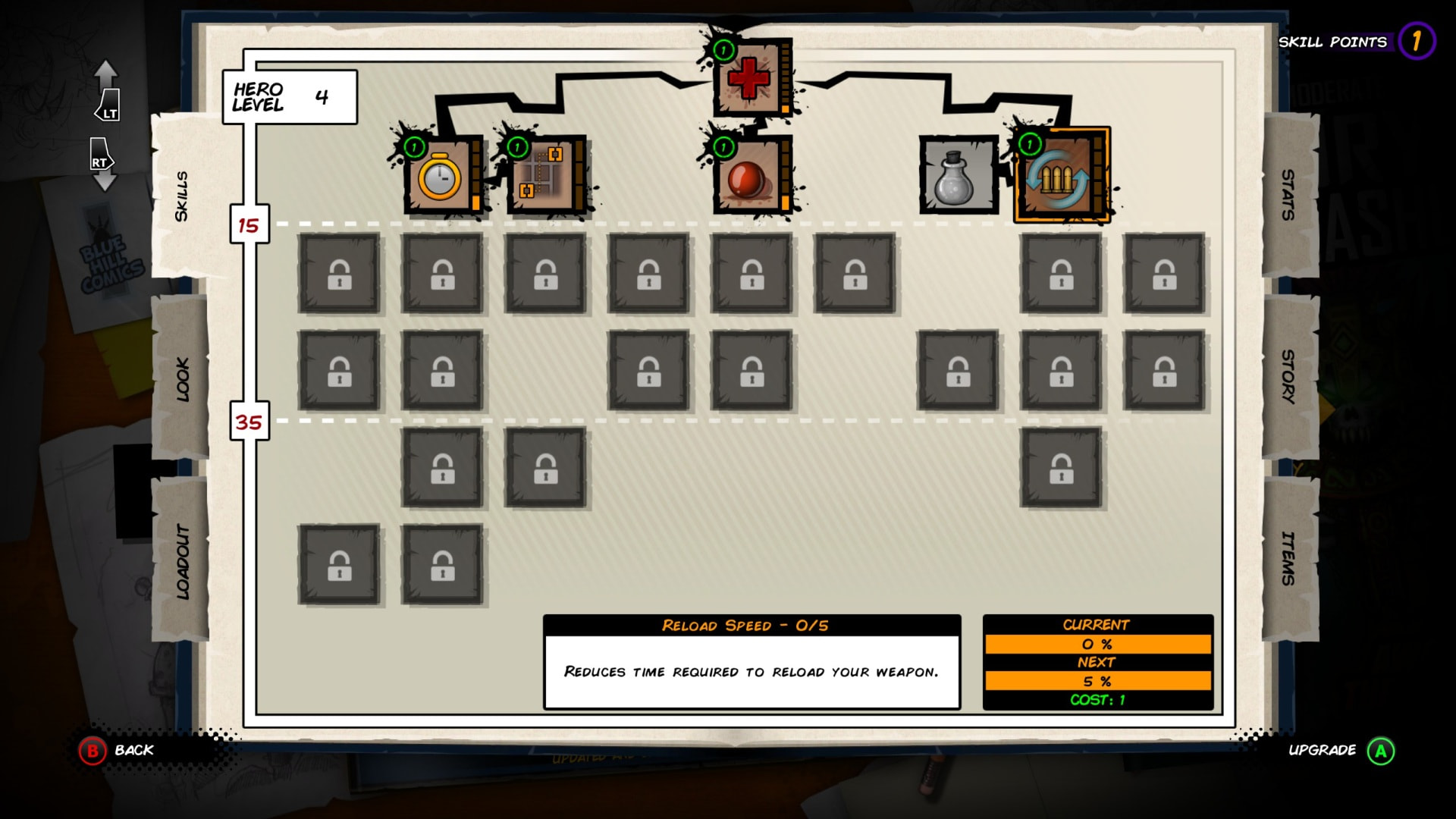
Oh, I’m not planning on porting my game to mobile! I’m just trying to get the buttons to go sideways because I like the look of it visually. I’m going for something like these games:
oh you mean like tabs? The tabs in TabBar or TabContainer don’t appear to go sideways. You’ll have to make your own custom container to do that.
1 Like
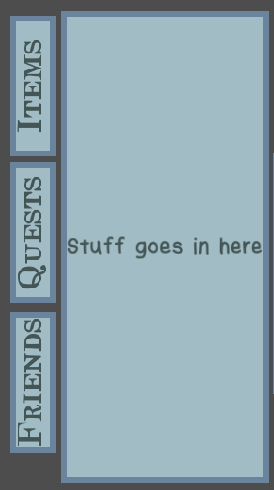
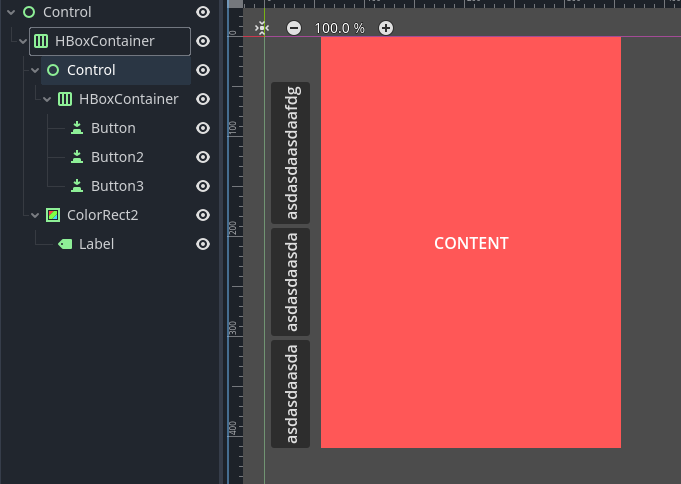
Not really! I’m just trying to make the buttons rotate sideways while still working within the HBox containing everything. Here, I’ve made a mockup:
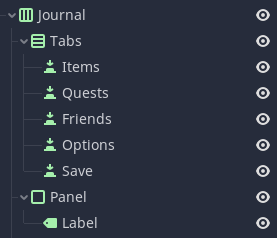
And here’s the node tree:
If possible, I would like to continue to use the HBox to contain everything because of its responsiveness! I just need to figure out how to make the buttons be sideways within it without the alignment acting strangely like my screenshots in the first post.
I’m not sure what you mean by
And when I switch the VBox to an HBox and rotate that, it almost gets what I want, but the HBox spacing acts like it’s still horizontal:
The spacing of the hbox expands vertically because the hbox is on its side.
Anyway, you should look into anchors. Those are based on percentages and ratios instead of pixel values.
1 Like
I’m not sure what you mean by […]
I could’ve been clearer on that - I mean that the parent HBox with the button HBox and the PanelContainer inside of it is behaving strangely. You can see in the third screenshot of the first post that when I use an HBox to contain the buttons and rotate that, the buttons and the PanelContainer are now misaligned despite being in the parent HBox together.
I thought anchors were best for making things relative to the edges of the screen - can they work to align elements to other elements like an HBox or VBox can? I’m trying to make all of the elements here be aligned with each other and then centered on the screen, so I’m not sure if anchors would achieve the effect I’m going for.
Rotate the container
I tried that, with no success. The third screenshot in the first post shows my attempt at doing so!
If I do that, then the PanelContainer is also sideways, and rotating it or the label within it gives me pretty much the same problem, as shown:
Which container did you rotate? Don’t rotate the top container.
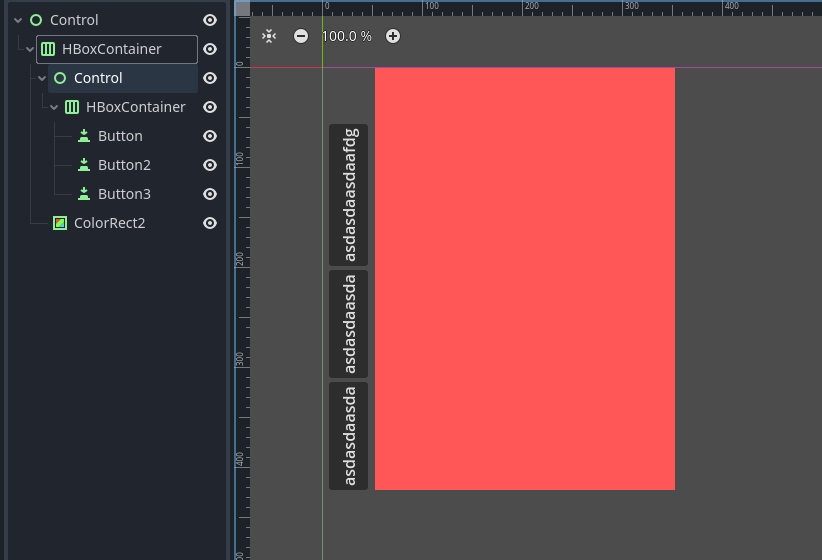
Ahh, I see what you mean. Still, I tried that and this is the result that I got:
Control needs to have custom minimal width so it makes room for the Tabs, and Tabs anchor and pivot needs to be adjusted so it falls into place.
Thank you, but I was explicitly asking for a system that works dynamically and avoids direct adjustments of the coordinates/pivot/sizes/etc.! I ended up just revising my GUI ideas to make them work horizontally instead of vertically.
1 Like
It can’t work fully automatically because rotations do not participate in Godot’s layouting system.
1 Like