Godot Version
v4.6.1.stable.official [14d19694e]
Question
I’m trying to follow this tutorial on setting up a 2D skeleton: https://youtu.be/CA5oSM6f0fo?si=CxtvN7UX9hlMt_sq
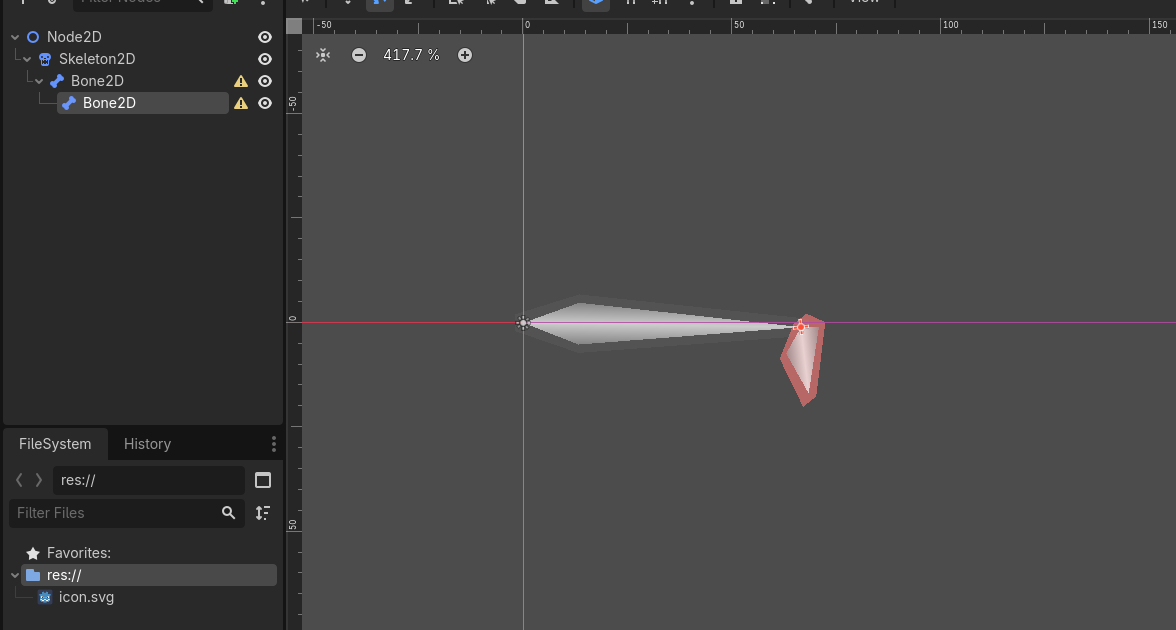
However, when I create a Skeleton2D node, a parent Bone2D node inside it and a child Bone2D inside that, then rotating the child bone (using the rotation tool / pressing E) distorts the child bone. Rotating the parent bone works as expected (its shape stays the same and the child bone rotates with it).
In the tutorial, the author can rotate a child bone without any distortion (e.g. here: https://youtu.be/CA5oSM6f0fo?si=jhmL8rVzMmMINbuC&t=492).
This happens even in a brand new project without any other nodes. Since this is my first real attempt at Godot I might be missing something obvious, but I couldn’t find anything in the docs or here in the forum.
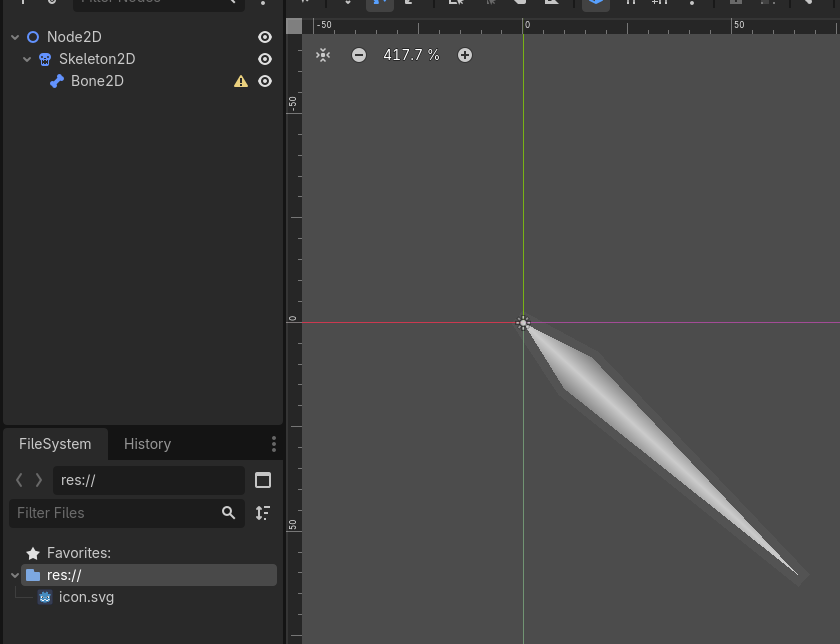
Step 1: Create a new Node2D scene, and a Skeleton2D containing the parent Bone2D:
Step 2: Rotating the parent bone works as expected
S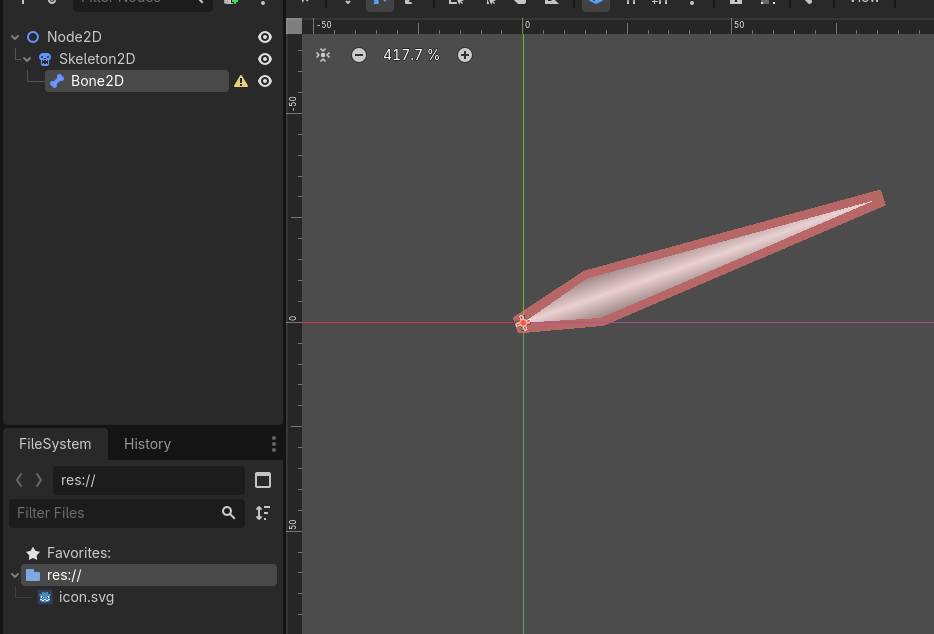
Step 3: Add a child Bone2D
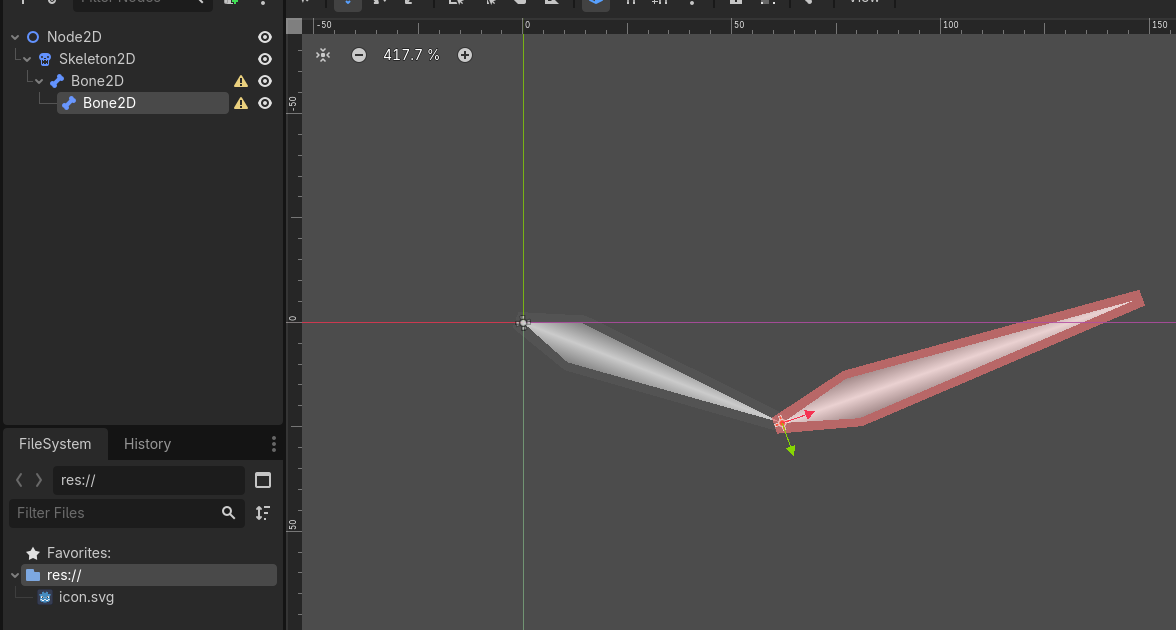
Step 4: Rotating the parent bone still works
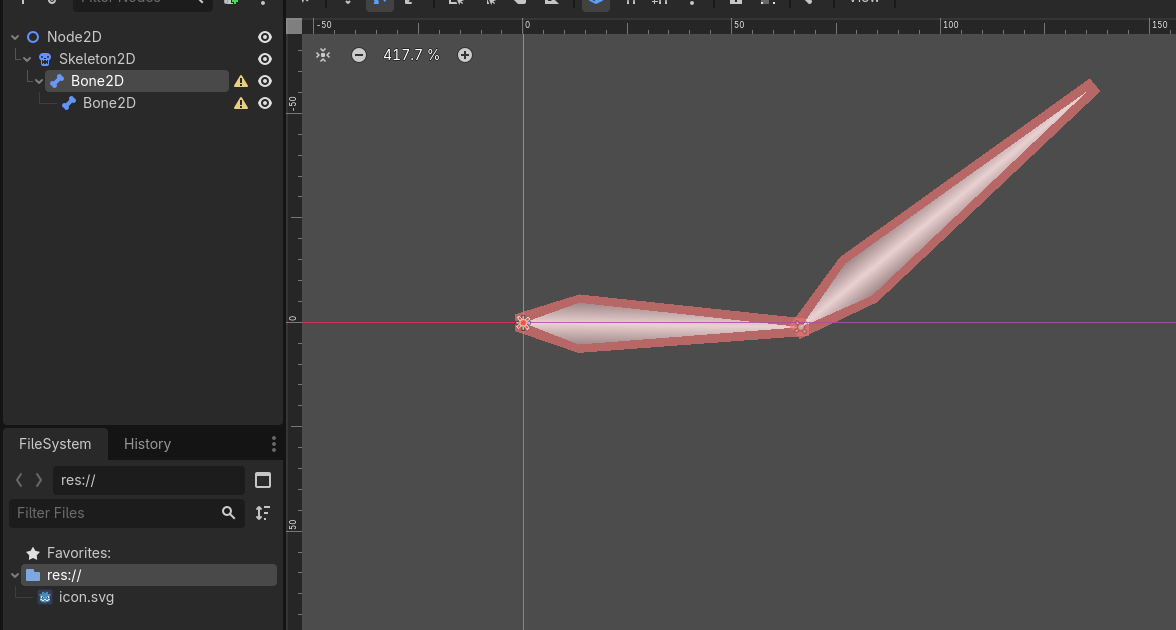
Step 5: Rotating the child bone distorts it (it changes its length in a strange fashion)