Godot Version
Godot 4.6.2
Question
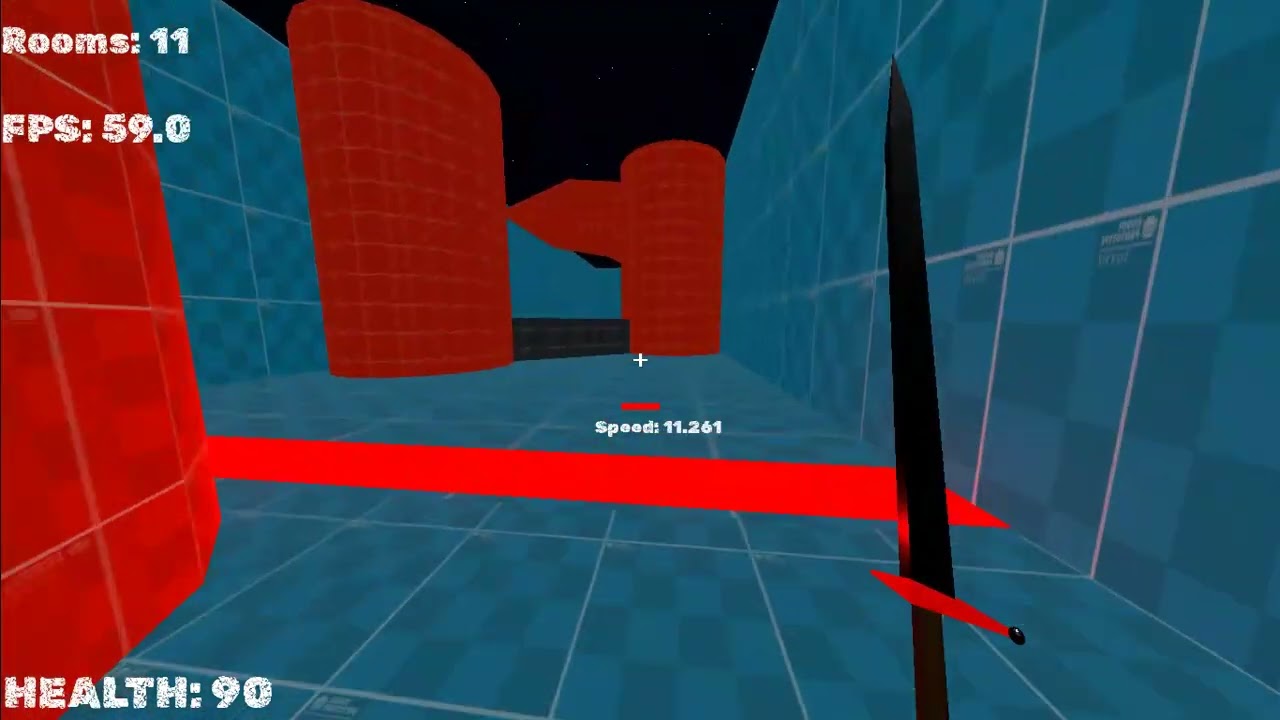
I Have A Enemy Which Is A Tower With A Red Crystal Over It Spinning
Every 3 sec, It Shoots Projectiles Towards me
Yesterday I Did A Death Animation For That Tower So That Whenever I Hit That Red Crystal, It’ll Play The Death Animation And The Red Crystal Will Become Invisible And It’ll Stop Shooting
Now, The Problem Here Is Whenever The Death Animation Happens, If It’s On Screen (I’m Looking At The Tower As It’s Animation Plays), The Animation Plays Smoothly But If It’s Not On Screen (I’m Looking At Some Other Direction Away From The Tower), The Animation Pauses And Continues Again When I Look At It
I Tried Making The Process Mode Always For The Animation Player And The Enemy Node Itself But It Still Isn’t Going Away( The Animation Pausing Off Screen)
Help Me Guys !!!
Here’s The Video
Any Solution Or Suggestion Will Be Highly Appreciated
Thank You
Acelon