Godot Version
4.5.1.stable.official
Question
I’m brand-new to Godot. I’ve been trying to place hexes under sprites to indicate populated cells. Using to_local, local_to_map, and map_to_local, I’ve been able to achieve a “cursor highlight” for cells (light hex) and sprite placement, but when I try to add a darker hex drawing on the same grid cell as the token, it appears in a drastically different place.
Originally, I was trying to handle this “token area marker” in its own node, but to debug I’ve combined it with the sprite-placing code, thinking that perhaps I was somehow getting different “local” results from map_to_local. Even when I use the same exact coordinates, the dark hex goes in a different place!
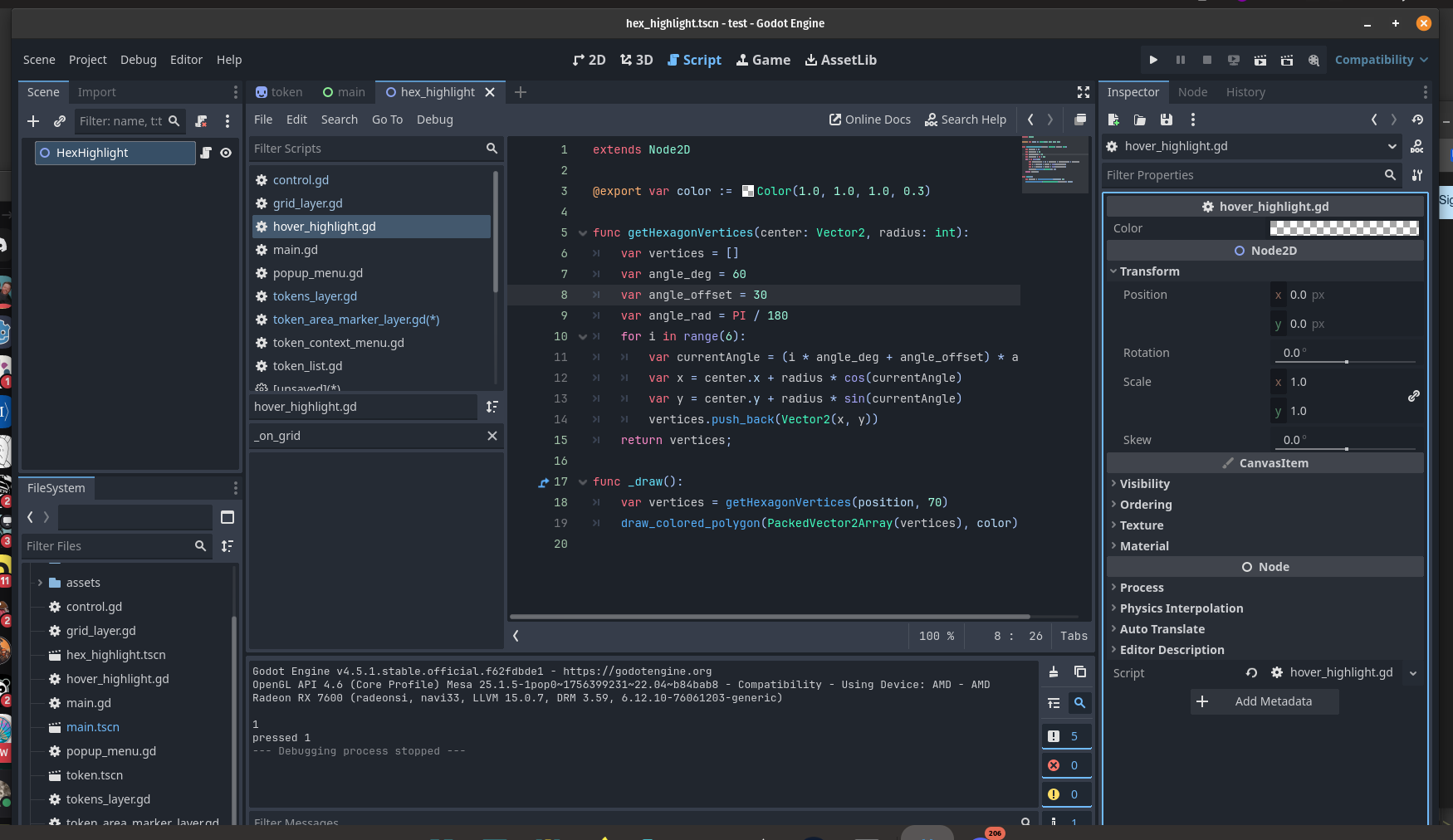
Here’s a simplified version of the code:
func _on_grid_context_menu_submenu_id_pressed(id: int) -> void:
	var global_pos = Main.last_right_click_pos
	var hex_pos = Grid.local_to_map(global_pos)
    var local_pos = Grid.map_to_local(hex_pos)

	var token = Token.instantiate()
	var texture = TokenPicker.get_item_icon(id)
	token.texture = texture
    local_pos = Grid.map_to_local(hex_pos)
	token.position = local_pos
	add_child(token)

	var marker = HexScene.instantiate()
	marker.position = local_pos
	marker.color = Color(0, 0, 0, 0.2)
	add_child(marker)
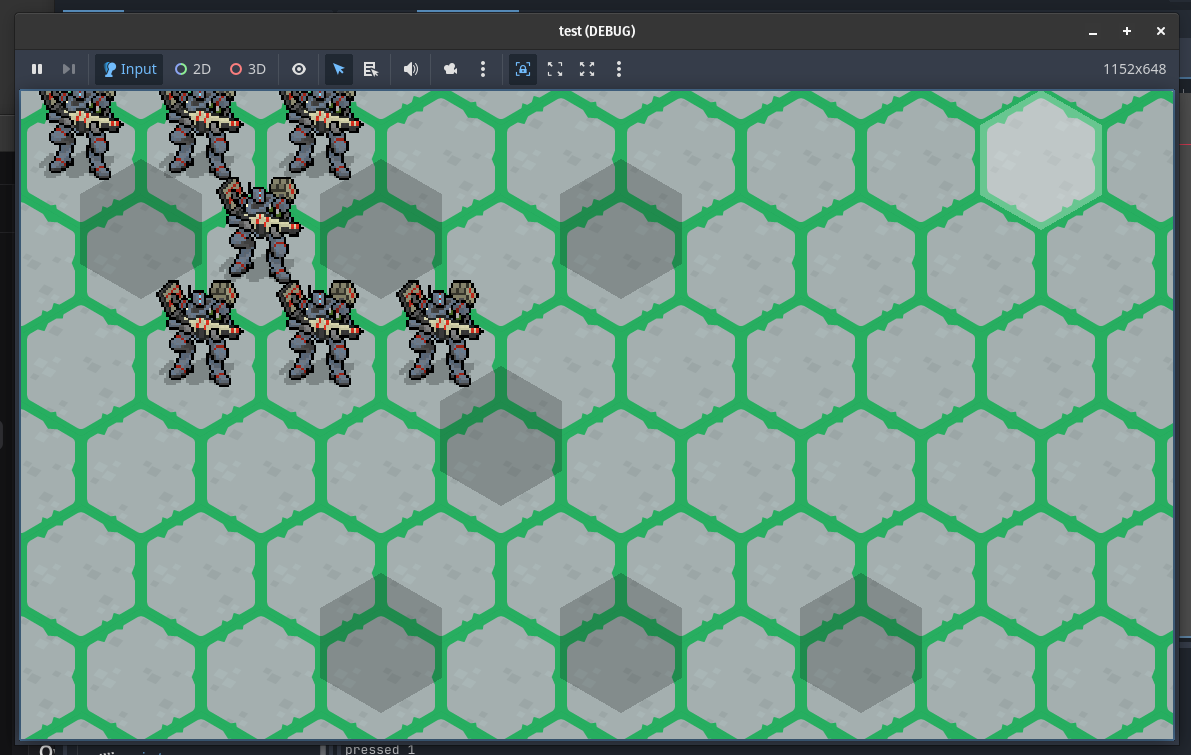
I’m using very similar logic to place a highlighted token at mouse coordinates from within the TileMapLayer script, and that works great:
var hover_marker

func _ready():
	hover_marker = HexScene.instantiate()
	add_child(hover_marker)
	move_child(hover_marker, 0)

func _unhandled_input(event):
	if event is InputEventMouseMotion:
		var pos = event.position
		hover_marker.position = map_to_local(local_to_map(pos))
Why won’t the dark hexes appear where they should? What am I missing here?