Setting UI element4.5.dev1s for displaying important fields

Godot Version

4.5.dev1

Question

thinking about how to organizing info player 'd be interested to during the game,i thought about using Label component;the problem is that when player’s camera move, Label keep fixed in own starting position.Look at following video:(consider the “0” up that is Label element)

Use a CanvasLayer as a parent of the labels

Ok, i just did as you suggested me… but I cannot understand why when i run the game i don’t see the proper label yet

Can you post more information? Scene structure, scripts,…? Hard to tell what the issue is with so little information.

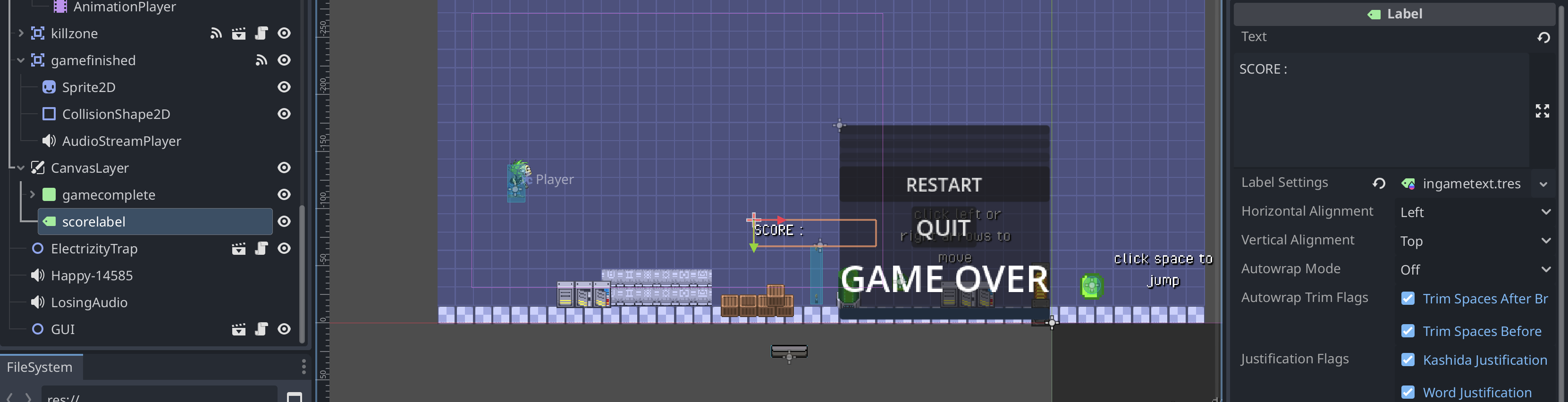
i am going to post a screenshot of starting situation:


you can see the canvaslayer tree in the scene. The script attached to the scene root is:

extends Node2D

@onready var gamecomplete: Panel = $CanvasLayer/gamecomplete
@onready var audio: AudioStreamPlayer = $gamefinished/AudioStreamPlayer
@onready var soundtrack: AudioStreamPlayer = $"Happy-14585"

@onready var scorelabel: Label = $CanvasLayer/scorelabel	

func _ready() -> void:
	gamecomplete.visible = false
	scorelabel.text = "0"
	## $GUI/PanelContainer/MarginContainer/VBoxContainer.hide()
	$GUI.visible=false
	soundtrack.play()

the problem is I cannot see the scorelabel

You need to move the contents of the CanvasLayer inside the viewport view (the blue rectangle in the 2D view) as they act as a separate layer that won’t follow the camera or the main viewport transform. More info about canvas layers here:
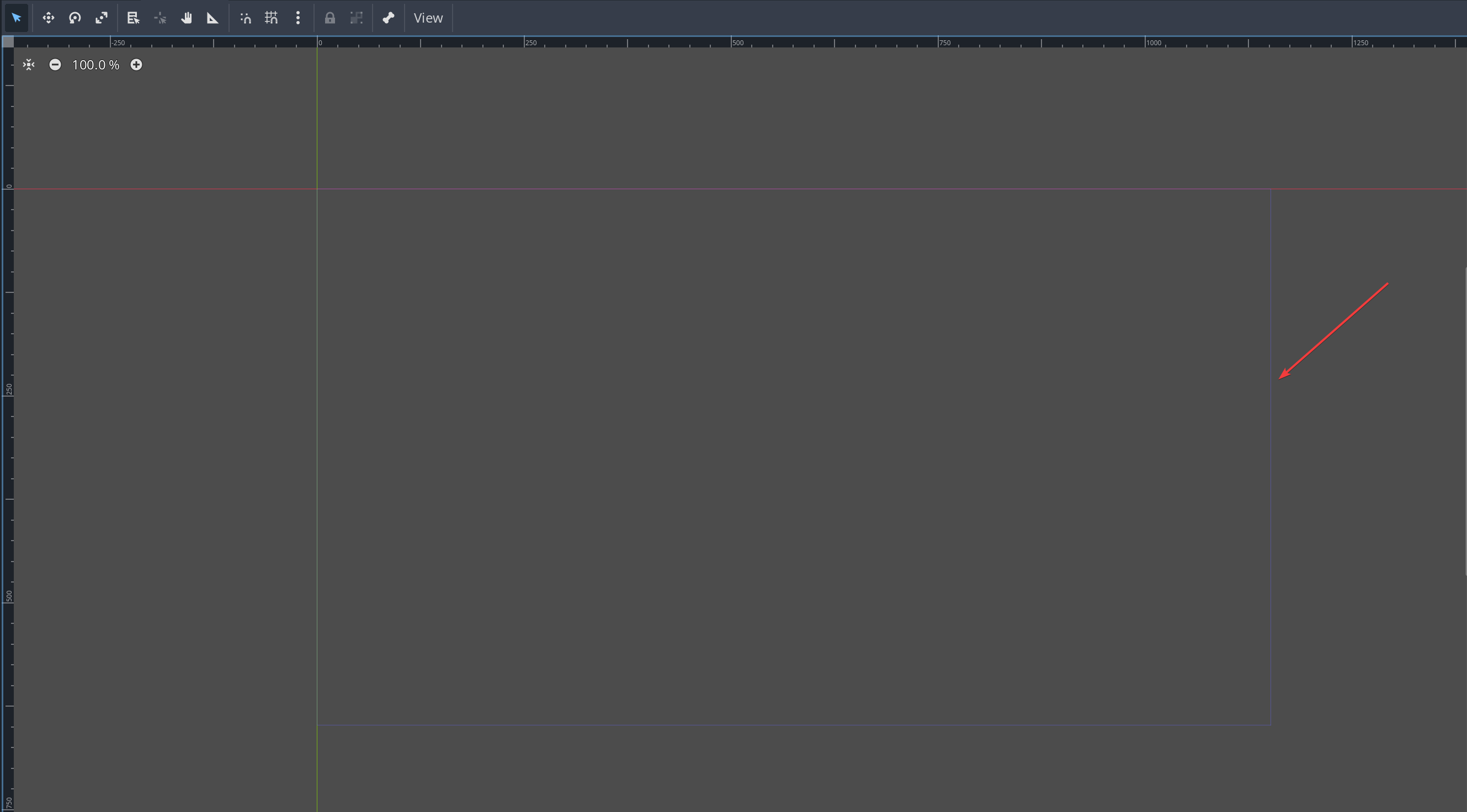
mmm, honestly i cannot see any blue rectangle in the 2d View…

That one

1 Like

ok, i fixed it. thanks

This topic was automatically closed 30 days after the last reply. New replies are no longer allowed.