Godot Version
3.6
Question
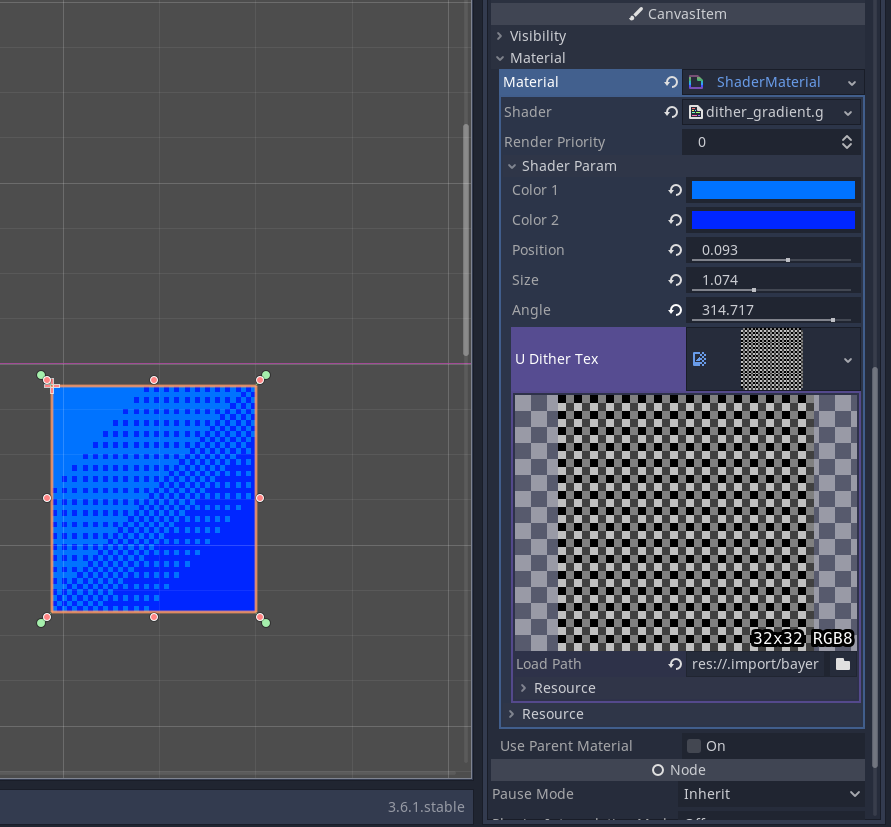
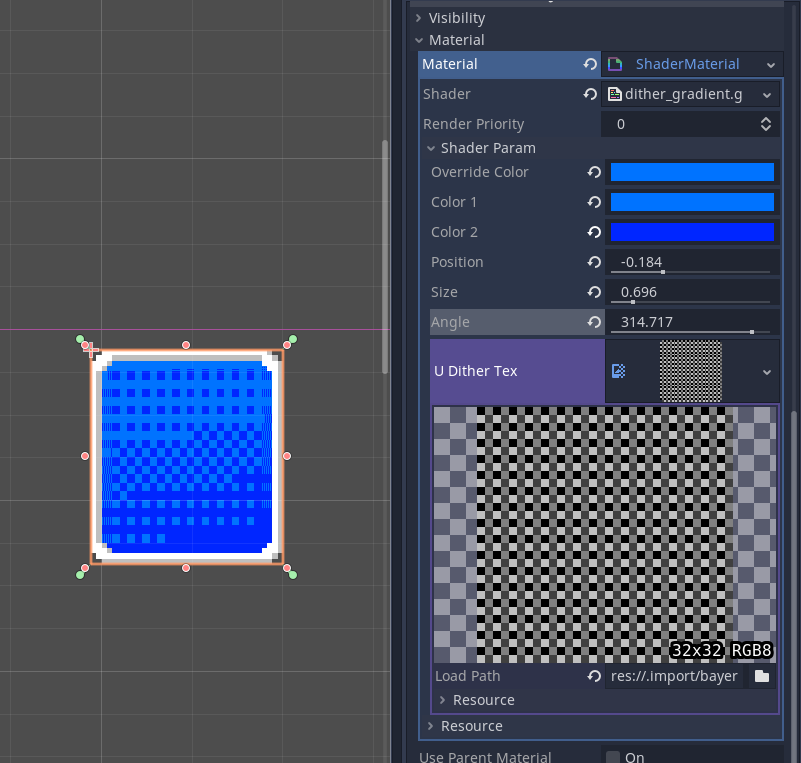
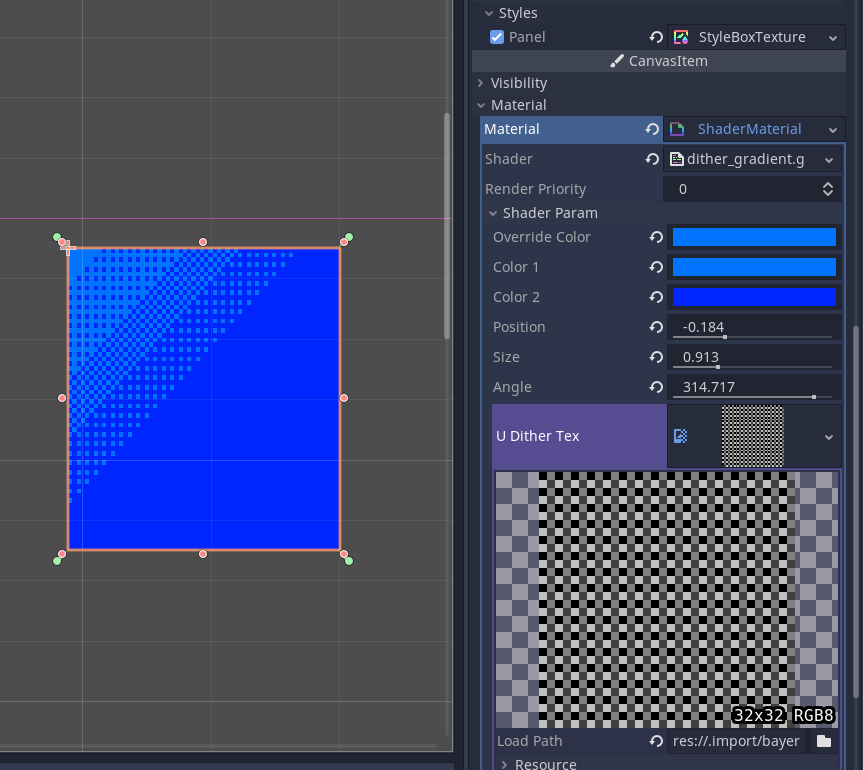
I have been working on writing a shader to create a linear gradient that dithers between the two colors instead of gradually interpolating. Something like this:

I am very new to writing shaders and have been relying on referencing other sources.
Linear Gradient
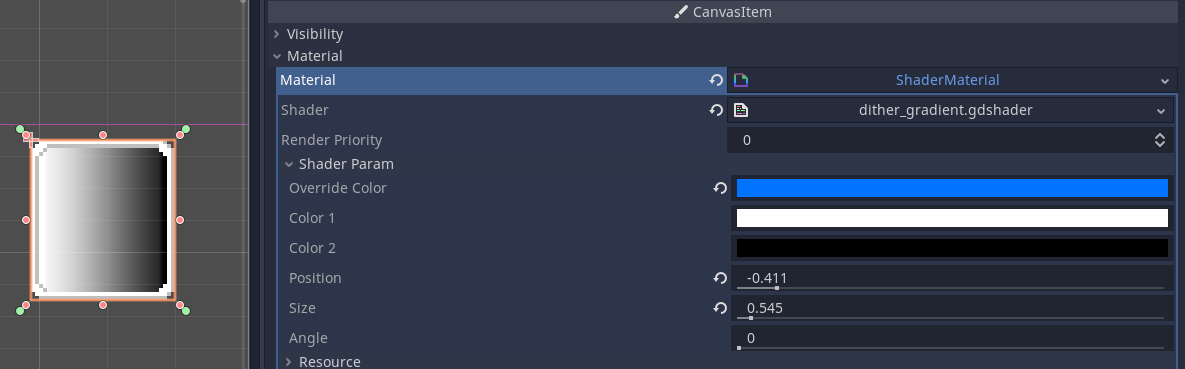
I found some shader code that creates a linear gradient with parameters for adjusting the position, gradient size, and gradient rotation.
This is the shader modified for my needs:
shader_type canvas_item;
render_mode unshaded;

uniform vec4 override_color : hint_color = vec4(1.0);
uniform vec4 color_1 : hint_color = vec4(1.0);
uniform vec4 color_2 : hint_color = vec4(0.0, 0.0, 0.0, 1.0);
// position of the colors
uniform float position : hint_range(-0.5, 0.5) = 0.0;
// size of the gradient effect
uniform float size : hint_range(0.5, 2) = 0.5;
// rotation angle of gradient
uniform float angle : hint_range(0.0, 360.0) = 0.0;

// Gets the interpolation value for the UV.
float get_pos(vec2 uv)
{
	float p = position + 0.5;
	vec2 p_uv = uv - p;
	float rot = p_uv.x * cos(radians(angle)) - p_uv.y * sin(radians(angle));
	return smoothstep((1.0 - size) + position, size + 0.0001 + position, rot + p);
}

void fragment()
{
	vec4 p_color = texture(TEXTURE, UV);
	// Only apply gradient to override color.
	if(override_color == p_color) {
		COLOR = mix(color_1, color_2, get_pos(UV));
	} else {
		COLOR = p_color;
	}
}
Adding Dithering
The function get_pos returns a float that is used to decide how much to mix the two colors, with only values between 0.0 and 1.0 being effective. I did some searching for how to implement the dithering effect I want and came across something called ordered dithering.
https://maximmcnair.com/p/webgl-dithering
This tutorial provides some shader code that implements ordered dithering. I decided to try and use it.
const float bayer_2x2[4] =  {
	0.0, 3.0,
	2.0, 1.0
};

// Gets the threshold data for a UV given the 4x4 bayer dither matrix.
vec4 dither4x4(vec2 uv, float g) {
	float dither_amount = 2.0;
	int x = int(mod(uv.x, dither_amount));
	int y = int(mod(uv.y, dither_amount));
	int index = x + y * int(dither_amount);
	float limit = (float(bayer_2x2[index]) + 1.0) / (1.0 + 4.0);
	return g < limit ? color_1 : color_2;
}
The original code used the luma values of the pixels to determine the dither result. In my case, I want to use the interpolation value from get-pos. It seemed like I could just plug that value in place of the luma. This does not work.
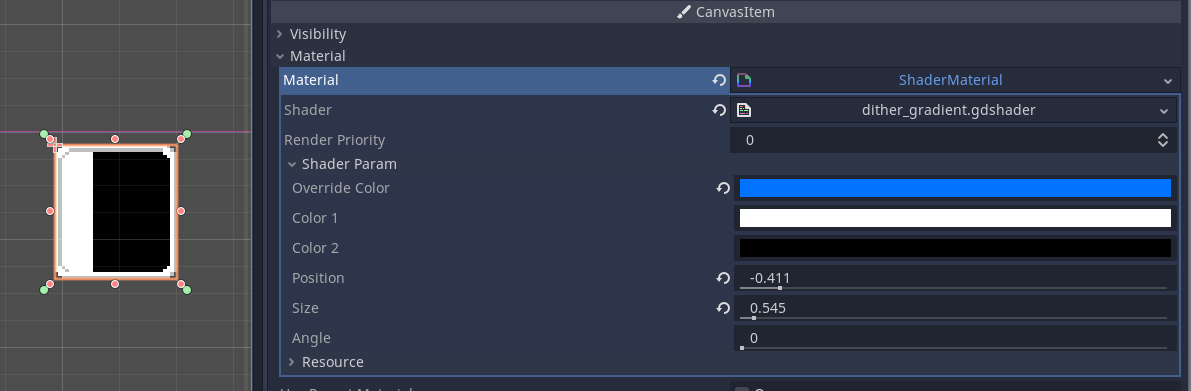
My Full Shader Code
shader_type canvas_item;
render_mode unshaded;

uniform vec4 override_color : hint_color = vec4(1.0);
uniform vec4 color_1 : hint_color = vec4(1.0);
uniform vec4 color_2 : hint_color = vec4(0.0, 0.0, 0.0, 1.0);
// position of the colors
uniform float position : hint_range(-0.5, 0.5) = 0.0;
// size of the gradient effect
uniform float size : hint_range(0.5, 2) = 0.5;
// rotation angle of gradient
uniform float angle : hint_range(0.0, 360.0) = 0.0;

// Reference: https://maximmcnair.com/p/webgl-dithering
const float bayer_2x2[4] =  {
	0.0, 2.0,
	2.0, 1.0
};

// Gets the interpolation value for the UV.
float get_pos(vec2 uv)
{
	float p = position + 0.5;
	vec2 p_uv = uv - p;
	float rot = p_uv.x * cos(radians(angle)) - p_uv.y * sin(radians(angle));
	return smoothstep((1.0 - size) + position, size + 0.0001 + position, rot + p);
}

// Gets the threshold data for a UV given the 4x4 bayer dither matrix.
vec4 dither4x4(vec2 uv, float g) {
	float dither_amount = 2.0;
	int x = int(mod(uv.x, dither_amount));
	int y = int(mod(uv.y, dither_amount));
	int index = x + y * int(dither_amount);
	float limit = (float(bayer_2x2[index]) + 1.0) / (1.0 + 4.0);
	return g < limit ? color_1 : color_2;
}

void fragment()
{
	vec4 p_color = texture(TEXTURE, UV);
	// Only apply gradient to override color.
	if(override_color == p_color) {
		COLOR = dither4x4(UV, get_pos(UV));
	} else {
		COLOR = p_color;
	}
}
Moving Forward
I am not sure how to proceed. I found a different algorithm here Ordered dithering - Wikipedia that I tried to implement, but was not able to completely. I don’t understand how to determine the color space.