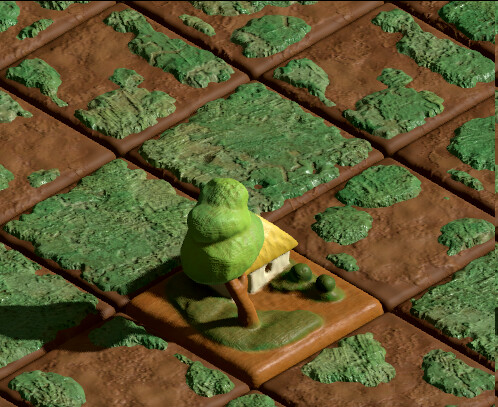
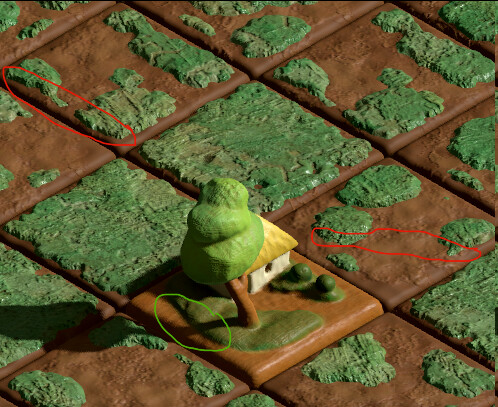
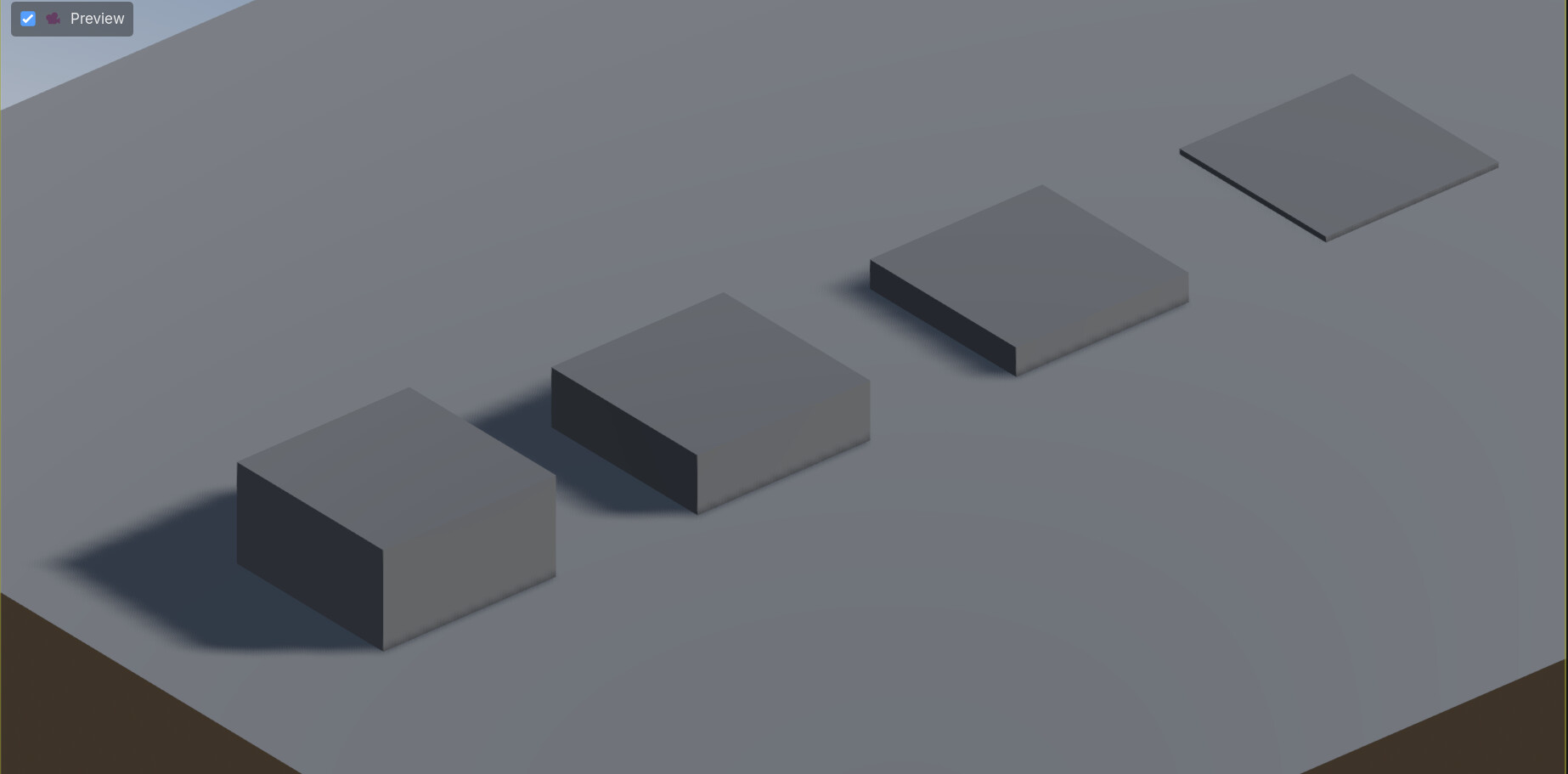
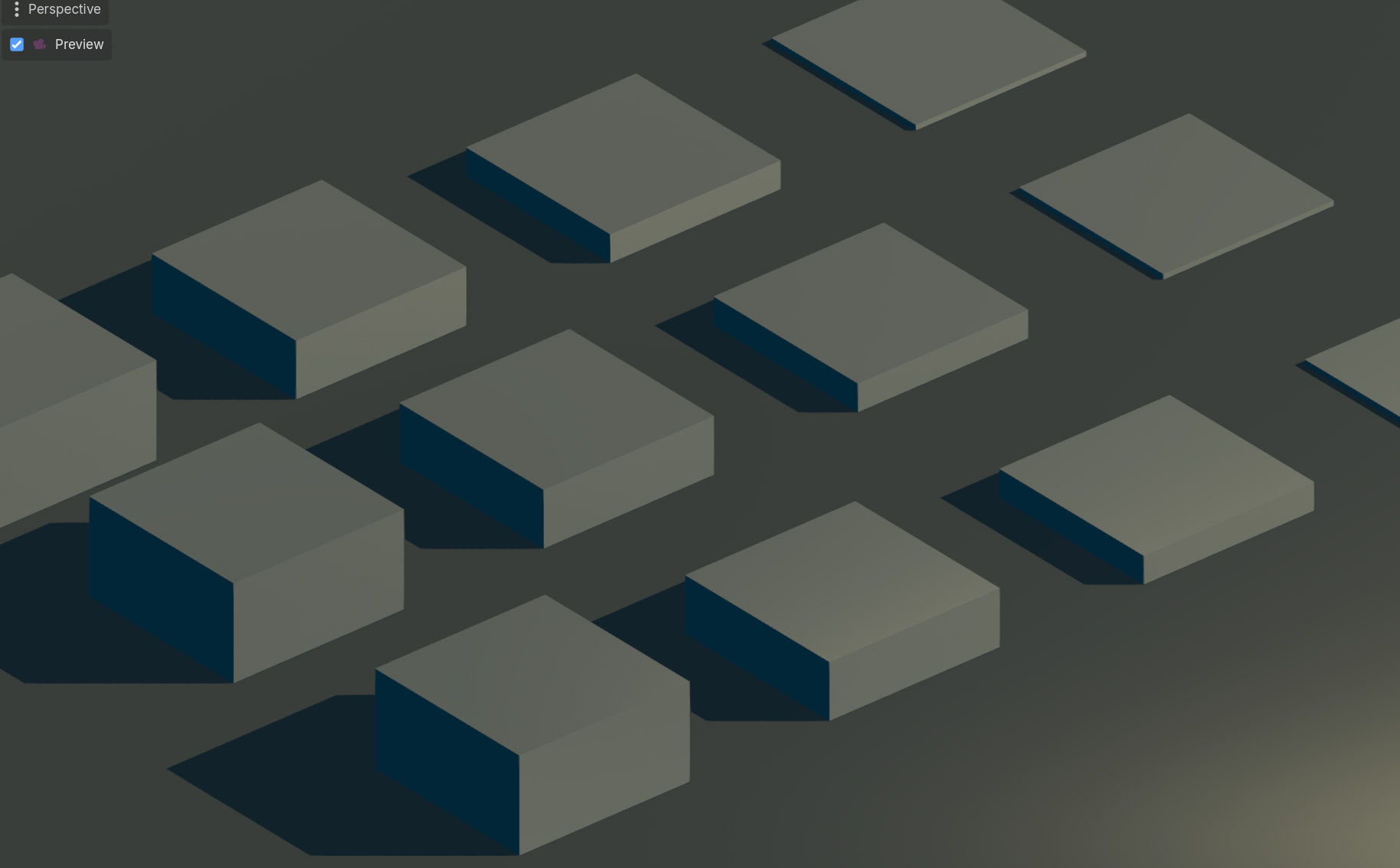
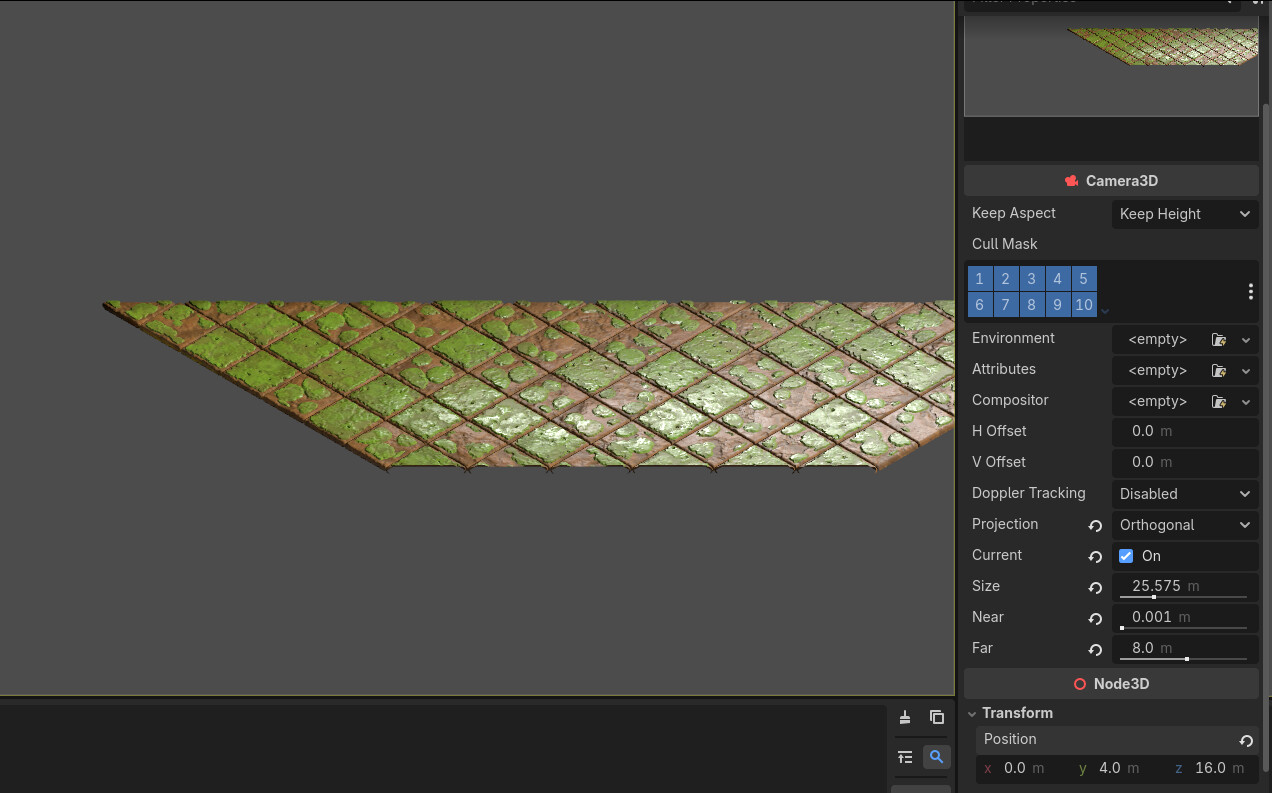
When I use a single mesh, there are distinct dropped shadows on the mesh.
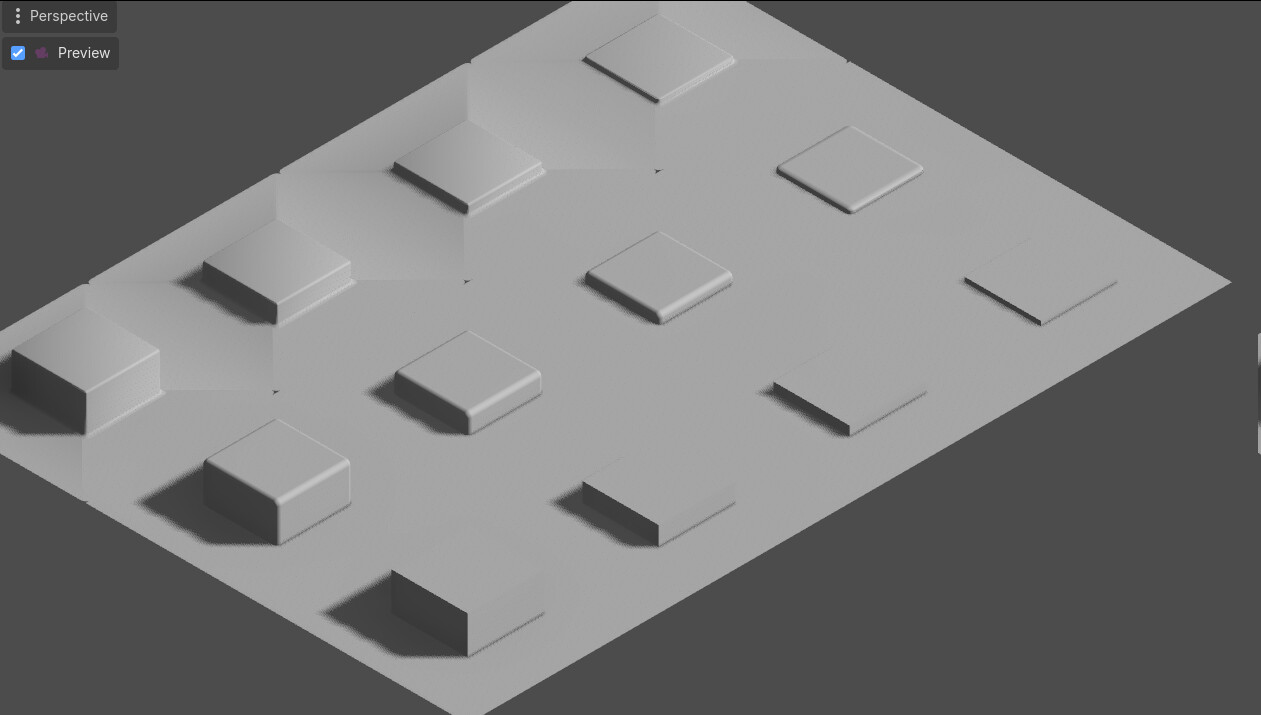
In the same scene meshes using a modular approach (separate meshes) drop no/or very little shadows (because they’re too short in height from my testing).
Is there any setting I can change that would fix this issue?
I’m using dynamic lighting PSSM2 Average - the Slow mode is ever worse.
I’ve pretty much tried every setting in the light and in the engine setting as well with very little effect.
The only option that had SOME but very limited effect was shadowmap resolution.
The camera is orthographic but the same issue persist in perspective camera as well.
The meshes are about 2 square meters in size, is this a scale issue, would making them smaller and bringing the camera closer fix this?
Is there a way to fix this by faking the mesh height with a shadow mesh? Is there a way to import a custom shadow mesh in the engine?
Making all the tiles as single meshes is out of the question, the game will have too many tiles for that to be a viable solution and I don’t want to texture paint everything by hand anyway.
Notice how in the green area the side of the mesh facing away from the light even if it’s a small bump casts a shadow. On separate meshes the shadow bias removes small shadows if they’re not over a certain height so only the shading remains and light creeps in where there shouldn’t be any light.
Pretty sure what you’re looking at is the shading of the object – not shadow maps.
If you want to brighten the dark areas of your meshes, you can just brighten the ambient lighting in the WorldEnvironment. If you’re okay with your shadows being brighter, this is the way to go.
If you want to maintain the darkness of your shadows though, you can try to enable Back Lighting for your terrain material or make a custom shader that applies more ambient lighting in the material itself.
I hope that makes sense.
As a sidenote, I also think the image looks fine.
Seems like it’s an engine limitation I’ll try to not get too bothered by it but when you come from other engines this type of idiosyncrasy can really get on your nerves. There’s absolutely no reason the contact shadow issue should be this bad in any engine in 2025 but … whatever.
Your screenshots do not depict the problem very clearly. Post bigger pictures, preferably two of them that side by side show the two cases you described in your initial post.
Is it clear now?
If the mesh is bellow a certain height the shadow is inside the mesh so it basically disappears and it doesn’t affect the mesh - which makes meshes with normal maps “receive” light in areas they shouldn’t be able to.
The other issue is the shadow bleeding through the opposite side on meshes which are not welded together - but that bothers me less, I’d be fine with that as long as the shadow was always visible but it’s not.
I’ve already adjusted the bias about as low as I can get it before it start causing artifacts so it seems it cannot look better than this.
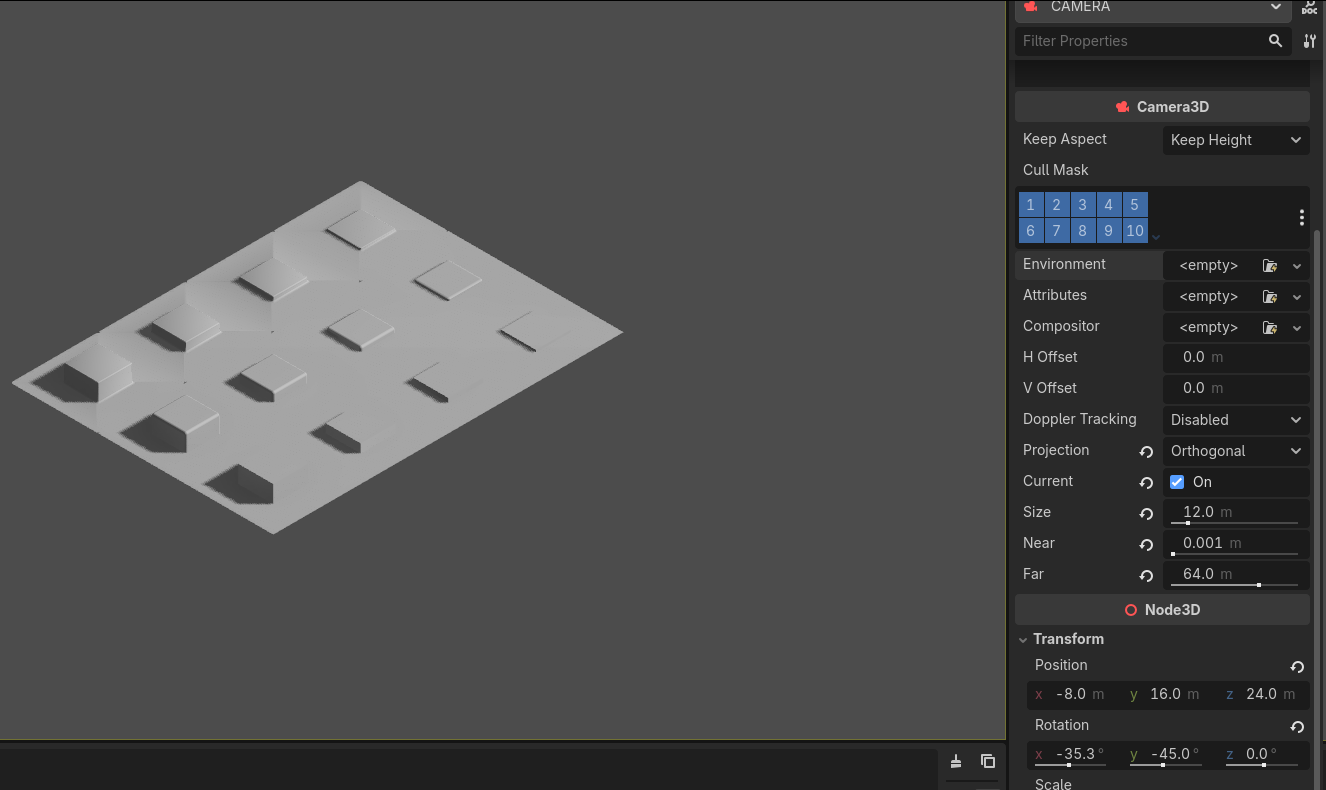
These are the best settings I found for my setup. I managed to lower normal bias to 0 and that improved the shadows a bit but playing with the clipping plane sliders is not an option. If I lower the camera too close to the ground plane it starts clipping whatever I input there. Orthographic camera limits what the sliders can do by a lot.
Just make near as large as possible and far as small as possible, without going into clipping. I’m sure you’ll be able to go narrower than 0.001 - 64.0
The light viewing volume is calculated from the camera viewing volume. The narrower you make that volume the less shadow map estate will be wasted, maximizing your effective shadow map resolution.
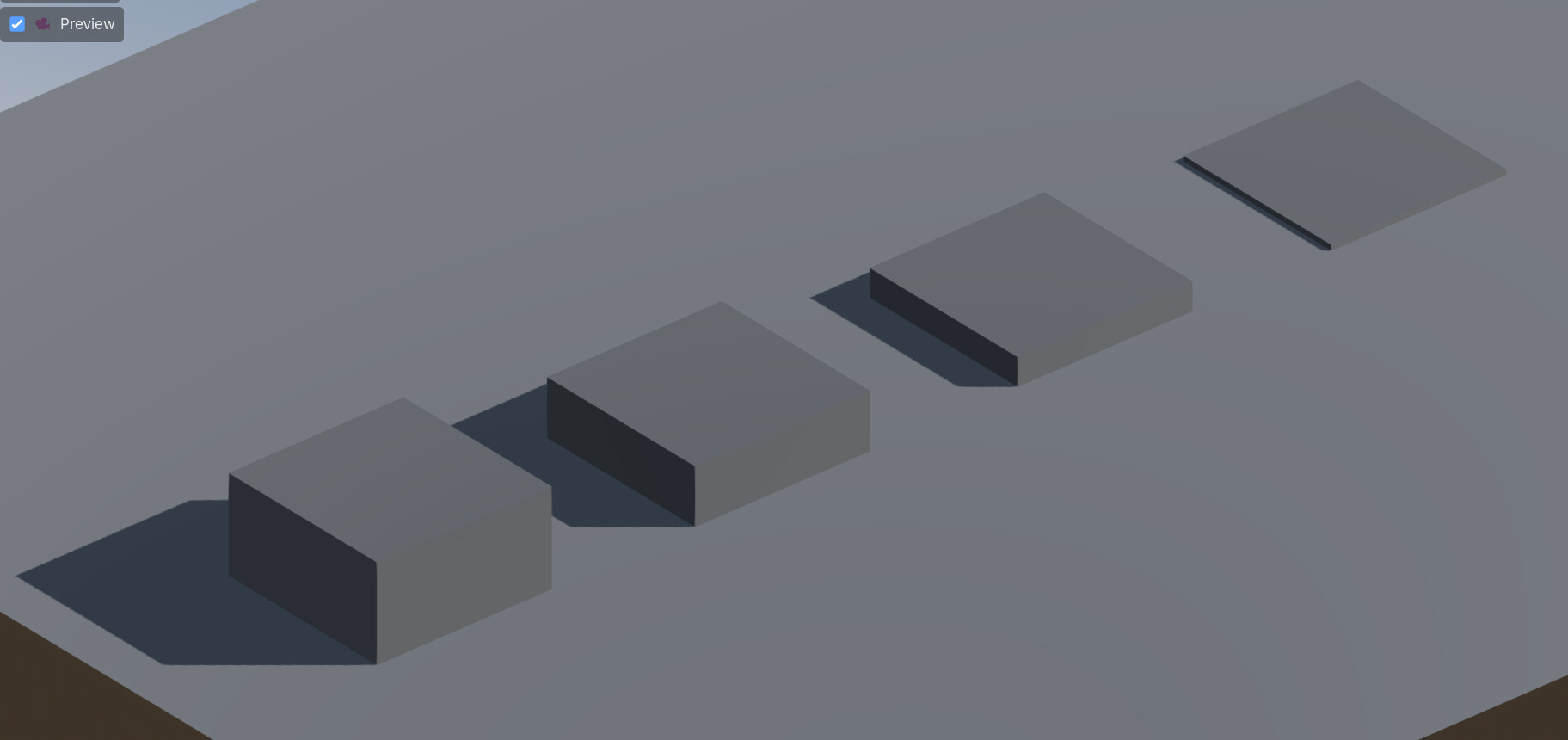
For comparison those are 1x1 boxes. The range is (0.5 - 7.7) and nothing gets clipped.
You can also use fast orthogonal shadow map mode. No need to split cascades for the orthographic projection. In fact, using cascades might worsen it a bit.
You can dynamically adjust the range depending on the zoom, always keeping it as narrow as possible for a specific zoom. This will grant you most utilization of the shadow map estate at every zoom.
So when you’re zoomed in, the near/far range will be shallower, resulting in more accurate shadows up close, and vice versa, when you’re farther away the range will be wider but you’ll need less shadow accuracy when looking from farther away.
You can conveniently remap camera’s orthographic size to near and far using two Curve resources.