Godot Version
v4.7.1-stable
Question
I want to make a 2D Co-op Bullet-Hell Boss Rush game.
And I want the game to share the camera with all the four players. As everyone is going to be on a small ship.
And have all their controls.
But I’m struggling to make godot know what index controls to use for each players.
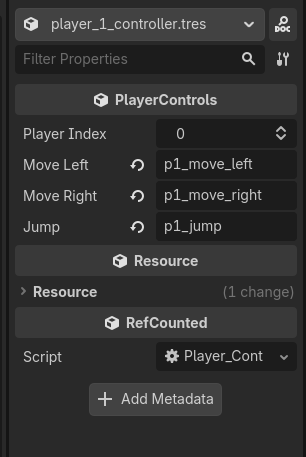
class_name PlayerControls extends Resource

@export var player_index := 0
@export var move_left := "p" + str(player_index) + "_move_left"
@export var move_right := "p" + str(player_index) + "_move_right"
@export var jump := "p" + str(player_index) + "_jump"
var assigned_player = "player" + str(player_index)


# Called when the node enters the scene tree for the first time.
func _ready():
	if assigned_player == 0:
		print("you")


# Called every frame. 'delta' is the elapsed time since the previous frame.
func _process(delta):
	if assigned_player == 0:
		print("you")
extends CharacterBody2D

const SPEED = 100.0
const JUMP_VELOCITY = -200.0

func _enter_tree():
	set_multiplayer_authority(int(str(name)))

func _ready():
	if !is_multiplayer_authority():
		$CharacterBase.modulate = Color.RED

func _physics_process(delta):
	if !is_multiplayer_authority():
		return

	# Add the gravity.
	if not is_on_floor():
		velocity += get_gravity() * delta

	# Handle jump.
	if Input.is_action_just_pressed("jump") and is_on_floor():
		velocity.y = JUMP_VELOCITY

	# Get the input direction and handle the movement/deceleration.
	# As good practice, you should replace UI actions with custom gameplay actions.
	var direction = Input.get_axis("left", "right")
	if direction:
		velocity.x = direction * SPEED
	else:
		velocity.x = move_toward(velocity.x, 0, SPEED)

	move_and_slide()
class_name PlayerControls extends Node

@export var player_index := 0
@onready var move_left := "p" + str(player_index) + "_move_left"
@onready var move_right := "p" + str(player_index) + "_move_right"
@onready var jump := "p" + str(player_index) + "_jump"
var assigned_player = "player" + str(player_index)


# Called when the node enters the scene tree for the first time.
func _ready():
	if assigned_player == 0:
		print("you")


# Called every frame. 'delta' is the elapsed time since the previous frame.
func _process(delta):
	if assigned_player == 0:
		print("you")
I changed the script to a Node.
And added a node to all the players.
But when I play the game, only the first player is able to move.
I can send you the godot game if you want.
Post the input/movement code.
extends CharacterBody2D
const SPEED = 100.0
const JUMP_VELOCITY = -200.0
func _enter_tree():
set_multiplayer_authority(int(str(name)))
func _ready():
if !is_multiplayer_authority():
$CharacterBase.modulate = Color.RED
func _physics_process(delta):
if !is_multiplayer_authority():
return
# Add the gravity.
if not is_on_floor():
	velocity += get_gravity() * delta

# Handle jump.
if Input.is_action_just_pressed("p1_jump") and is_on_floor():
	velocity.y = JUMP_VELOCITY

# Get the input direction and handle the movement/deceleration.
# As good practice, you should replace UI actions with custom gameplay actions.
var direction = Input.get_axis("p1_move_left", "p1_move_right")
if direction:
	velocity.x = direction * SPEED
else:
	velocity.x = move_toward(velocity.x, 0, SPEED)

move_and_slide()
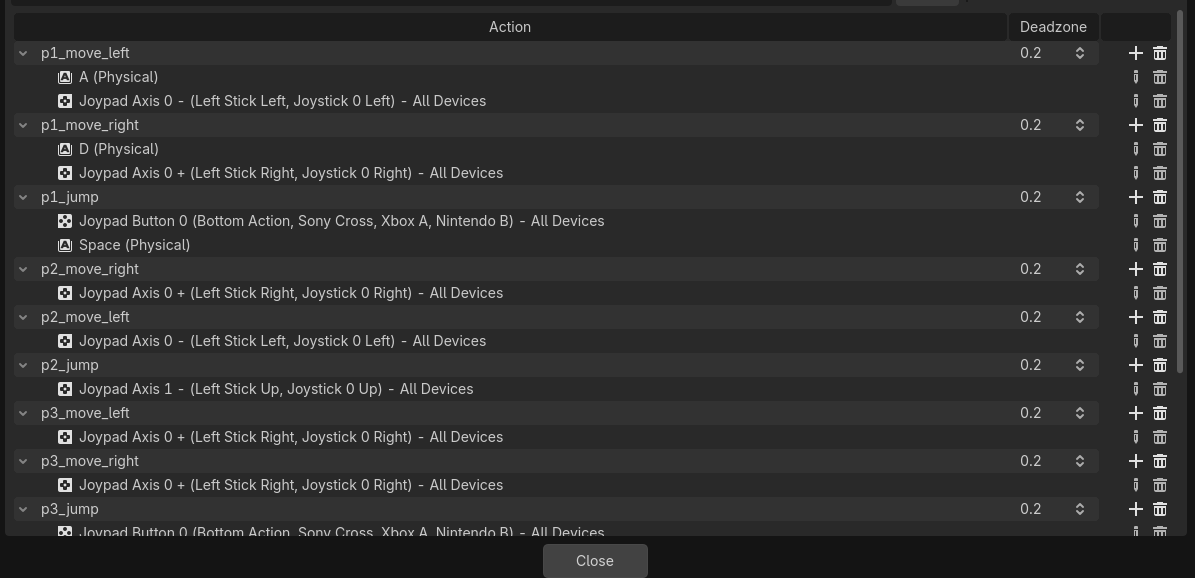
According to this, you’re always getting the input vector for p1_* actions.
Shouldn’t that be Input.get_axis(move_left, move_right) since you assign the corresponding action names to those variables here:
@onready var move_left := "p" + str(player_index) + "_move_left"
@onready var move_right := "p" + str(player_index) + "_move_right"
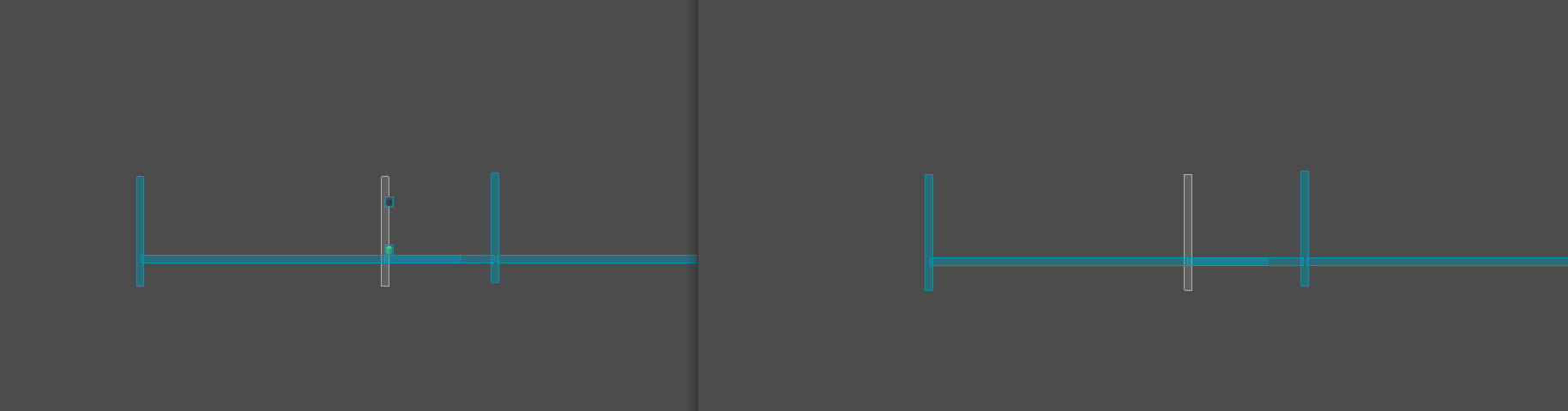
In the game, when I click on Join, on the second game screen, the second player doesn’t show up.
And doesn’t move.
But it does appear in the host’s screen. the First screen.
Do you have a multiplayer synchronizer in the player node? You would synchronize the position and it would update all the peers