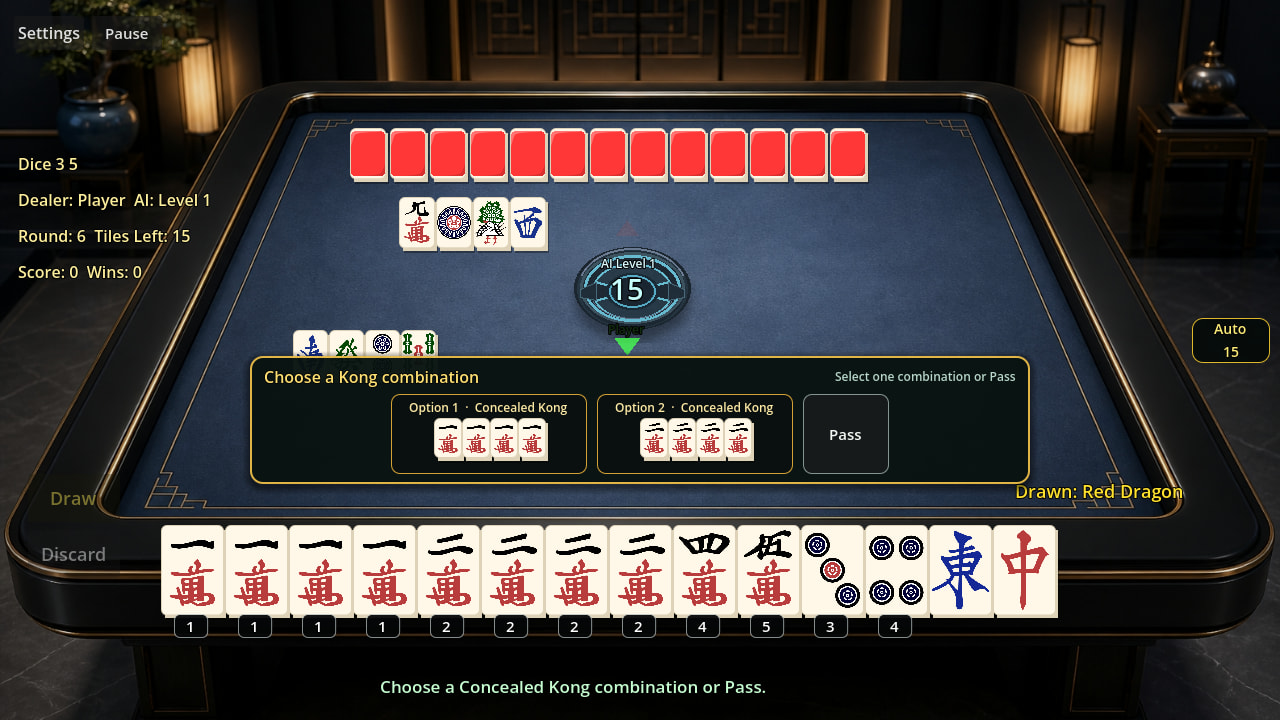
I’ve been working on a two-player Mahjong game in Godot for quite a while now, and I originally started this thread mostly to thank whoever worked on the GL Compatibility renderer.
A lot has happened since that first post, so I thought it was time to share an update.
Latest Update: v0.2.0
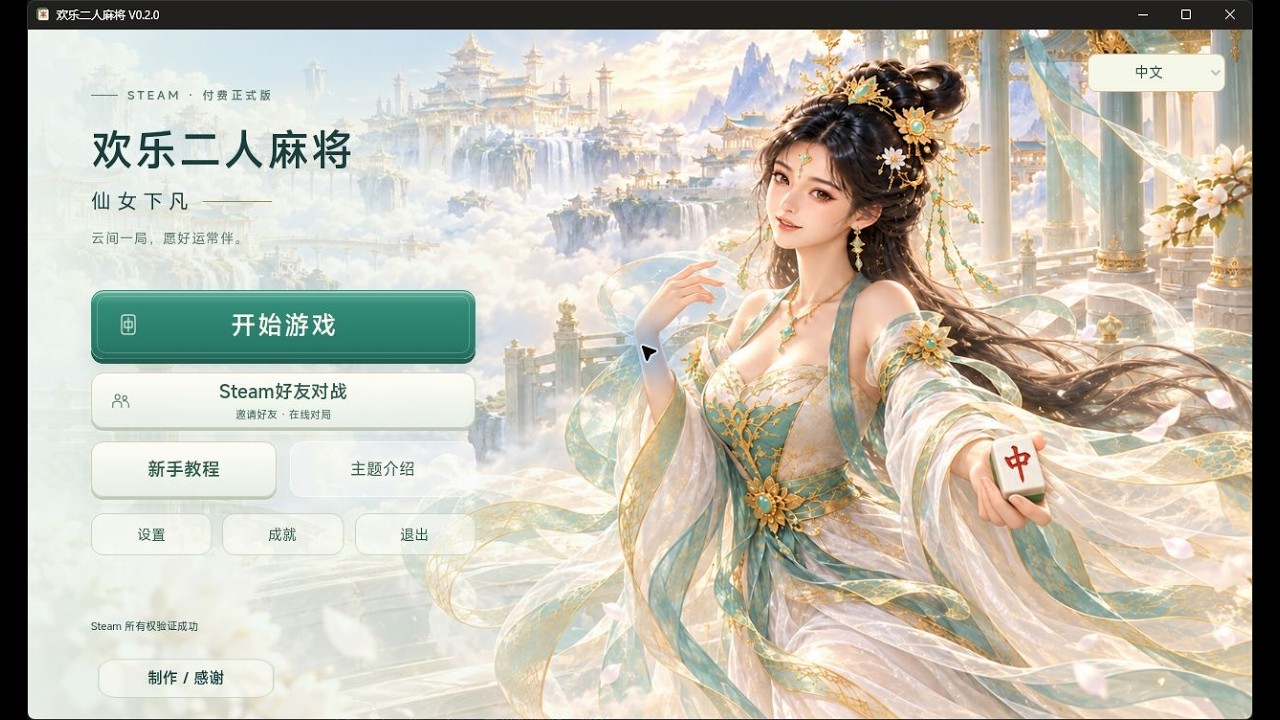
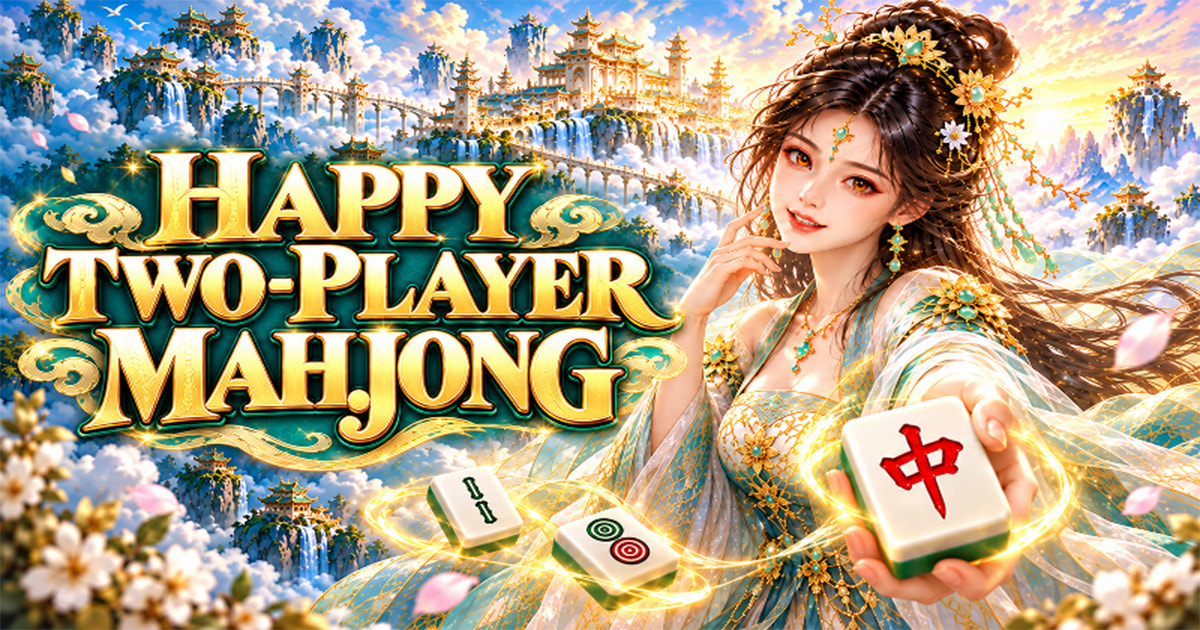
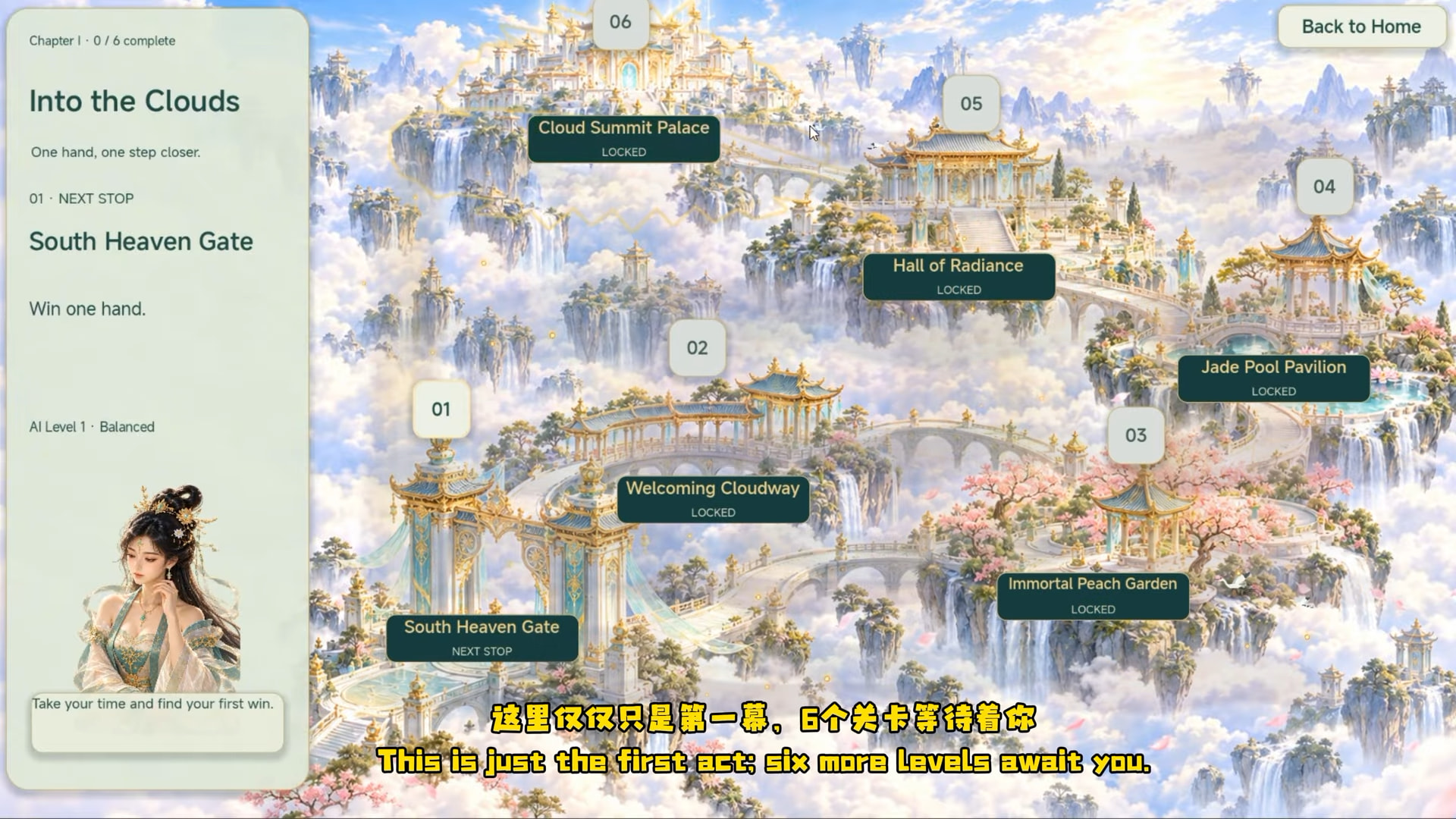
Happy Two-Player Mahjong has received a major update, and this time I’ve brought a little Chinese mythology into the game.
The new version introduces a six-stage journey through a celestial palace inspired by traditional Chinese legends.
Here’s what’s new:
-
Six celestial challenge stages, from South Heaven Gate to Cloud Summit Palace.
-
Six illustrated stories unlocked by completing the challenges.
-
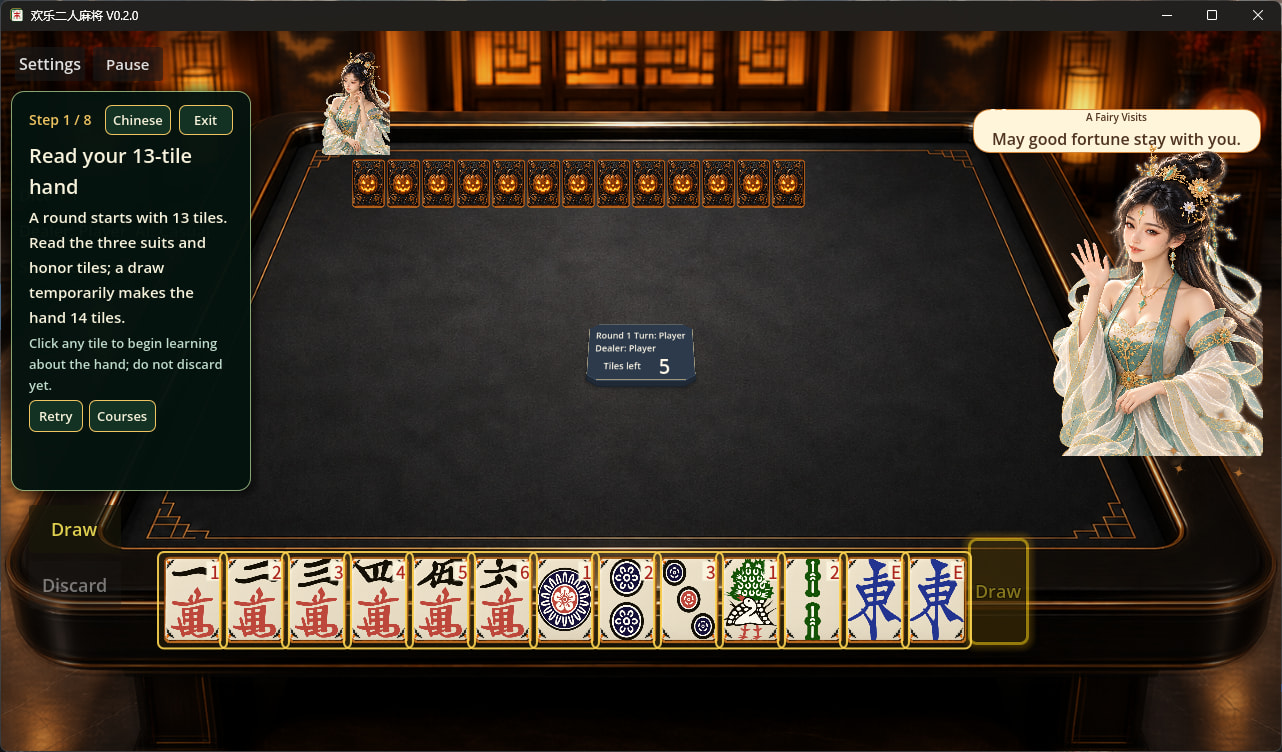
An interactive fairy companion with different dialogue and animations.
-
Four AI difficulty levels: Casual, Normal, Hard and Immortal.
-
A new Last Chance Draw feature for solo matches.
-
Six Steam achievements for Chapter 1.
-
Improvements to the Chinese and English tutorials and interface.
The fairy and celestial palace are part of the game’s visual theme. They aren’t a separate playable character or an additional game mode.
Steam:
YouTube trailer:
Free browser trial:
A Little Background
The original idea was quite simple: sometimes I wanted to play Mahjong, but finding four people available at the same time wasn’t always easy.
So I started thinking about whether two people could enjoy a proper Mahjong match together.
The result is a Chinese draw-and-discard Mahjong game built specifically around two-player matches.
It uses a 64-tile wall, without a dead wall. The tile set includes Characters, Dots, Bamboo and honor tiles such as East, South, West, North, Red Dragon, Green Dragon and White Dragon.
You can play against the computer, invite a Steam friend online, or connect two Windows PCs over the same local network.
This is traditional Chinese Mahjong, not Mahjong Solitaire.
Why GL Compatibility?
I picked GL Compatibility early and honestly didn’t think much about it at the time. I just wanted the game to run on less powerful devices and in a browser without having to maintain a separate fallback path.
What I didn’t expect was how little I would have to worry about rendering.
Over the course of development, I worked on tile layouts, hover states, animated panels and a 3D table layer that I eventually disabled. For most of that process, the renderer simply kept working.
The other thing I appreciated was exporting from the same project.
Windows, Android AAB and Web builds could be produced from the same project with different export presets. For a solo developer, that makes a real difference.
The LAN multiplayer mode also uses Godot’s ENetMultiplayerPeer. A relatively small three-RPC setup was enough to build a host-authoritative match. I never needed anything more complicated.
Two Things I Learned the Hard Way
Both of these are my own mistakes, not problems with Godot.
1. I built the entire UI procedurally in GDScript instead of using scenes.
It worked, and it made tweaking tile spacing fast, but the file eventually grew well beyond 10,000 lines.
I regret letting it get that large. If you’re starting something similar, use scenes, or at least split your UI builders into separate scripts before things become difficult to maintain.
Godot gave me the rope. I used it.
2. GDScript makes iteration so convenient that it’s easy to let one script grow without thinking about structure.
The engine wasn’t the bottleneck there. My own discipline was.
More Than Just a Game
For many people in China, Mahjong is a familiar part of everyday social life.
It’s a game involving observation, memory, strategy and a little luck, but it’s also a reason for friends and family to sit together, talk, laugh and spend time with each other.
That’s something I wanted to preserve in a game designed for two players.
I hope it can also introduce a little of this traditional Chinese pastime to people who may only be familiar with Mahjong Solitaire.
I’m still developing this project independently with Godot, and I’m grateful to everyone in this community who has tried the game, shared feedback or simply stopped by.
And, of course, thanks again to the Godot developers who made GL Compatibility such a dependable part of my development experience.
-– OldYoung


 Hopefully your first win will come soon, and it will feel even more satisfying.


 So if you hear something that sounds completely different, it may just be the Sichuan lady speaking.